Article Updated Oct 21, 2026
 14 min read
AI Agents for Home Services: 5 Options for Calls, Booking, and Follow-Up
Updated Oct 21, 202614 min read Updated Oct 21, 202614 min read
An AI agent can take a message, collect job details, request an appointment, or create a booking through a connected system. These are different outcomes. Before choosing AI agents for home services, decide which outcomes your business needs—and which actions require approval from your team.
For cleaning, plumbing, HVAC, and maintenance companies, answering the phone is only the beginning. A workable process must also respect service areas, job duration, staff availability, pricing rules, and changes to an existing appointment.
The useful comparison is therefore not simply which product answers calls. It is what each product can do after answering, what it needs to do that work, and what happens when something fails.
An AI receptionist may provide the conversational entry point. Booking and follow-up require additional rules and connected actions.
Define the workflow as separate responsibilities:
|
Stage |
Required outcome |
Boundary to enforce |
|---|---|---|
|
Receive the enquiry |
A call or message reaches the configured service |
Answering coverage depends on routing, availability, and capacity |
|
Identify the request |
New enquiry, existing booking, cancellation, complaint, or another defined category |
Do not force an unsupported request into a booking path |
|
Collect information |
Enough relevant details for the next step |
Missing details remain missing, rather than being invented |
|
Check service rules |
Request matches the service area and approved scope |
Exceptions go to a responsible employee |
|
Check availability |
The required time and resources are available |
An empty calendar slot does not establish crew or technician availability |
|
Create a booking or approval request |
The intended operation succeeds in the correct system |
A pending request must not be described as confirmed |
|
Send confirmation |
The customer receives the appropriate booking details |
A sent message does not prove delivery or agreement |
|
Handle changes and exceptions |
The existing record is updated, or the request reaches a person |
Avoid duplicate bookings and unsupported commitments |
A consultation, an estimate visit, and a confirmed service appointment should have different labels. A system that books an estimate has not necessarily scheduled the cleaning crew or repair technician.
This is an editorial comparison of public product information, not a hands-on test. CogniAgent publishes this article and is included alongside other suppliers. The order does not represent a measured ranking.
Each option is assessed against the same questions:
A feature that is not confirmed in the reviewed material is a question for the supplier—not proof that the feature does not exist.
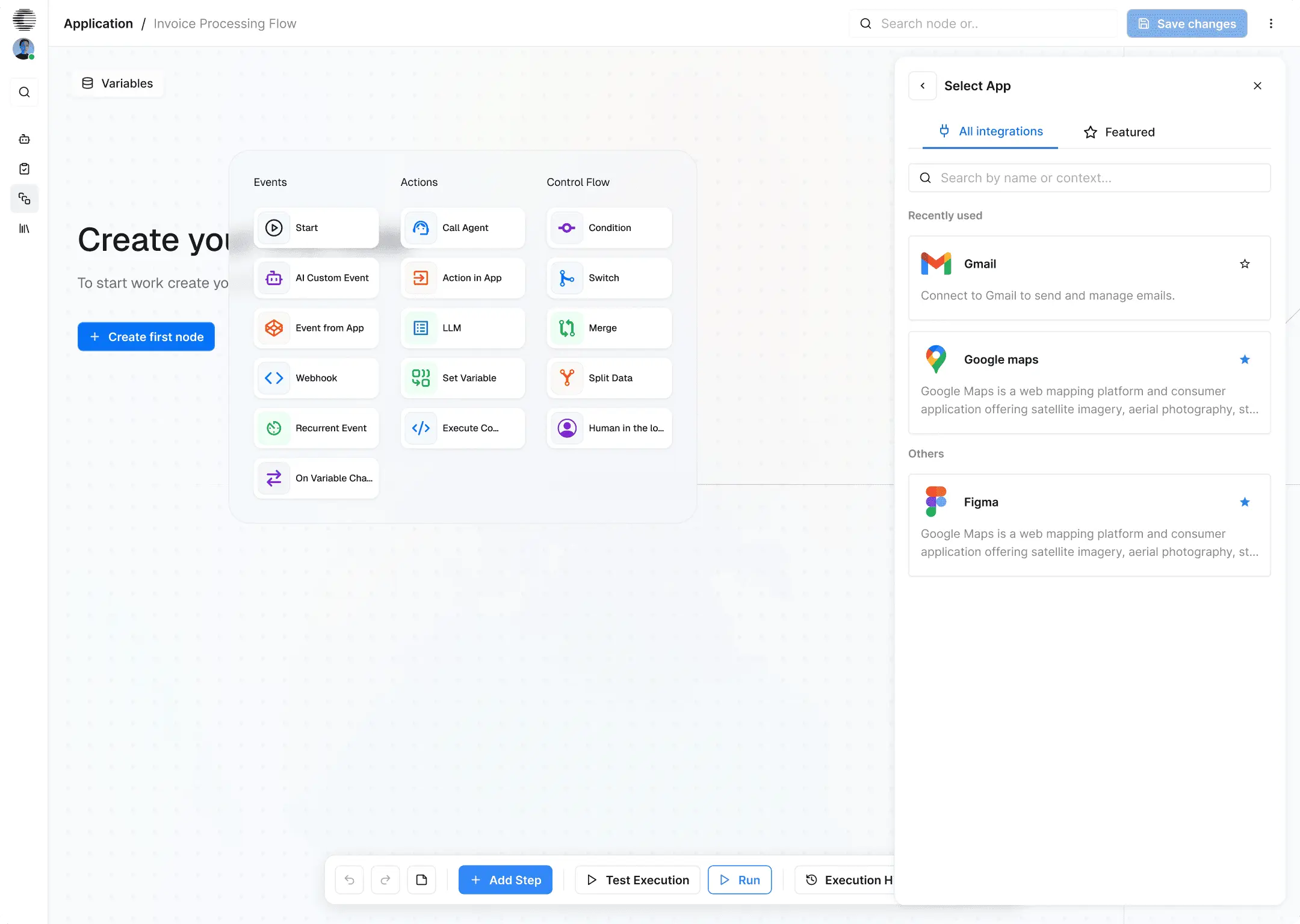
CogniAgent’s workflow builder. The example shown is Invoice Processing Flow, not a configured home service workflow.
Category and fit. Consider CogniAgent when you want to configure the conversation and the processing around it: collecting information, applying rules, creating records, and notifying staff.
Documented actions. Its receptionist implementation guide describes inbound phone handling, approved Google Calendar event creation, Google Sheets logging, and Gmail notifications.
Connections and limits. That guide enables a narrow Create Event operation; it does not establish availability checking, rescheduling, or cancellation. Those capabilities need their own permitted actions and tests. The documented email escalation is also not evidence of a live phone transfer.
Phone and SMS currently require a connected Twilio account. Configure the destination calendar, intake fields, review rules, and failure handling before deployment.
Cost. CogniAgent pricing lists credit purchases of US$10 for 5,000 credits and US$100 for 100,000 credits. These are not monthly receptionist subscriptions or fixed call allowances. Pay-as-you-go LLM usage carries a 12.5% markup over the underlying provider rate. Enterprise customers using their own LLM API keys skip that markup; other applicable platform and channel-provider costs remain.
Before buying. Test the complete operation in your actual scheduling system. A connector listing alone does not establish booking, dispatch, or cancellation support.
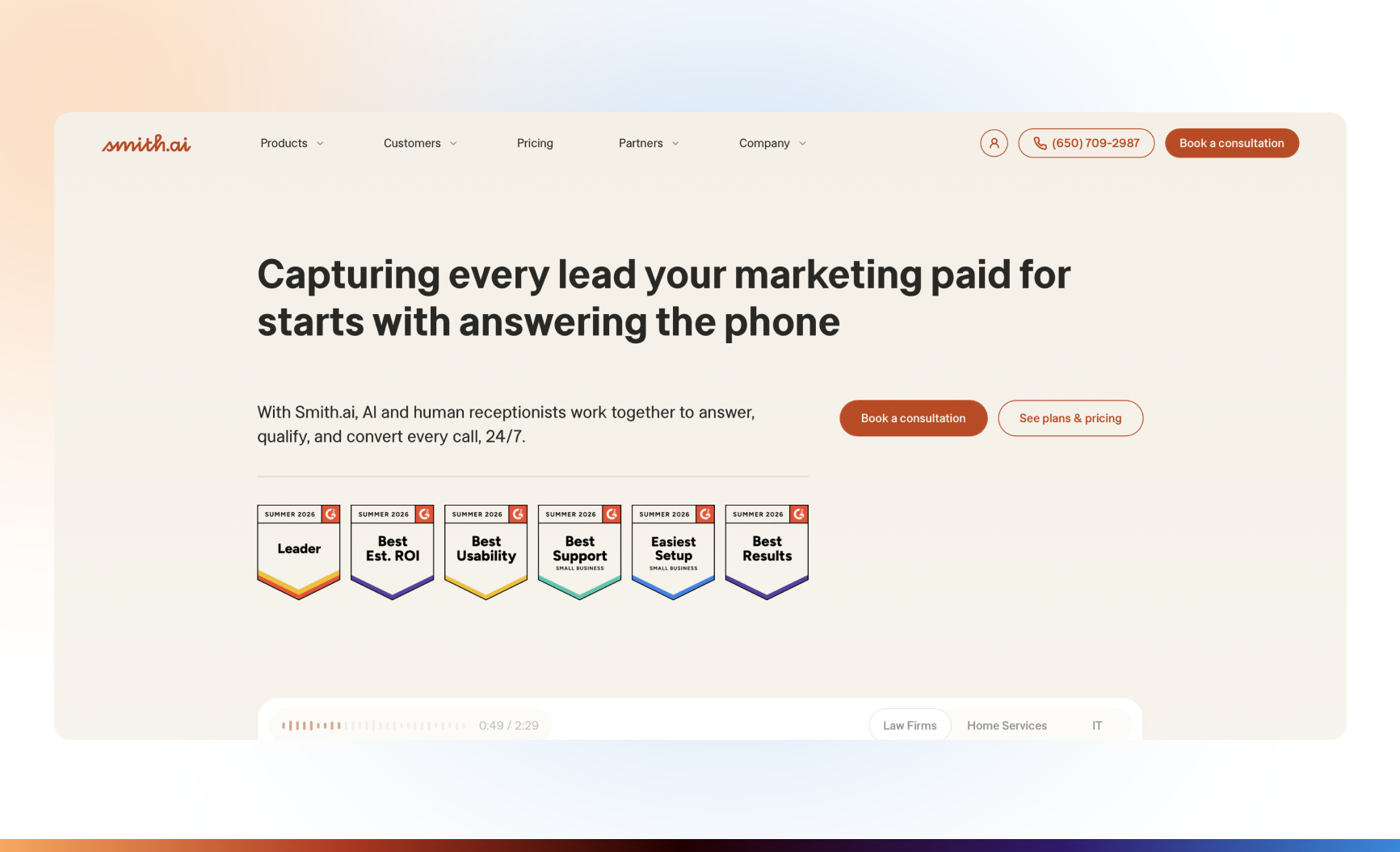
Category and fit. Consider Smith.ai when you want a receptionist service and need to evaluate whether supplier-provided live receptionists should be part of the arrangement.
Documented actions. Its AI Receptionist plans list lead qualification, routing, call summaries, and scheduling through Calendly and other supported connections.
Connections and limits. Configure intake instructions, the booking connection, and the required destinations for call information. Confirm which integrations apply to AI Receptionist rather than another Smith.ai service.
Smith.ai also offers a Hybrid AI and human receptionist service. This involves the supplier’s live receptionists, not merely transferring calls to your employee. Get the escalation rules and commercial terms for the exact service you select.
Cost. The reviewed AI Receptionist page lists Pro at $150 per month for 75 calls and Enterprise at $500 per month for 300 calls. Additional calls have separate rates. Do not assume either price represents a complete Hybrid proposal.
Before buying. Demonstrate a routine booking, a customer requesting a person, and an unanswered transfer. Ask separately about appointment reminders, changes, and cancellations; initial scheduling does not prove all three.
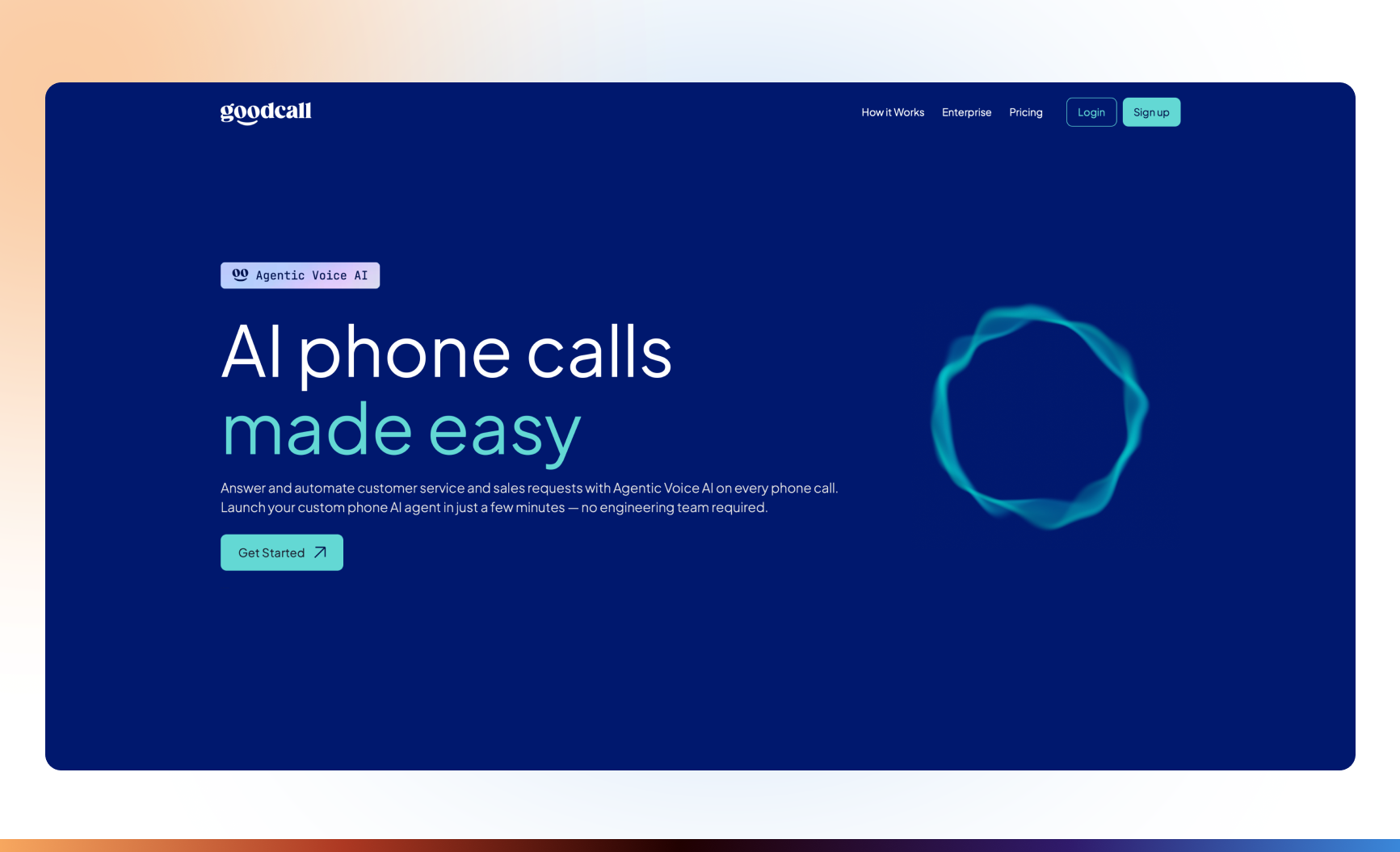
Category and fit. Consider Goodcall when phone intake is the main requirement and you want to evaluate a pricing model based on distinct customers rather than call minutes.
Documented actions. The current workflow description covers configurable questions, lead notifications, transfers to designated people, Google Calendar bookings, and connections through APIs or MCP servers.
Connections and limits. Supply approved service information and configure forwarding, transfer destinations, and external tools. The reviewed page specifies English-language operation. Verify language and regional requirements before choosing it.
Google Calendar booking does not establish service-crew allocation. Ask the supplier to demonstrate changes, cancellations, and scheduled customer reminders in the system you use.
Cost. Starter pricing is $79 per month for 100 unique customers, then $0.79 per additional customer. Goodcall defines a unique customer by phone number within the month, not by every call. Starter includes one external tool; higher plans provide different allowances. Practice-call AI usage has separate allowances and top-ups.
Before buying. Check the number of tools your workflow requires and how repeat callers are counted. Do not treat a notification sent to your staff as a customer reminder or a confirmed appointment.
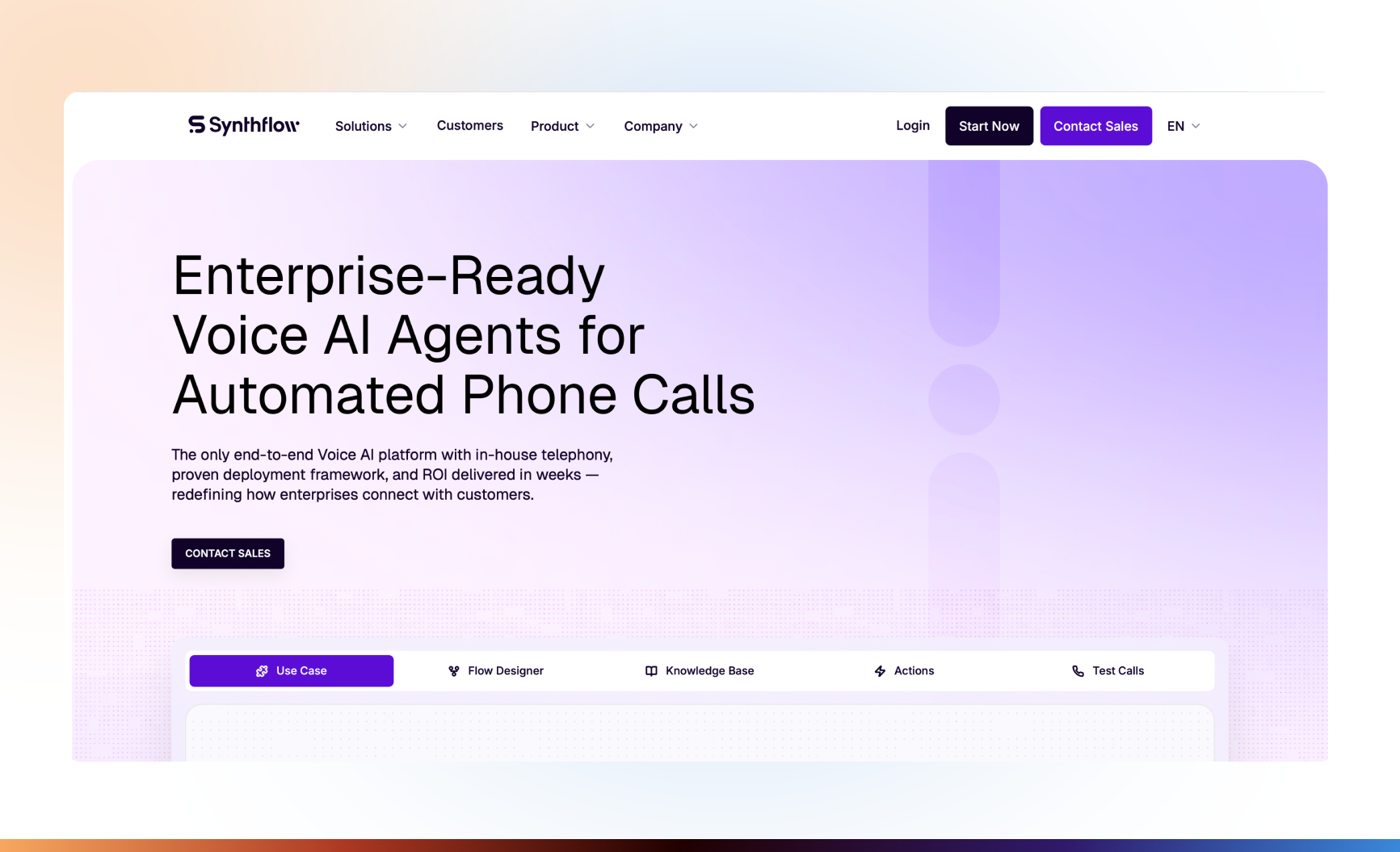
Category and fit. Consider Synthflow when a configurable voice deployment and enterprise implementation are appropriate to your operating requirements and budget.
Documented actions. Its actions documentation covers structured information extraction, real-time booking, call transfers, HTTP and MCP actions, in-call messaging, and post-call SMS or email actions.
Connections and limits. Configure telephony, action inputs, calendars, and external systems. A post-call text action is not automatically a reminder scheduled for the day before a visit. Rescheduling, cancellation, and field-service resource checks need explicit implementation.
A call-transfer action hands the conversation to a configured target. It is not evidence that Synthflow supplies a live receptionist team.
Cost. The current public pricing page states that enterprise contracts start at $30,000 annually. Final scope depends on call volume, concurrency, telephony, integrations, security requirements, and launch support. Obtain a proposal specifying included services and any additional charges.
Before buying. Ask for a demonstration against the scheduling application and routing rules you intend to use. Check simultaneous-call capacity and fallback arrangements rather than assuming unrestricted scale.
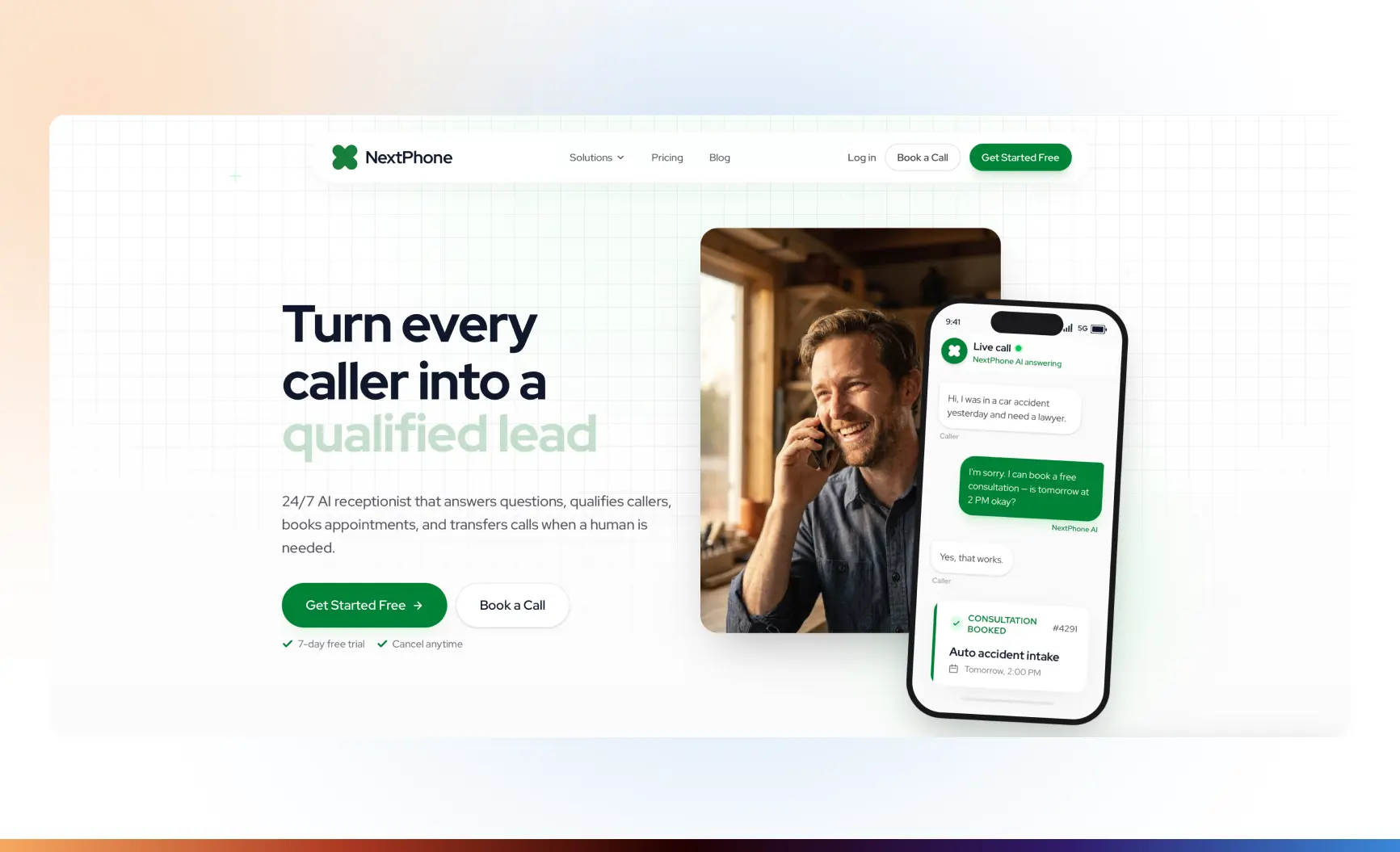
Category and fit. Consider NextPhone when you want phone answering, configured intake, calendar booking, and transfer to your own team, with a choice of self-setup or supplier-assisted configuration.
Documented actions. Its product overview describes intake questions, calendar availability checks, appointment creation, confirmation texts, and warm transfers.
Connections and limits. Connect the appropriate calendar and configure services, business information, and transfer rules. For a home service visit, verify job duration, travel buffers, and technician requirements separately. A calendar connection does not prove dispatch capability.
Cost. The monthly pricing page lists Pro at $199, Growth at $299, and Scale at $599. Pro is self-configured; Growth includes supplier-built setup. The plans advertise unlimited calls without per-minute charges, but plan scope still differs.
The pricing FAQ places two-way customer texting in Scale. Sending booking confirmations is not the same as providing a two-way messaging workspace.
Before buying. Confirm the plan required for CRM updates and custom connections. Test unanswered transfers, changes to an existing appointment, and how reminder timing is configured.
|
Product |
Deployment model |
Call handling |
Booking requirements |
Follow-up |
Human handoff |
Pricing basis |
|---|---|---|---|---|---|---|
|
CogniAgent |
Configurable workflow platform |
Connected phone channel; Twilio currently specified |
Authorized integration actions; verify availability and resource rules |
Guide documents email follow-up; other actions require configuration |
Guide documents notification escalation; verify live transfer separately |
Credits, LLM usage, external provider costs |
|
Smith.ai |
Receptionist service; separate Hybrid option |
Qualification and routing |
Supported scheduling connection and configured instructions |
Verify reminder and booking-change scope |
Supplier live agents through the appropriate service arrangement |
Monthly call allowance, additional calls, selected service |
|
Goodcall |
Configurable AI phone service |
Intake and designated-person transfers |
Google Calendar or configured external tool |
Staff notifications documented; verify scheduled customer follow-up |
Transfers to your designated contacts |
Monthly unique-customer allowance and overages |
|
Synthflow |
Configurable enterprise voice platform |
Voice agents and action-based routing |
Calendar/API actions and deployment configuration |
Post-call messaging documented; scheduled reminders need configuration |
Transfer to configured destination |
Enterprise contract scoped to deployment |
|
NextPhone |
Self-configured or supplier-assisted service |
Intake and warm transfers |
Connected calendar and booking rules |
Confirmation texts; verify reminder/change requirements |
Transfers to your team |
Monthly plan; features vary by tier |
These are different purchasing units. Compare them against one workload: expected enquiries, simultaneous calls, booking operations, communication channels, implementation, and employee review.
For a more narrowly focused comparison, see AI receptionists for cleaning services. The decision here includes the work after intake, through booking changes and the eventual visit.
Consider an illustrative residential cleaning enquiry. This is a proposed workflow, not a customer case or a measured deployment.
A homeowner calls about a one-off clean. The assistant asks for the service type, approximate property size, relevant condition, location, and preferred timing. It gathers a contact method but does not request access codes during this initial conversation.
The next step depends on the company’s rules.
A supported standard job: the system checks the service area and the approved booking requirements. It may offer a time only after the appropriate availability and resource checks. Once the customer agrees, it creates the appointment and reports confirmation only after the operation succeeds.
A nonstandard scope: the system records the requirements and requests a review or estimate. It does not turn a complex cleaning description into a binding price without approved rules.
No suitable time: it offers an authorized alternative or sends a request to the coordinator. It does not invent a slot.
An unavailable integration: it explains that the booking cannot yet be confirmed and routes the request for review. An uncertain timeout should trigger a destination check before a retry that could create a duplicate.
A repeat enquiry: it verifies the relevant identity and checks the existing record before creating another appointment.
A request for a person: it follows the configured transfer or callback route. The handoff should preserve the requested service, unresolved questions, and booking status.
Once a booking exists, a separate reminder process can send the approved message. A later request to move the visit must update the existing booking—not simply add a second event.
The AI receptionist for cleaning companies page provides product context for this use case. For implementation detail, the residential lead qualification guide covers intake setup; it should not be treated as proof of every downstream booking or dispatch operation.
A reminder process has several distinct outcomes:
None of the first three establishes the fourth.
Schedule reminders from the current booking record. If a visit moves, the old reminder must not continue using the previous time. If the customer cancels, the process should cancel the correct booking, release the associated capacity according to company rules, and stop obsolete reminders.
Define “no-show” before measuring it. A customer unavailable at the agreed visit time is different from a technician failing to attend. No access to the property, a late cancellation, and an agreed rescheduling are also different events.
For each appointment, record the relevant outcome and responsible follow-up. Do not promise that sending reminders will reduce no-shows by a particular percentage without an appropriate measurement.
Run the same operational checks regardless of which supplier you choose.
|
Test |
Expected result |
|---|---|
|
Routine supported enquiry |
Correct information captured; only permitted actions executed |
|
Unsupported service |
Clear boundary and an appropriate handoff; no invented service promise |
|
Address outside the service area |
No unauthorized booking; approved next step explained |
|
No available time |
No fabricated slot; alternative or review request recorded |
|
Two requests for the same slot |
Scheduling system prevents an unintended conflict, or the case is escalated |
|
Rescheduling or cancellation |
Correct existing booking changed; capacity and reminders updated |
|
CRM or calendar failure |
Failure or uncertainty visible; no false success message |
|
Customer asks for a person |
Transfer or callback request reaches the designated employee with context |
|
Urgent request |
Approved escalation procedure followed; no unsupported safety diagnosis |
Urgent-call handling needs business-approved rules and a reachable escalation destination. Do not rely on a model to determine reliably whether a situation is dangerous.
Test busy and unanswered transfers as well as successful ones. If a product offers supplier-provided live receptionists, test that route separately from transfers to your staff.
Also ask what happens during an outage, at the credit or usage limit, and when simultaneous-call demand exceeds the agreed capacity.
Use the checklist for testing an AI agent before launch to inspect the conversation, attempted operation, and actual result. A successful tool response still needs to correspond to the correct customer, record, time, and destination.
Ask which providers process call audio, transcripts, customer details, and model requests. Review retention, deletion, access permissions, and recording settings for the selected deployment.
A commitment not to train public models on customer information does not mean the information never reaches a processing provider. Check the applicable documentation and contractual terms rather than inferring data handling from a marketing phrase.
Set a baseline and compare reasonably similar periods, accounting for seasonality, opening hours, enquiry sources, and job mix.
|
Measure |
Definition to agree before the pilot |
|---|---|
|
Enquiries handled |
Share of eligible enquiries completed according to the defined handling outcome |
|
Time to substantive response |
Time to a useful reply or intake question, excluding a receipt acknowledgment alone |
|
Sufficient intake information |
Share of reviewed enquiries containing the fields needed for the next step |
|
Confirmed bookings |
Correct appointments verified in the scheduling system, counted without duplicates |
|
Booking errors |
Wrong times, incorrect records, conflicts, failed writes, and unintended duplicates |
|
Appointment outcomes |
Completed visits, cancellations, rescheduling, no access, and separately defined no-shows |
|
Human involvement |
Requested handoffs, mandatory reviews, failed transfers, and staff handling time |
|
Cost |
Platform, AI, telephony, messaging, implementation, maintenance, and employee review costs |
Specify the denominator for each rate. For example, a confirmed-booking rate based on eligible booking enquiries is not interchangeable with a rate based on all calls, including complaints and existing-customer questions.
Do not report every answered call as recovered revenue. Evaluate financial outcomes using completed and paid jobs, the relevant costs, and an appropriate comparison—not a count of conversations.
Start with one enquiry-to-booking process, verify its exceptions and downstream records, and extend automation only after the pilot supports the additional responsibility.