Article Updated Oct 15, 2026
 19 min read
LLM Agents: How They Work, Practical Examples, and 10 Tools to Consider
Updated Oct 15, 202619 min read Updated Oct 15, 202619 min read
An LLM agent is a software system that uses a language model to decide what to do next, work with available tools, and pursue a task within defined limits. The model generates decisions and text; the surrounding system manages access, execution, and verification.
For business teams, the useful question is not simply which agent produces the best answer. It is whether the system can complete a specific process, leave a verifiable result, and stop when it needs human approval.
This guide explains how LLM agents work, illustrates five business workflows, and compares ten solutions by purpose, setup, controls, limitations, and payment model.
An LLM agent combines a language model with the software needed to act on its outputs. Four components should be kept separate:
|
Component |
What it does |
Business example |
|
Language model |
Interprets information and generates an answer or proposed action |
Identifies the information missing from a customer request |
|
Agent system |
Manages the task, context, execution, and stopping conditions |
Decides whether to ask a question, retrieve a record, or escalate |
|
Tools |
Retrieve information or perform permitted operations |
Search a knowledge base, read a calendar, or update a CRM |
|
Rules and permissions |
Define what the system may access or change |
Allow drafting an email but require approval before sending it |
A single prompt can produce a useful draft without creating an agent. An agent system can continue through several steps, use tool results as new context, and adjust its next action.
The distinction is not that chatbots cannot use integrations. They can. The more useful distinction is how much responsibility the system has for managing a task and taking actions. Our AI agent vs. chatbot comparison explores that boundary in more detail.
Agent behavior also differs from a predefined workflow. In a workflow, the sequence is largely prescribed. In a more agentic system, the model has greater influence over which step or tool comes next. Many practical implementations combine both approaches. Anthropic’s explanation of workflows and agents describes this distinction.
A practical agent process follows a loop: receive the task, gather context, choose an action, call a tool, check the result, and either continue or stop.
|
Stage |
What happens |
What to verify |
|
Receive the task |
The system accepts a message, event, or scheduled instruction |
Is the objective clear and permitted? |
|
Gather context |
It retrieves relevant records, documents, or conversation history |
Is the information current and associated with the correct person or account? |
|
Choose an action |
The model proposes a next step within the configured process |
Is that action supported by the evidence and permissions? |
|
Call a tool |
The system executes an approved operation |
Did the tool actually succeed? |
|
Check the result |
It inspects the returned information or changed state |
Does the result meet the acceptance criteria? |
|
Reply or hand off |
It reports completion, requests clarification, or escalates |
Can a person understand what happened and what remains unresolved? |
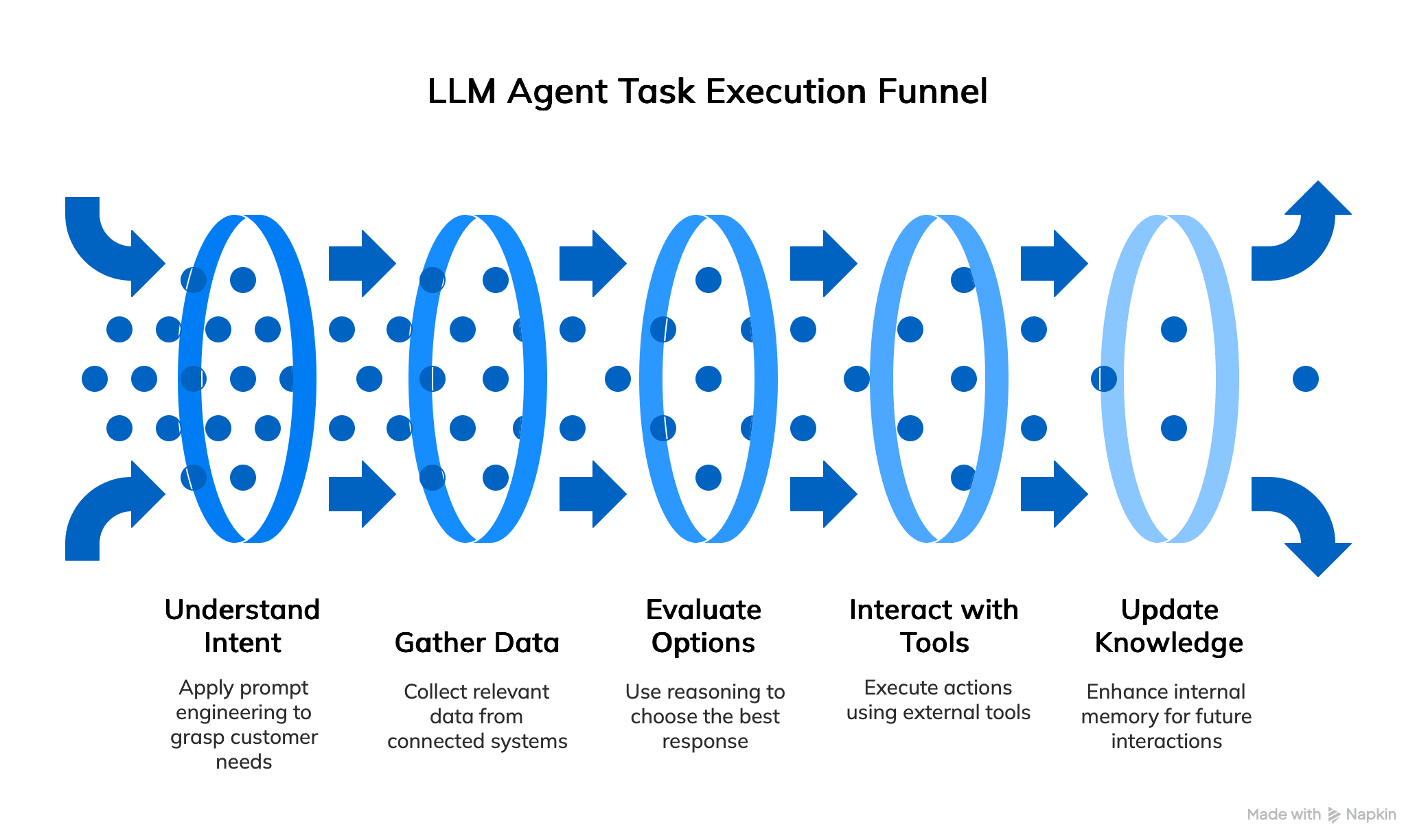
Context may come from the current conversation, business records, a knowledge base, or stored information. These are not interchangeable. Conversation history describes what was said; a CRM contains operational records; a knowledge base supplies reference material.
Memory is implementation-dependent. Saving a preference or updating a record does not mean that the underlying language model has retrained itself. Any “update knowledge” step in an agent diagram should be understood as a configured data operation, not automatic model learning.
Tool access is equally specific. Permission to read an order does not imply permission to issue a refund. A reliable design makes that boundary explicit before execution.
Finally, a completion message is not proof of completion. If an agent says it booked a meeting, the calendar event should exist. If it says it updated a lead, the intended CRM record should contain the change.
The following examples are illustrative workflow designs, not reported customer results. Each depends on the integrations, permissions, and controls available in the chosen implementation.
Task and input: Review a website inquiry containing contact details, a company name, and a description of the request.
Required tools: A form or messaging channel, CRM access, qualification criteria, and an approved routing destination.
Sequence: Check required fields, look for an existing contact, compare the inquiry with the qualification rules, request missing information where necessary, and prepare a CRM update.
Verifiable result: A correctly matched lead record with the original inquiry, qualification notes, and assigned next step.
Human handoff: Escalate conflicting contact information, ambiguous qualification criteria, duplicate records, or requests outside the defined process. Do not turn missing information into an invented company profile.
The CogniAgent lead qualification guide provides a product-specific implementation path.
Task and input: Answer a customer asking about an order or an account issue.
Required tools: An approved knowledge base, a ticketing system, and appropriately scoped access to customer records.
Sequence: Identify the request, verify the customer where required, retrieve relevant information, prepare an answer, and record the interaction.
Verifiable result: A response supported by the retrieved record and a ticket containing the action taken.
Human handoff: Transfer requests involving uncertain identity, conflicting policies, sensitive account changes, or actions beyond the agent’s authority. A missing record should produce a clarification or escalation—not a guessed order status.
Task and input: Arrange a meeting from a conversation containing preferred dates, participants, and a purpose.
Required tools: Calendar availability, time-zone information, scheduling rules, and permission to create an event.
Sequence: Resolve the time zone, check availability, propose permitted slots, obtain confirmation, create the event, and inspect the returned booking details.
Verifiable result: A calendar event with the agreed time, participants, and meeting information.
Human handoff: Escalate uncertain time zones, conflicting calendars, unavailable participants, or failed bookings. A proposed slot and a confirmed event are different states.
For a conversation-led implementation, see the CogniAgent AI receptionist guide.
Task and input: Extract specified fields from an invoice, purchase order, or other business document.
Required tools: File ingestion, document parsing, an extraction schema, validation rules, and a destination system.
Sequence: Read the document, extract the requested fields, validate formats and totals, flag uncertainty, and prepare a structured result.
Verifiable result: A record that can be checked against the source document, with missing or uncertain fields clearly identified.
Human handoff: Route unreadable files, inconsistent totals, unsupported formats, or uncertain values for review. Start by testing extraction separately from automatic posting into a financial system.
Task and input: Produce a weekly summary using approved operational data.
Required tools: Access to the relevant systems, reporting definitions, calculation tools, and a delivery destination.
Sequence: Retrieve the correct period, check completeness, calculate agreed metrics, draft the commentary, and prepare delivery.
Verifiable result: A report whose figures can be traced to the source data and reproduced using the same definitions.
Human handoff: Stop when data is missing, definitions have changed, or sources disagree. Explanations of why a metric changed should be labeled as hypotheses unless the evidence establishes the cause.
This article is published by CogniAgent, one of the providers included below. The same evaluation fields apply to CogniAgent and the other solutions.
The list is not a performance ranking. We have not conducted a controlled comparative test of these products. It includes different categories: business platforms, a software engineering agent, a general-purpose agent, an enterprise implementation offering, and an open-source voice library.
Product information and payment terms were checked on October 11, 2026. Prices below are in US dollars where a dollar amount is shown. Credits, runs, seats, and usage allowances are not equivalent units across providers.
|
Solution |
Category |
Suitable evaluation scope |
Payment basis |
|
CogniAgent |
Business agent and workflow platform |
Conversation-led processes with connected actions |
Pay-as-you-go credits; negotiated enterprise terms |
|
Devin |
Software engineering agent |
Repository changes and development tasks |
Individual and team subscriptions, with extra usage available |
|
Manus |
General-purpose task agent |
Research, deliverables, and browser-based work |
Subscription plans with task credits |
|
Relevance AI |
Low/no-code agent and multi-agent platform |
Connected sales, support, and operations workflows |
Enterprise quote with custom action and vendor-credit allowances |
|
Gumloop |
Team AI agent platform |
Work across connected business applications |
Subscription, credits, and orchestration charges |
|
Voiceflow |
Conversational agent platform |
Customer-facing voice and chat workflows |
Usage-based agency billing; business pricing on request |
|
Stack AI |
Enterprise agent and workflow builder |
Document and internal knowledge workflows |
Free plan; custom enterprise pricing |
|
Cognizant Agent Foundry |
Enterprise development and operations offering |
Organization-wide implementation and governance |
Sales-led commercial terms |
|
Lindy |
Connected AI teammate |
Cross-application team tasks |
Monthly credit packages |
|
Vocode |
Open-source voice-agent library |
Custom voice applications |
MIT-licensed code plus implementation and service costs |
Type and tasks: CogniAgent is a business agent and workflow platform to evaluate for lead qualification, customer conversations, and connected operational actions.
Configuration and skills: Its visual builder lets teams configure instructions, knowledge, and workflow steps. Business users still need to define the process; custom API work may require technical support.
Tools and integrations: Published capabilities include integration actions, HTTP requests, webhooks, knowledge retrieval, and connected communication channels. Verify the required operation—not just the presence of a connector. Agent builder
Control and testing: The platform lists a Human Approval node. Test where approval occurs, what the reviewer sees, and whether rejection prevents the action. Confirm updates in the destination system.
Limitations: Process quality depends on configuration, source data, credentials, and external services. Connected voice or messaging channels can introduce separate provider costs.
Payment: Credit packages include $10 for 5,000 credits and $100 for 100,000 credits. LLM usage carries a 12.5% surcharge over the underlying provider rate on pay-as-you-go; channel-provider charges are separate. Enterprise terms are negotiated. Checked October 11, 2026. Official pricing
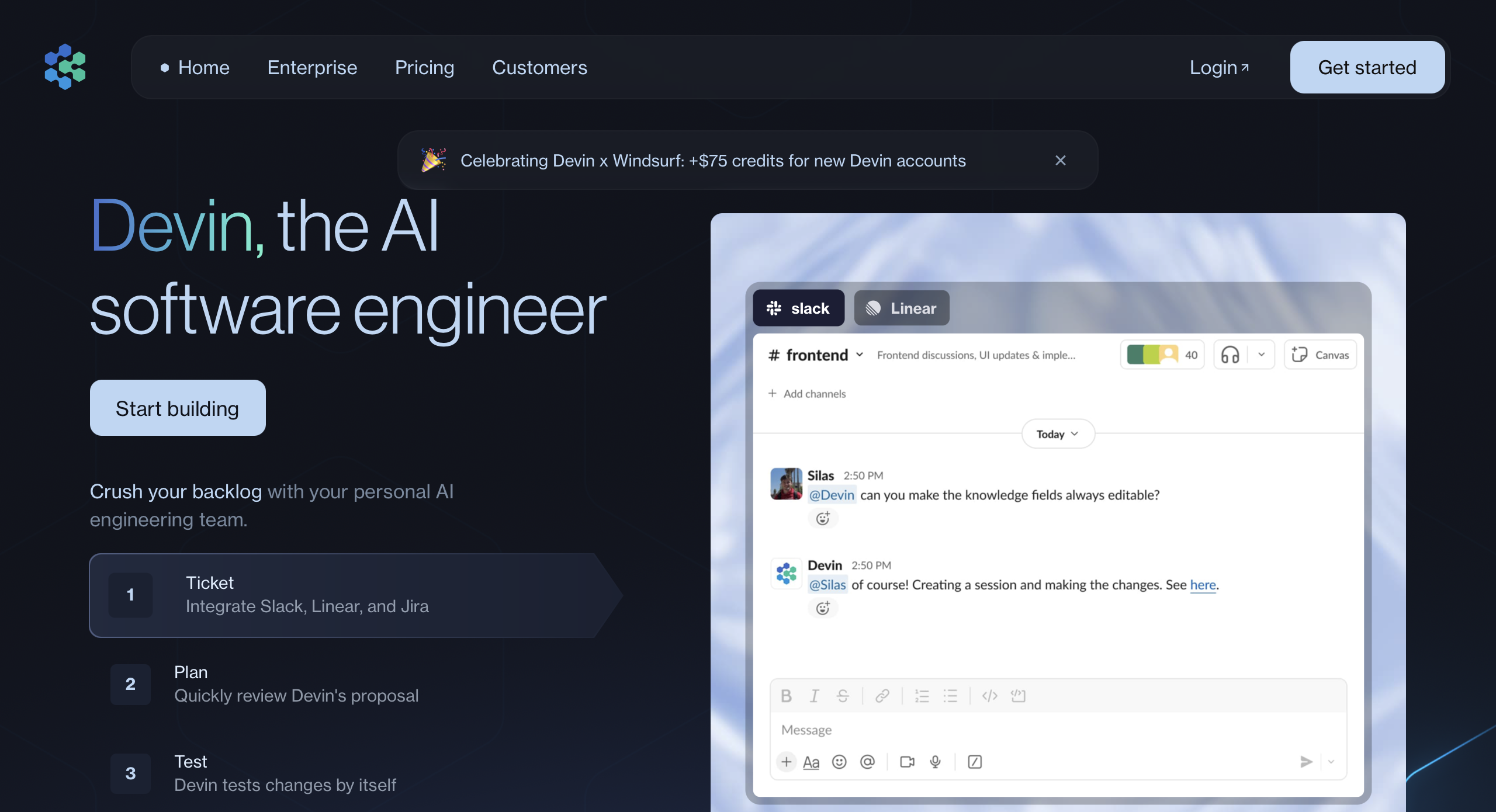
Type and tasks: Devin is a software engineering agent. Evaluate it for development work rather than treating it as a direct substitute for a sales or support agent.
Configuration and skills: Teams need repository access, a development environment, and clear task requirements. Reviewing its output requires software engineering skills.
Tools and integrations: The official plan comparison lists GitHub, GitLab, Bitbucket, Slack, Microsoft Teams, Linear, and Jira. Availability and access should be confirmed for the selected plan.
Control and testing: Review proposed changes, run relevant tests, and retain human approval for merging or deploying. Check team administration and access controls before connecting production repositories.
Limitations: Generated code and completed tasks still require review. Repository permissions, incomplete requirements, and environment problems can affect the result.
Payment: Individual plans include Free, Pro at $20 per month, and Max at $200 per month. Teams lists $80 per month plus $40 per month per full developer seat. Extra usage is available; Enterprise pricing is negotiated. Checked October 11, 2026. Official plans and pricing
Type and tasks: Manus is a general-purpose task agent for work such as research, document preparation, and other multi-step deliverables.
Configuration and skills: Users describe the goal, provide relevant material, and review the result. Less coding may be needed for a research task than for a custom business-system integration.
Tools and integrations: Its official help center describes research, slide generation, website deployment, and scheduled automations. Check the specific connector or browser interaction required before assuming that a task can access a private business system.
Control and testing: Evaluate source quality, deliverable accuracy, and the consequences of any external action. Team documentation lists internal access controls and usage analytics.
Limitations: A polished report can still contain unsupported claims. Credit use and task complexity must be evaluated together.
Payment: The official help center lists a Free plan and Pro starting at $20 per month with 4,000 monthly credits. It also lists an $40 tier with 8,000 credits and Team plans starting at $20 per seat per month. Confirm the offer at purchase. Checked October 11, 2026. Official membership information
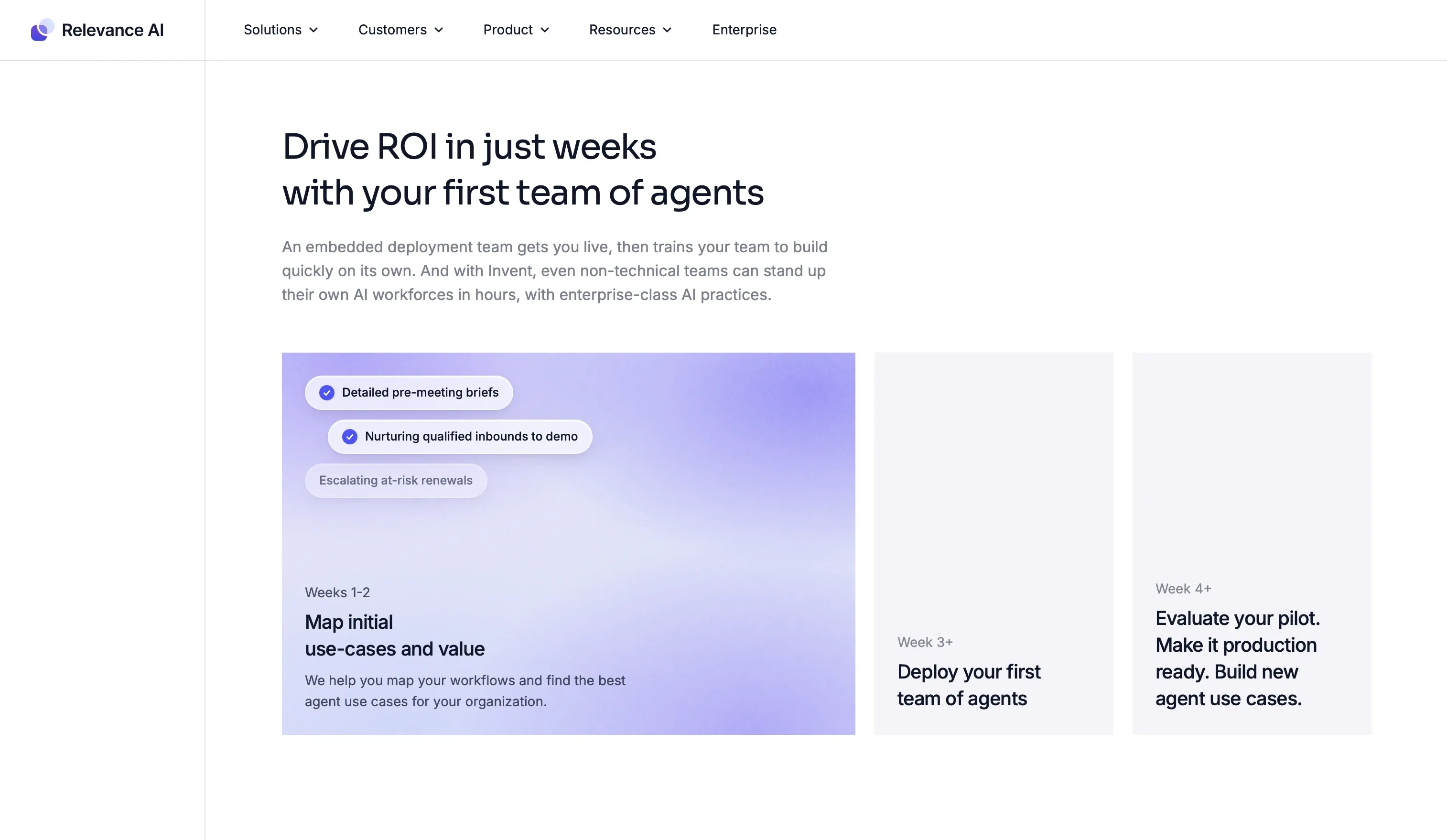
Type and tasks: Relevance AI is a low/no-code platform for individual agents and coordinated multi-agent workflows. Evaluation tasks can include lead research, meeting preparation, support triage, and internal reporting. Official introduction
Configuration and skills: Teams can build from scratch, customize marketplace templates, or describe an agent through the Invent builder. Instructions, tool access, knowledge, and escalation rules still need review.
Tools and integrations: Its marketplace lists Gmail, Google Drive, Google Sheets, Salesforce, and Slack. Custom API connections are also supported. Check the required actions and permission scopes. Integration marketplace, API documentation
Control and testing: Published features include per-tool approval rules, execution limits, evaluation sets, version management, and production monitoring. Test both successful execution and cases requiring rejection or escalation. Platform features
Limitations: Multi-agent workflows introduce additional handoffs, configuration, and potential costs. Confirm which controls are included in the proposed package.
Payment: The public pricing page currently presents an Enterprise offering with custom action and vendor-credit allowances. No fixed subscription amount is displayed; pricing requires a sales conversation. Checked October 11, 2026. Official pricing
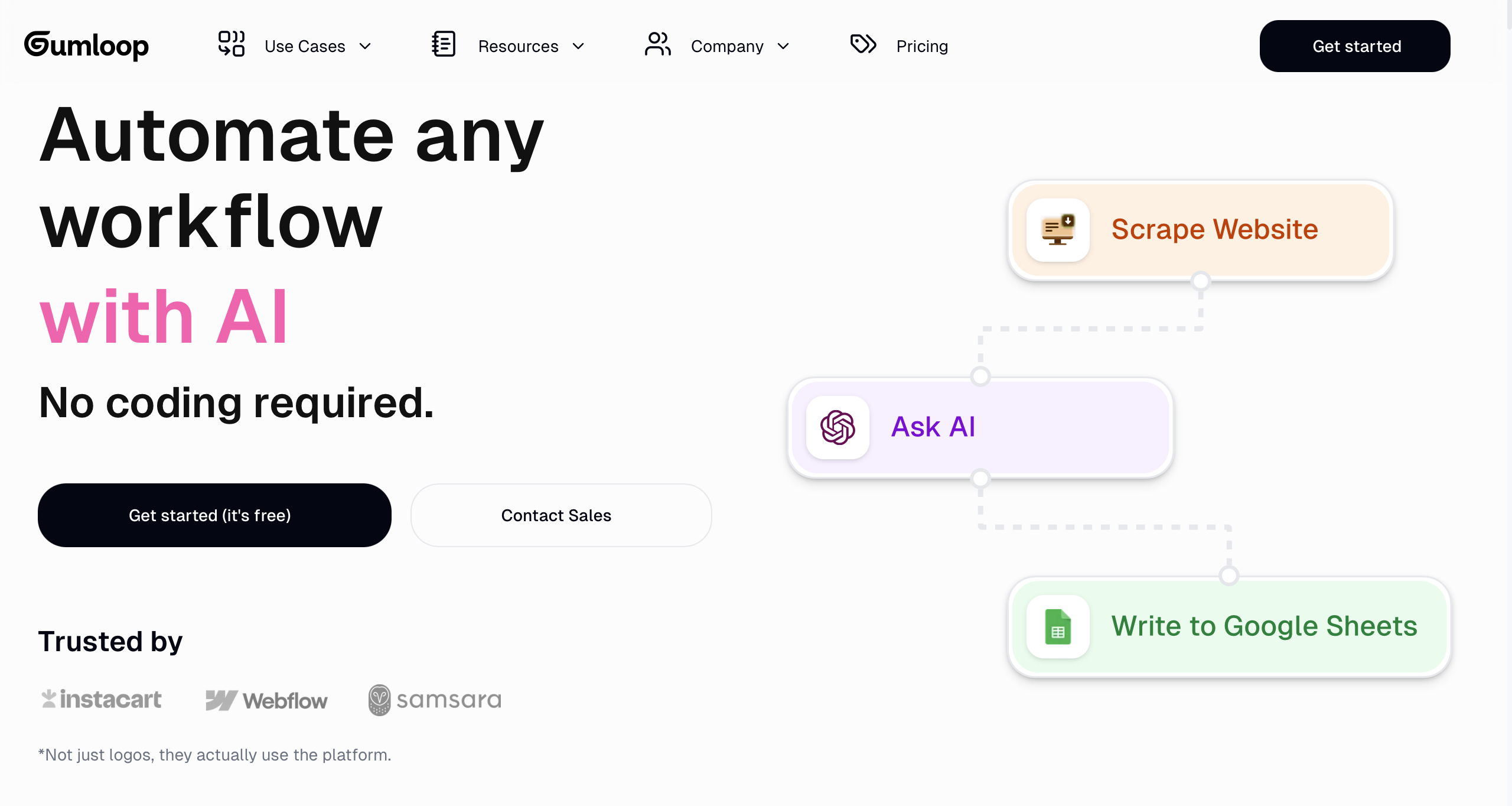
Type and tasks: Gumloop is a team AI agent platform for work across business applications, including research, CRM-related tasks, and reporting.
Configuration and skills: Teams configure agents and reusable skills around their business context. Connecting credentials and designing reliable cross-system operations require process knowledge; unusual integrations may need technical help.
Tools and integrations: The platform presents work through Slack, Microsoft Teams, and Gmail, alongside connectors for applications such as Salesforce, HubSpot, and GitHub. Official platform
Control and testing: Published controls include connector policies, usage monitoring, and scoped credentials. Check plan-specific differences: agent-level controls are not the same as organization-wide governance.
Limitations: Broad application access does not establish that every required operation is available or safe. Evaluate credentials, action boundaries, and failed-run handling.
Payment: Pro is advertised as starting at $37 per month, with 20,000 monthly credits and an 8% orchestration fee. Enterprise pricing is custom. Confirm billing conditions and the basis of the orchestration charge before purchase. Checked October 11, 2026. Official pricing
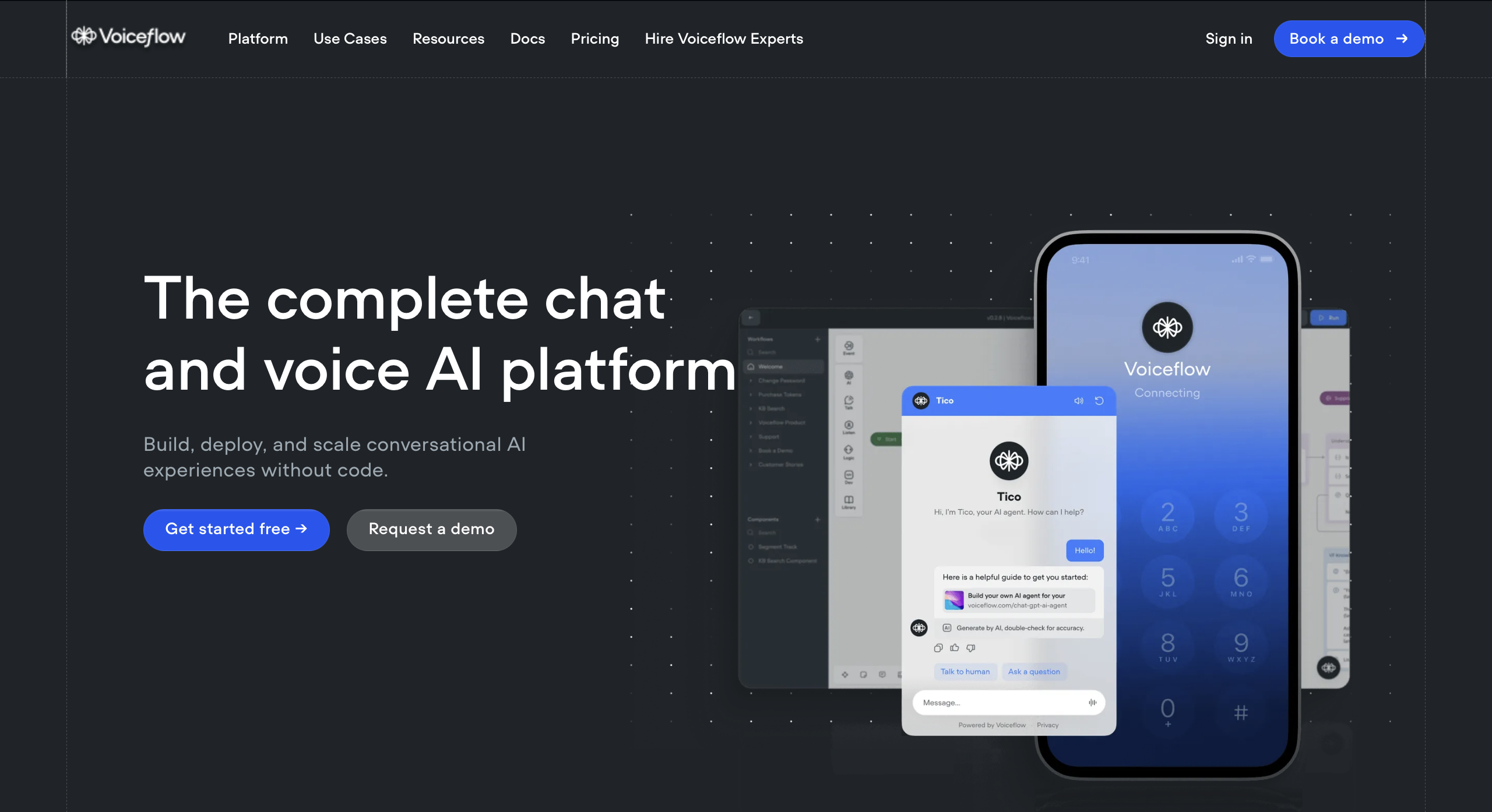
Type and tasks: Voiceflow is a conversational agent platform focused on customer-facing voice and chat experiences.
Configuration and skills: Teams design agent behavior and scripted workflows. Business teams can define conversation logic, while custom system connections may require API skills.
Tools and integrations: The platform supports API-based connections and voice and chat deployment. Validate the particular helpdesk, CRM, or booking action required by the process.
Control and testing: Published features include team roles, observability, evaluations, and development-to-production environments. Test conversations that require clarification, restricted actions, or human transfer.
Limitations: Conversation quality alone does not prove that a connected action completed. Voice implementations also need testing for misunderstood speech and interrupted interactions.
Payment: The current pricing page describes usage-based billing for agencies and partners. Businesses are directed to request pricing. It does not provide a fixed public business subscription amount. Checked October 11, 2026. Official platform and pricing information
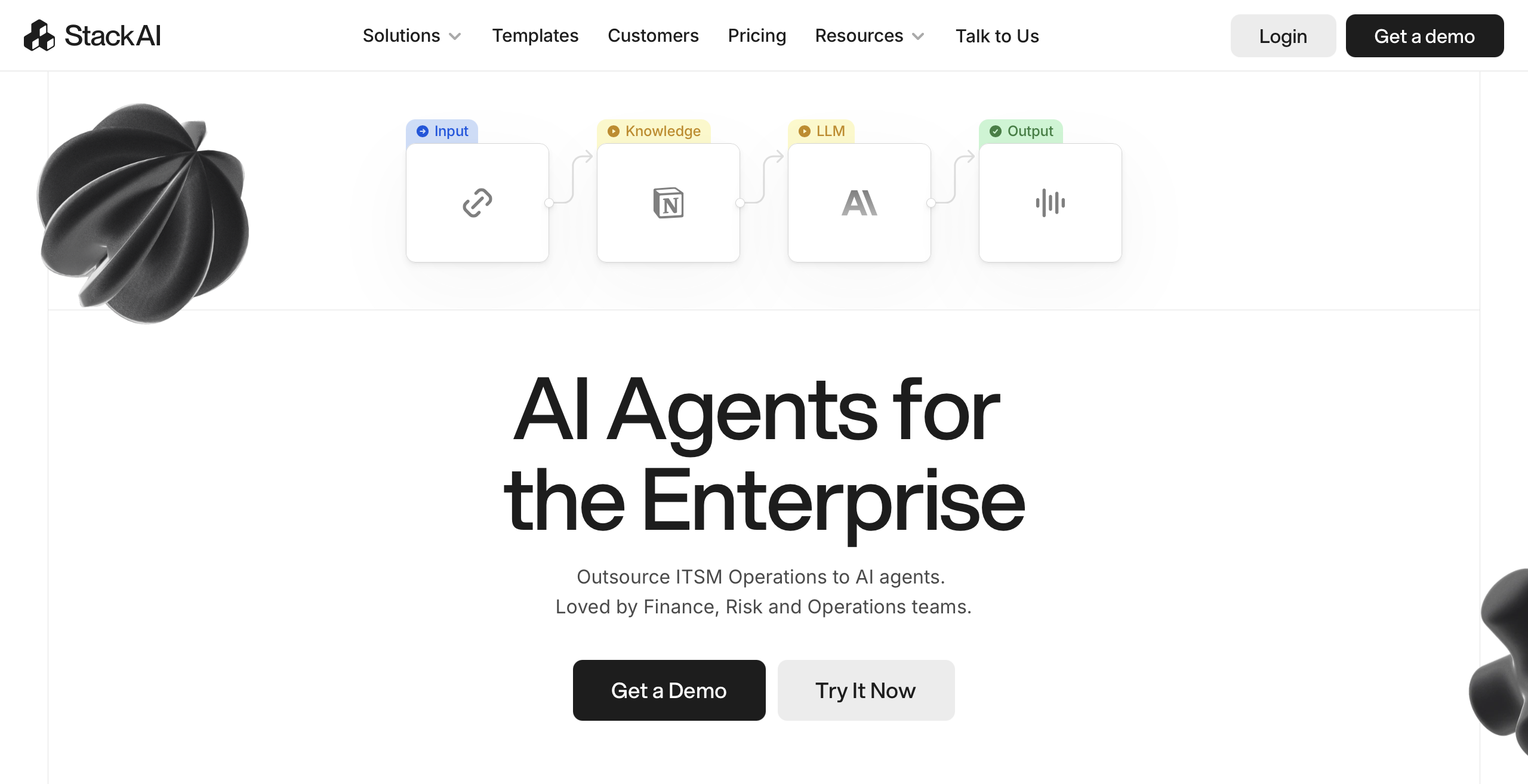
Type and tasks: Stack AI is an enterprise agent and workflow builder to evaluate for document processing, internal knowledge access, and connected business workflows.
Configuration and skills: Teams assemble workflows around models, data sources, and system actions. Document preparation, retrieval design, and integration review remain implementation tasks.
Tools and integrations: Its official site describes connections to enterprise systems and highlights SharePoint. Confirm the supported read or write operation and its permission requirements. Official platform
Control and testing: Test answers against source documents and check the behavior of every downstream action. Evaluate access controls and deployment requirements for the proposed enterprise package.
Limitations: A connected document source does not guarantee accurate extraction or retrieval. Conflicting versions, missing context, and inappropriate access can affect results.
Payment: The public Free plan lists $0 per month, 500 monthly runs, two projects, and one seat. Enterprise pricing is custom. A run should not be treated as equivalent to another provider’s credit or completed business task. Checked October 11, 2026. Official pricing

Type and tasks: Cognizant Agent Foundry is an enterprise development and operations offering for designing, deploying, and managing agent systems. It is not directly comparable to a self-service monthly subscription.
Configuration and skills: Implementation involves business-process design, engineering, and organizational governance. Teams should define delivery responsibilities and acceptance criteria alongside the technical scope.
Tools and integrations: Cognizant describes reusable templates, tools, connectors, and partner-platform integration. Request confirmation of the systems and actions included in the proposed implementation.
Control and testing: Agent Foundry Composer addresses agent build and deployment; Agent Foundry Ops covers observability, governance, FinOps, and lifecycle management. Ask how these controls will be demonstrated in the delivered system.
Limitations: Capabilities depend on implementation scope, selected infrastructure, and agreed responsibilities. Broad enterprise positioning is not proof that a specific workflow is ready to deploy.
Payment: The reviewed official page directs organizations to engage Cognizant and does not publish a fixed subscription price. Request scoped commercial terms. Checked October 11, 2026. Official Agent Foundry information
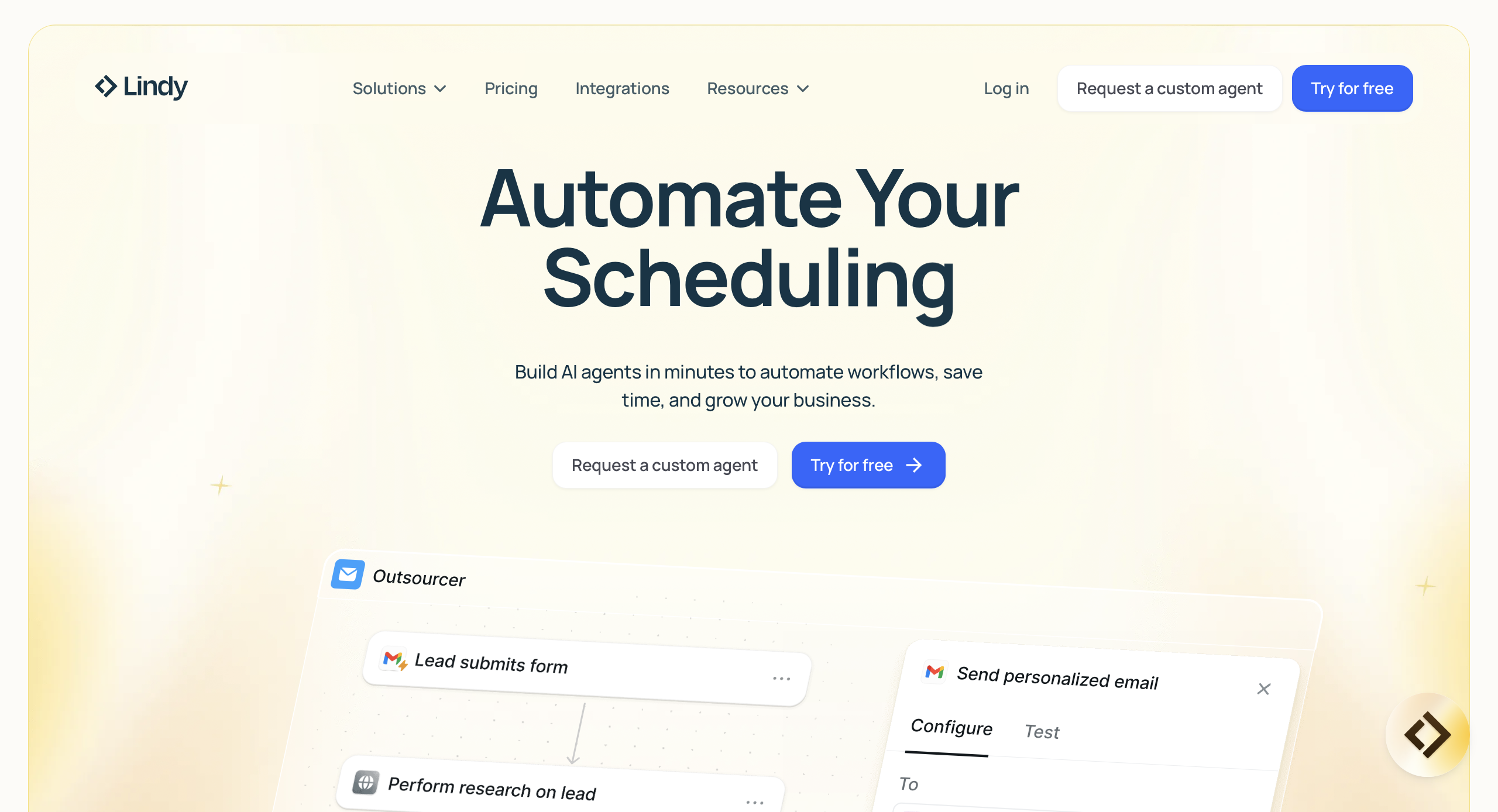
Type and tasks: Lindy is positioned as a connected AI teammate for team work such as research, support triage, CRM updates, and operational reporting.
Configuration and skills: Teams provide instructions and connect relevant applications. Define who owns the task, what counts as completion, and which actions require approval.
Tools and integrations: The official site presents cross-application workflows and an integration catalog. Check the supported operation and required account access for each step. Official platform
Control and testing: Lindy states that write or send actions can wait for approval. Test that boundary explicitly, including rejection, changed instructions, and repeated requests.
Limitations: A conversational interface does not remove the need to verify records and action results. Credit use can vary with the work performed.
Payment: Team pricing lists $49.99 per month for 5,000 monthly credits, with larger packages available. The free offer provides $50 in credits that last seven days; it should not be presented as an ongoing free allowance. Checked October 11, 2026. Official pricing
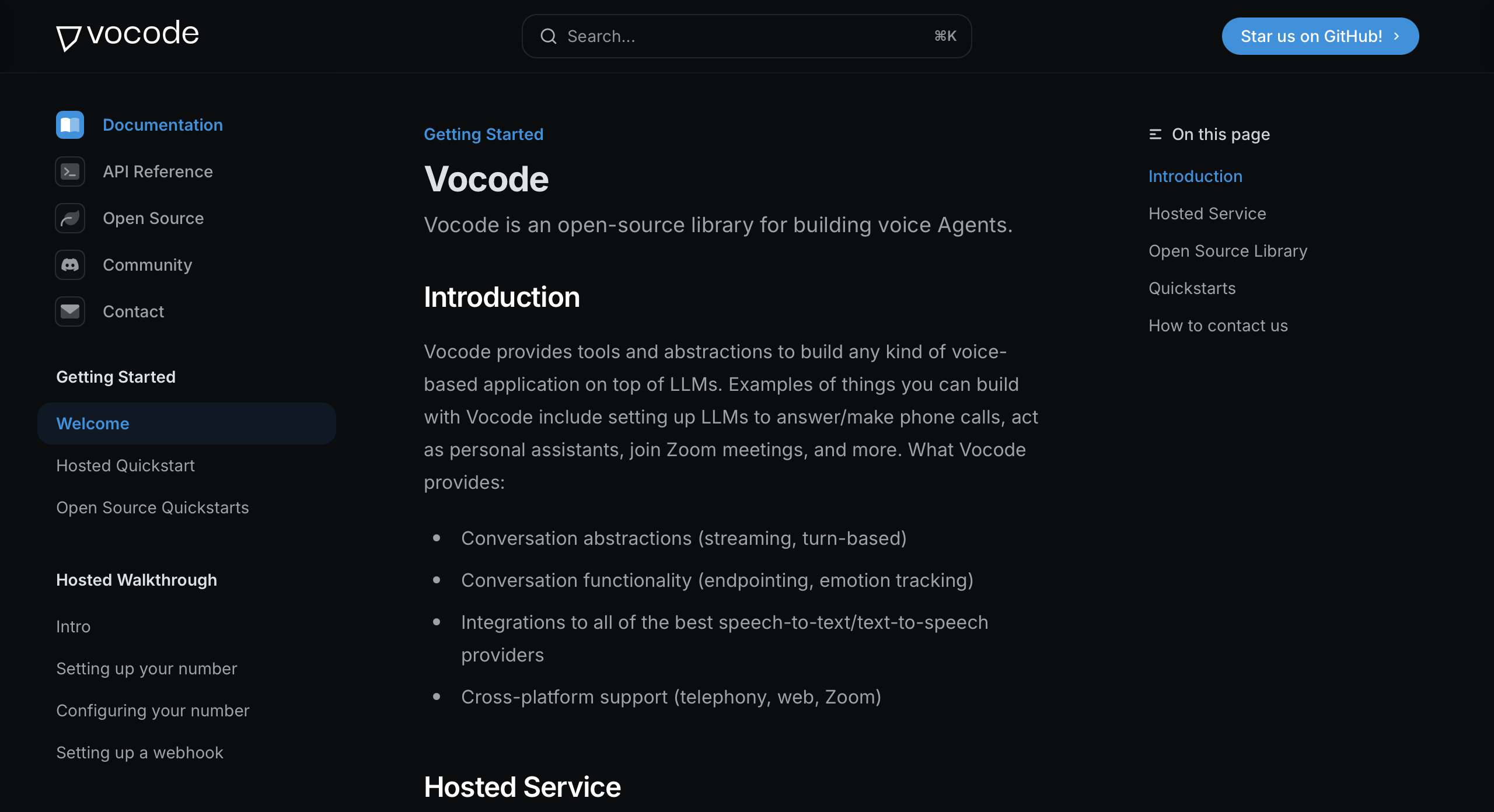
Type and tasks: Vocode is an open-source library for building voice-based LLM agents. Evaluate it as a development component, not a ready-made business agent subscription.
Configuration and skills: Developers assemble the voice application, configure providers, implement business logic, and operate the deployment.
Tools and integrations: The repository describes speech-to-text, language-model, and text-to-speech integrations, along with support for telephone and other audio applications. Provider compatibility should be checked against the current code.
Control and testing: Permissions, confirmation steps, logging, and human transfer need to be implemented and tested in the application. Test interruptions, recognition errors, and failed external actions.
Limitations: The project requires engineering and maintenance. The repository states that it is seeking community maintainers, so evaluate maintenance status and dependencies before adoption.
Payment: The code is available under the MIT license. That does not eliminate hosting, engineering, telephony, or model-provider costs. No hosted-service subscription price is inferred from the open-source repository. Checked October 11, 2026. Official repository
Start with the process and work toward the product—not the other way around.
“Help the sales team” is too broad to evaluate. “Create a qualified lead record from an inbound inquiry and route uncertain cases for review” provides a concrete objective.
Write down the input, required output, prohibited actions, and conditions that require human involvement. Use those criteria for every candidate.
An integration logo answers only part of the question. Check whether the agent can perform the specific operation you need.
For a CRM workflow, that might mean finding the correct contact, updating selected fields, and returning the record identifier. Reading a contact and changing its account owner require different permissions.
Use prescribed steps where the business rule is clear. Reserve model judgment for tasks that require interpretation.
For example, an agent may interpret a customer’s request, but a refund threshold can remain a fixed rule. Greater autonomy is not automatically a better fit.
Use representative examples, including missing information, contradictory records, unavailable integrations, and denied actions.
Check whether the system stops safely, explains the problem, and gives a reviewer enough context to continue. A demonstration with only successful inputs does not establish production readiness.
A low subscription price can coexist with expensive usage or substantial manual review. Compare costs using the same workflow and acceptance criteria.
A practical evaluation includes subscription or platform charges, model usage, external services, setup, and human review. Divide the relevant cost by the number of outputs that meet your acceptance criteria.
Label this as your own evaluation method, not a universal vendor metric. Credits from different platforms cannot be compared directly without understanding what consumes them.
An agent may generate a plausible answer from incomplete evidence, misunderstand a request, or call the wrong tool. External systems can also reject requests, time out, or return outdated information.
Before giving an agent production access, check the following:
Start with narrow permissions and a defined review path. Expand access only after the workflow has demonstrated acceptable behavior on representative inputs.
Choose one process with a clear input, a measurable completion condition, and a named human owner.
If you want to implement that process in CogniAgent, use the AI agent builder to configure the workflow, connect the required tools, and define its approval points. Begin with a test version and confirm the result in the destination system before enabling production actions.