Article Updated Nov 18, 2026
 10 min read
AI Tools for Restaurants Compared by Workflow
Updated Nov 18, 202610 min read Updated Nov 18, 202610 min read
Choose one task that staff regularly have to recover or finish by hand. Check where it starts, where the result should appear, and who can resolve exceptions during service.
|
Restaurant workflow |
Result to look for |
Connection to check |
Exception owner |
|---|---|---|---|
|
Hiring |
An application with the required fields, or an interview in the hiring calendar |
Application form or applicant tracking system (ATS), candidate channel, and interviewer calendar |
Hiring manager |
|
Calls and table reservations |
A confirmed entry with the correct location, date, time, and party size |
Phone line and the booking system the host uses. Verify availability lookup and reservation creation separately |
Host or duty manager |
|
Guest questions in web chat and social DMs |
An answer from current restaurant information or a request in the staff inbox |
Website widget or social account, location-specific information, and inbox routing |
Guest-service lead or duty manager |
|
Internal operations |
A supplier issue assigned to a manager, with any follow-up authorized and recorded |
Operations mailbox, task system, and the relevant approval workflow |
Operations manager or buyer |
The comparison uses public product documentation and listed US-dollar prices checked on November 18, 2026. CogniAgent publishes this article and is one of the providers covered. For each tool, check the action you need in your location's systems before buying.
|
Tool |
Channel and documented action |
Connection and human control |
Public pricing and billing unit |
|---|---|---|---|
|
CogniAgent · Hiring intake and scheduling |
A connected recruiting inbox can collect application details and write them to Google Sheets. The interview template can book an agreed slot in Google Calendar |
The recruiting inbox setup uses Gmail and Google Sheets. The interview template uses Google Sheets and Gmail as well as a Google Calendar connection with permission to read availability and create the event. The hiring manager reviews eligibility and makes the hiring decision. Recruiting template · Interview template |
Free to start. The smallest paid pack is $10 for 5,000 credits, with credits used for platform activity. Costs depend on the actions and model in the workflow. CogniAgent pricing |
|
Intercom Fin · Guest questions in web chat |
Answers from approved content in Intercom Messenger and can route unresolved conversations to staff through the configured handover |
Install Messenger, add current restaurant information, and configure the inbox and handover. Intercom's chat deployment guide specifies at least 10 live public Help Center articles. Check plan access for advanced workflows. Fin chat deployment |
$0.99 per Fin outcome. Standard Essential seats add $39 per seat per month on monthly billing or $29 per seat per month billed annually. The separate existing-helpdesk offer has a minimum monthly outcome commitment. Billable outcomes include confirmed or assumed resolutions and successful Procedures configured to end in a handoff to a person or workflow. Fin outcome rules Intercom pricing · Standard seat rates |
|
Tidio Lyro · Web chat with optional external lookups |
Answers from configured information. A Lyro Action can use an external API, for example to retrieve a takeaway order status |
Install the web widget and add approved sources. An external lookup needs the relevant API operation and access. Configure handoff to the team. The Lyro AI Agent package supports up to three Actions. Visitor confirmation for an Action is available in live chat. Lyro setup · Lyro Actions |
Standalone Lyro starts at $39 month to month or $32.50 per month billed annually, for 50 AI conversations per month. Tidio pricing · Billing-period breakdown |
|
Manychat · Instagram guest messages |
An AI Step can answer approved questions and store a guest's reply in a Manychat field |
Connect the restaurant's Instagram account, configure the trigger and fields, and preview the conversation before it goes live. Have staff check the inbox for requests outside the approved information. For large parties, use the reply as intake and have staff enter and confirm reservations in the booking system. Manychat AI Step |
Under the new model, Pro with Manychat AI costs $39 month to month or $348 billed annually, with 2,500 active contacts per month and overage charges above the allowance. Access to the new model varies by account and region. Manychat pricing · Pro plan terms |
|
Synthflow · Incoming calls |
Voice agents can run a configured API action or transfer a live call. The documented Real-Time Booking action can check availability and book through a supported scheduling service |
Connect approved telephony and configure a staff transfer destination. Built-in calendar booking supports Cal.com and GoHighLevel. For table reservations, verify the actual reservation system's API and write access under the contract. Synthflow actions · Real-Time Booking |
New deployments use an annual Enterprise contract quoted for the scoped call volume, telephony, and integrations. Synthflow pricing |
|
Workday Paradox Conversational ATS · Frontline hiring |
Collects applicant data via chat or text and supports interview scheduling |
Confirm the ATS access and supported connection to interviewer calendars. The hiring team controls which applicants advance and handles exceptions. Workday ATS capabilities |
The public product page directs buyers to sales for a demo. It lists no price or billing unit. Ask for both in the quote for your locations. Workday product page |
|
Zapier · Internal supplier follow-up |
An AI by Zapier step can extract details from an incoming message. A separate Request Approval step can hold the workflow before it sends a reply |
Connect the supplier mailbox and the destination used for approved actions. Name a reviewer and set the workflow to stop if they decline. Publishing an AI by Zapier step and using Human in the Loop require paid access. AI by Zapier setup · Approval setup |
The public Professional starting rate is $19.99 per month on yearly billing. Choose a task tier and account for the AI step's task usage. Zapier pricing |
If your main requirement is table inventory, start with the system the host already uses. Ask the provider to demonstrate a lookup and a write in that system for one location. A calendar appointment can confirm a table booking if that calendar is the restaurant’s booking system and the saved record meets its seating rules and has the restaurant’s confirmed status.
Send a question outside the approved information during a test. Verify that the conversation reaches the inbox the duty manager actually monitors.
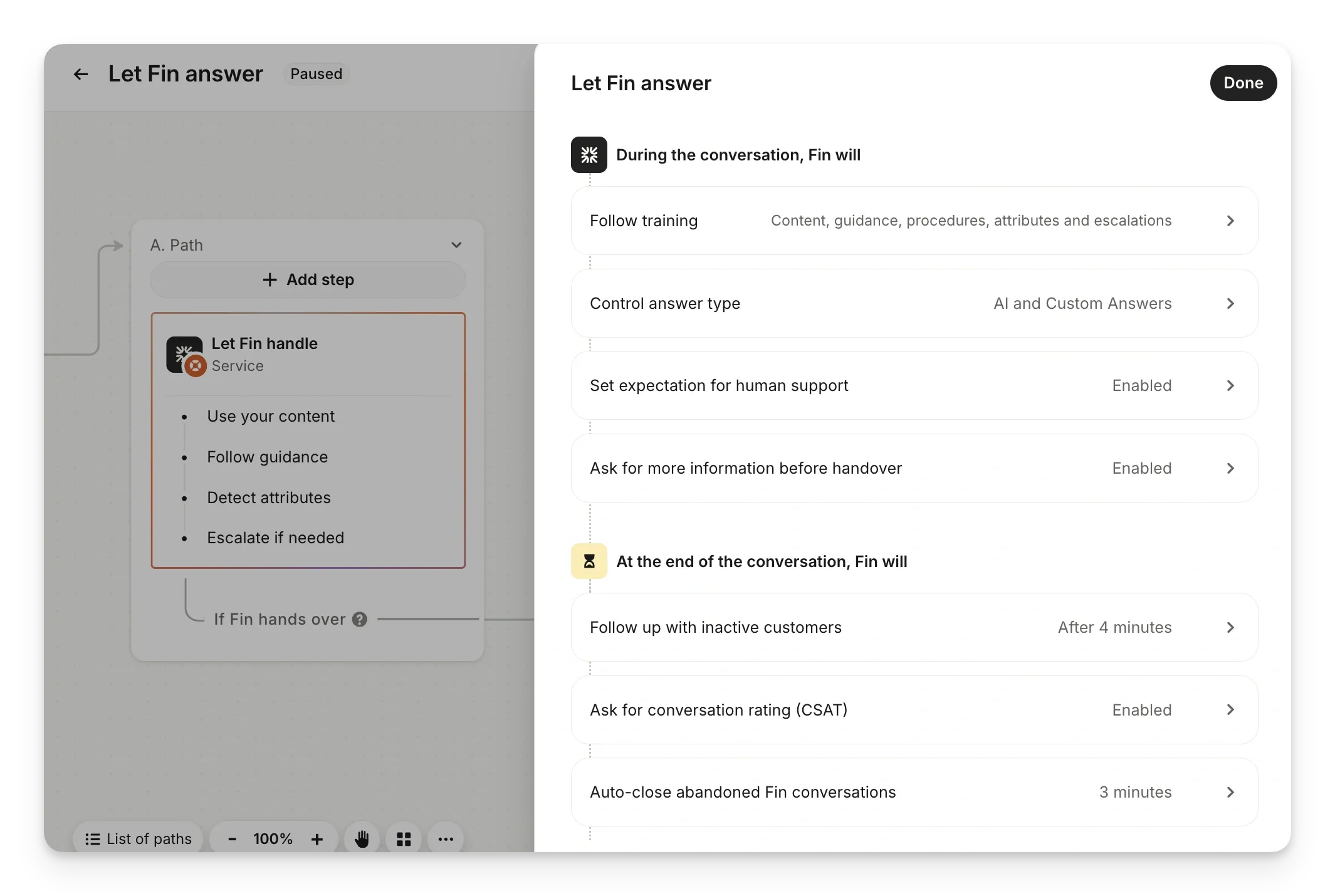
Intercom’s Let Fin answer panel shows settings for human support and for collecting more information before a handover. Intercom chat deployment guide
If the pilot needs a takeaway order lookup, verify that the connected API returns the right order status and the restaurant’s approved fields.
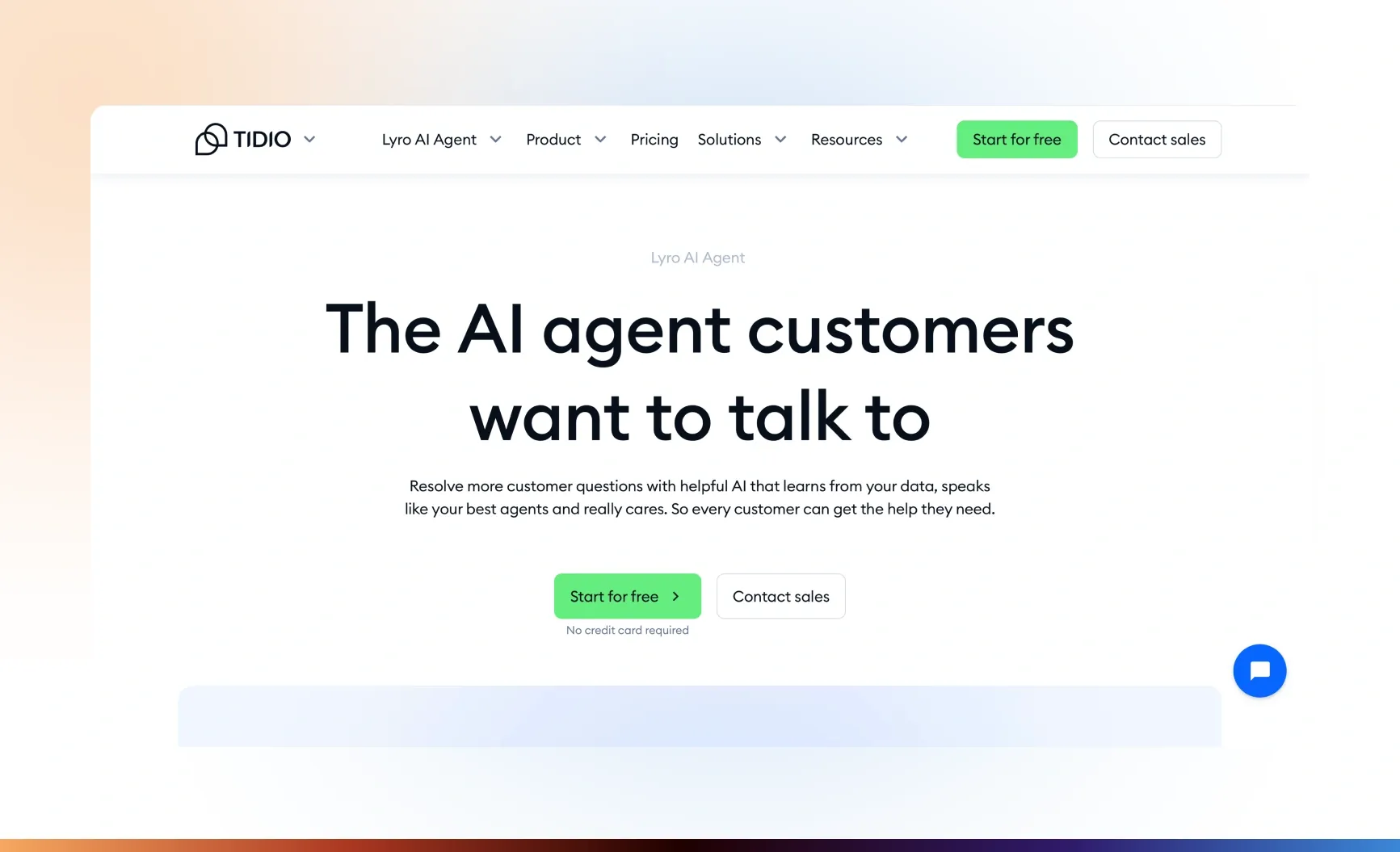
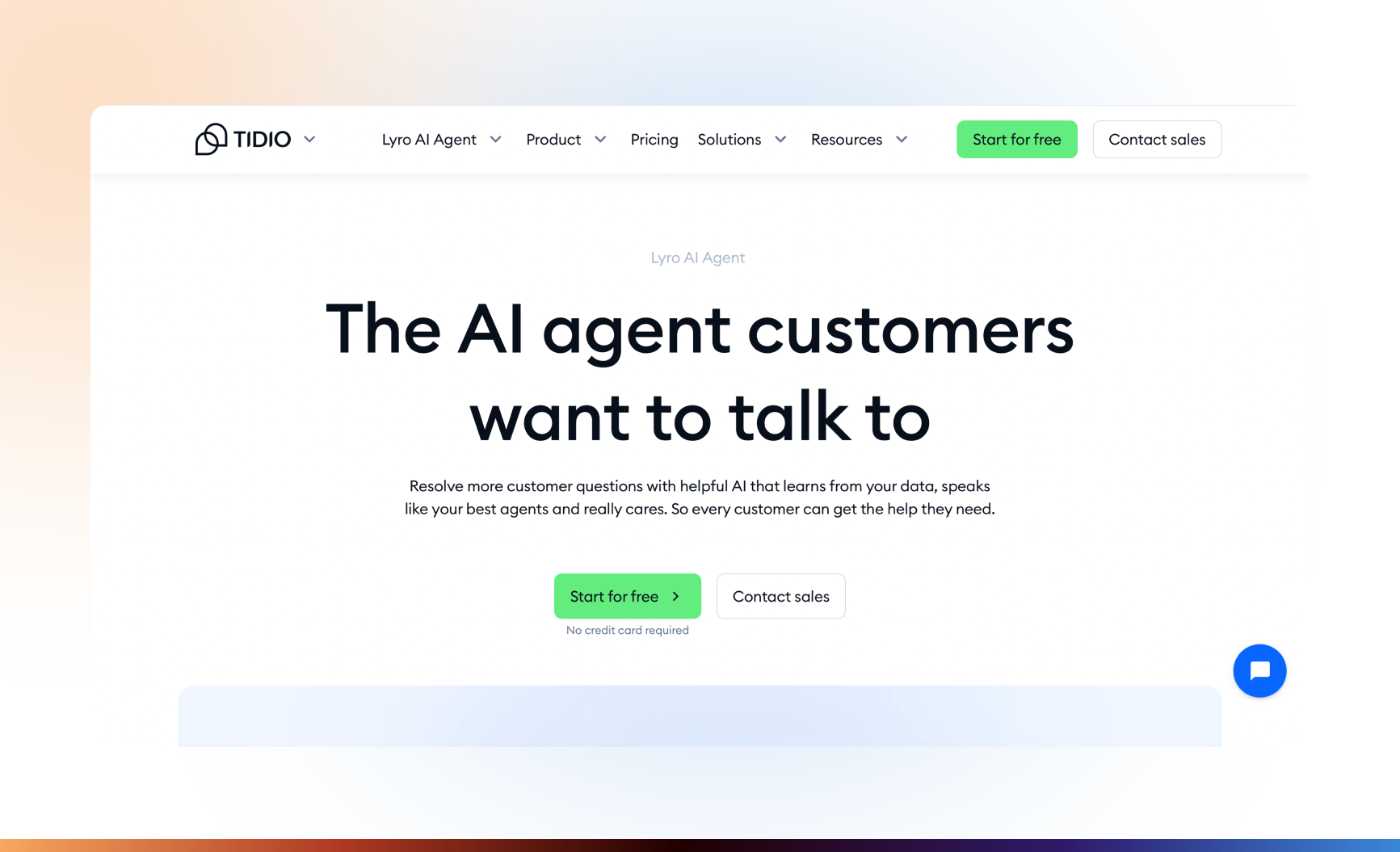
The Tidio product page introduces Lyro. The optional order lookup is configured in Lyro Actions. Product-page image from the original review · Lyro Actions
Try a message that asks about both opening hours and a large-group reservation. Check that staff can find the group request in the inbox and see the details they need to reply.
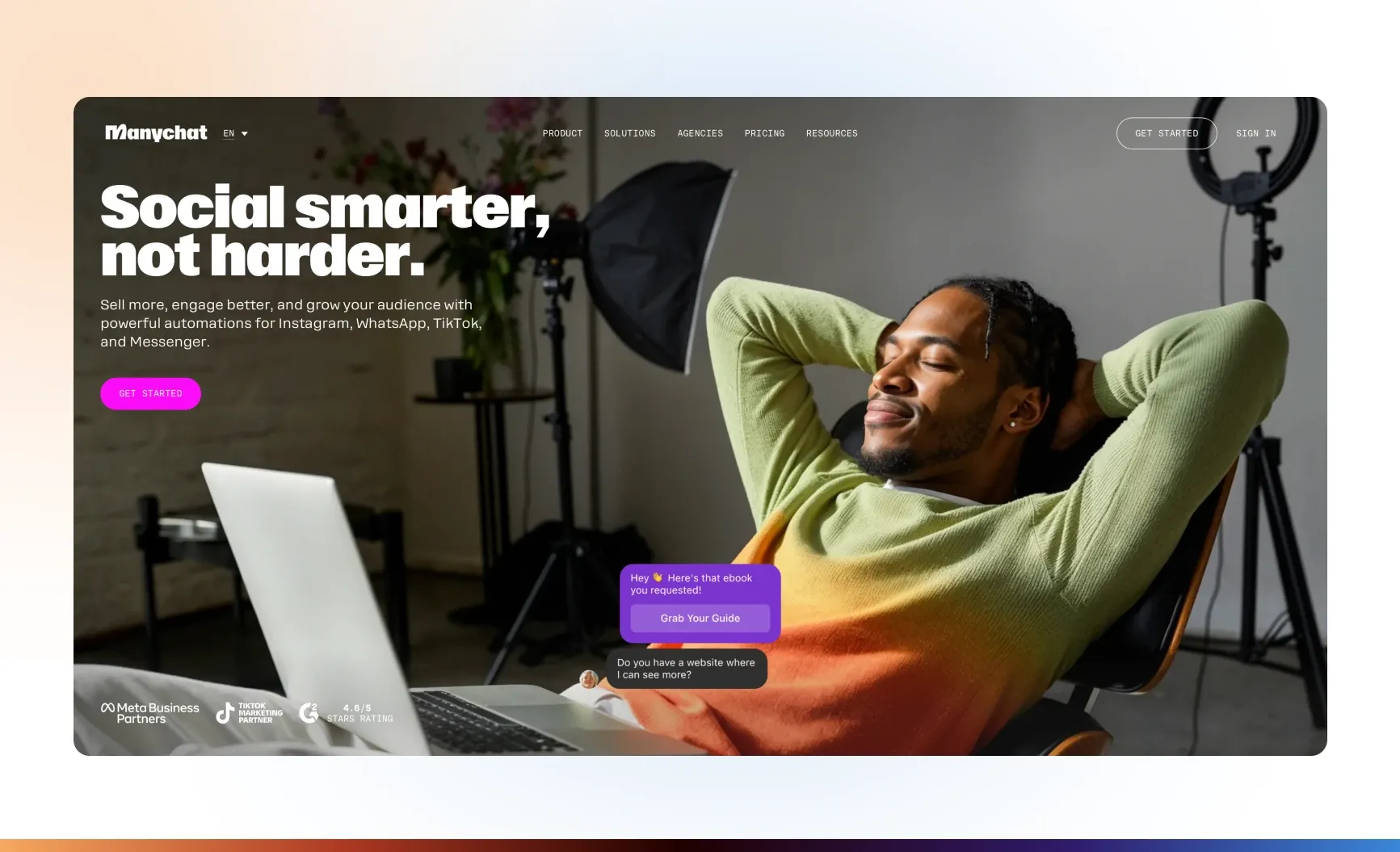
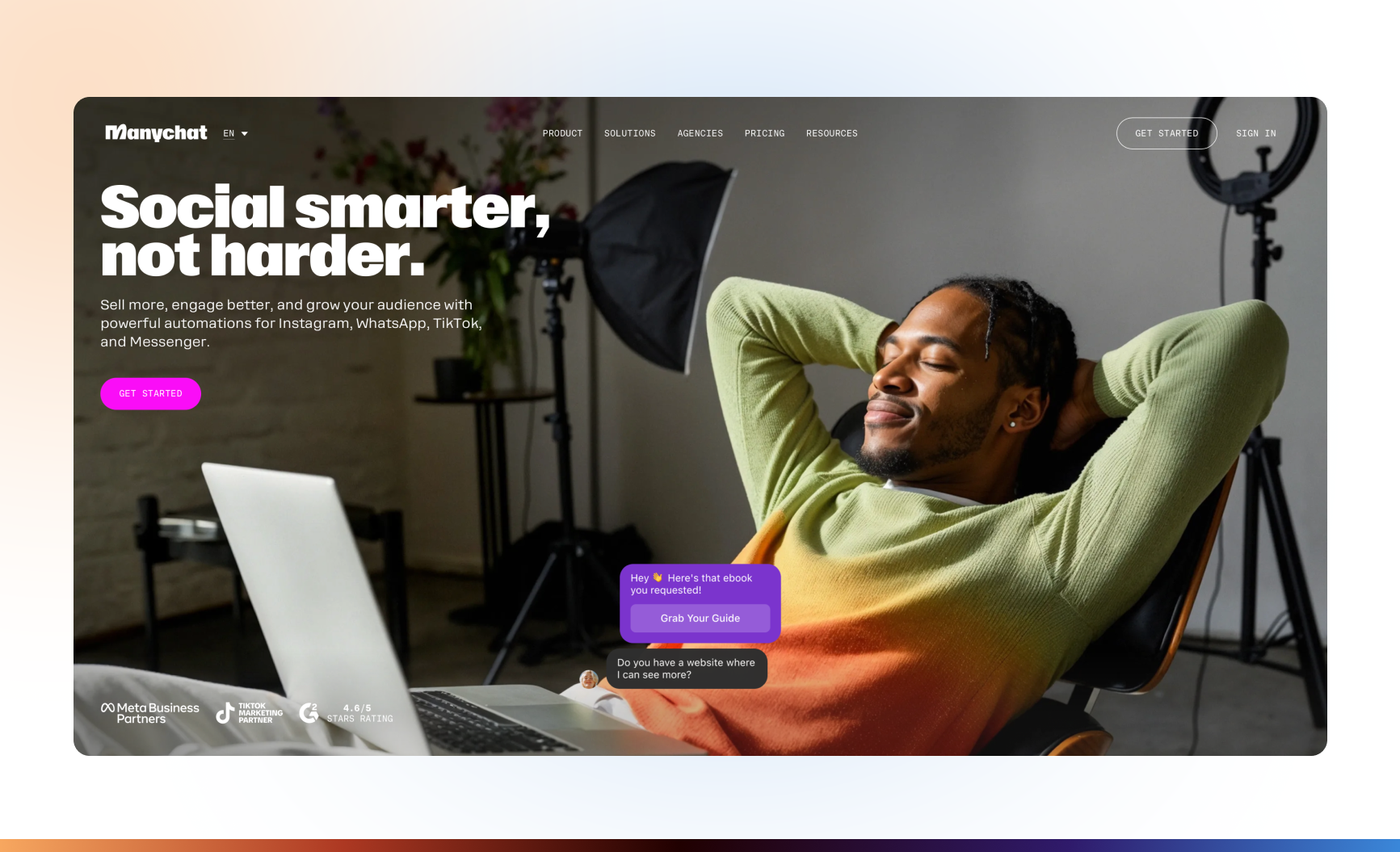
Manychat’s product-page illustration shows a sample social conversation. Configure the AI Step and its contact fields in the restaurant’s account. Product-page image from the original review · Manychat AI Step
Suppose a restaurant wants to handle basic reservation calls for one dining room. The duty manager defines which services, party sizes, and time windows the pilot may book. Staff handle exceptions.
|
Exception |
Staff follow-up |
What to tell the guest |
|---|---|---|
|
Requested seating is full and no offered alternative suits the guest |
Route to the host to check the waitlist and any options staff can offer |
“That seating is full. I can ask the host to check the waitlist for you.” |
|
Party exceeds the pilot's size limit |
Send the party size, preferred time, and contact details to the manager responsible for groups |
“Our manager handles groups of this size. I'll pass along your request for review.” |
|
The booking system returns a pending reservation |
Give the host the booking ID and ask them to verify availability and finalize the reservation |
“Your reservation is pending. I’ll ask the host to follow up.” |
|
Booking system is unavailable or a write times out |
Give the duty manager the intake ID and check for an existing booking before any retry. If the transfer fails, log the callback in the agreed staff queue |
“I can't confirm your reservation right now. I'll ask the restaurant to follow up.” |
Check that a transfer reached staff or that the callback request was recorded. Use the follow-up message only when the corresponding route succeeds. If the route fails, provide a direct contact option. Include a test where the booking system returns an ID with a pending status. Verify that the request reaches staff and the guest is told it is pending.
Review a fixed set of comparable shifts. For booking accuracy, divide guest confirmations backed by a matching confirmed record by all guest confirmations reviewed. For missed requests, count identifiable reservation requests with neither a confirmed booking nor a recorded staff follow-up by the agreed deadline. For the manual transfer rate, divide requests sent to staff by all reservation requests logged, including any transfers that need a callback. Reconcile the pilot log with phone records to spot abandoned calls whose intent is unknown.
Ask the provider to show the result from the restaurant’s own booking system during a test call. Verify that the workflow can tell a pending record from a confirmed one.
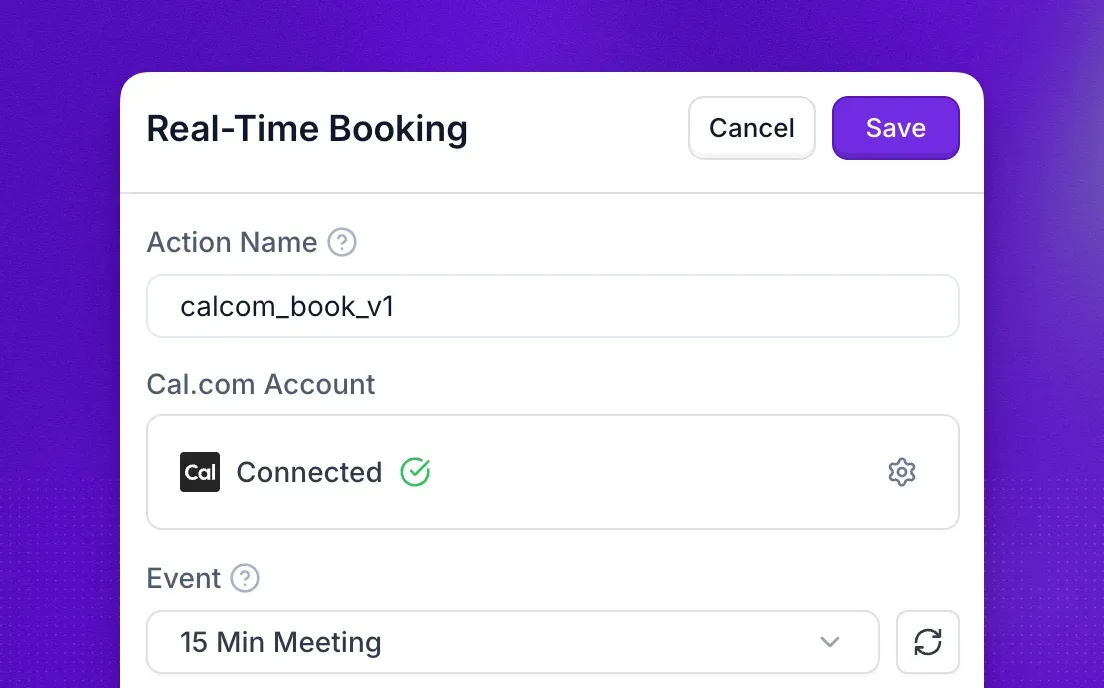
Synthflow’s documentation shows Real-Time Booking connected to Cal.com for a meeting appointment. Synthflow Real-Time Booking
Capture the role, preferred shifts, contact details, and any credential the candidate reports. Keep a self-reported certificate marked unverified until an authorized person or a supported connection checks an authoritative source. For scheduling, let the candidate choose a time from the hiring calendar, then verify an event ID, the time, and the invitees before saying the interview is booked. The hiring manager decides who advances or receives an offer. AI Recruiting Agent for Restaurants
If you pilot the recruiting template, send a test application to the connected inbox and compare the resulting Google Sheets record with the details supplied.
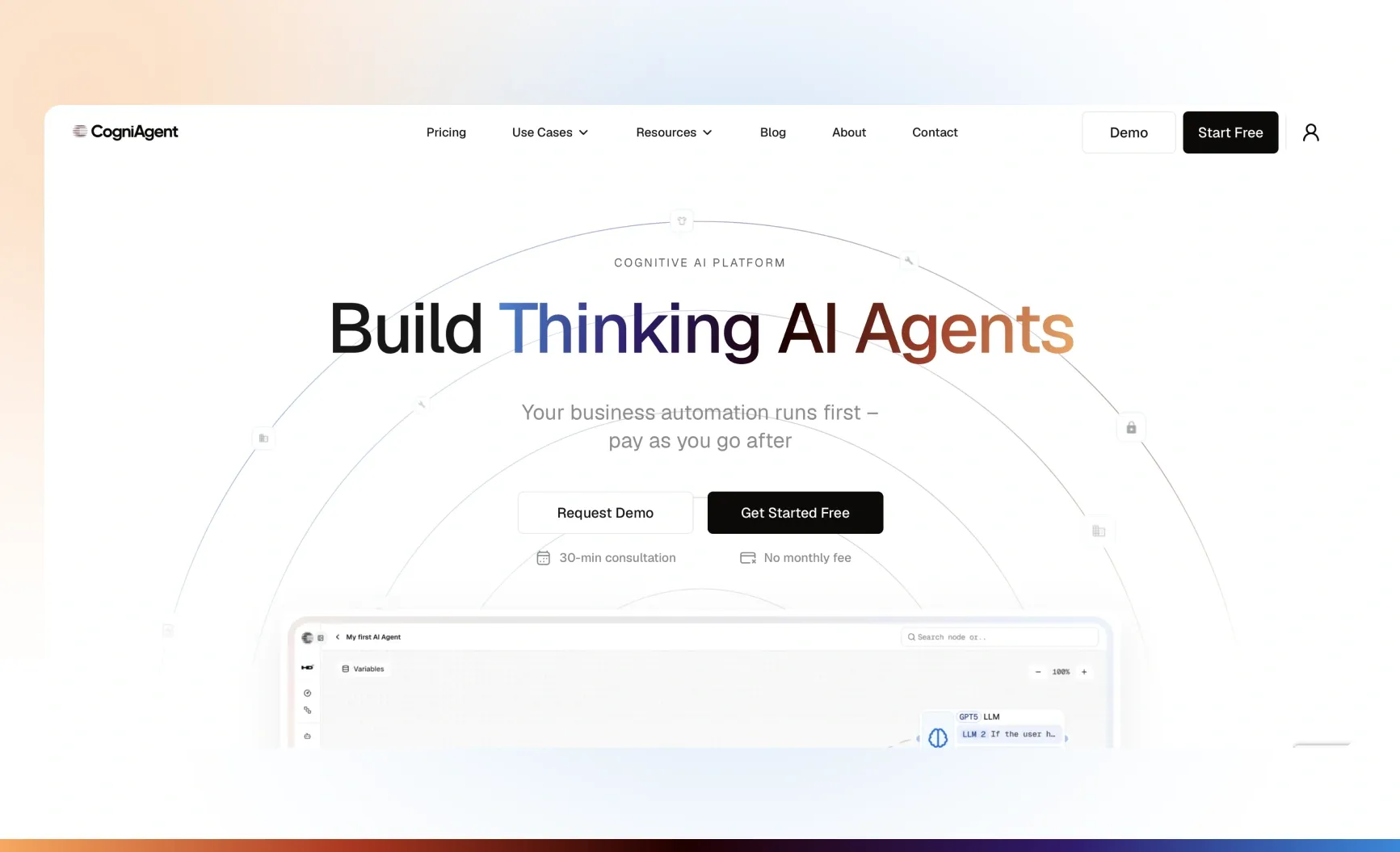
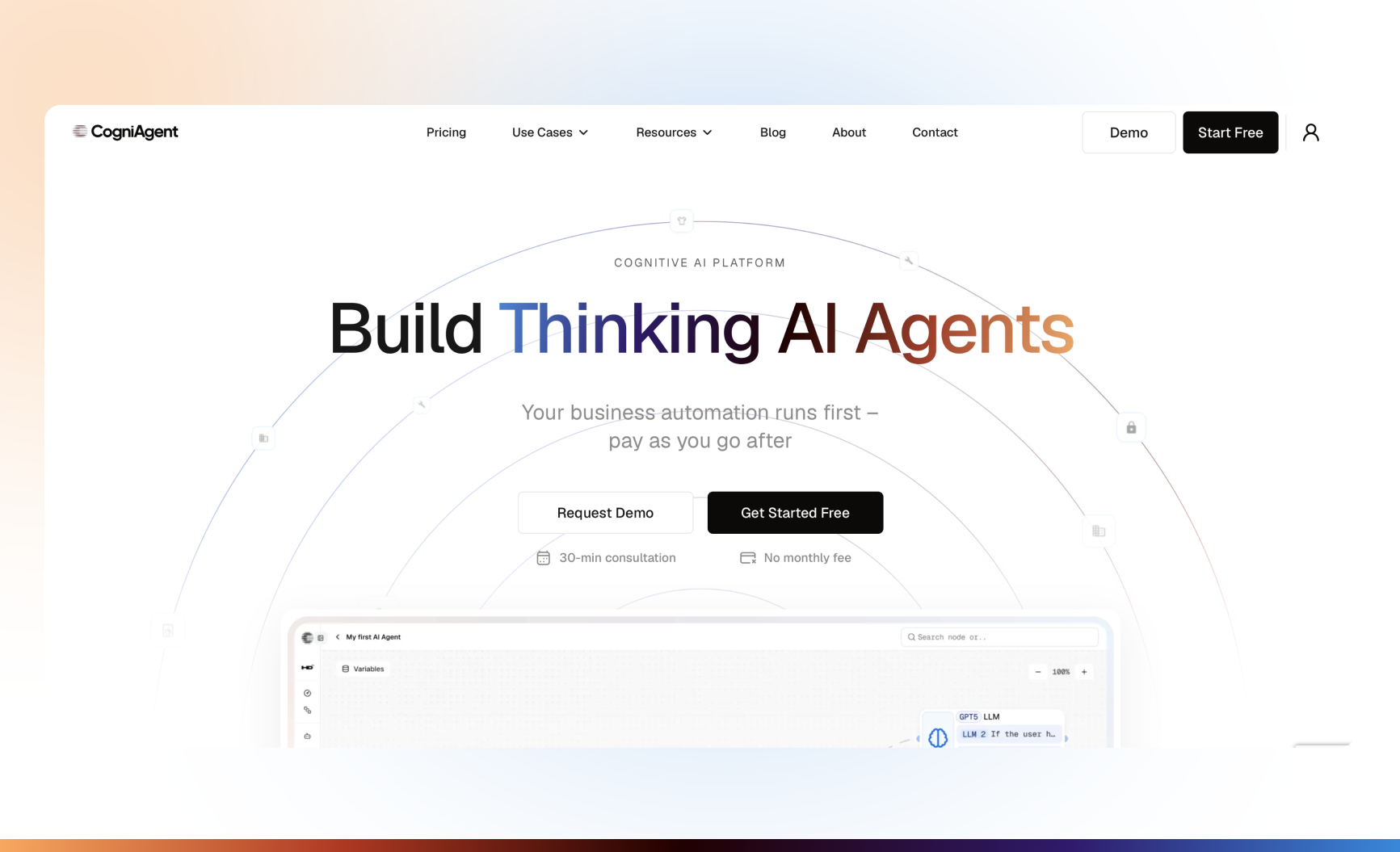
The CogniAgent product page previews the agent builder. The recruiting template documents the Gmail and Google Sheets connections for intake. Product-page image from the original review · CogniAgent recruiting template
If a manager approves a test applicant for an interview, compare the time offered to the candidate with the resulting event on the manager’s calendar.
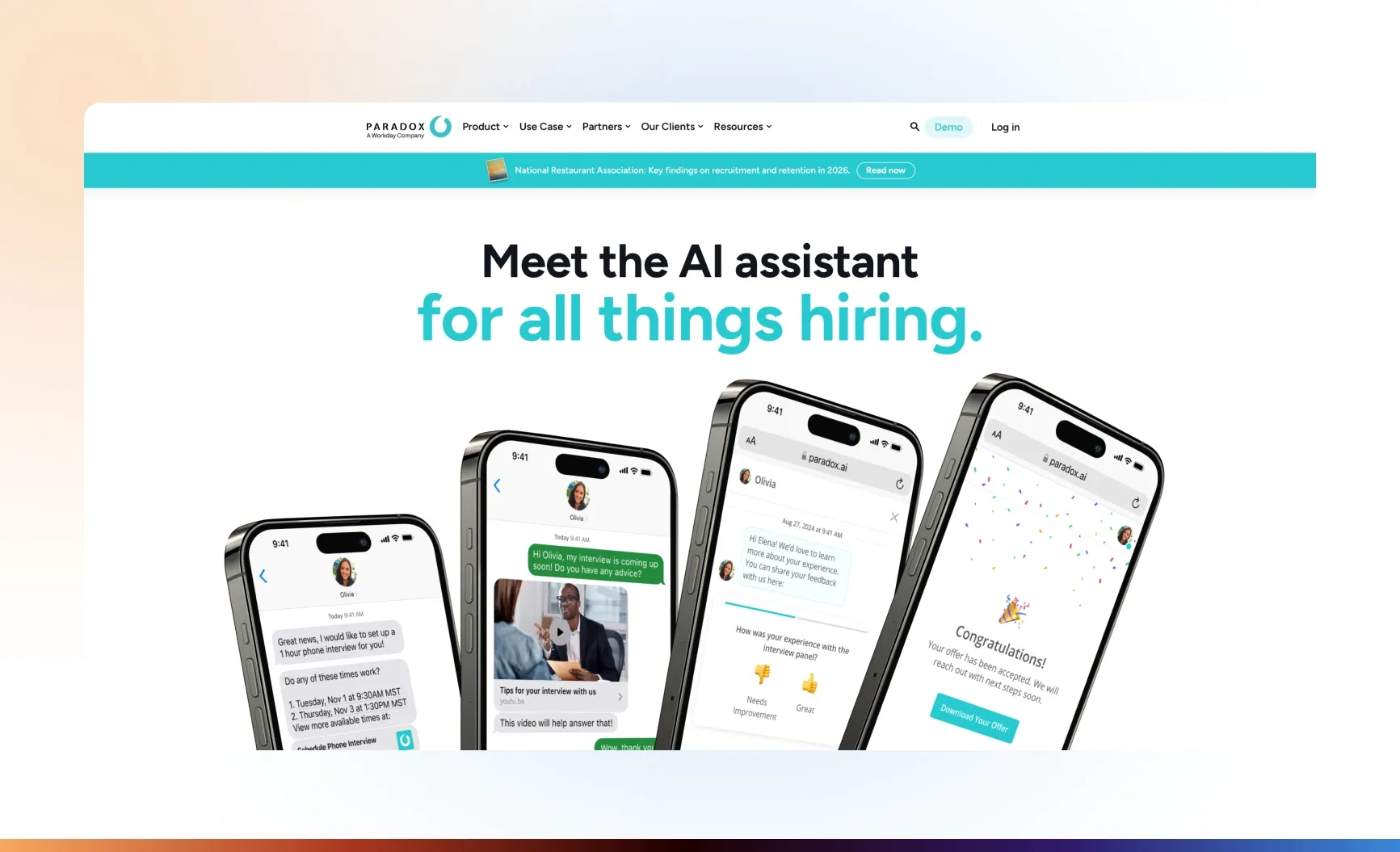
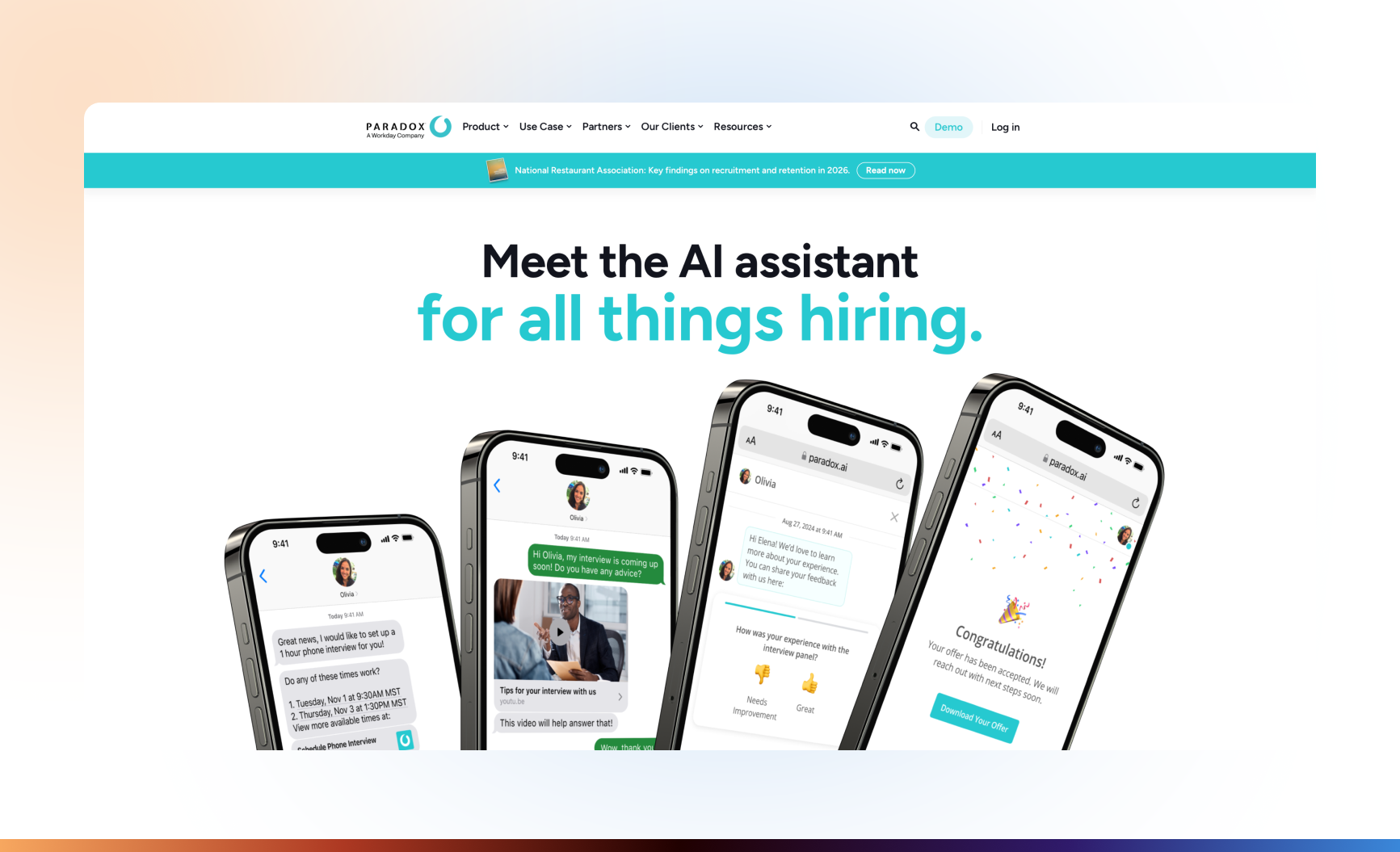
Paradox’s product page illustrates the candidate experience on mobile. Calendar integrations and scheduling are documented in the Workday capability reference. Product-page image from the original review · Workday ATS capabilities
If a supplier emails that an ingredient will arrive late, extract the item, revised delivery date, and affected location into an internal task. The manager checks stock and approves any substitution before the workflow sends a reply or changes an order. The pilot succeeds when the approved decision and its destination record agree. Restaurant AI Agent
Test a declined substitution. The expected result is a stopped workflow run and no supplier reply associated with the test request.
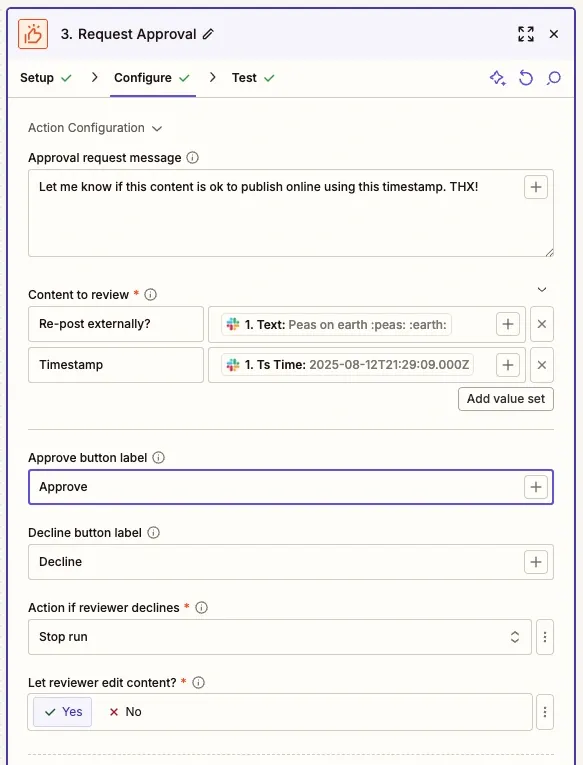
The Zapier Request Approval example shows the decline behavior set to Stop run. Zapier approval setup
For hotel-specific workflows, see AI tools for hospitality.