Article Nov 05, 2026
 11 min read
7 Ready-Made AI Templates for Cleaning Companies: Calls, Quotes, and Appointments
Nov 05, 202611 min read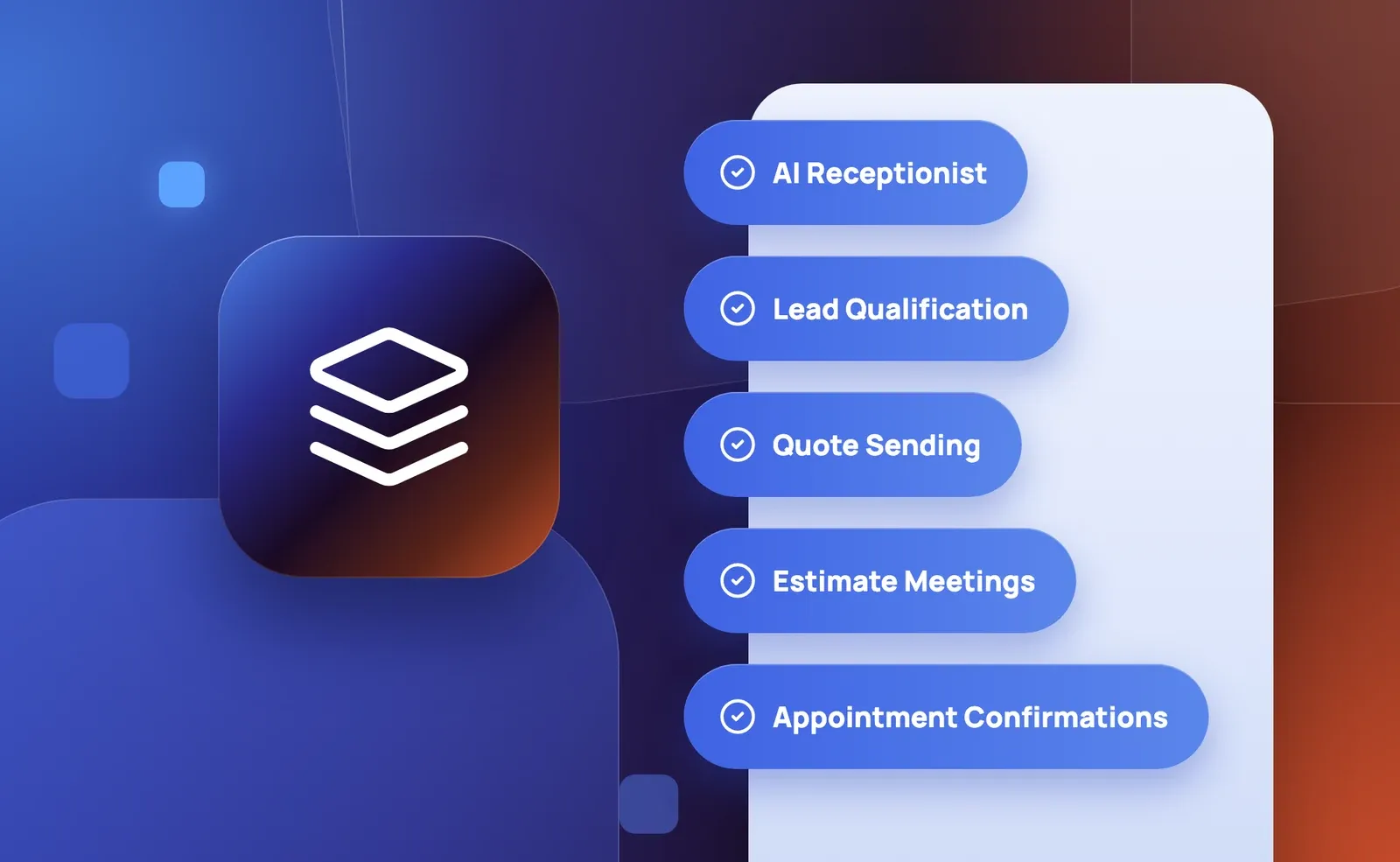 Nov 05, 202611 min read
A cleaning company may need help with several different tasks: answering a general call, collecting details for an estimate, sending an approved quote, or confirming an existing appointment. Each task starts with different information and produces a different result.
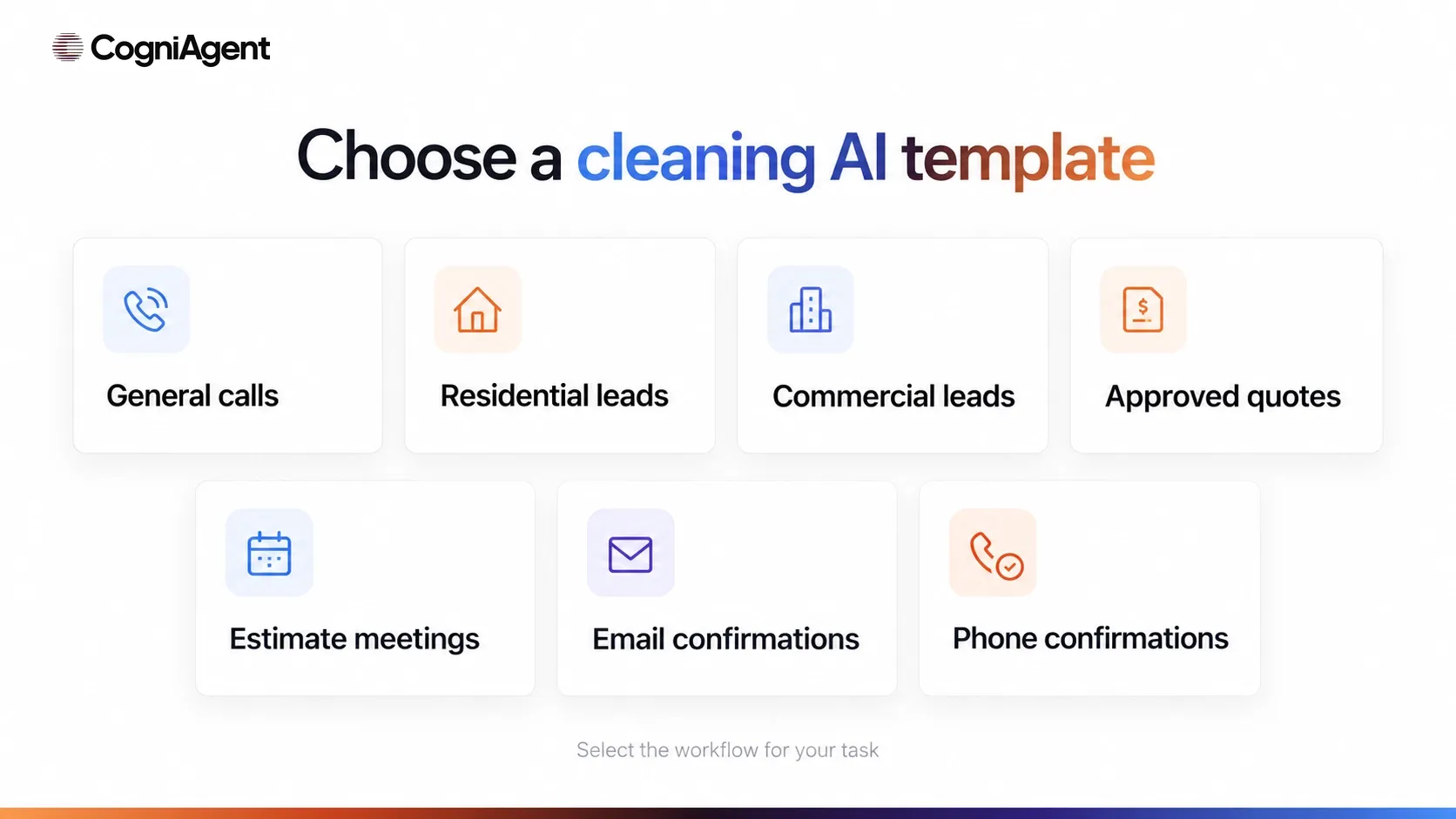
These seven AI templates for cleaning companies provide starting workflows for those jobs. These no-code AI agents still need your company’s channels, data, connections, and rules. They also do not automatically form one connected process. In this overview, the booking template is for an estimate meeting, not a confirmed cleaning service.
|
Your task |
Template |
What it produces |
Main setup requirement |
|---|---|---|---|
|
Answer general incoming calls and take messages |
A message for the team and, where relevant, a complaint escalation report |
Phone channel, voice, Gmail, notification address, and approved company information |
|
|
Collect details for a residential estimate |
A residential enquiry brief emailed to an estimator |
Business Phone, service details, Gmail, and estimator email |
|
|
Collect details for a commercial proposal or site assessment |
A facility brief emailed to the team |
Phone channel, service details, Gmail, and recipient address |
|
|
Send an already approved quote |
A customer quote email and sales notification when the input passes validation |
Gmail, an approved-quote event, mapped fields, and validation rules |
|
|
Arrange a new estimate meeting by phone |
A calendar event and customer confirmation after agreement |
Inbound phone, voice, Google Calendar, and Create Event permission |
|
|
Send an email after a relevant calendar event appears |
Appointment Confirmation Follow-Up & Sales Notification Agent |
A customer confirmation email and sales notification |
Google Calendar, Gmail, event search conditions, and attendee details |
|
Call one customer about an existing appointment |
A call outcome and access details summarized for the team |
Outbound phone number, appointment information, and sales notification email |
CogniAgent is a no-code AI builder platform where these templates can be adapted. Opening a public template page lets you review its documented workflow; installation, connections, testing, and activation are separate steps.
The AI Receptionist is a starting point for general incoming calls. Choose it when the immediate need is to answer supported company questions, identify why someone is calling, and take a concise message for the team.
The template starts when a call arrives on the connected phone channel. It can use an optional company knowledge base for supported questions, then collect the minimum contact details and message needed for follow-up. Its documented workflow sends one internal notification email per call; a complaint has a separate escalation report after the conversation.
To configure it, connect the phone channel and Gmail, choose a voice, set the escalation email, and provide approved company information where needed. Without a suitable knowledge base, do not assume it can answer every question about your services.
Check the result: Does the team receive the intended notification with the correct caller details and message?
Boundary: This template does not quote a price, confirm a booking, or create a record in an external system. An email notification for staff follow-up is not a live transfer of the current conversation to a person.
The AI Residential Lead Qualification template is intended for an incoming residential cleaning enquiry when an estimator needs a structured brief about the home.
The documented phone workflow gathers information such as property type, approximate size, bedrooms and bathrooms, requested cleaning service, pets, timing, and access. Details already volunteered by the caller are meant to be acknowledged rather than requested again.
Setup requires a Business Phone number, company service details in Global Context, Gmail, and the estimator’s email address. Supply the actual service area, available services, add-ons, notice period, and exclusions. A caller’s requested service does not establish that your company can perform it.
The output to review is the residential brief sent to the estimator. For the wider choice of questions, use the cleaning service intake checklist; the residential qualification guide provides additional setup context.
Boundary: The template does not calculate a price, confirm availability, or promise an appointment time. A completed brief still needs review before the company prepares or approves a quote.
Choose AI Commercial Lead Qualification when an incoming caller is asking about a commercial facility and the team needs enough context for a proposal or site assessment.
The phone workflow collects a facility brief: organization and contact details, location and size, cleaning scope and frequency, access constraints, desired start, and walkthrough preference. It can also record customer requirements that the team needs to investigate.
Connect the phone channel and Gmail, enter your actual services and exclusions in Global Context, and set the team or estimator’s summary address. Review whether the emailed brief accurately reflects what the caller requested.
The commercial lead qualification guide explains the broader build. The template discussed here is documented as a phone workflow; do not assume that other channels described in a general guide are already configured in it.
Boundary: The template does not promise a price, company capability, availability, or service timeline. A caller’s stated compliance requirement is a request for the team to review—not proof that your company holds a certification or meets that requirement.
The AI Quote Sending Agent addresses a later step: the company has already prepared and approved a quote and needs to send it.
The documented workflow starts with an “Approved quote ready to send” event carrying quote details. The source mentions fields such as a quote ID, currency, and frequency as examples; your company must define the complete data required for its own quote.
Connect Gmail, map the approved-quote event and its fields, review the validation step, and customize the customer and sales emails. According to the template description, a complete approved quote follows the sending branch; an incomplete or unapproved quote is stopped.
Check the result: Was the correct approved version sent to the intended address, and did the sales notification appear for the successful branch?
Boundary: This agent does not calculate a new price or approve a quote on the company’s behalf. A successful email action does not prove inbox delivery, opening, customer acceptance, or a booking.
Sending the quote is also different from following up afterward. The separate cleaning quote follow-up guide covers how to plan reminders and when to stop contacting a customer.
The AI Appointment Booking Agent is for a new estimate meeting requested during an incoming phone call. It should not be treated as a guaranteed booking for the cleaning work itself.
The documented flow collects contact details, the meeting or service type, preferred date and time, time zone, and an address for an on-site meeting. It summarizes the details and asks for the customer’s agreement before triggering creation of a Google Calendar event and a confirmation.
To set it up, connect an inbound phone number, select a voice, connect Google Calendar, enable the Create Event action, and review the fields needed for your estimate process.
Check the result: After the customer agrees, is the intended event actually present in the correct calendar with the right time zone, duration, and location?
Boundary: The public setup specifies event creation; it does not establish that the template already checks every calendar conflict, travel route, or crew availability. Confirm and configure any additional checks your business needs. The template does not calculate a quote, reschedule an existing meeting, or cancel one.
The Appointment Confirmation Follow-Up & Sales Notification Agent starts from an existing calendar event rather than an incoming conversation.
Its public description says the workflow checks the primary Google Calendar for new events using a title search for “Cleaning.” It retrieves event details, identifies a customer attendee while skipping the owner or organizer, sends that attendee a confirmation email, and notifies the sales address. The page describes a one-minute polling interval; that is a workflow description, not a guaranteed delivery deadline.
Connect Google Calendar and Gmail, set the sales destination, and verify the calendar, event search condition, and attendee emails. If your event titles use different wording, review the search configuration. If this workflow follows a separate booking agent, the event fields, title, and attendees must be compatible through your own configuration.
Boundary: An email sent by the workflow does not mean the customer has replied or confirmed attendance. This is not an outbound call, a quote follow-up sequence, or a preconfigured 24-hour/one-hour reminder campaign.
The AI Appointment Confirmation Agent is an outbound phone workflow for one customer per launch. It uses the phone number and appointment details supplied at launch to discuss an existing cleaning appointment.
The documented conversation checks whether the appointment is still on and asks about access details. If the customer requests a change or cancellation, the request is recorded as pending your confirmation. A summary of the completed conversation is sent to the sales address.
Configure an outbound phone number and the sales notification email. Provide appointment details and any existing access notes as launch input. The public setup describes an email summary but does not identify a specific email connector in its installation steps, so confirm the actual connection in your configured workflow.
Boundary: The agent does not move the booking itself. A confirmed conversation outcome does not guarantee that the customer will be present. The public description also does not establish a retry schedule for unanswered calls or an automatic campaign covering every calendar event.
The seven templates are not one mandatory sequence. Start with the task that needs attention now:
Your company may send a quote before or after an estimate meeting, depending on how it assesses the work. The templates do not require one universal order.
If you decide to connect workflows, define the handoff between them explicitly. Which fields move from one step to the next? Who approves the quote? What creates the next event? How are customer and appointment identifiers retained? What should happen if a tool returns an error or an event is repeated?
Those are configuration and testing decisions. Installing several templates does not, by itself, prove that they share context, synchronize with a CRM, or pass data to one another.
Use the AI agent builder to review and adapt the selected workflow. In AI workflow automation, the useful outcome is not simply a message saying that something happened; it is a result your team can inspect in the intended email or calendar.
Use your own test contacts and a test calendar before enabling customer-facing activity. These checks are recommendations for your setup, not claims that every template already includes the same safeguards.
For a wider testing plan, see how to test an AI agent before launch.
Open the template that matches your next task, prepare its required data and connections, and test one scenario before extending the process. For a broader commercial overview, see the AI receptionist for cleaning companies.