Product updates

New features, improvements, and fixes

we ship to CogniAgent

  • Facebook
  • LinkedIn
  • YouTube

Follow us and stay up to date with everything CogniAgent!

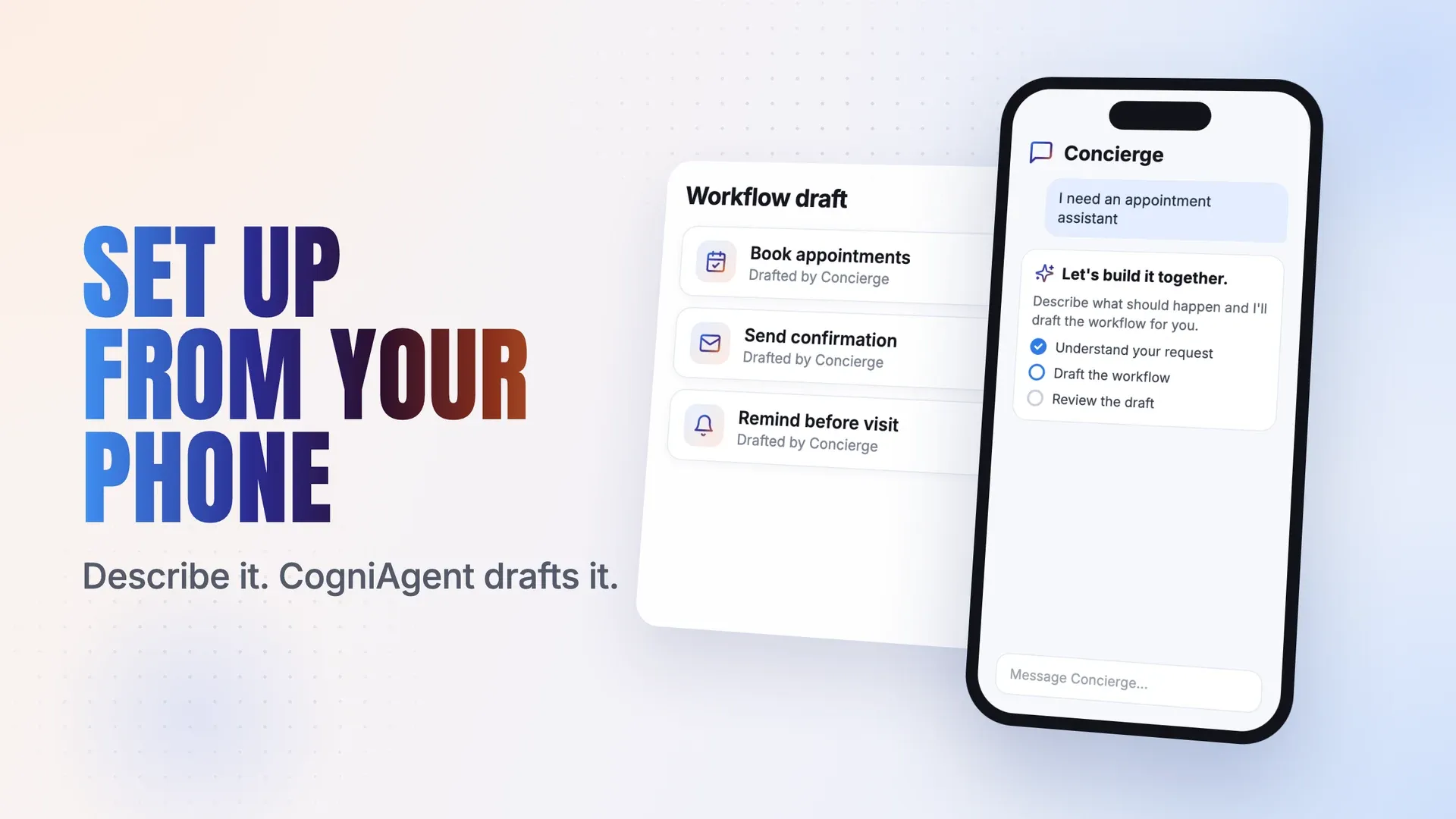
CogniAgent now works on mobile, so you can create your first workflow without waiting until you’re at your desk

mobile app CogniAgent Nov 2026

You can now set up and use CogniAgent on a mobile device, including creating your first workflow. No need to wait until you're back at your desk to get started.

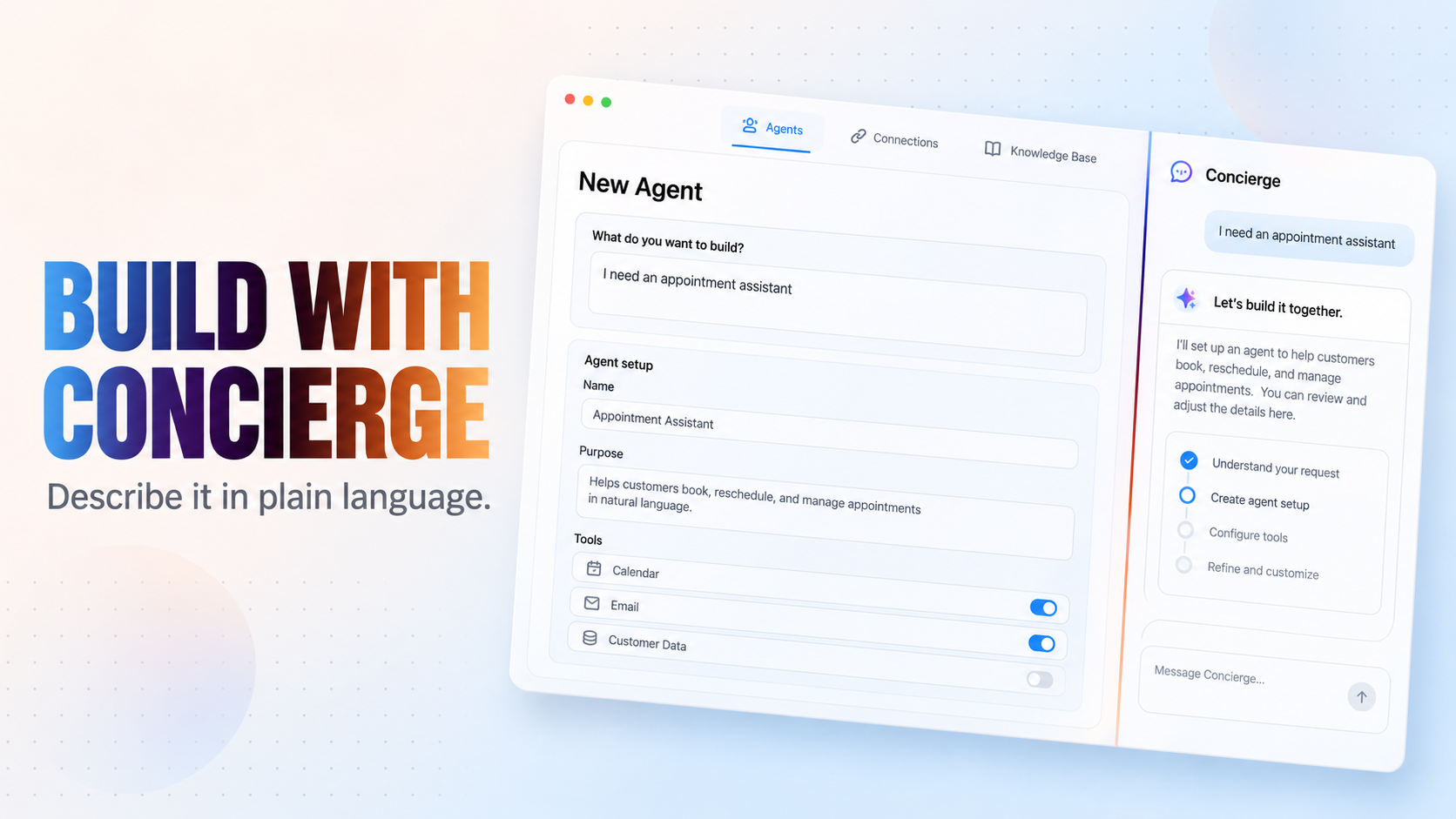
  • Open CogniAgent on your phone and start with AI Concierge.
  • Describe what should happen in plain language.
  • CogniAgent drafts the workflow for you, ready to review.

Concierge, added in September, keeps the same conversation wherever you work in the platform.

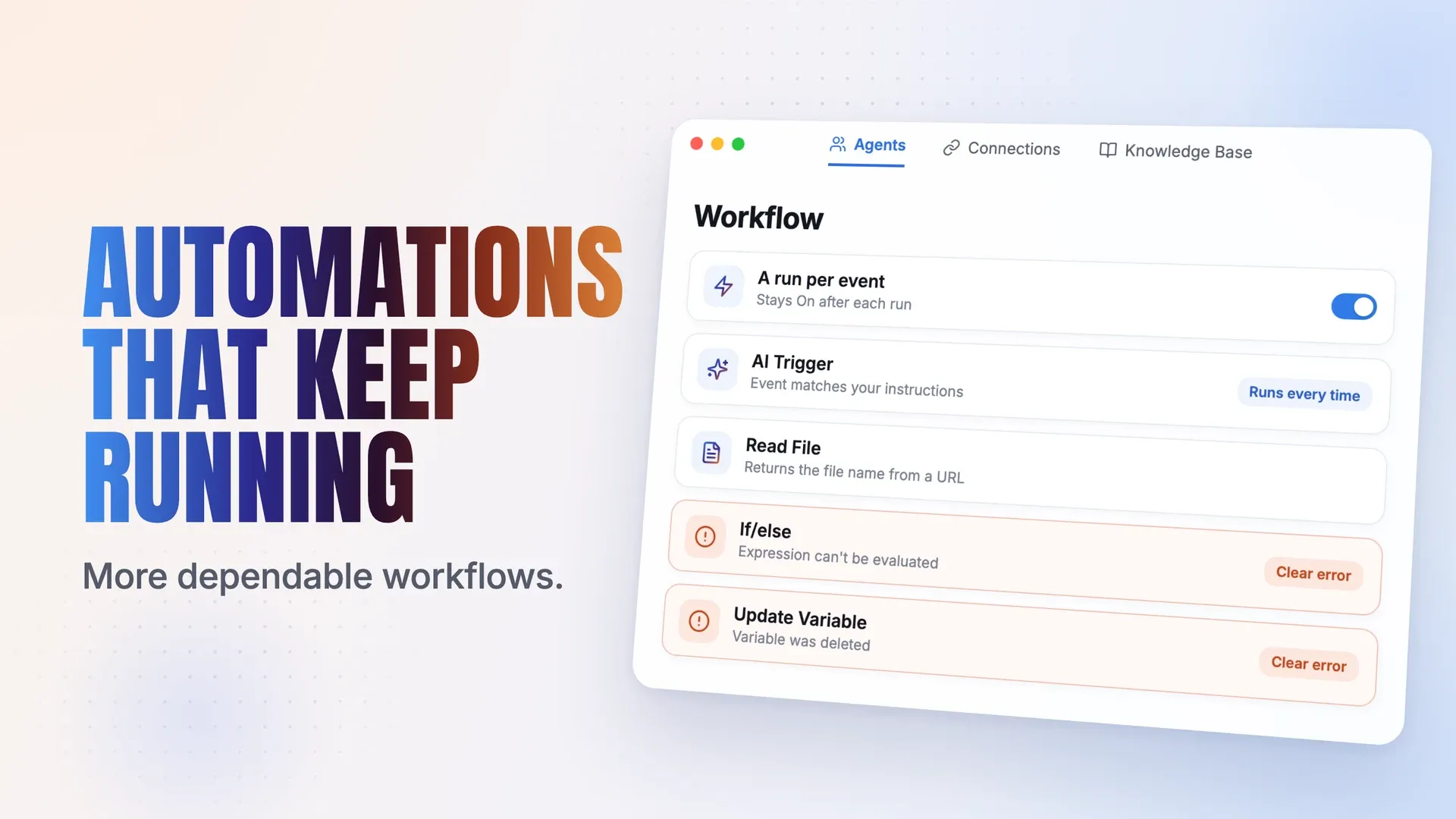
Workflows are more dependable: “A run per event” automations stay On, and two steps now stop with a clear error

Automation CogniAgent Now 2026

This release makes workflows more dependable: automations keep running between events, and two steps now stop with a clear error instead of passing silently.

  • Workflows set to "A run per event" now stay On after a run completes, so they're ready for the next event.
  • Stopping a single run no longer switches the whole workflow Off. Only that run stops.
  • The AI Trigger, which lets you describe the event you're waiting for in plain language, now runs its connected step every time an event matches your instructions.
  • Read File now returns the file name when you read a file from a URL.

Two steps now stop with a clear error instead of passing silently:

  • If/else in expression mode: an expression that can't be evaluated (for example, a misspelled step key or extra braces) no longer takes the True branch.
  • Update Variable: writing to a variable you've deleted from the workflow no longer recreates it.

If a workflow starts failing at one of these steps, open it and correct the expression or the variable name.

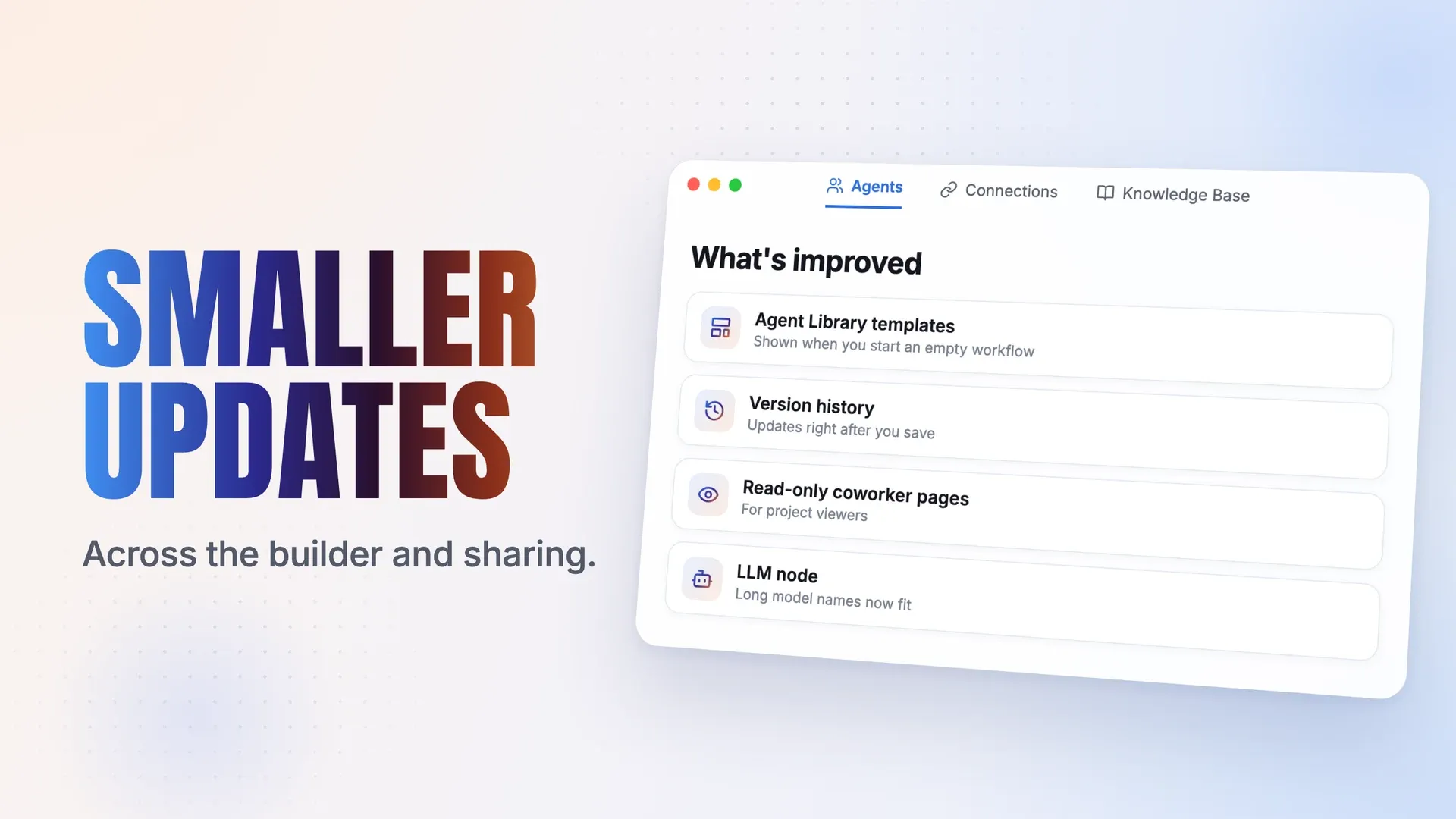
Smaller updates: Agent Library templates in empty workflows, faster version history, and read-only coworker pages

Smaller Update Nov 2026

Smaller updates across the workflow builder, version history, and project sharing.

  • Agent Library templates now show up when you start an empty workflow, so you can begin from a template instead of a blank canvas.
  • Version history updates right after you save a change.
  • Project viewers can open a coworker's page in read-only mode.
  • Long model names now fit inside the LLM node.

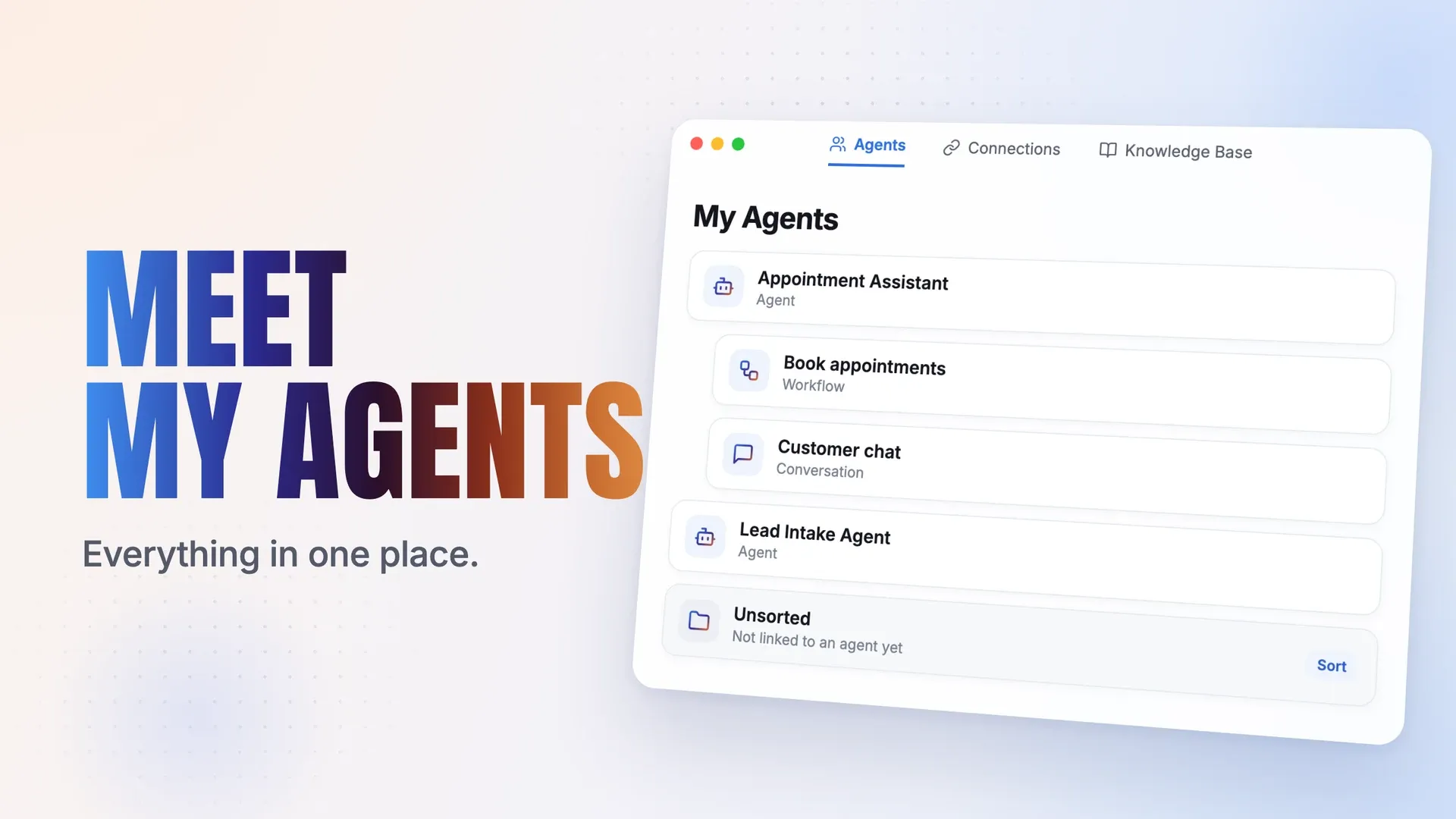
My Agents brings each agent’s workflows and conversations together, with an Unsorted folder for the rest

New Agents Nov 2026

CogniAgent now organizes your workspace around agents. Instead of browsing separate lists of workflows and conversations, you open an agent in My Agents and see everything it works with in one place.

  • My Agents is the new home for your work. Each agent holds the workflows and conversations it uses.
  • You can find, open, and manage everything an agent does from that one place.

Your existing workflows and conversations have already moved into the new layout. Anything that isn't linked to an agent yet is in the Unsorted folder.

  • Open the Unsorted folder and review what's inside.
  • Sort or regroup each item under the agent it belongs to.
  • A few minutes of sorting now keeps your workspace easy to navigate.

Added Concierge: describe what you need in plain language and it helps you build it, with the same conversation following you wherever you work in the platform.

Concierge CogniAgent