Why It Matters: Context You Can See
Most AI arrives as static blocks of text, informative, but hard to absorb quickly. Magic Window transforms that experience. It turns AI answers into clear, adaptive visual elements, so information isn’t just read, it’s seen, felt, and understood at a glance.
Instant
Clarity
Answers come alive through charts, images, and dynamic visuals that summarize key points on the spot.
Effortless Comprehension
Complex topics become simple with automatically generated visuals that highlight what matters most.
Adaptive
Flow
As conversations evolve, visuals shift in real time to match the context, no manual searching or tab-switching.
Engaging
Experience
Users stay focused and curious when every response feels tailored, intuitive, and visually clear.
How Does
Magic Window Work?


Context-Aware Visualization
Understands conversation intent and instantly displays related documents, charts, or dashboards — no searching or tab-switching.

Live Data Sync
Connects to CRM, analytics, and scheduling tools to update visuals in real time, keeping every discussion current and accurate.
Adaptive Interface
Adjusts visuals and layouts automatically across devices, ensuring smooth, responsive experiences as conversations evolve.

Secure Visual Layer
Manages who sees what with built-in privacy controls and compliance safeguards, protecting sensitive data at every step.
See It in Action: Workflow Examples
 Inbound Call or SMS Arrives
 Display Job Details & Availability
 Qualify & Confirm Requirements
 Book Slot → Sync to Calendar
 Send Pre-Visit Confirmation


Perfect for
Sales Teams
While your AI agent discusses product features, the Magic Window displays specifications, pricing tables, or demos, instantly synced to the conversation.
Finance Advisors
During portfolio reviews, charts update live as clients ask questions, creating a transparent, data-driven dialogue.
Educators
AI tutors show materials, progress visuals, or quizzes that adjust as the student interacts.
Healthcare Teams
Care plans, test results, or visual diagrams appear in sync with the discussion during consultations, ensuring clarity and patient confidence.
Visual AI
Coordination in Numbers
Faster Understanding
40%
Quicker
Insights
Higher Engagement
2x
Longer
Interaction
Seamless Experience
100%
Zero Screen
Swaps
Stronger Relationships
35%
Higher Trust &
Retention
Learn How to Make it Work for You
Explore our latest insights on agentic AI and next-gen workflow automation
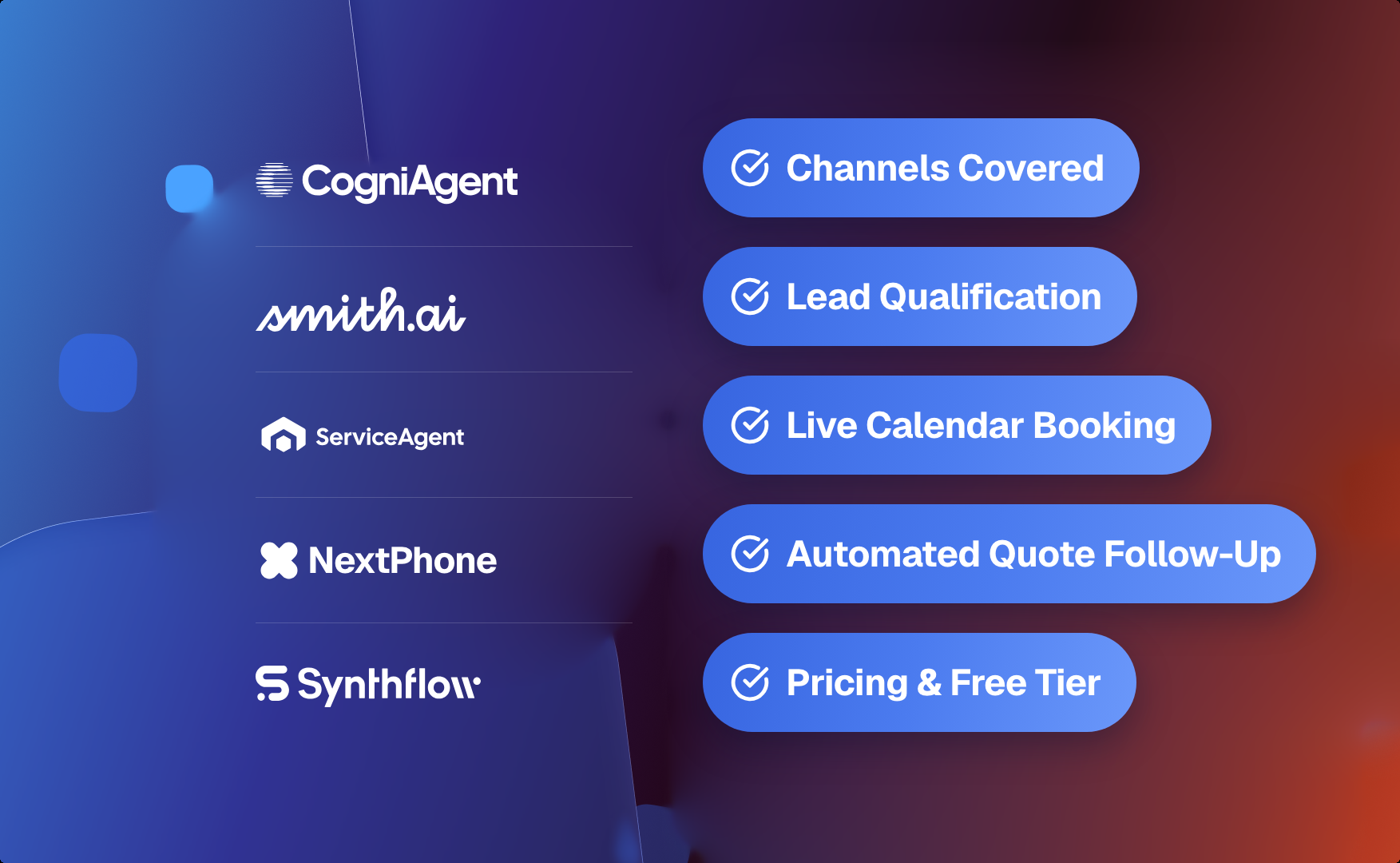

![Best AI Tools for Auto Repair Shops [2026 Guide]](https://cogniagent-preview-def77a0f.nyc3.digitaloceanspaces.com/media/2026/07/Best-AI-Tools-for-Auto-Repair-Shops-2026-Guide.png)
Frequently Asked Questions About
Magic Window Feature
Magic Window connects with major CRMs (Salesforce, HubSpot), analytics platforms (Google Analytics, Power BI), and communication tools (Zoom, Microsoft Teams, Slack). Custom integrations are also available via API.
No. Magic Window is designed for ease of use — agents and teams can start showing live visuals within minutes, no coding or setup required.
Your data is protected through encryption, role-based access control, and a secure visual layer. Magic Window is compliant with GDPR, HIPAA, and enterprise security standards.
Yes. Magic Window layers on top of your existing AI systems without changing your current workflow — it adds the visual layer to whatever you already run.
Primarily sales, finance, education, and healthcare, but it fits any role where context and clarity matter during live conversations.

No results