The Whole Front Desk, Handled End to End
Each stage of an enquiry, up to the booked appointment, runs on one canvas with live calendar and CRM access

First contact & recovery
Picks up the enquiry whenever it lands, holidays included, and texts back any call it missed

Intake and needs capture
Runs your question set and records contact details and the timeline the customer needs

Qualification & queueing
Checks service area and new-versus-returning status, then routes the request to the right team

Standard questions
Pulls service details and pricing from your Knowledge Base, and arranges a callback for anything custom

Booking and reminders
Puts the job on your live calendar, then nudges the customer before the visit

Live escalation
Flags an urgent request and pages whoever is on call instead of guessing an answer

Automatic follow-up
Keeps working requests that never got an answer or a decision, on a cadence that you set

Post-appointment wrap-up
Confirms the job went ahead and asks for a review where it fits
The First to Answer Wins the Job
The challenge
CogniAgent AI receptionist


It rings while your team is off duty
The heaviest inbound windows are evenings and weekends, which is when nobody is around to pick up

Answers in seconds on every channel
Picks up at 11pm exactly as it does at 9am, running the same intake questions either way
A fast reply that goes nowhere loses
Speed only pays off when the request is qualified and booked in that first contact, before the customer moves on
Booked before the conversation ends
Qualifies the request and confirms an open slot while the customer is still in the thread
Open leads go cold after a single try
Most enquiries need several nudges, yet the chase usually stops when the first message goes unanswered
Follow-ups that keep going
Messages again on day 1, day 3, and day 7, and hands any live question to a person
They expect a reply on their channel
An answer sent by email to someone who texted can sit unread for days
Meets each customer where they wrote
Responds on the channel they picked, with one intake flow and one record across all of them
A single coordinator becomes the bottleneck
Juggling inbound calls and rebookings, they fall behind the moment an escalation lands
Hours back for your staff
Routine interactions stay with the agent, and only the exceptions reach a person
Start With an Agent Built
for Front Desk Work
Pre-configured templates that already know how enquiries get answered, qualified, booked, and followed up
AI Receptionist
Answers incoming calls and texts, responds to common questions, collects the address and access details, identifies the problem, and logs a full job summary






AI Appointment Booking Agent
Collects booking details, checks connected calendar availability, and schedules the appointment or submits a request for confirmation



Quality & Reviews Follow up Agent
Satisfied customers receive a public review link, while complaints and negative feedback are routed to a manager for service recovery

AI Quote Sending Agent
Receives prepared quote details, validates the customer information, and sends it by email

AI Lead Qualification Agent
Qualifies inbound enquiries against the criteria you set (service type, location, timeline, budget) and routes only the ones that fit

Appointment Reminder & Confirmation Agent
Reminds every customer before their appointment, collects a confirm, rebook, or cancel reply, updates the calendar, and alerts your team when a slot frees up
How It Works
From manual booking to a live AI receptionist - in days. No developer or automation specialist required.
One AI Receptionist. Every Channel Your Customers Use.
Customers call, text, or message on WhatsApp, and the same logic and customer record follow them everywhere.
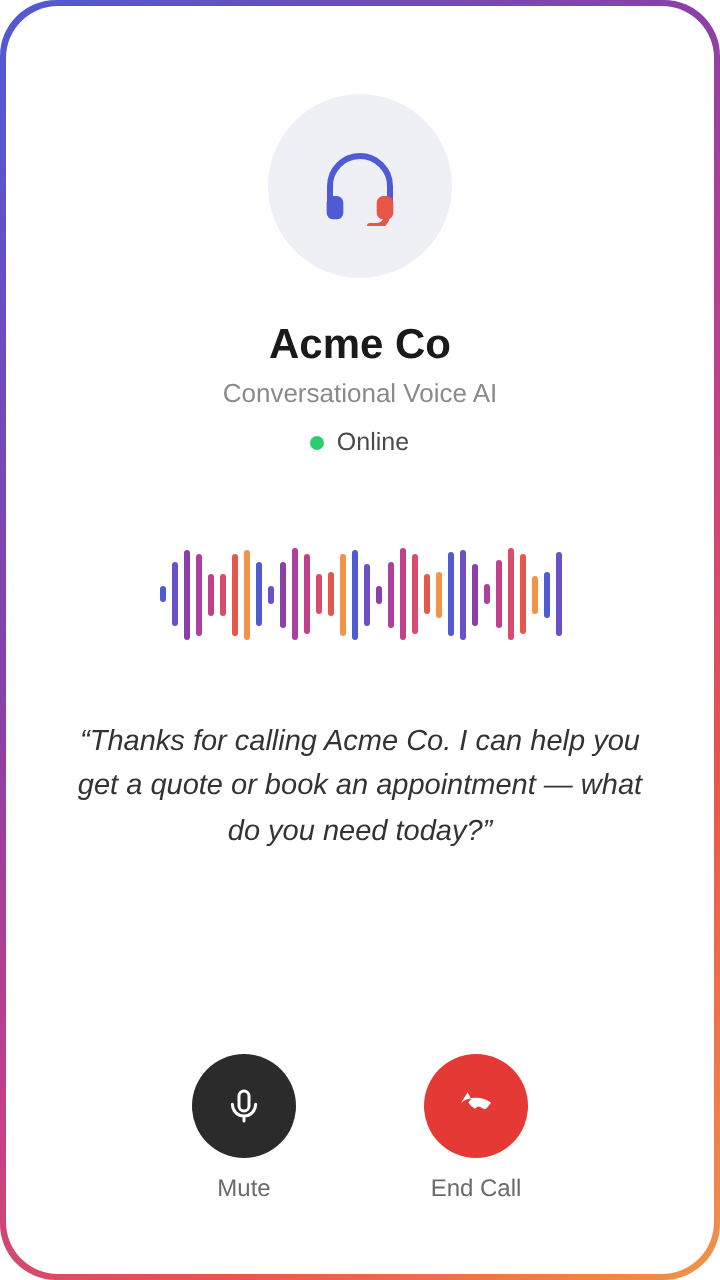
Voice AI
Answers inbound calls and can call back callers who don't reply to text. No menus, no hold music.
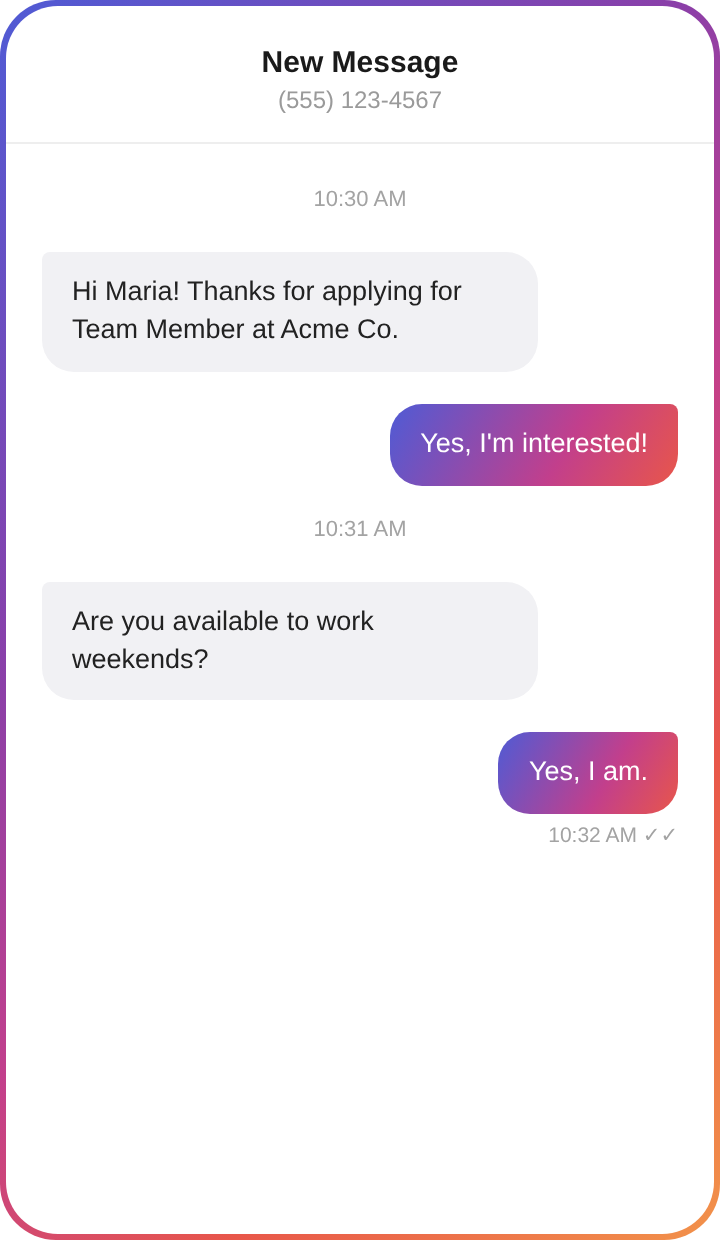
SMS
The recovery channel for missed calls: an automatic text-back with a booking option, then reminders and review requests on the same thread.
Web and online booking chat
Engages visitors on your pricing and service pages and confirms the appointment in the window itself, with no form to fill.
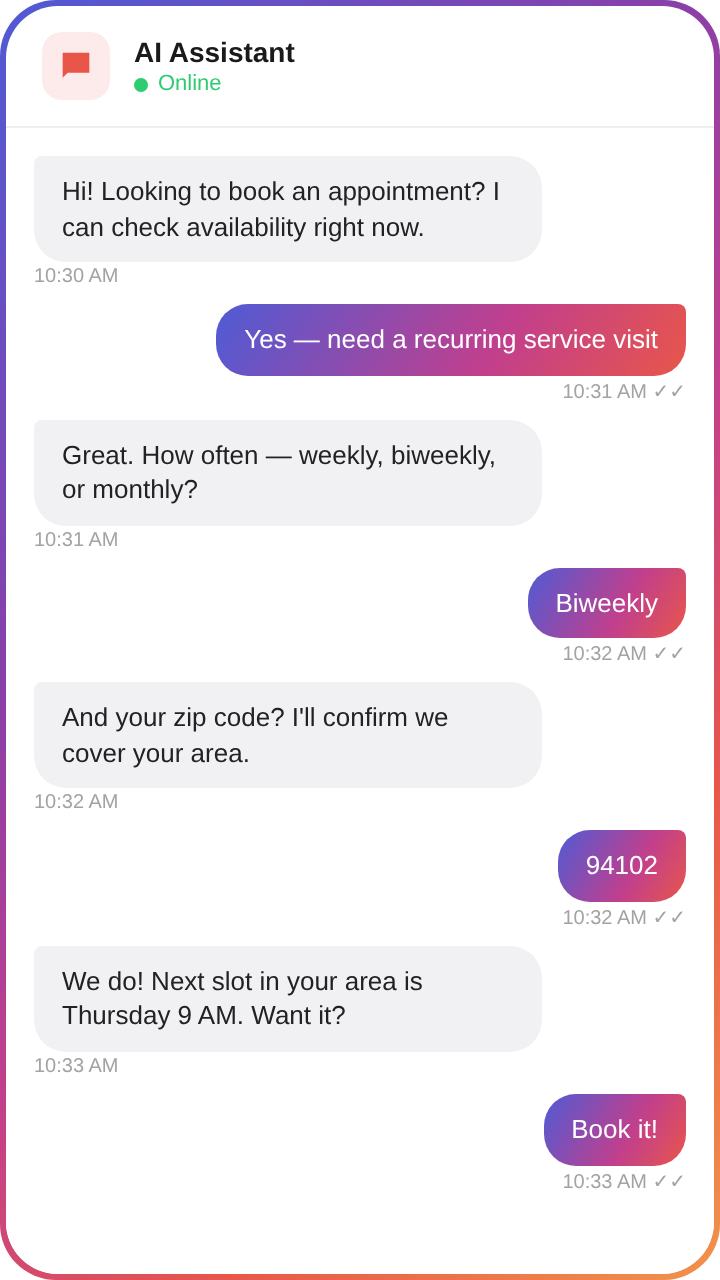
For customers who prefer messaging, including photo and document upload inside the thread.
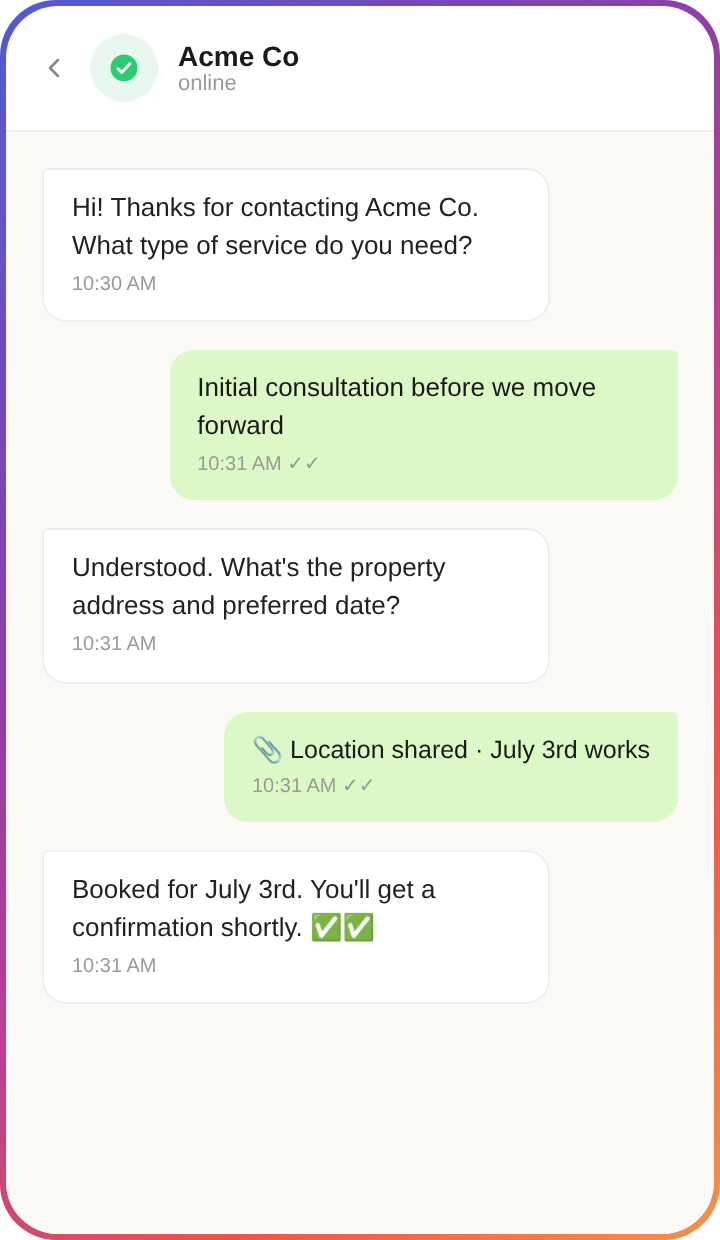
Picks up enquiries from partners and lead sources, then runs intake and scheduling inside the thread.
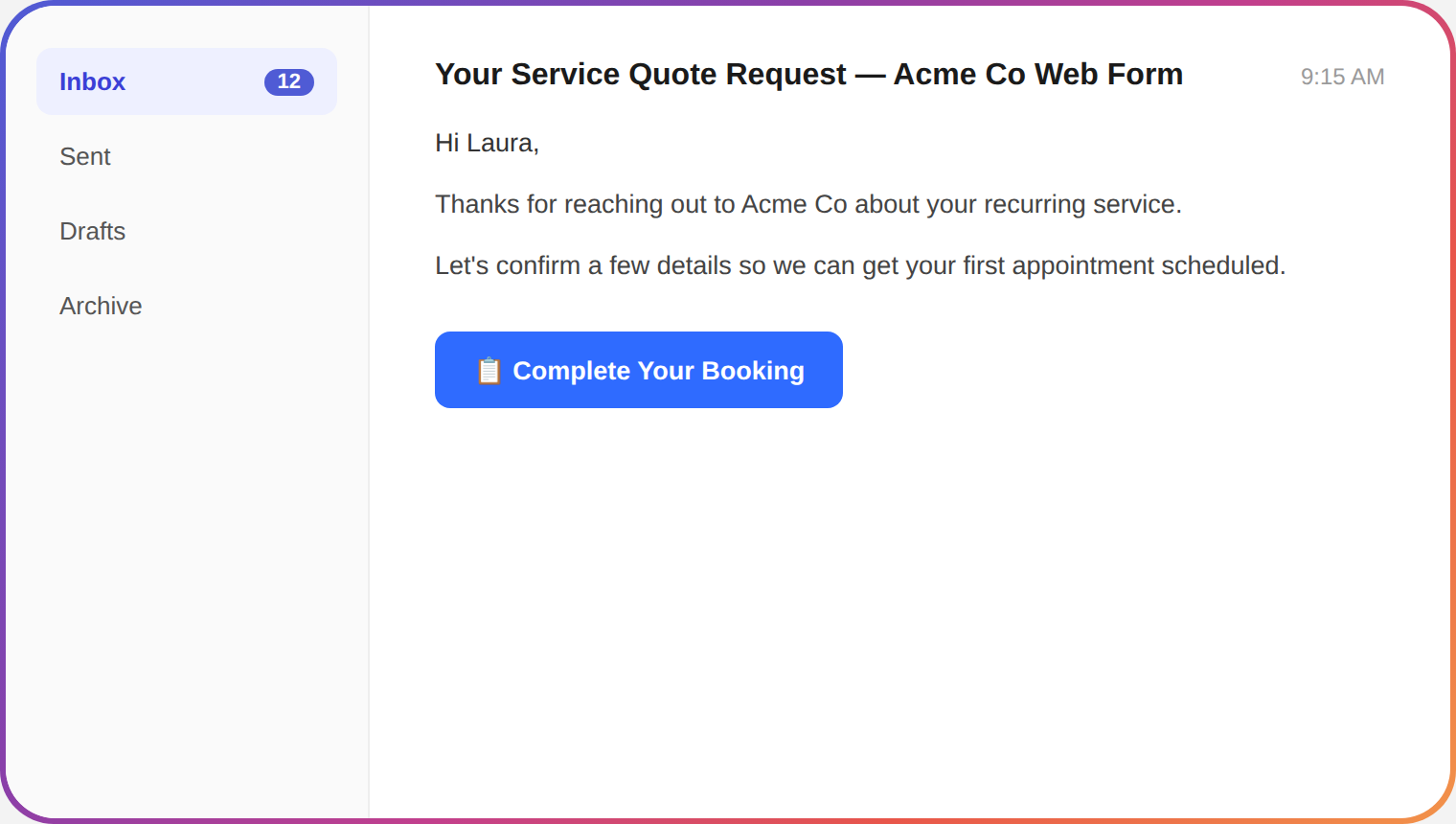
5 Capabilities Behind Every Conversation
Connects to Your Entire Front-Desk Stack
2,700+ integrations, so the agent reads live data and updates records inside the tools you already run.





 WhatsAppbusiness
.svg.webp)
.svg.webp)







.svg)

What an AI Receptionist Does That Answering Services Don't
Built for People Who Think in Processes

Standard answering service / chatbot

- Takes a message, forwards a ticket - someone still has to call back
- Office-hours coverage, slow on evenings and weekends
- Single channel - usually voice or a web widget
- Generic script, no system access
- Per-call or per-message billing - cost scales linearly with volume
- Vendor-controlled flow; changes require a ticket and a wait
- No follow-up logic - leads go cold

CogniAgent AI receptionist

- Books the appointment on your live calendar before the call ends
- Covers nights and weekends at the same standard as Monday morning
- The whole history sits in one place regardless of how many channels the conversation crossed
- Reads and writes your calendar, CRM, and booking tools mid-conversation
- Pay-as-you-go credits, no contract, no per-seat fee, free to start
- You build, modify, and own the agent - no vendor approval cycle
- Follow-up runs automatically after the first contact
Pricing
Pay only for what you use. Full visibility on every credit spent.
Pay-as-you-go
No subscription. No monthly fee.
Buy credits from $10
- 5,000 credits loaded on signup
- Full canvas + all AI features
- 2,700+ integrations, templates
- Free messaging channels
- Up to 5 user seats
- Production deployment
- Human chat support*
- Credits never expire

* activates on first credit purchase
Enterprise
Custom plan. Annual subscription,
negotiated rate.
- Annual credit package
- Custom user seats
- SSO
- Bring your own LLM API keys
- Extended usage logs
- Assisted onboarding + training
- Agents built by CogniAgent team
- Premium support + SLA

Enterprise-Grade
Security & Compliance
Built for businesses handling sensitive customer data - contact details, payment information, and recorded calls


Data protection
Call recordings, transcripts, and payment-on-file records are encrypted in transit and at rest. Configurable data retention windows let you align storage practices with your own policies and your customers' expectations.

Privacy assurance
Your data stays yours. Conversations, call recordings, and CRM records are never used to train public AI models. Bring-your-own API keys keep LLM calls inside your provider relationship.
Secure system integration
Role-based access across CRM, scheduling, and payment-processor connections. Encrypted channels for every read and write the agent performs mid-conversation.

Audit & monitoring
Full activity logs for every call, text, booking, and CRM write. Time-stamped records support compliance reviews and dispute resolution.


![Best AI Tools for Auto Repair Shops [2026 Guide]](https://cogniagent-preview-def77a0f.nyc3.digitaloceanspaces.com/media/2026/07/Best-AI-Tools-for-Auto-Repair-Shops-2026-Guide.png)

Frequently Asked Questions for
AI Receptionist
An answering service ends the call with a message for your team. An AI receptionist keeps going: it checks your live calendar while the caller is still on the line, offers an open slot, and writes the booking and call notes into your CRM before hanging up. Your team opens a confirmed job instead of a callback list.
Routine work stays with the agent: answering, intake, qualification, booking, reminders, and follow-up. Complex negotiations and any request where the customer asks for a person go to your team. The handoff carries the full conversation history, so nobody asks the customer to repeat themselves.
No. You configure nodes on the canvas to map intake questions, connect your calendar and CRM, and set escalation rules, with no scripting involved. Prefer to skip the canvas? Hand the job to the AI Concierge, which builds a first version of the agent from your description for you to adjust.
Most businesses go live within days: they start from a template or brief the AI Concierge, then connect a calendar and CRM before switching the agent on. Enterprise accounts get a fully configured and tested agent built by the CogniAgent team, typically 2-3 weeks after kickoff.
You do. Call recordings, transcripts, and CRM records live in your account and are not shared with third parties. You can export or delete them on your own timeline, for example when a customer asks for their records to be removed or when you move to another system.

No results