Article Updated Oct 21, 2026
 15 min read
Conversational AI for Home Services: Comparing Voice, Messaging, and Human Handoff
Updated Oct 21, 202615 min read Updated Oct 21, 202615 min read
Conversational AI for home services should be evaluated by how it clarifies a customer’s request, uses approved company information, handles corrections, and passes unresolved questions to a person. Answering a call or displaying a chat widget does not establish that a system can do those things reliably.
For cleaning, HVAC, plumbing, and repair businesses, the useful comparison starts with the conversation: what the customer said, what remains uncertain, and what the system is allowed to promise.
A useful customer conversation needs more than a completed intake form. The system should establish whether someone is requesting a new service, asking about an existing appointment, changing an earlier request, or reporting a problem.
Evaluate whether it can:
Answers and actions require separate checks. A system may correctly explain a cancellation policy but lack permission to cancel an appointment. It may collect a preferred time without successfully reserving it.
Conversational AI and generative AI are not competing categories. A conversational system can use a generative model to interpret requests and produce responses. Access to calendars, customer records, or other systems depends on its connected tools, permissions, and workflow logic—not on whether its marketing describes it as conversational, cognitive, or agentic.
For a comparison focused on operational actions rather than dialogue, see AI agents for home services.
Test addresses, names, dates, interruptions, and corrections—not just a clearly spoken service request.
If a caller changes “Tuesday morning” to “Thursday afternoon,” the revised preference should replace the original one. Important details should be read back before they affect a quote, appointment, or escalation.
Listen for whether the system allows a correction or keeps speaking through it. A readable text response can still make a poor phone response if it contains long lists or several questions at once.
Text conversations can contain pauses and details spread across several messages. Test whether the system handles “also the oven” as an addition to the current cleaning request rather than a new inquiry.
A conversation history is useful only if the relevant information remains available when the customer returns.
Supporting phone, SMS, and website chat does not by itself prove that the channels share a customer history.
Ask how the platform matches a caller to a previous conversation, handles a different phone number, and avoids merging unrelated people. Demonstrate a channel switch using your proposed configuration. Do not accept a list of supported channels as evidence that this works.
This is an editorial comparison of public product pages, documentation, and pricing information checked on October 20, 2026. It is not a report of hands-on testing.
Disclosure: This article is published by CogniAgent, which is included in the comparison.
Each option is assessed against the same questions:
Unconfirmed functionality is a question for the supplier, not proof that a feature is absent. The options below are not ranked.
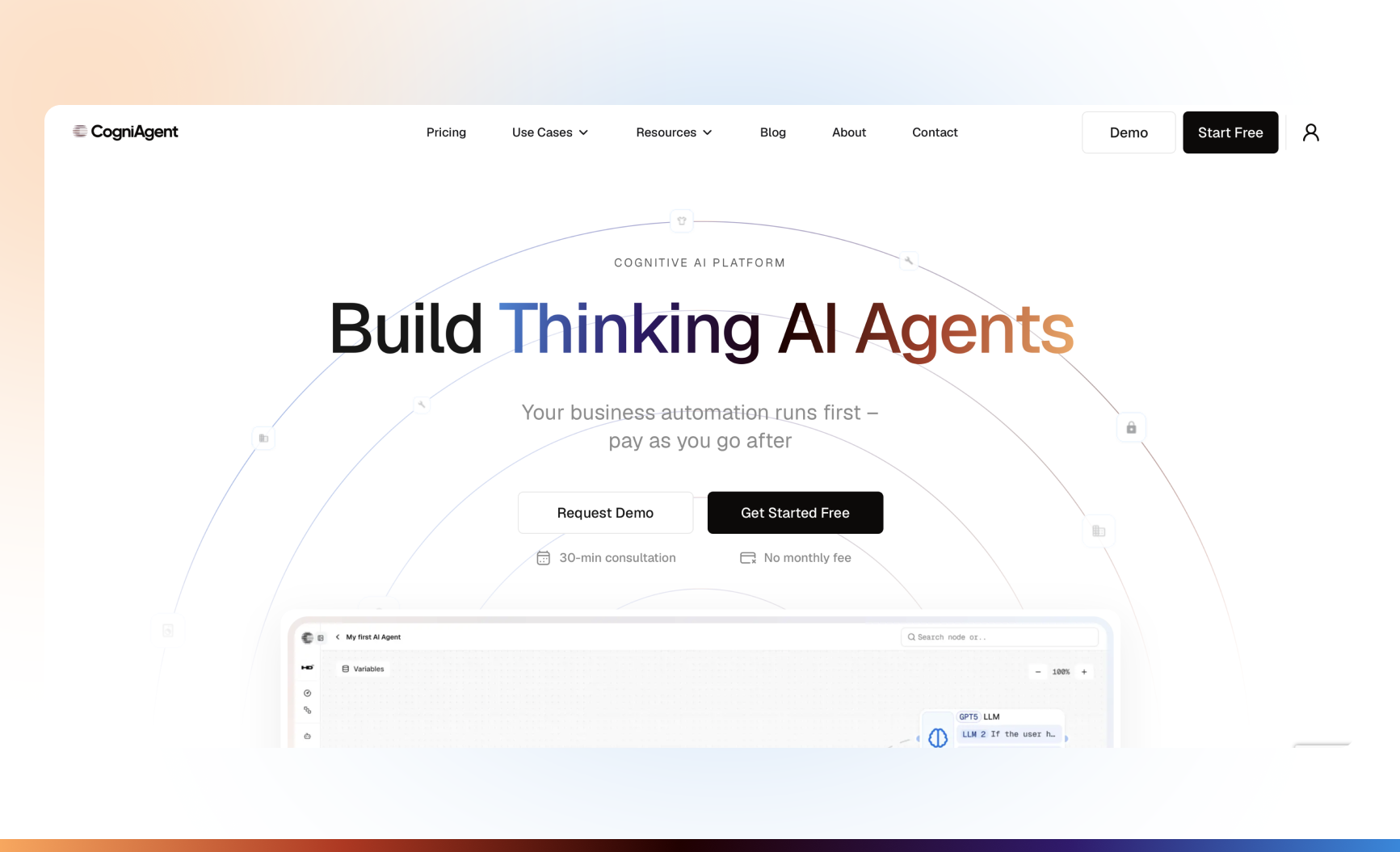
Existing CogniAgent website screenshot; not a configured home-services conversation.
Category and fit: A configurable platform for teams that want to design conversations around their own information and workflow.
Communication and knowledge: The Conversational AI platform describes conversation flows across voice and messaging. Its Knowledge Base guide documents retrieval from company materials. Those materials supply information; they do not replace workflow decisions or validate live availability.
Connections and handoff: Production phone use requires a connected Twilio number. The published receptionist guide illustrates collecting information and emailing unresolved requests to a team. That is a follow-up route, not evidence of a live telephone transfer. Confirm the transfer mechanism separately if it is required.
Pricing and limits: CogniAgent pricing lists pay-as-you-go credit packs of $10 for 5,000 credits and $100 for 100,000 credits. Conversation turns, knowledge searches, and workflow activity consume credits according to their listed rates.
LLM token usage is charged at 12.5% above the underlying model provider’s rate. Enterprise customers can use their own LLM API keys to bypass that markup; other applicable costs remain. Connected channel providers charge separately. These credit packs are not monthly call allowances.
Demo question: Can the proposed flow retain a corrected service request, explain what remains unconfirmed, and send the responsible employee a usable summary?
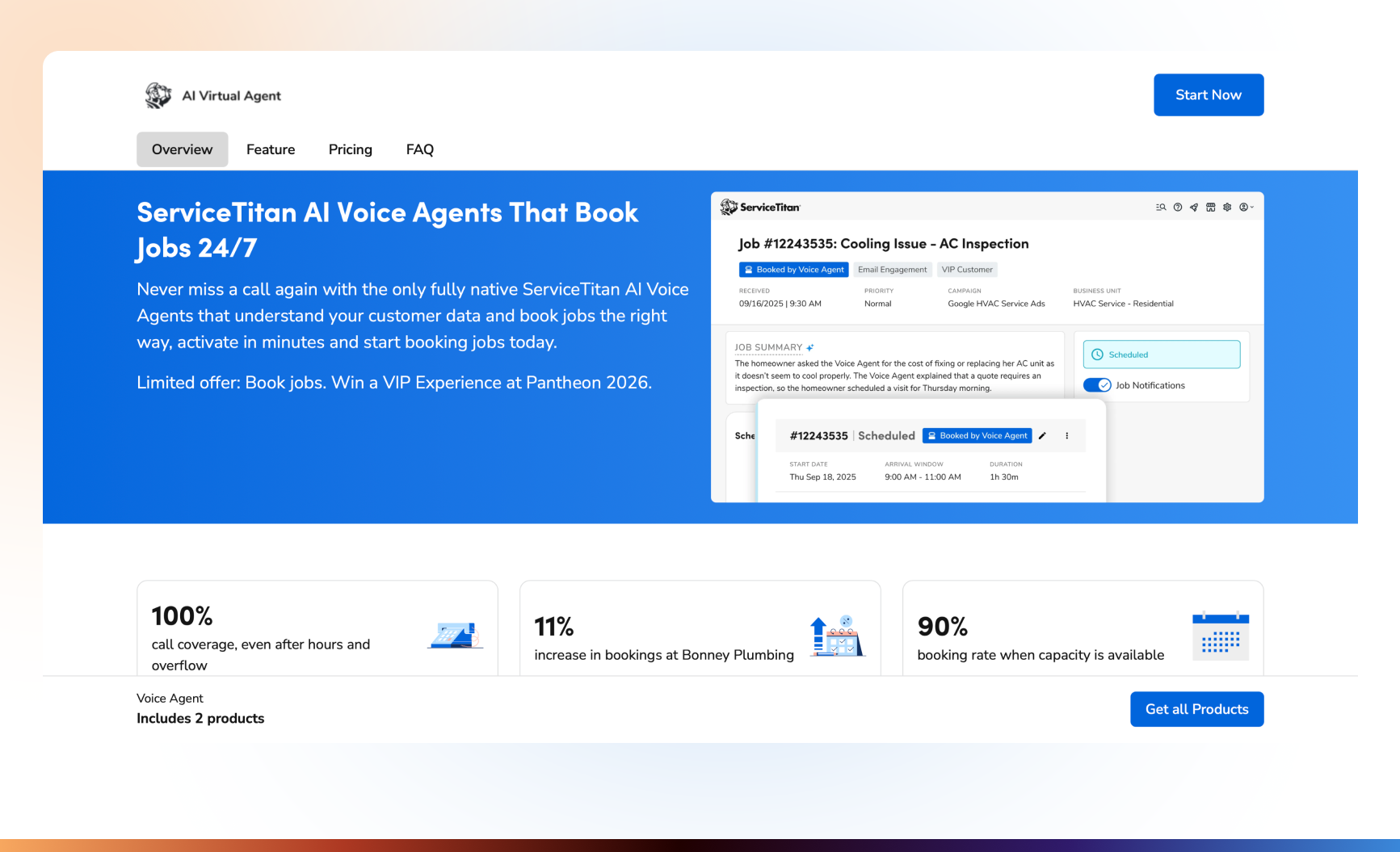
Category and fit: A native option to evaluate when ServiceTitan already holds the business’s customer and service information.
Communication and knowledge: ServiceTitan’s AI Virtual Agent page documents configurable greetings, job descriptions, follow-up questions, a knowledge base, transcripts, and summaries. It also describes SMS support using ServiceTitan tracking numbers.
Connections and handoff: The product uses ServiceTitan data and rules. Calls outside those rules can be escalated or transferred to a live customer service representative. Existing phone arrangements and routing still need configuration.
Pricing and limits: The public Voice Agent offer lists $2.75 per call. Treat this as the advertised Voice Agent usage rate, not the complete cost of a ServiceTitan deployment. Confirm account eligibility, billable-call definitions, and any associated subscription costs.
Demo question: When a returning customer changes the request, which record does the agent retrieve, and what information reaches the receiving representative?
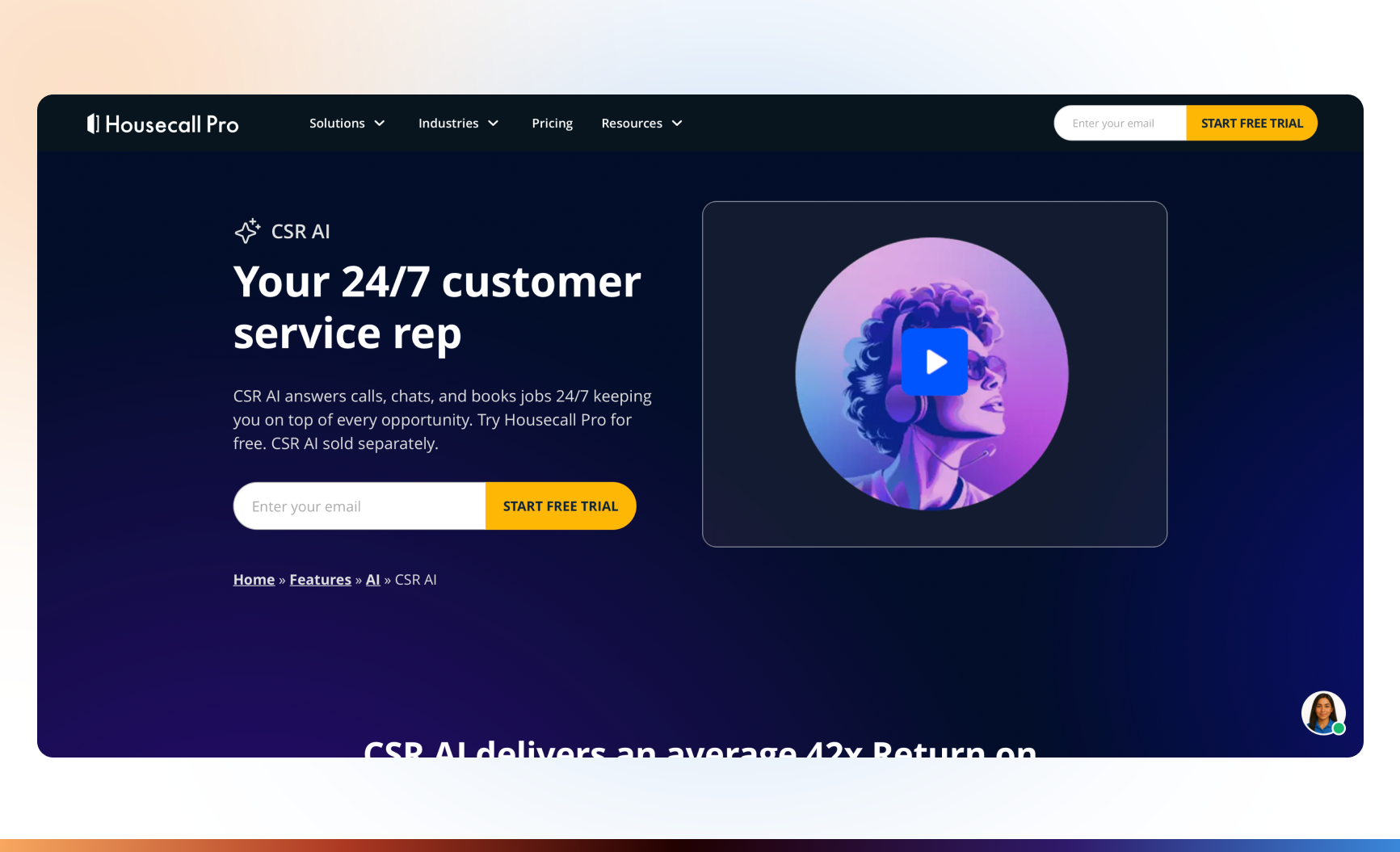
Category and fit: A native customer-communication option for businesses using Housecall Pro.
Communication and knowledge: The CSR AI product page documents calls, website chats, customizable scripts, and business-information controls. Text answering is described as Alpha or coming soon in different sections; confirm access rather than assuming general availability.
Its service-description guidance explains how service descriptions and configured prices inform answers.
Connections and handoff: The CSR AI overview distinguishes forwarding to your number, forwarding to HCP Assist for basic note-taking, and ending a call with notes for follow-up. Broader HCP Assist work, including booking and custom FAQs, requires an HCP Assist subscription.
Pricing and limits: CSR AI is sold separately from the main Housecall Pro subscription. Obtain the current add-on price and usage terms; the reviewed product page does not establish a clear standalone rate.
Demo question: Can it explain an unusual service request without inventing a price, then follow the correct staffed or after-hours escalation route?
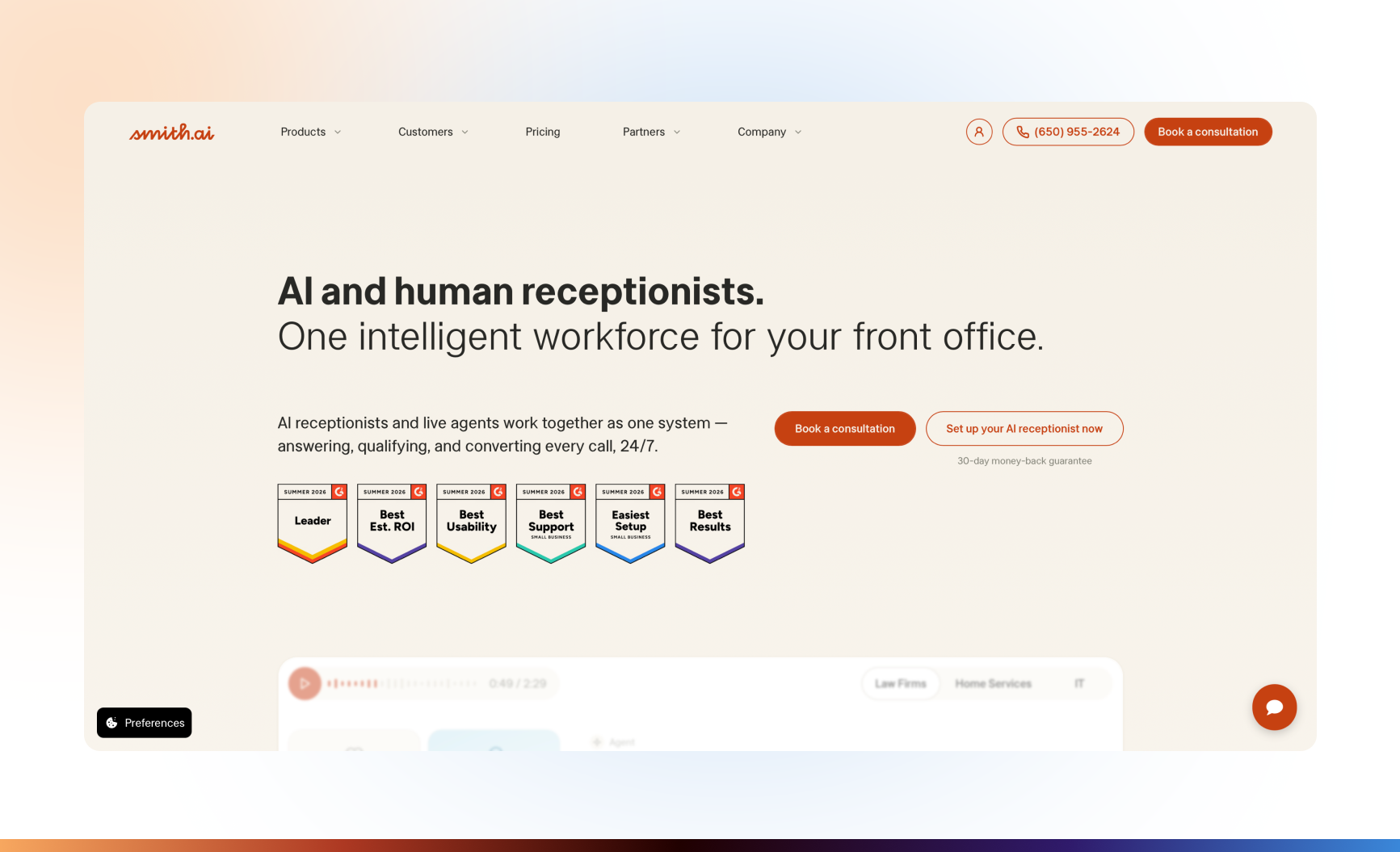
Existing Smith.ai website screenshot. AI-first and Hybrid commercial terms must be checked separately.
Category and fit: A phone-first option for teams comparing automated intake with a supplier-operated human answering service.
Communication and knowledge: Smith.ai’s AI Receptionist describes configurable scripts, branching conversations, and call routing. Its pricing page includes recordings, transcripts, summaries, and call history.
Connections and handoff: Confirm the required CRM or scheduling connection and its plan eligibility. Smith.ai separately markets a Hybrid service involving its North American live agents. Do not treat that arrangement as identical to transferring a call to your own employee.
The AI-first pricing FAQ also describes human backup, but the plan table does not fully explain its commercial scope. Request written confirmation of escalation eligibility, triggers, and charges.
Pricing and limits: The AI-first pricing page lists 25 calls per month for $0, Pro from $150 per month for 75 calls, and Enterprise from $500 per month for 300 calls. Additional-call charges apply. Vendor support for your account is not the same as a live receptionist answering your callers.
Demo question: Who receives a complex caller, what context do they receive, and which part of the quoted plan pays for that intervention?
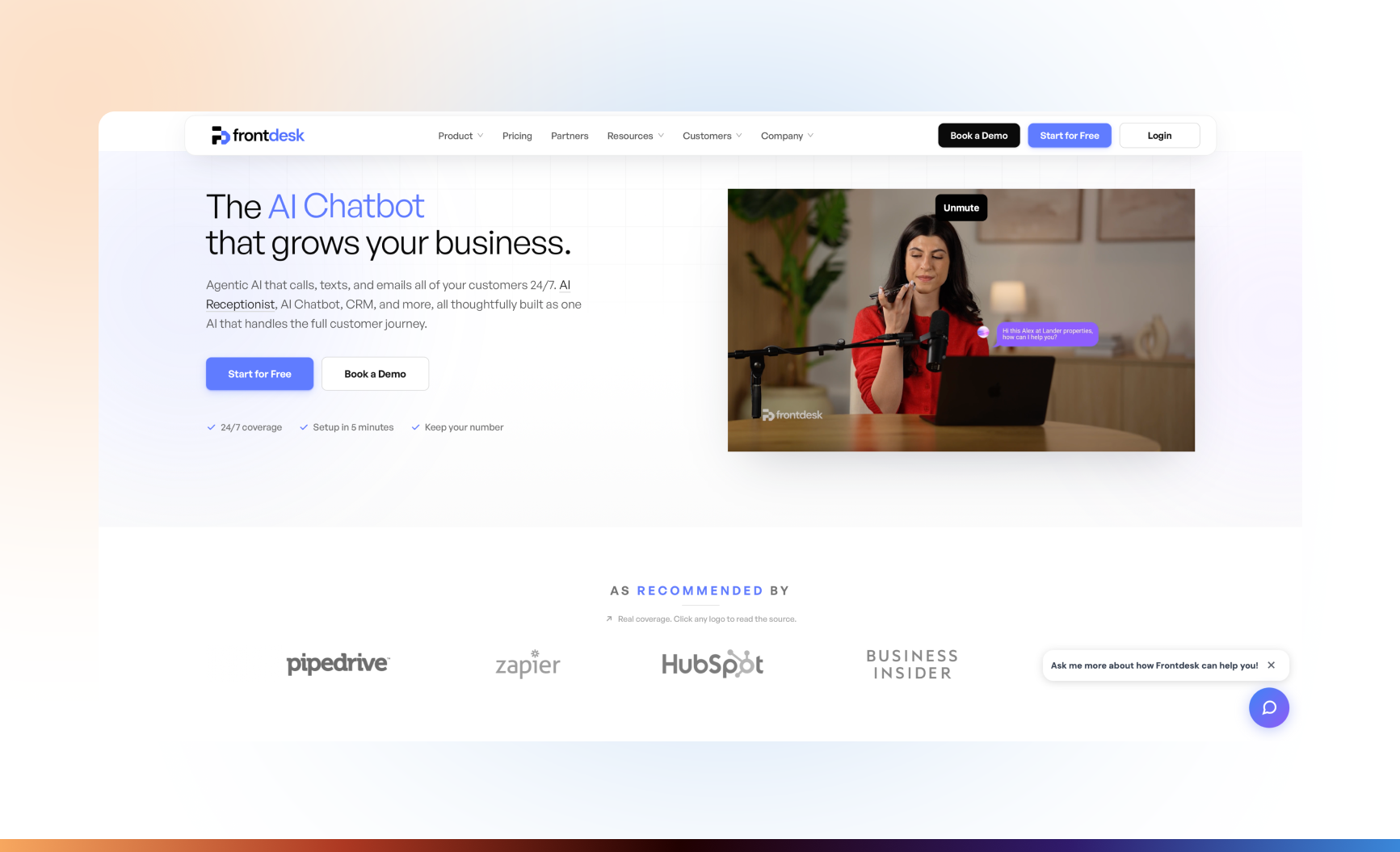
Existing Frontdesk website screenshot; current package details are described below.
Category and fit: A bundled option for a small team evaluating voice, website chat, and two-way SMS together.
Communication and knowledge: Frontdesk’s pricing page lists a knowledge base, agent actions, notifications, and an included CRM. Its product site describes shared customer profiles across channels; verify record matching in a demonstration.
Connections and handoff: Zapier connections are listed for the entry package, while direct API access and custom integrations belong to Partner/Enterprise. Call transfer is listed as an agent action. Confirm the destination, summary delivery, and fallback if nobody answers.
Pricing and limits: Business-in-a-Box is $99 per month, or $79 per month billed annually, with 200 voice minutes per month. Usage above the included allowance follows the published credit and auto-reload rules. Do not interpret a bundled plan as unlimited use.
Demo question: Can a customer continue a phone inquiry by text without losing a correction or creating a duplicate record?
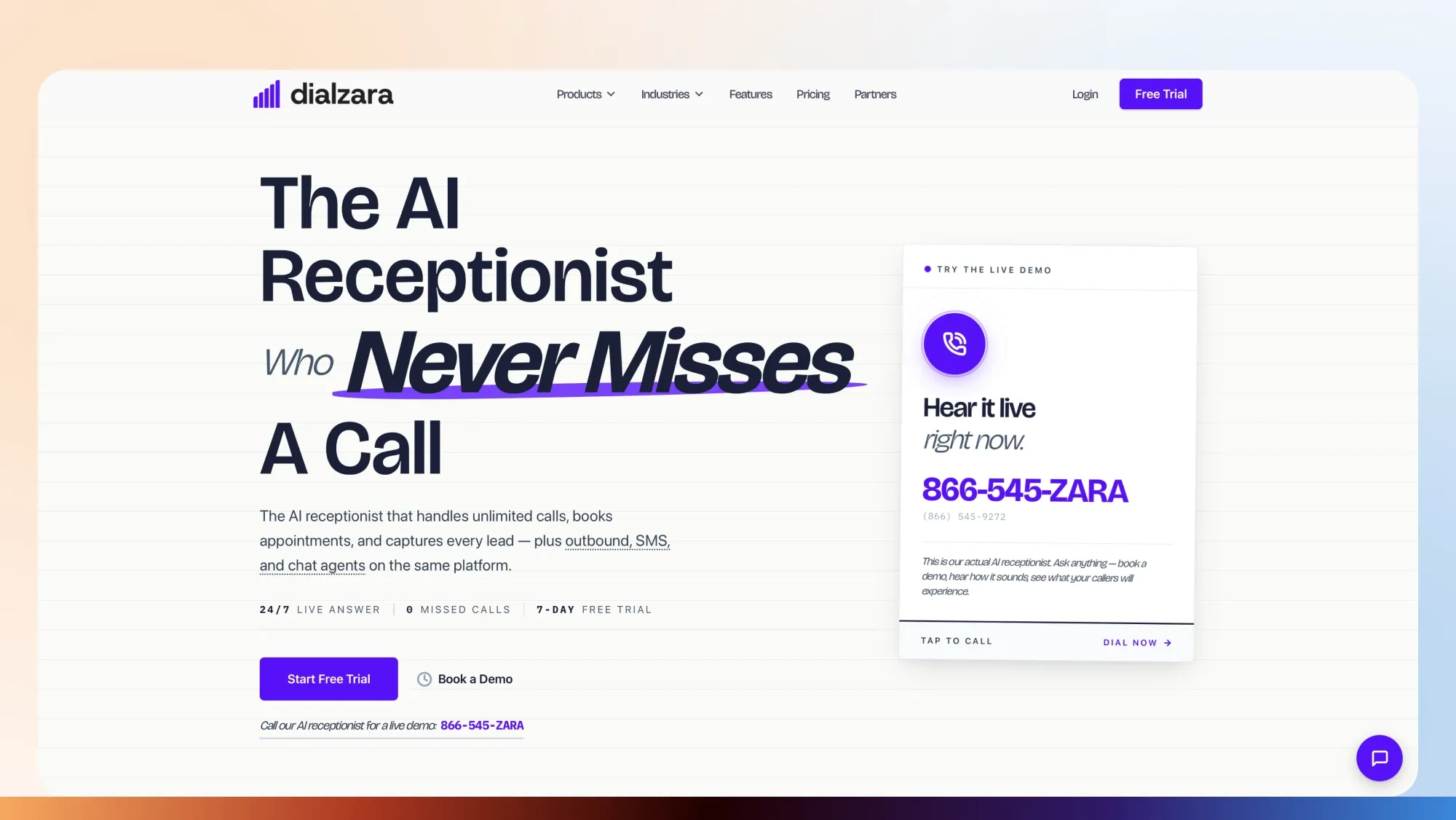
Category and fit: An inbound receptionist option with separately described text and chat products.
Communication and knowledge: Dialzara documents editable prompts, uploaded knowledge, custom questions, and conversation summaries.
Connections and handoff: Existing numbers can forward to the service. Its pricing page distinguishes blind transfer on Business Lite from warm transfer on Business Pro and above. A blind transfer routes the call onward; a warm transfer provides an introduction or context before handover. Test the actual information delivered.
Pricing and limits: Business Lite is $29 per month for 60 minutes, with $0.48 per additional minute. Business Pro is $99 per month for 220 minutes, with $0.45 per additional minute.
SMS is separately priced. Website chat bundled with a voice plan has its own session allowance. Neither is evidence of unlimited multichannel usage.
Demo question: What happens when the transfer destination does not answer, and does the corrected request remain in the summary?
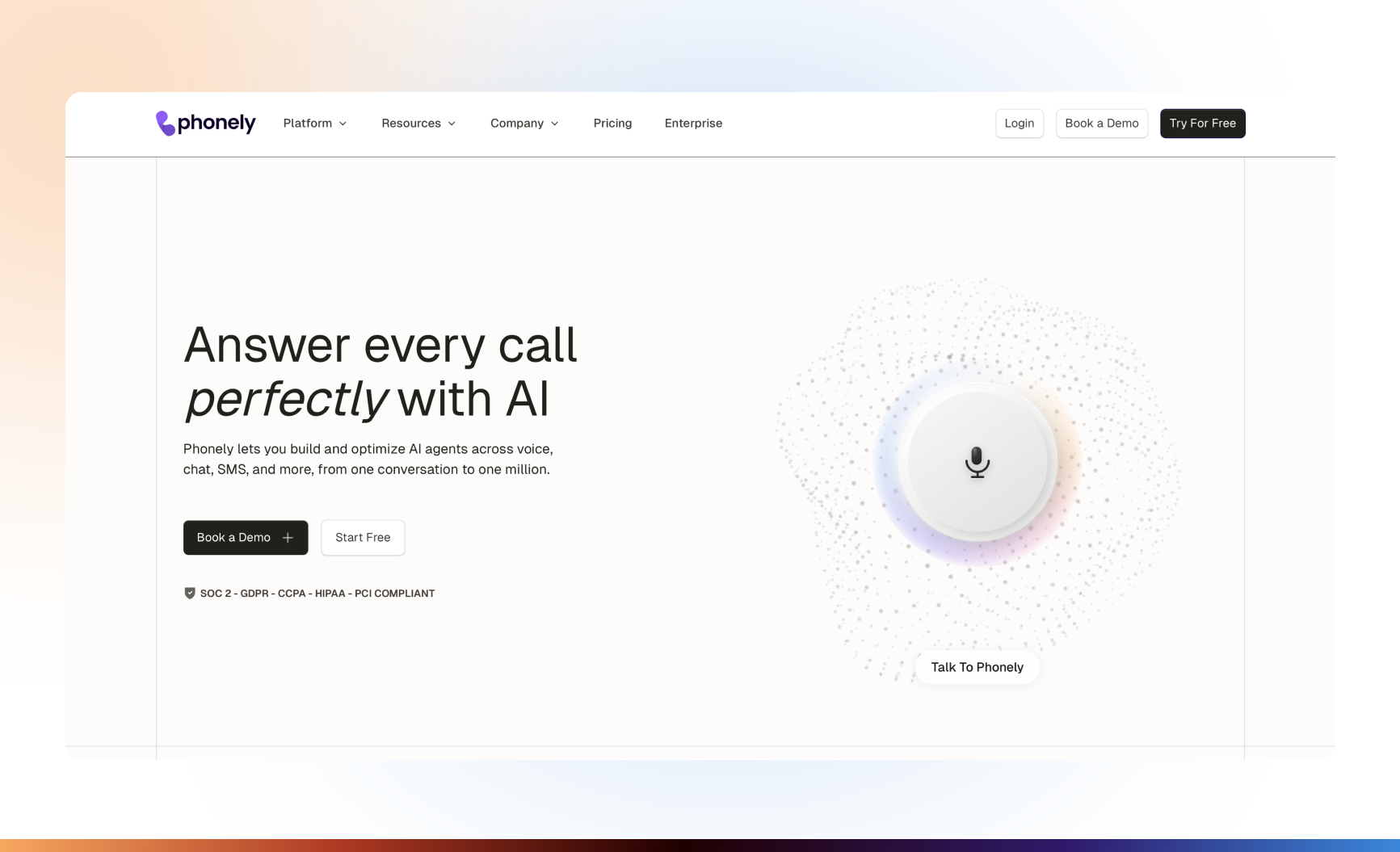
Category and fit: A configurable voice option for teams also evaluating SMS and website conversations.
Communication and knowledge: Phonely’s pricing and feature page describes knowledge-base controls, website imports, transcripts, AI SMS, and webchat. Confirm channel and integration eligibility for the chosen plan.
Connections and handoff: Call transfer and routing are documented. Its FAQ explains that post-transfer minutes can still be charged when Phonely continues carrying the connection.
Pricing and limits: The page lists Starter at $50 per month and Pro at $150 per month on monthly billing. Annual-billing equivalents are $33 and $100 per month, respectively.
Included-minute figures conflict between the plan cards and comparison tables. Obtain the allowance, overage rate, and transfer costs in writing before comparing total expense.
Demo question: Can the agent handle a corrected request across voice and SMS, and what remains available to the person receiving the transfer?
Prices use different billing units. A credit pack, a monthly call allowance, and a minute-based subscription are not equivalent purchases.
|
Product |
Channels reviewed |
Knowledge and conversation controls |
Human handoff |
Existing-system requirements |
Pricing basis |
|---|---|---|---|---|---|
|
CogniAgent |
Voice, web chat, SMS, email, messaging connections |
Configurable flows and document retrieval |
Documented email escalation; confirm live-transfer implementation |
Connected provider accounts and configured tools; Twilio for production phone |
Credits, model usage, and external channel charges |
|
ServiceTitan |
Voice; separately described SMS capability |
Native business data, knowledge base, follow-up questions |
Transfer or escalation to a live CSR |
ServiceTitan account, business rules, and phone routing |
Per-call Voice Agent usage plus applicable platform costs |
|
Housecall Pro CSR AI |
Calls and website chat; confirm text rollout |
Business settings, scripts, service descriptions |
Chosen number, HCP Assist, or notes for follow-up |
Housecall Pro and configured escalation settings |
Separately sold add-on; confirm price and scope |
|
Smith.ai |
Phone intake |
Scripts, branching, transcripts, call history |
Supplier live-agent arrangements; distinguish AI-first and Hybrid |
Routing and plan-appropriate integrations |
Monthly call allowances and additional-call charges |
|
Frontdesk |
Voice, web chat, two-way SMS |
Knowledge base, agent actions, CRM |
Call-transfer action; confirm context and fallback |
Number setup and relevant app connections |
Subscription, channel allowances, and usage credits |
|
Dialzara |
Voice, SMS, website chat |
Editable prompts, knowledge uploads, custom questions |
Blind or warm transfer depending on plan |
Forwarding and configured integrations |
Included voice minutes and overages; channel-specific terms |
|
Phonely |
Voice, SMS, webchat |
Knowledge base and configurable flows |
Transfer and routing; possible post-transfer charges |
Plan-appropriate phone and app connections |
Subscription and metered usage; confirm disputed allowance |
The questions in the product sections are proposed evaluation checks. This comparison does not establish that any supplier passed them.
The following is an illustrative scenario, not a customer case study or a demonstration of a specific product.
A customer starts by asking about regular cleaning. During the conversation, they explain that the property needs a deep clean first, add oven cleaning, and change their preferred date.
The system should revise the request rather than accumulate contradictory versions.
Ask whether the deep clean is a one-time first visit before recurring service. Establish whether oven cleaning is part of the requested initial visit.
Retain relevant property details already collected. Ask only for missing information needed to understand the revised scope.
A useful confirmation would be:
“You’re asking for an initial deep clean with oven cleaning, followed by regular cleaning. Your preferred first visit is now Thursday afternoon rather than Tuesday morning. Is that correct?”
This confirms the request. It does not confirm that the service is available or booked.
The system can explain an add-on or preparation requirement when current company materials cover it. It should not invent a combined price because the customer has supplied enough details for a plausible estimate.
If the revised scope requires a manager’s quote, say so. If availability has not been checked, describe the date as a preference.
An illustrative handoff note could read:
Request: Initial deep clean with oven cleaning, followed by recurring cleaning.
Change: Thursday afternoon preferred; earlier Tuesday preference withdrawn.
Open questions: Revised price, service duration, and availability.
Action status: No appointment confirmed.
Next step: Manager to review the scope and contact the customer.
The AI receptionist for cleaning companies page covers this industry-specific intake context. For this comparison, the key requirement is that the customer and the receiving employee understand the same revised request.
Define escalation before launch. A conversation should have a human route when:
For urgent inquiries, use the company’s approved escalation instructions. Do not rely on a conversational system to diagnose danger or independently decide that a situation is safe.
A handoff should include the reason, relevant information already collected, unresolved questions, and the state of attempted actions. “Request captured,” “transfer attempted,” and “appointment confirmed” are different states.
Also define what the customer hears if the person is unavailable. A callback request is not an immediate live transfer, and an email notification is not evidence that somebody has accepted responsibility.
Use the same scenarios for every shortlisted supplier. Test your proposed configuration, not only the vendor’s prepared demonstration.
|
Scenario |
What to check |
Failure signal |
|---|---|---|
|
An ambiguous address |
The system asks for clarification and confirms the result |
It selects an address without checking |
|
A corrected date |
The new date replaces the old preference |
Both remain active or the old date is repeated |
|
A service changes mid-conversation |
The scope is updated and read back |
The earlier service remains the basis of the response |
|
A question outside the knowledge base |
The system acknowledges the gap and follows the escalation rule |
It invents a policy, price, or exception |
|
A request for a person |
The configured human route is attempted |
The system continues an unwanted intake script |
|
A repeat contact |
The relevant record is retrieved after appropriate matching |
History is lost or another customer’s information appears |
|
A switch between phone and messaging |
Necessary context survives without an incorrect record merge |
The customer restarts or unrelated records are joined |
|
An unavailable calendar |
The system explains that availability cannot be confirmed |
It offers an unchecked slot as confirmed |
|
An unsuccessful external action |
The response reflects failure or uncertainty |
It reports a successful booking without confirmation |
For action failures, inspect the underlying record as well as the transcript. A confident spoken confirmation is not proof that the booking system accepted an appointment.
The AI agent testing checklist provides a broader framework for recording expected behavior, failures, and retest results.
If ServiceTitan or Housecall Pro already holds your service and customer records, include its native option in the evaluation. Still test the actual knowledge, routing, and exception settings.
If the main requirement is a staffed handoff, establish whether the quote includes supplier-operated receptionists, transfer to your own team, or only a notification for callback.
For multichannel communication, demonstrate a real channel switch. For configurable platforms, identify who will maintain the knowledge, permissions, and escalation logic.
Start a limited pilot with a named owner for unresolved conversations. Review corrected details, unsupported answers, incomplete transfers, and false confirmations—not just the number of calls answered. Expand only after the team can verify what happened and recover when a conversation goes wrong.