CogniAgent Use Cases
AI Use Cases in Marketing
Always-on automation powering scalable, predictable growth for your marketing team
CogniAgent
AI Use Cases in Marketing
See how CogniAgent’s AI agent builder transforms different industries
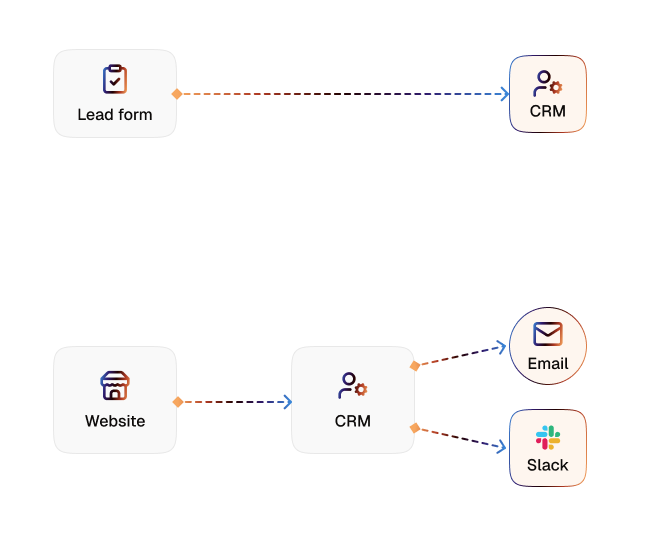
Lead Form to CRM Sync
- Sync website forms to HubSpot, Salesforce, Pipedrive
- Auto-map form fields to CRM properties
- Tag leads by campaign, channel, and source
- Trigger follow-up tasks or sequences automatically


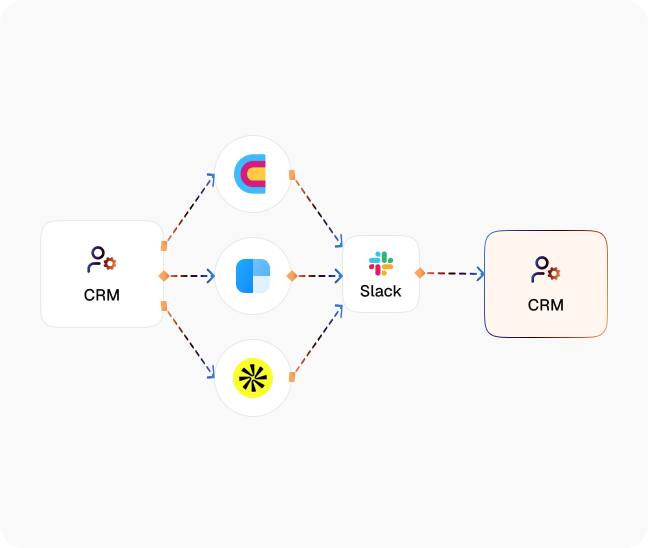
Slack Alerts for High-Value Leads
- Instant Slack alerts for qualified / target-account leads
- Filter by domain, deal size, or lead score
- Include context like pages viewed and UTM data
- Route alerts to specific channels or owners
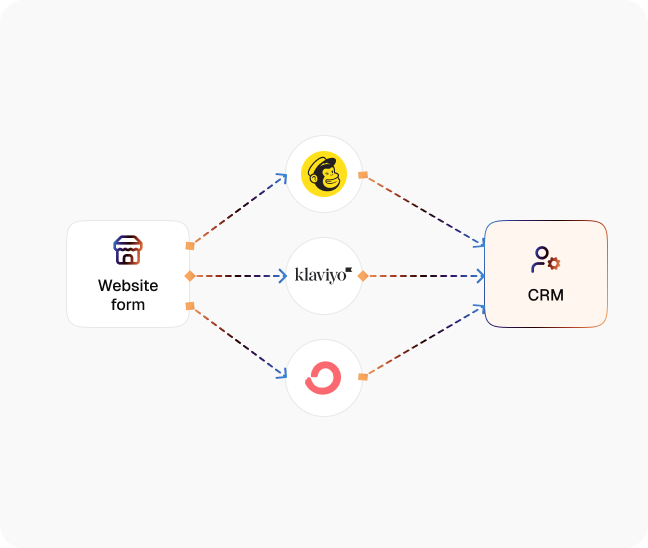
Email List Management
- Send new subscribers to the correct ESP lists
- Segment by lead magnet, form tag, or source
- Auto-apply tags, custom fields, and interests
- Prevent duplicates and keep profiles in sync
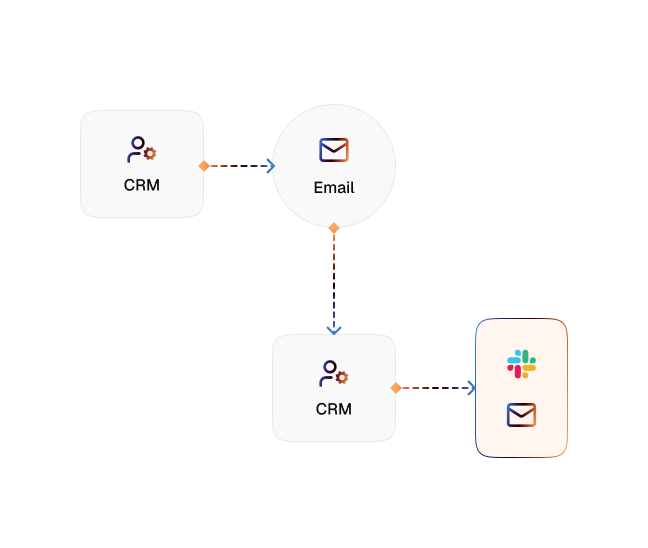
Lead Enrichment on Autopilot
- Pull company and contact data from Clay or similar tools
- Append role, company size, industry, and tech stack
- Power lead scoring with enriched attributes
- Keep CRM records refreshed automatically
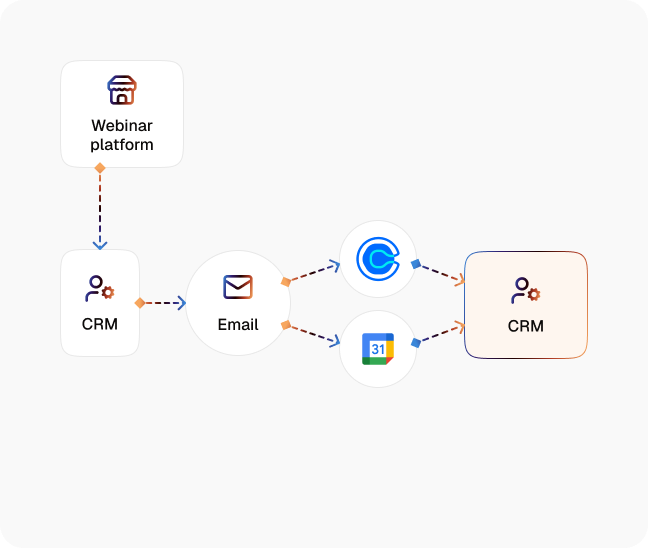
Webinar Registration to Email Sequence
- Sync webinar signups from forms or webinar platforms
- Add registrants to targeted nurture flows in your ESP
- Send calendar invites and reminder emails automatically
- Track attendance and trigger post-webinar follow-up
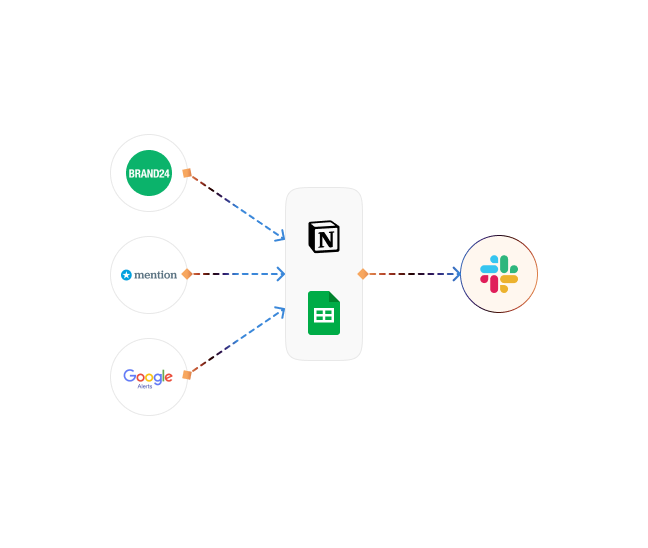
Content Distribution Tracking
- Track brand and content mentions across channels
- Log URLs and metadata into Google Sheets or Notion
- Tag entries by platform, campaign, or creator
- Surface top-performing content and distribution partners
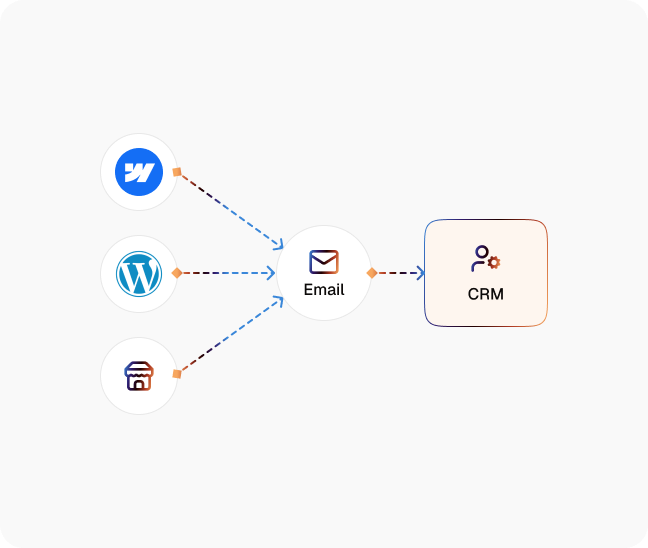
Abandoned Form Recovery
- Detect started-but-not-submitted forms (with tracking)
- Capture available contact details in real time
- Send reminder or assistance emails automatically
- Report on recovered vs. fully abandoned leads
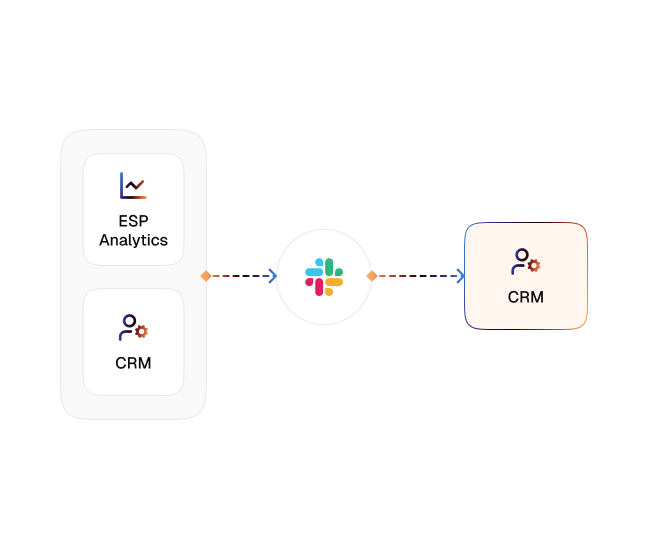
Campaign Response Notifications
- Monitor opens, clicks, and replies continuously
- Trigger alerts when metrics cross defined thresholds
- Send notifications to Slack, email, or both
- Feed engagement data back into CRM or dashboards
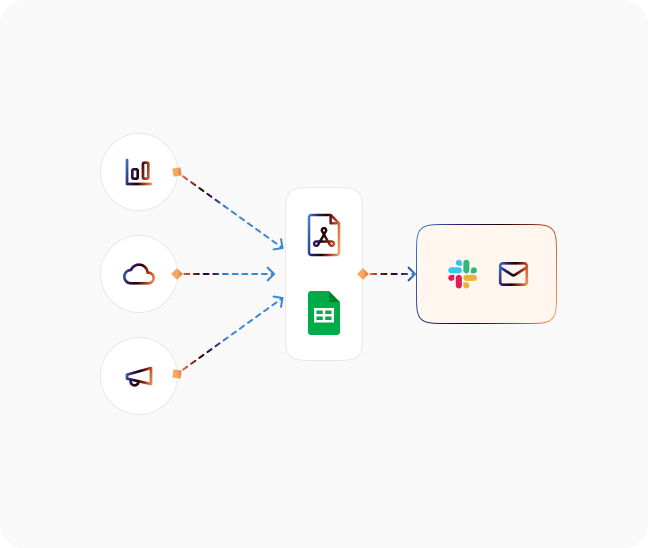
Weekly Report Generation
- Pull KPIs from Google Analytics, CRM, and ad platforms
- Combine channel metrics into one weekly report
- Deliver summaries via email or Slack on schedule
- Standardize views for leadership and campaign owners

![Best AI Tools for Auto Repair Shops [2026 Guide]](https://cogniagent-preview-def77a0f.nyc3.digitaloceanspaces.com/media/2026/07/Best-AI-Tools-for-Auto-Repair-Shops-2026-Guide.png)
Frequently Asked Questions about
CogniAgent
Yes. Agents built in the same Application share context, transfer conversations between one another, and coordinate steps that cross departments. Because a workflow can start a conversation and a conversation can start a workflow, the handoff happens inside one system instead of between separate tools.
Yes. Tone-of-voice guidelines, brand rules and response style are uploaded to the Knowledge Base, and every agent answers within them, so the same voice comes back on chat, email and phone regardless of which agent handles the request. Voice agents are assigned a speaking voice to match the brand.
Voice agents handle natural speech, including regional accents, industry terminology and background noise, and reply fast enough to hold a real conversation rather than a command exchange. Recognition quality depends on the audio your channel delivers, so test against your own call recordings during the build rather than taking a number on trust.
Yes. Conversational interfaces – both text and voice – live natively inside workflows on our cognitive AI platform. Your existing workflow configurations work across every channel automatically. Add voice support with a single click; no rebuilding required. This unified approach eliminates the need to stitch separate chatbot, voice AI, and automation tools together.
Yes. CogniAgent connects to 2,700+ business tools, including CRMs, eCommerce platforms, ERPs and support systems. What matters is when it connects: your agent reads and writes to those systems during the conversation, so the customer gets a resolved answer in the same exchange rather than a ticket and a callback.
Data is encrypted in transit and at rest, access is controlled by role, and every agent interaction, workflow run and system connection is logged for audit. Agents act only through the integration permissions you grant them. CogniAgent does not currently hold SOC 2, ISO 27001 or HIPAA certification; Enterprise plans include a security review and compliance documentation.
Over 2,700 tools, including CRMs (Salesforce, HubSpot, Pipedrive), eCommerce platforms (Shopify, WooCommerce, Magento), ERPs (Odoo, NetSuite), support systems (Zendesk, Intercom), communication channels (Web Widget, Gmail, Outlook, Slack, SMS, WhatsApp Business, Microsoft Teams), calendars, spreadsheets and payment processors.
No. Agents are assembled on a visual canvas from typed nodes rather than written in code. Start from a workflow in the Templates Center, or describe your process and let the AI Concierge generate a first canvas from it. You supply the knowledge of how the process runs; the platform supplies the structure to run it.
Signup is self-serve, with no card and no sales call. Every account starts with 5,000 credits and full access to the canvas, all AI features and 2,700+ integrations. There is no subscription and no monthly fee, and credits never expire. Buy more from $10 when you go live; human chat support activates on your first purchase.
Most teams are live in 7 to 14 days: signup and first canvas on day one, building from a template through day three, connecting systems and testing real scenarios to day seven, then deploying across channels. Starting from a Templates Center workflow for a common process can produce something working in the first session.
Assisted onboarding is included with Enterprise: a CogniAgent engineer builds your first agents with you, so your team learns the platform while the work gets done and can manage it independently afterwards. On pay-as-you-go you self-serve with the Templates Center and the AI Concierge, plus human chat support once you have bought credits.
The agent hands the conversation to a named person mid-conversation with the full context attached, then picks the workflow back up once that person has answered. Nothing restarts and the customer stays in one thread. You set the conditions that trigger a handoff — a value threshold, a sentiment signal, or a specific type of request.
A traditional builder runs a fixed flowchart from start to finish and ends. CogniAgent workflows react to business events as they happen (an inbound message, a status change, a scheduled check), and can hold a multi-turn conversation while the rest of the workflow keeps running. A workflow can start a conversation, and a conversation can start a workflow.
Most tools do one of three things: chat, background automation, or workflow logic. CogniAgent runs all three on one canvas, so an agent can hold a conversation, act in your systems during it, and hand off to a person without leaving the workflow. Conversation and execution are one build here, not two products stitched together.
Event-driven workflows for the operational work your team repeats: lead capture and routing, returns and order status, payment verification, inventory alerts, approval chains, and appointment or showing scheduling. If it follows business logic and happens often, it can be automated, with a handoff to a person at the points where judgment is needed.
Home services and field trades (HVAC, plumbing, roofing, cleaning, restaurants) and eCommerce where a missed call is a lost job, and high-turnover businesses running constant hiring and screening. Both have high-volume inbound work with a measurable cost attached to a slow reply. CogniAgent is not limited to these; they are simply where results arrive fastest.
Customer support and case resolution, sales qualification and booking, recruiting intake and screening, marketing campaign response, invoice and payment processing, order and inventory operations, and internal approvals. Each can run as a conversation, as a background process triggered by an event, or as both inside the same workflow.
You choose your support model. Many operations managers prefer self-service – monitoring dashboards, making adjustments, and adding processes independently. Others prefer ongoing expert involvement available through the Enterprise tier for workflow optimization, new integration setup, and strategic automation planning. Either approach works.
Human chat support activates on your first credit purchase and covers build questions, integration troubleshooting and configuration. Enterprise adds assisted onboarding, dedicated success management, premium support and an SLA. Before your first purchase, the Templates Center and the AI Concierge cover the self-serve path.

No results
Social Media Cross-Posting