Workforce Analytics Assistant
Get instant answers on headcount, attrition, and hiring performance, without waiting days for a data team to pull a report.
Core Automation Capabilities

Multi-Source HRIS, ATS & Payroll Integration

Continuous Workforce Metric Monitoring

Natural Language Query Interface

Proactive Threshold Alerting Engine

Scheduled Report Generation & Distribution

Drill-Down Departmental & Cohort Analysis
Why HR Leaders Are Flying Without Instruments
Reports That Arrive Too Late to Act On
By the time a monthly headcount report reaches leadership, the situation it describes has already changed, and the decisions it should inform have already been made on guesswork.
Data Scattered Across Disconnected Systems
Headcount lives in the HRIS. Hiring data is in the ATS. Attrition is tracked in a spreadsheet. Pulling a complete workforce picture means manually joining sources that were never designed to talk to each other.
Analytics Capacity Bottlenecked by Data Teams
When every HR data request has to go through a central data or BI team, the turnaround is days, not the minutes that strategic decisions actually require.
How It Works
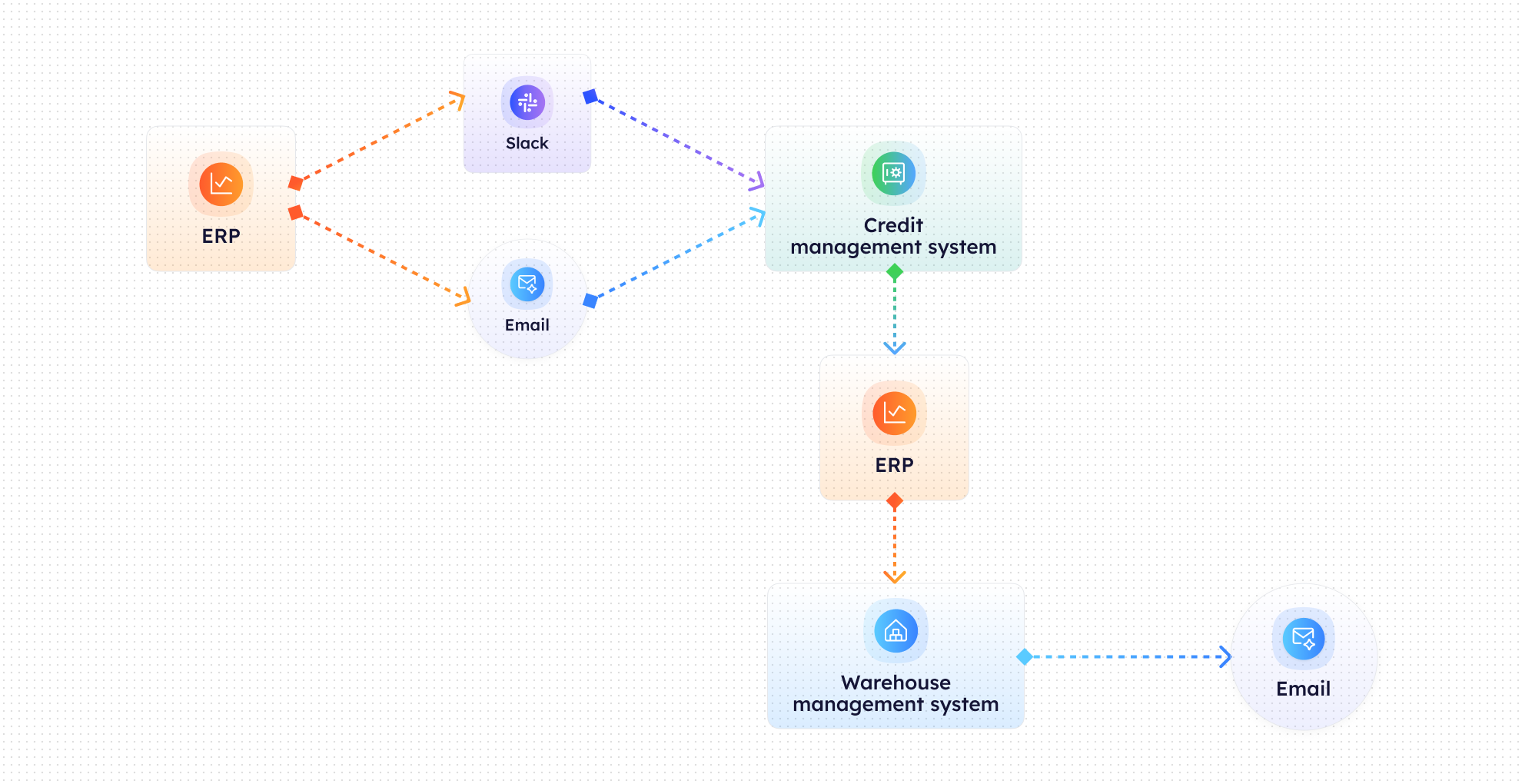
Multi-System Data Connection
CogniAgent connects to your HRIS, ATS, payroll system, and any supplementary workforce spreadsheets, creating a unified data layer across sources.
Continuous Metric Monitoring
Key workforce metrics (headcount, attrition rate, open roles, time-to-hire, offer acceptance rate) are monitored continuously and updated as underlying data changes.
On-Demand Query Handling
HR leaders ask questions in natural language: 'What's our Q2 attrition by department?' or 'How does time-to-hire compare to last quarter?' CogniAgent retrieves and presents the answer immediately.
Trend Detection & Alerts
When a metric moves outside a defined threshold (attrition spikes in a specific team, time-to-hire extends significantly) the agent proactively sends an alert with context before someone has to ask.
Scheduled Report Delivery
Weekly or monthly summary reports are generated and distributed automatically to configured recipients, no manual compilation, no template maintenance.
Drill-Down Analysis
For metrics that surface a concern, CogniAgent enables follow-up questions that drill into department, location, seniority level, or time period, turning a headline number into actionable insight.
Impact of AI That Delivers Real Operational Wins
| Metric | Before Automation | After (With AI Agent) |
|---|---|---|
| Time to answer an ad-hoc HR data question | 1–3 days | Under 2 minutes |
| Data sources manually reconciled per report | 4–7 | 0 (unified automatically) |
| HR reports requiring BI team involvement | Most | Near zero |
| Attrition trend detection lag | Weeks | Real time |
| HR leadership reporting prep time/month | 6–10 hours | Under 30 minutes |
Step-by-Step Setup
Step 1
Connect your data sources (HRIS, ATS, payroll, and any supplementary workforce files) so CogniAgent builds a unified workforce data layer.
Step 2
Define your core metric set and alert thresholds: which numbers matter most to your organisation, and what movements should trigger a proactive notification.
Step 3
Configure scheduled report recipients and frequency — weekly team summaries, monthly executive dashboards, or quarterly attrition reviews.
Step 4
Go live. Ask questions in plain language, receive instant answers, and let the agent surface trends before they appear in a monthly report.

![Best AI Tools for Auto Repair Shops [2026 Guide]](https://cogniagent-preview-def77a0f.nyc3.digitaloceanspaces.com/media/2026/07/Best-AI-Tools-for-Auto-Repair-Shops-2026-Guide.png)

Frequently Asked Questions
CogniAgent integrates with Workday, BambooHR, Rippling, SAP SuccessFactors, Greenhouse, Lever, ADP, and most payroll platforms via API. CSV/Excel imports are supported for supplementary data.
No. The interface accepts plain language questions — no SQL, no filters to configure. If a question needs clarification, CogniAgent prompts for it conversationally.
Sync frequency depends on your source systems — most HRIS integrations update in near real time or on a configurable schedule (hourly, daily). Data freshness is displayed alongside each metric.
Yes. Role-based access controls let you configure which teams, locations, or data sets each HR business partner can query, so regional partners see their scope, not the whole organisation.

No results