How to use Control Nodes in CogniAgent
 Jan 15, 2026
 3 min read
 Jan 15, 20263 min read
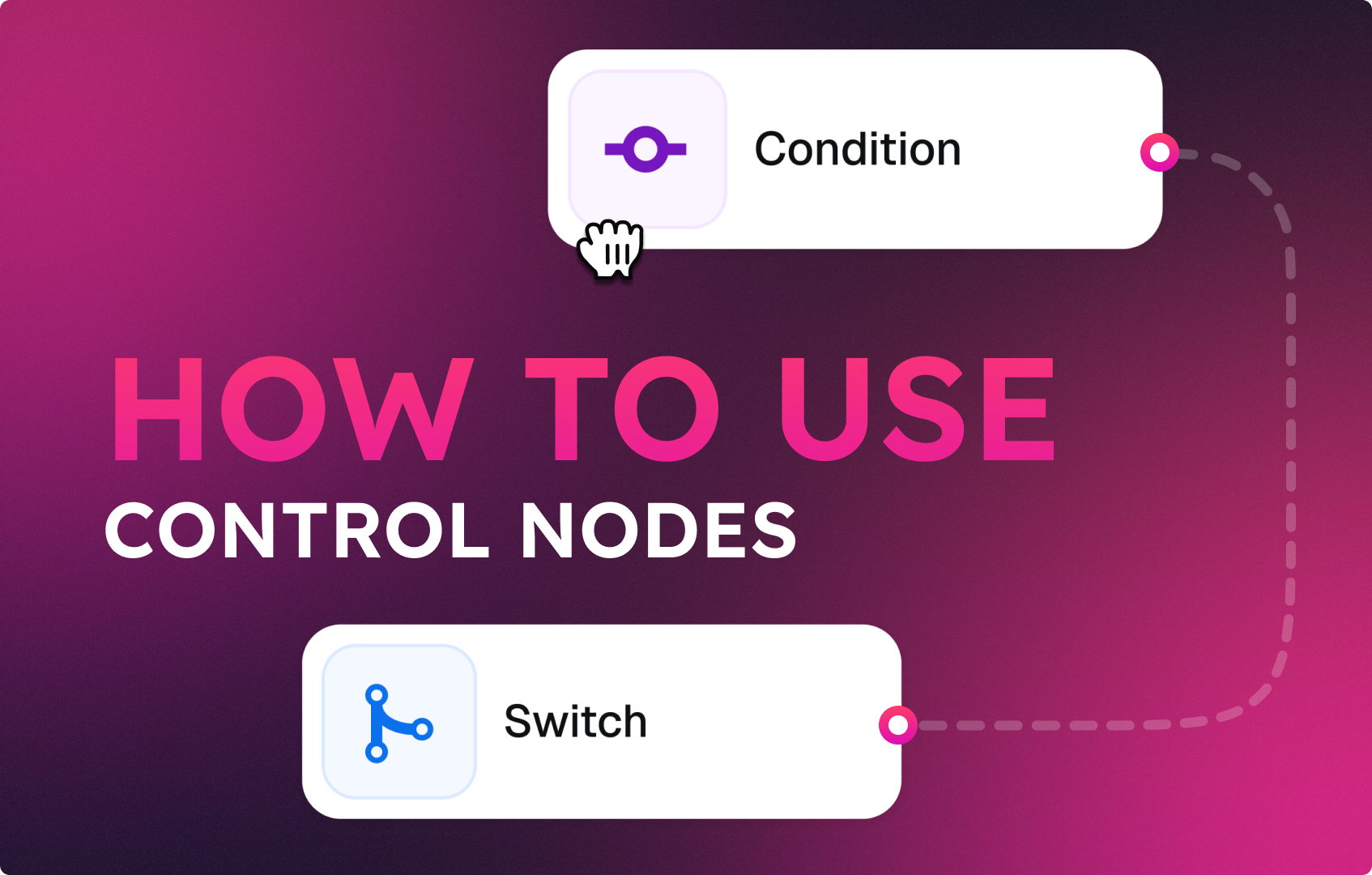
While Action nodes do things, Control nodes decide what happens next.
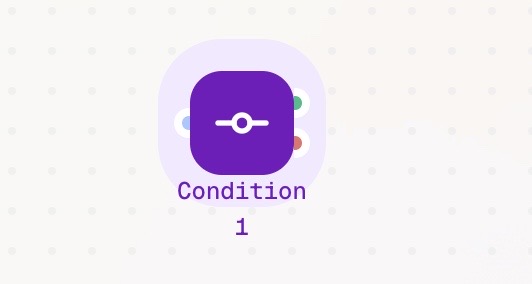
The Condition node evaluates a rule and determines how the workflow proceeds. It acts as a logical gate:
This node is essential for building intelligent, decision-based automations.
The Loop node enables repetition. It takes a collection of data – such as a list or dataset – and runs the following nodes once for each item.

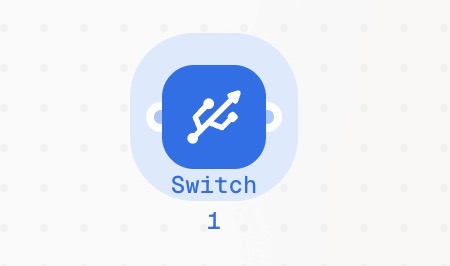
The Switch node enables branching. It routes your workflow into one of several specific paths based on natural language AI conditions. Instead of writing code, you describe the intent that should trigger each path.
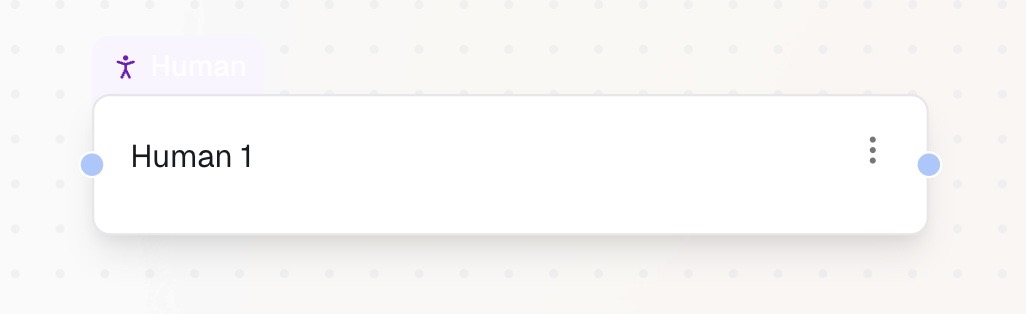
The Human Approval node adds an extra security layer to your workflow. It sends a request for approval to a connected service. You define what needs to be approved, include the approval message, and specify the contact person. The workflow waits for human confirmation before continuing.
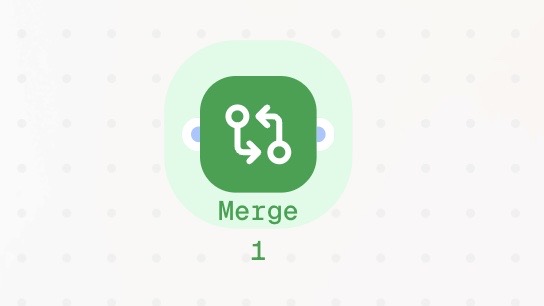
The Merge node is a synchronization point. It gathers separate workflow branches and combines them back into a single path. This node acts as a waiting room for your automation. It waits until all connected branches have finished their tasks before allowing the workflow to continue to the next step. Execution is paused automatically until every branch reaches the Merge node.
Control nodes are what turn simple automations into intelligent workflows. By using Condition, Loop, Switch, Human Approval, and Merge nodes, you can decide when something should happen, how often it should repeat, which path it should follow, who must approve it, and when everything is ready to move forward. Together, these nodes give your workflows structure, logic, and control — allowing automation to react to data, intent, and human input instead of following a rigid, linear path. Once you master Control nodes, you’re no longer just automating tasks — you’re designing workflows that think, decide, and adapt.
Be sure to check the other step-by-step explanations of the nodes: 👉 Introduction to Starting Nodes 👉 Introduction to Action Nodes