How to Set Up an Employee Onboarding Flow with Conversation Flows and Definition of Done
 Jun 26, 2026
 4 min read
 Jun 26, 20264 min read
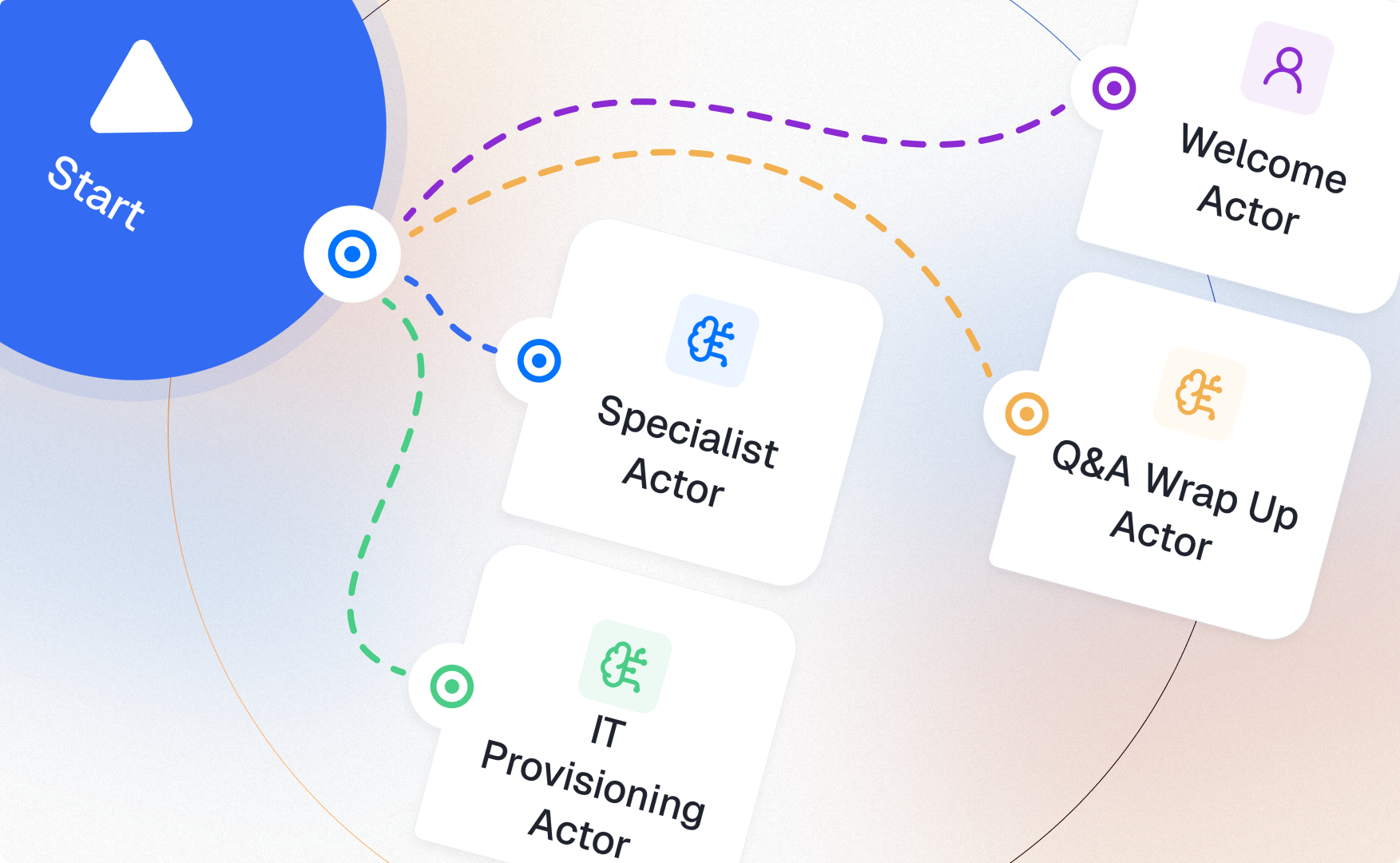
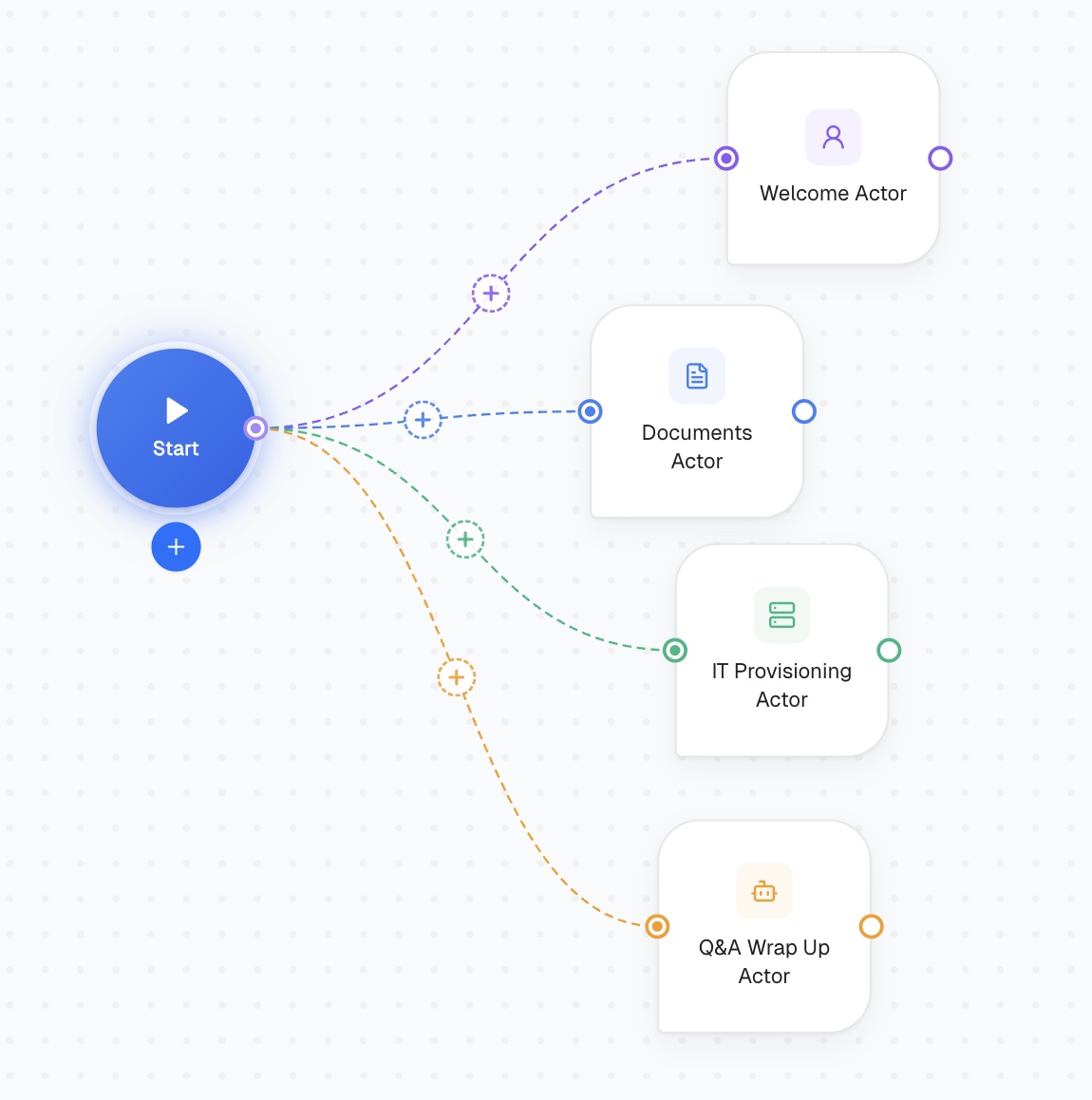
A new hire's first week shouldn't depend on someone remembering to send the IT form, the handbook, and the Slack invite in the right order. In CogniAgent, onboarding is a natural fit for Conversation Flows — a sequence of actors, each gated by its own Definition of Done, so the conversation only moves forward once a stage is actually complete. The architecture at a glance
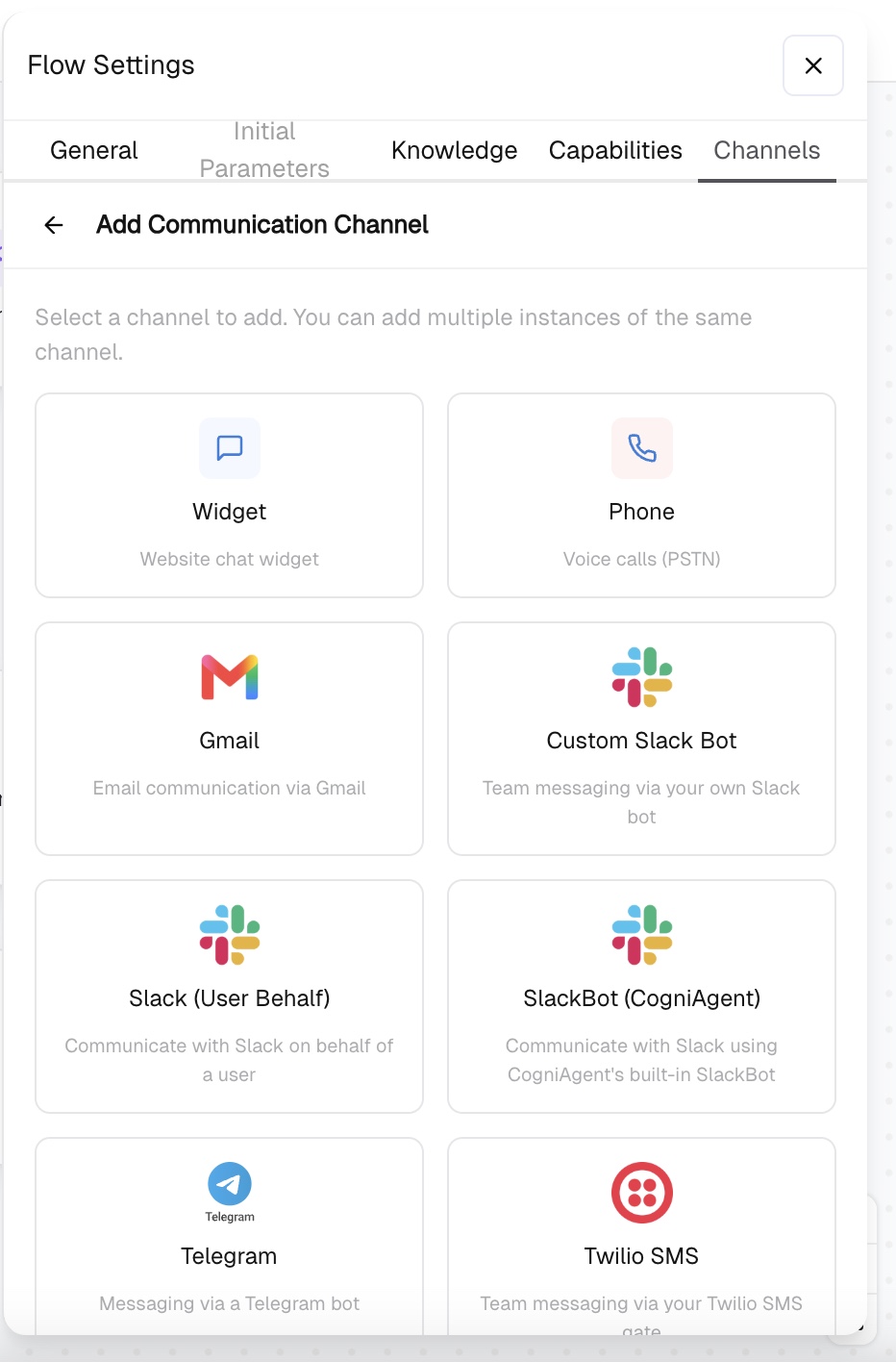
Open Flow Settings -> Channels -> Add Communication Channel. For onboarding, Custom Slack Bot or SlackBot (CogniAgent) is usually the natural choice if your new hires are already in company Slack from day one — it meets them where they're already working instead of introducing a new tool. Gmail is a reasonable alternative if onboarding starts before the person has Slack access yet. Whichever you pick, it's set once at the flow level and shared by every actor downstream.
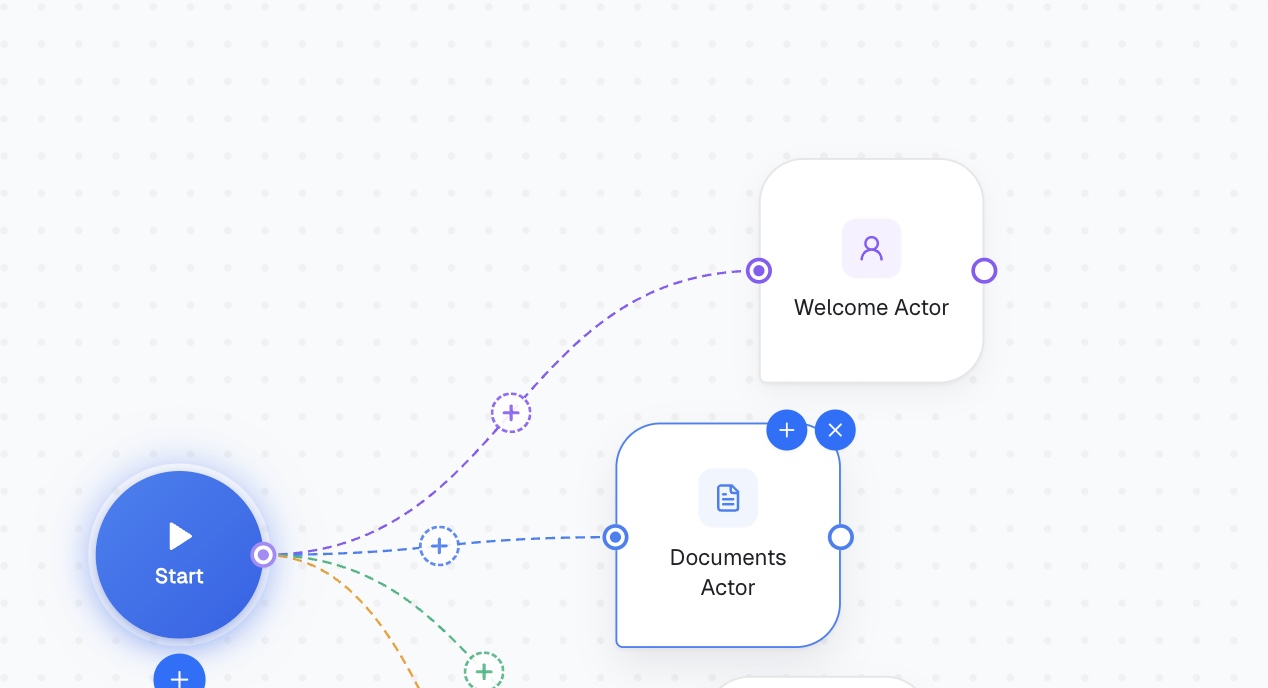
This actor's only job is to introduce the process and set tone — it shouldn't try to collect anything yet.
You can also upload the Knowledge Base — specific to your company rules. Read it here.
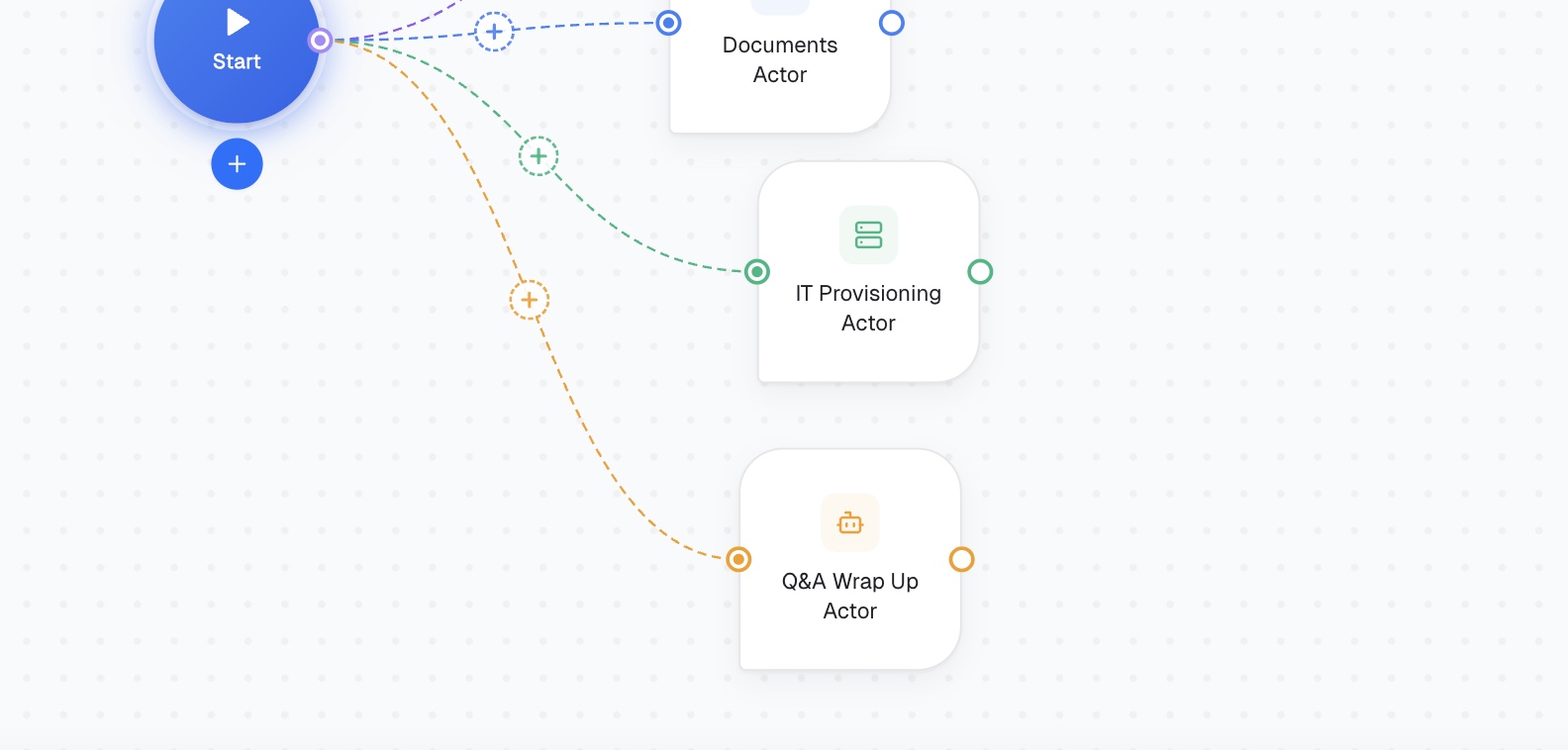
This Definition of Done is what actually gates the handoff — until those fields are filled, the flow shouldn't move to IT Provisioning.
Focus Mode controls how an actor handles topic changes mid-conversation: Auto, Flexible, Persistent, Strict.
Don't skip Definition of Done on the Documents Actor specifically — without it clearly defined, there's no reliable signal that all required fields were actually collected before IT Provisioning starts, and you'll end up provisioning access for someone whose start date was never confirmed. And don't put role-specific routing logic into this flow's Instructions if different roles genuinely need different onboarding steps — that's an Activation Condition decision (similar to the triage pattern), not something to handle inside one actor's Instructions.
Any process with mandatory sequential stages — vendor approval, contract review, structured intake forms — uses this same shape: actors chained in order, each gated by its own Definition of Done, with Context inherited forward so the conversation doesn't restart from zero at every stage.