How to Set Up Low Stock Alerts in Shopify Using CogniAgent Automation
 Mar 18, 2026
 2 min read
 Mar 18, 20262 min read
Never miss a low inventory situation again. This workflow automatically checks your Shopify store's stock levels every day and sends an instant Slack notification whenever a product drops below a set threshold. No manual monitoring needed — CogniAgent handles it for you.

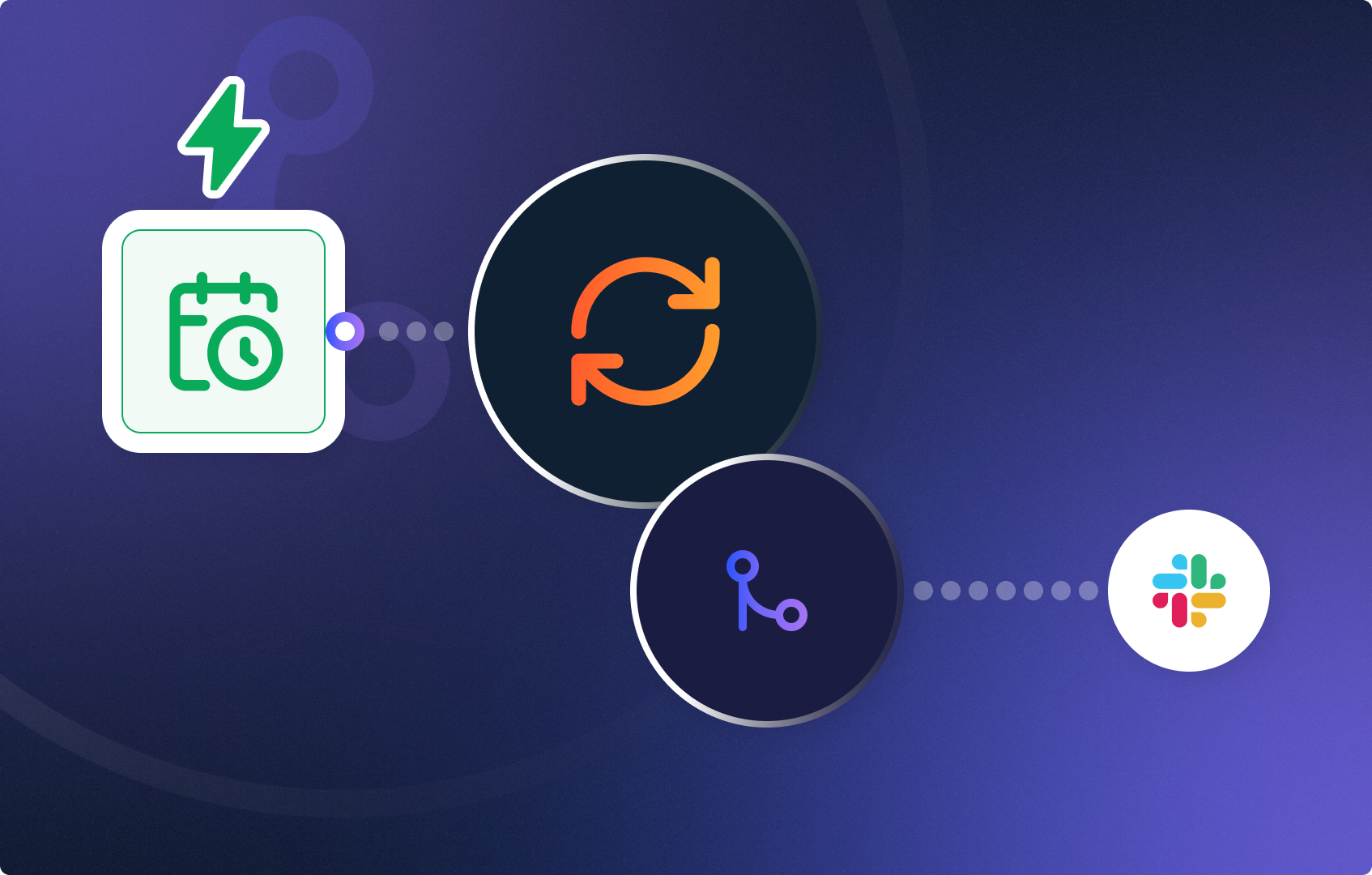
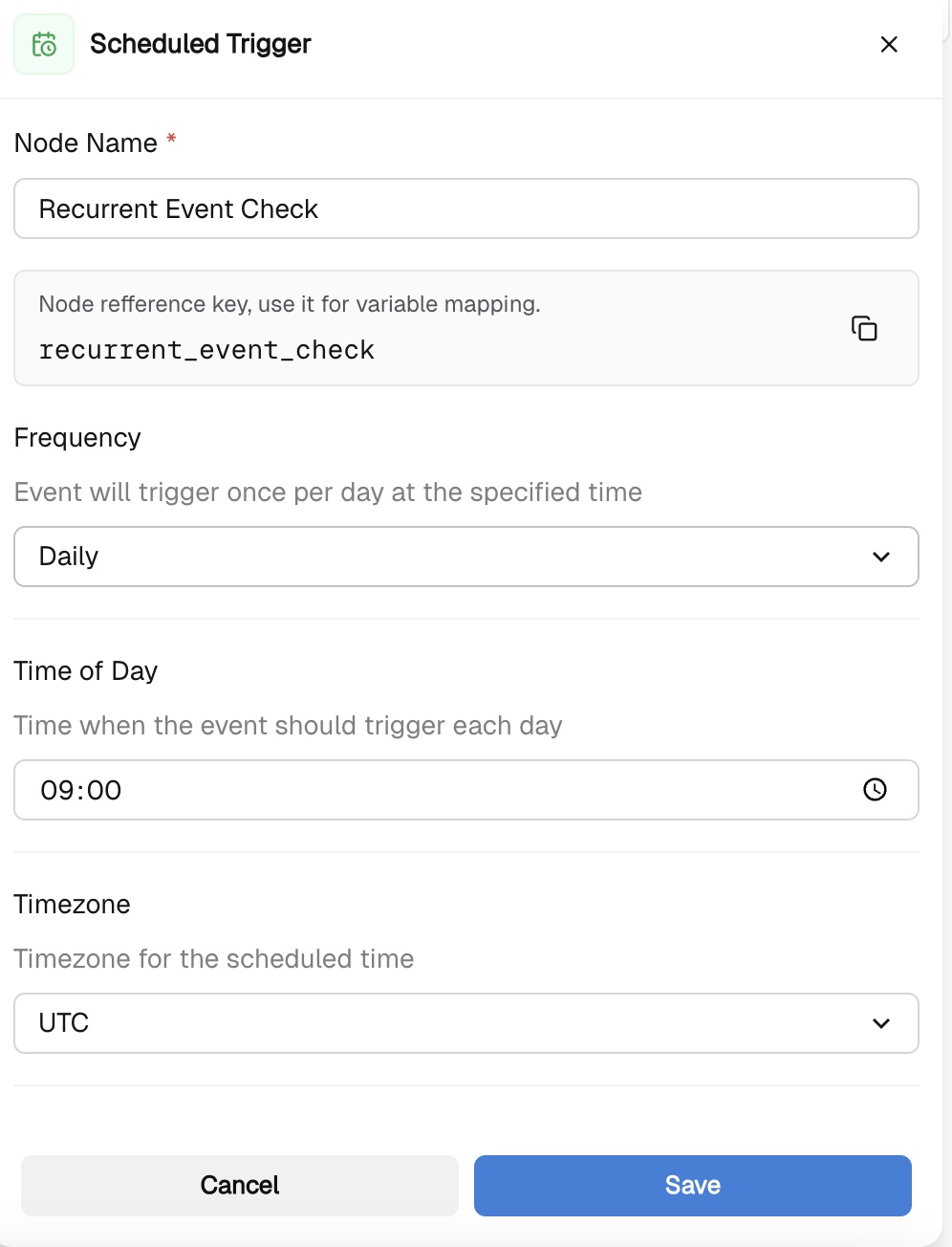
Add a Recurrent Event node to start the workflow. Set it to run Daily at 09:00 UTC — or any time that fits your team's schedule. This node acts as the trigger, kicking off the inventory check automatically every day.
Add an HTTP Request node and connect it to the Recurrent Event. Configure it to call your Shopify inventory endpoint — this fetches the current stock data from your store. Paste your Shopify store URL into the request field and set the appropriate authentication credentials.
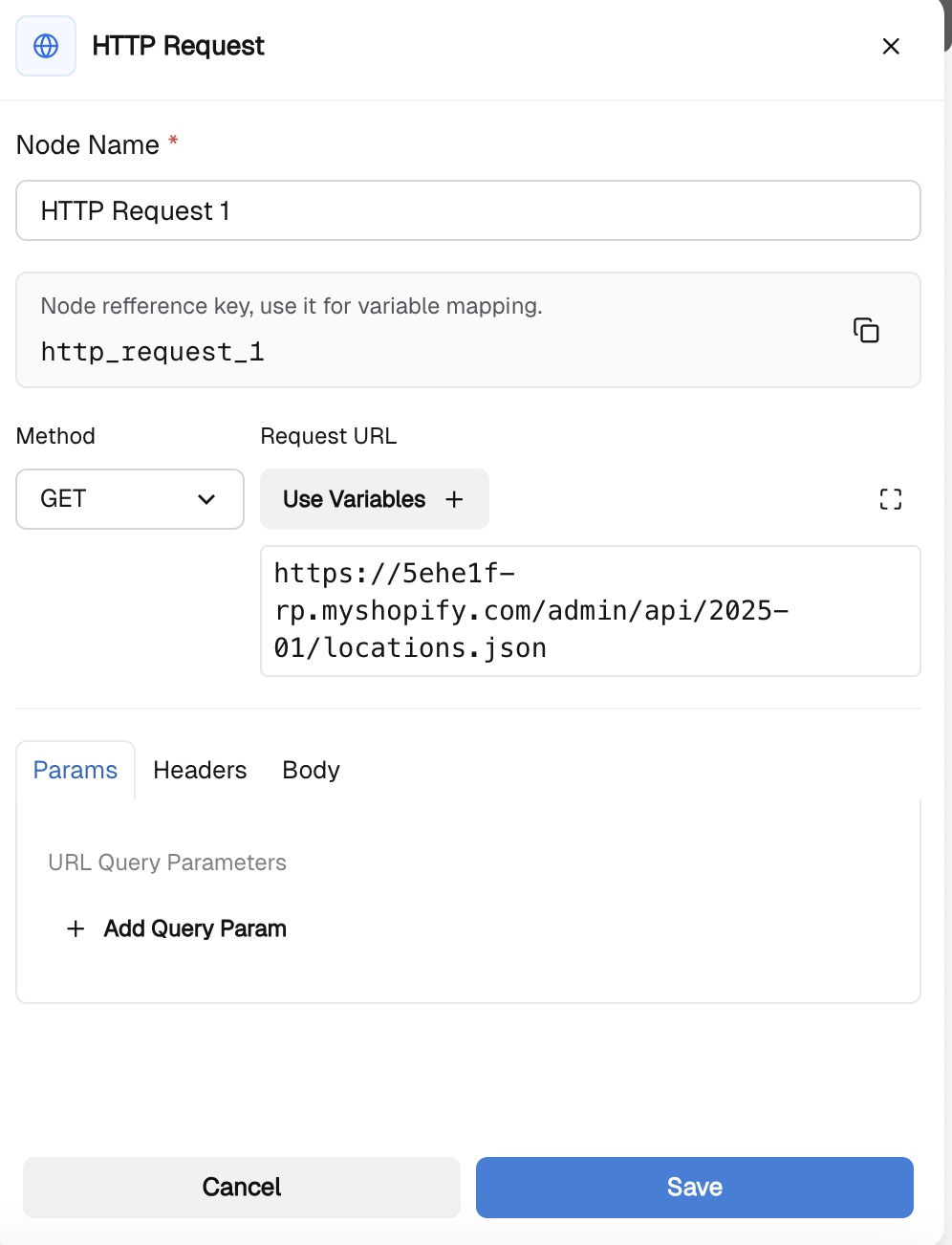
Connect a Loop node to the HTTP Request output. This iterates through all the products returned by Shopify, checking each one individually. For every item in the list, the workflow will proceed to the next step.
Connect a Condition node to the Loop's Iterate output. Set the condition to check whether the stock level is less than 10 (or your preferred minimum threshold).
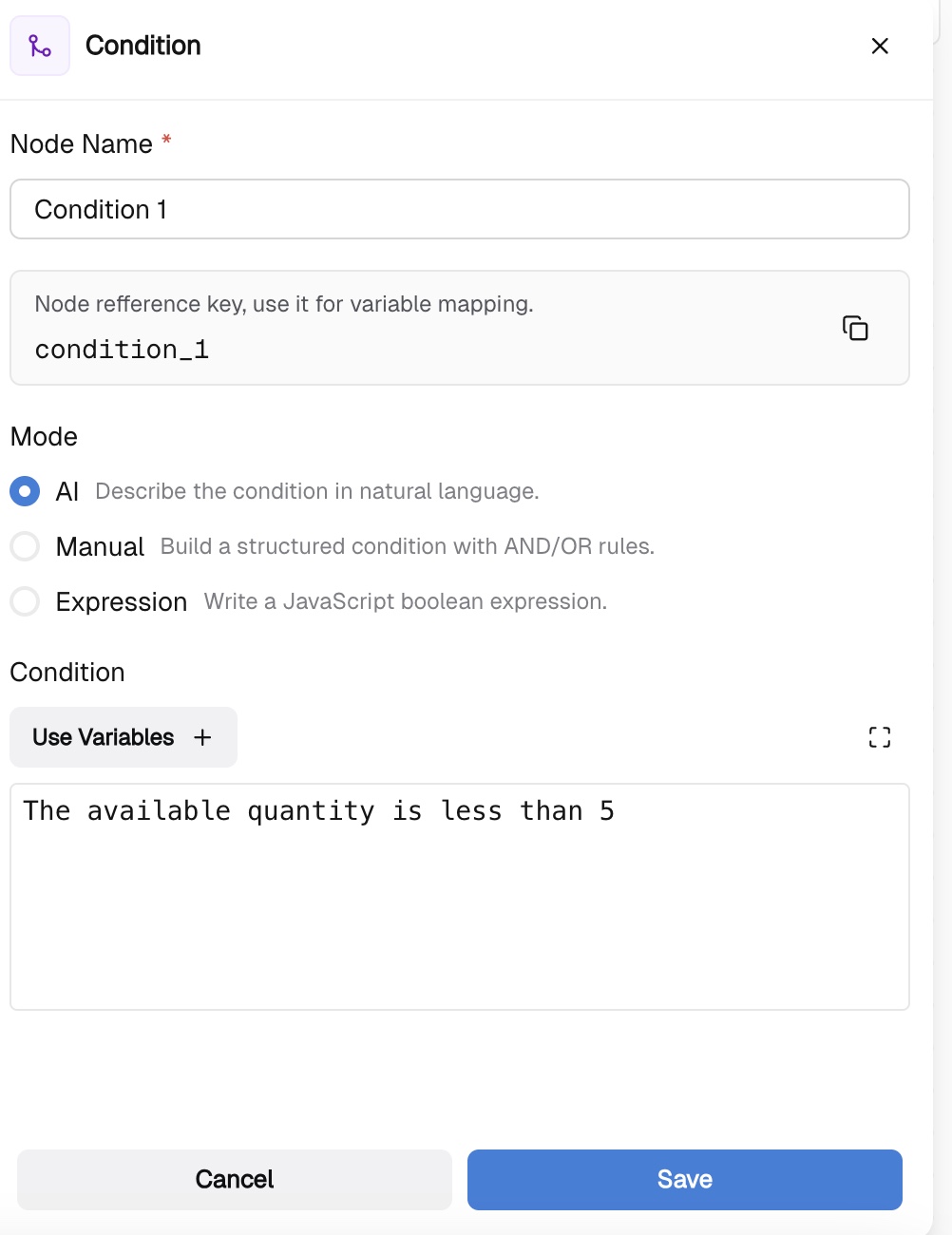
Add a Slackbot node and connect it to the True output of the Condition node. Click Connect app to link your Slack workspace. Configure the message to include the relevant product details — name, SKU, current stock count — so your team has everything they need to act immediately.
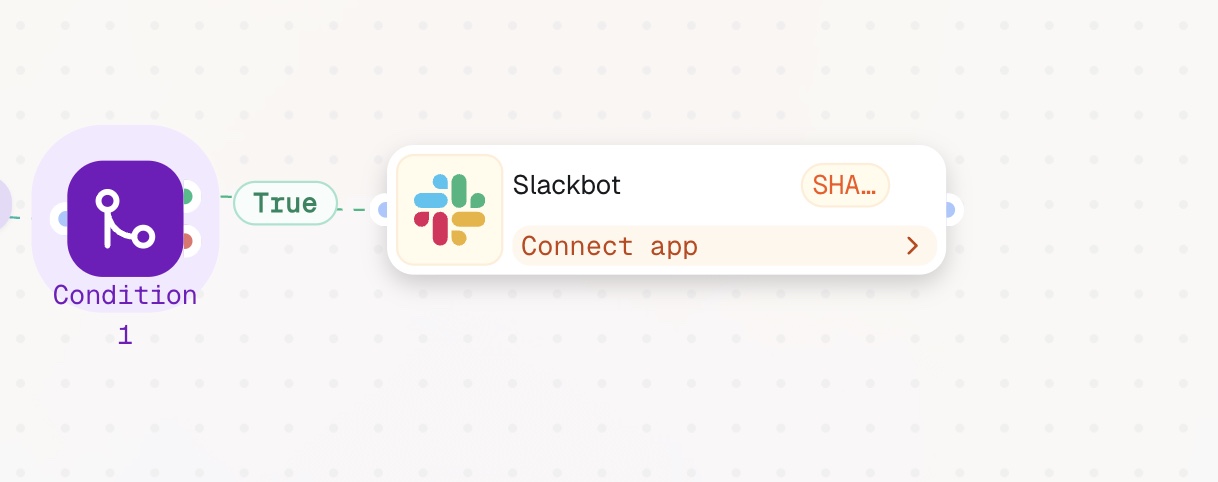
That's it. Every morning, CogniAgent checks your entire Shopify inventory, filters out any products running low, and fires a Slack alert — automatically, without anyone lifting a finger.