How to Build an Automated Quote Agent in CogniAgent
 Jul 31, 2026
 4 min read
 Jul 31, 20264 min read
A quote sitting approved but unsent is a lead going cold for no reason. Someone signed off on the number, and now it waits for a person to notice, open their email, attach the right document, and remember to tell sales it went out. This build removes that wait: the moment a quote gets approved, it goes to the customer and sales gets a confirmation, with one check in between to make sure nothing incomplete ever reaches an inbox.
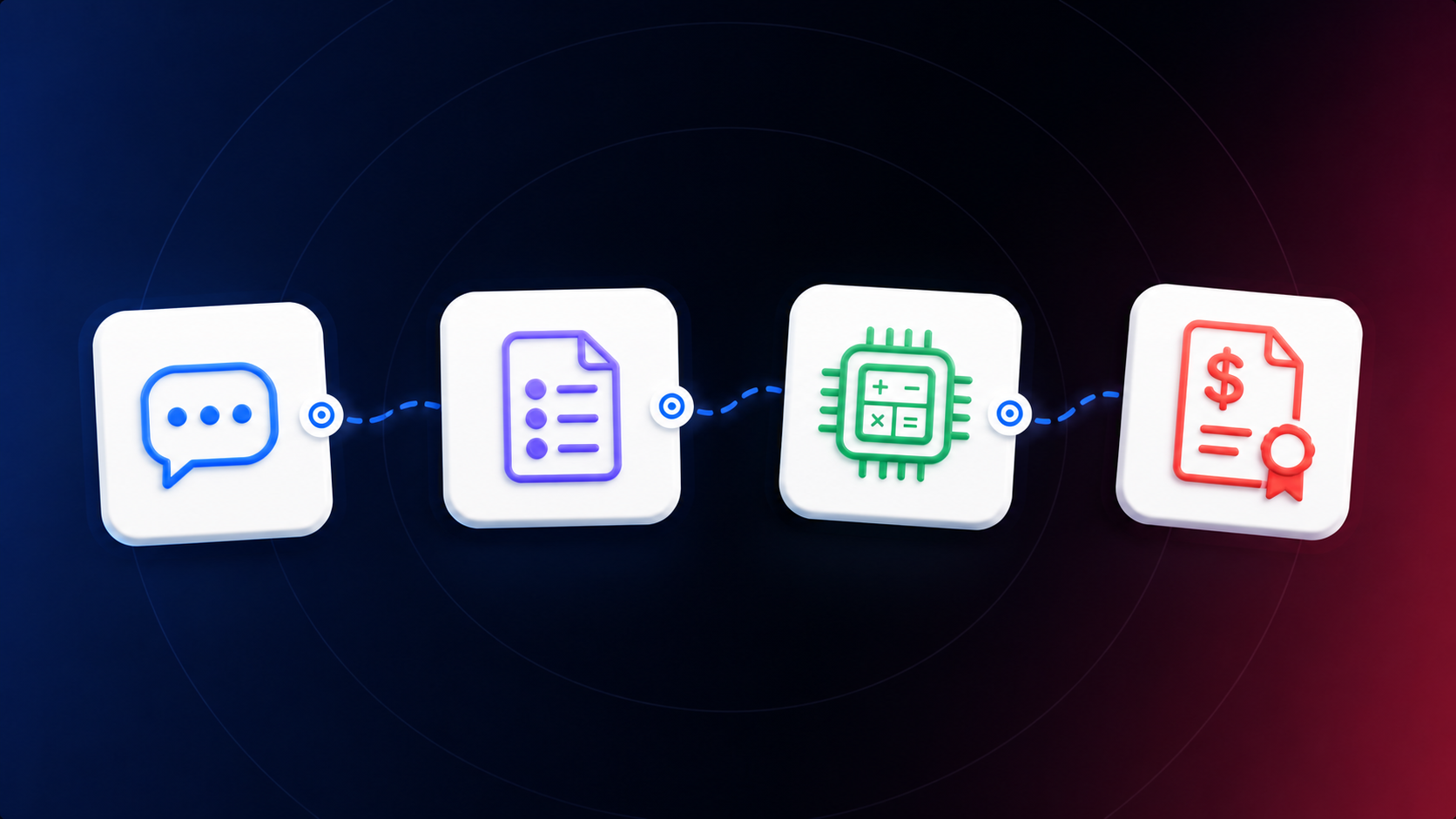
This is a small, fully sequential Application with one branch. A trigger fires the moment a quote is marked approved. A Condition node checks whether that quote record is complete enough to send. The true path emails the customer and then notifies sales it went out. The false path stops cleanly, returning a structured reason rather than either sending something broken or failing silently.
Open Applications and create a new Application triggered by whatever system marks a quote as approved, a quoting tool, a CRM, or an internal approval flow, connected through an Event from an App node. Name it Approved Quote Ready to Send. Define the payload this trigger carries: the customer's name and email, the quote total, the line items, a quote ID, and the assigned sales rep's contact details. Every downstream node in this build reads from this payload, so if a field is missing here, no later step can invent it.
Add a Condition node named Quote Ready to Send? that checks the payload for completeness before anything gets sent: a valid customer email, a nonzero quote total, at least one line item, and a valid quote ID. Route true to the send path and false to the stop path. Keep this check narrow and mechanical rather than judgment-based. It answers "does this record have what it needs to send," not "is this a good quote," which stays a person's call.
Add a Gmail node named Email approved quote to customer. Send to the customer's email from the trigger payload, with the quote total, line items, and quote ID in the body, either inline or as an attached document depending on how your quoting tool formats it. Keep the message factual: the quote details as approved, not a renegotiated version or a promise the sales rep hasn't confirmed. Add a second Gmail node named Notify sales that quote was sent, addressed to the assigned rep from the payload. This is what lets the rep stop manually checking whether the quote went out, so keep the notification specific: which customer, which quote ID, and the timestamp it sent.
Add a Resolve Value node named Stop incomplete quote, returning a structured result rather than an empty response: {{ return { action: "stopped", reason: "incomplete quote", quote_id: approved_quote_ready_to_send.body.quote_id }; }} Whatever system reads this Application's output should see exactly why nothing sent, not only that nothing sent. A quote that fails to go out without a trace and a quote that succeeds look identical to a rep unless the stopped case says so.
Run a complete quote through and confirm both Gmail nodes fire in order, the customer email lands with correct details, and the sales notification carries the right quote ID. Then run an incomplete quote, missing an email, a zero total, no line items, and confirm the false path fires with no email sent and a clear reason in the response. Test the same quote ID triggering twice, to confirm the customer doesn't get two copies of the same quote. Deploy once sales has confirmed the notification message gives them what they need without opening the CRM to check.
The gap between "approved" and "sent" is usually measured in however long it takes someone to notice the approval and act on it, which in practice can be hours or a full business day if it lands at the end of someone's shift. This build closes that gap to the time it takes the trigger to fire and two emails to send. It also removes a specific failure mode: a rep who assumes a quote went out because they approved it, when in fact nobody sent it. The sales notification exists to close that assumption, and the readiness check exists so speed never comes at the cost of sending something the customer shouldn't have received yet.