How to Build a Conversational Weekly Business Report in CogniAgent (Part 1)
 Jun 16, 2026
 5 min read
 Jun 16, 20265 min read
A workflow that compiles your weekly KPIs from connected apps, delivers a digest to the team – and then holds a real conversation so anyone can interrogate the numbers in natural language. Deterministic automation and stateful conversation, connected by a single node. Difficulty: Intermediate Build time: ~45-60 minutes
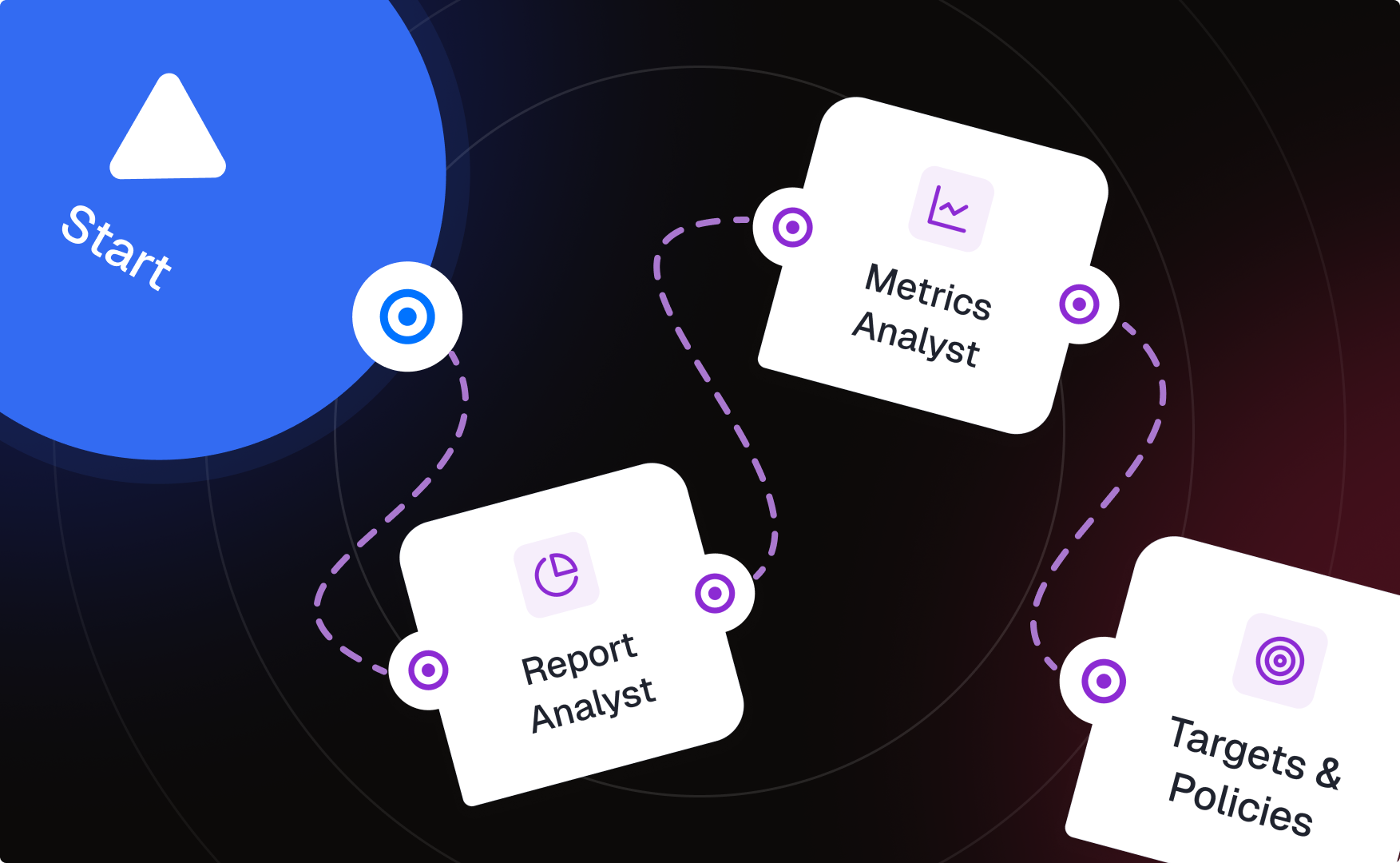
Two builds that connect through one node: Part A – Conversation Flow (built first): Start → Report Analyst (entry actor — delivers digest, triages questions) — [Metric question]→ Metrics Analyst (actor) — [Target / policy]→ Targets & Policies (actor, Knowledge Base connected) Part B — Workflow in Applications (deterministic): Scheduled Trigger → Integration Action [pull last week's data from your source] → LLM (Structured Output) [summarize + compute deltas] → Conversational Flow node [invokes the entire flow from Part A] → Integration Action [log the Q&A after the flow completes] The Conversation Flow is built on its own canvas with actors connected by intent-labeled transitions – no workflow nodes there. The workflow then connects to it through one node: Conversational Flow, which hands the digest data to the flow and lets the actors take it from there.
Build this first, so the Conversational Flow node has something to point at.
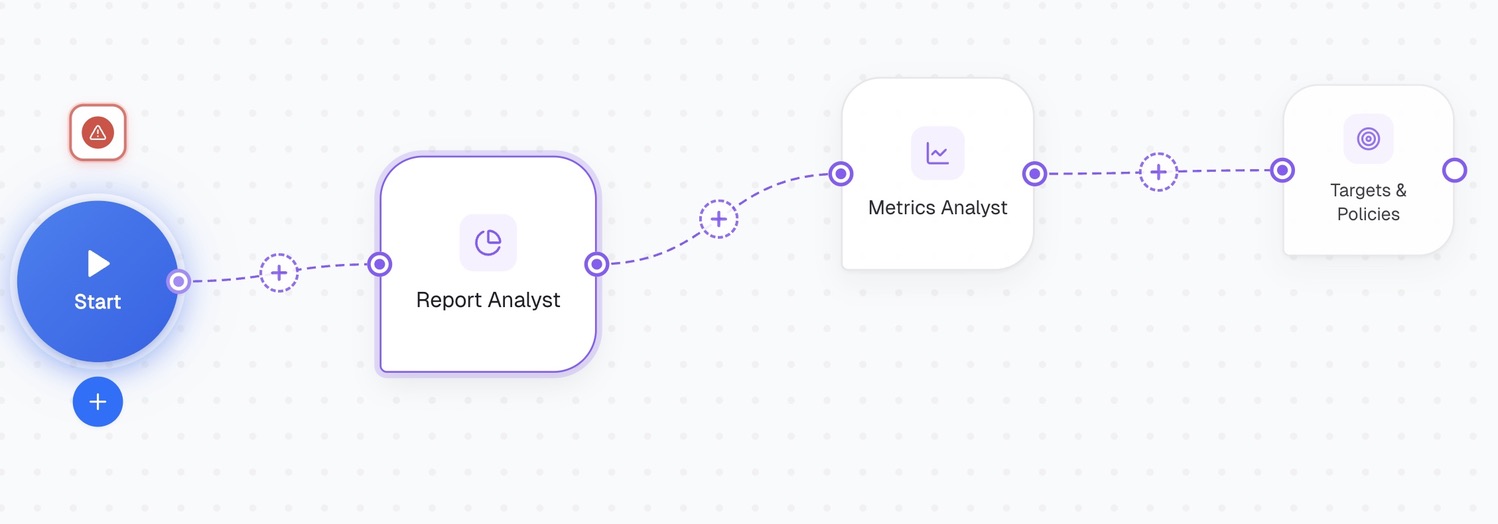
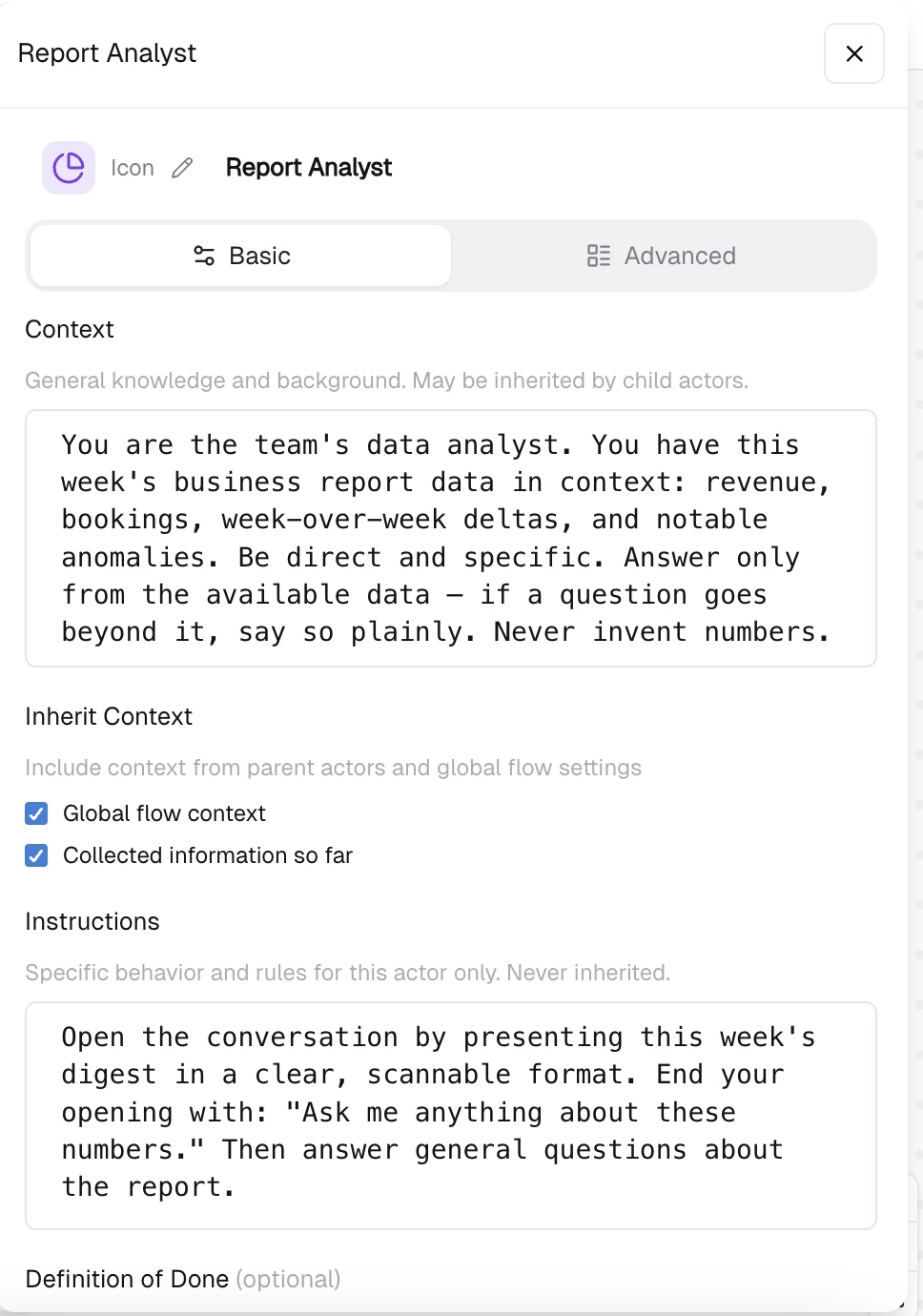
Create a new Conversation Flow. The Start point connects to your entry actor: Report Analyst. Each actor has important text fields, and the split between them matters:
You are the team's data analyst. You have this week's business report data in context: revenue, bookings, week-over-week deltas, and notable anomalies. Be direct and specific. Answer only from the available data – if a question goes beyond it, say so plainly. Never invent numbers.
Open the conversation by presenting this week's digest in a clear, scannable format. End your opening with: "Ask me anything about these numbers." Then answer general questions about the report.
Wiring rule: Start connects to one actor only – Report Analyst. Every specialist branches from Report Analyst, never directly from Start. Start → Report Analyst — [Metric question]→ Metrics Analyst — [Target / policy]→ Targets & Policies This is hierarchical, not flat – the same shape as a services flow (Start -> Expert -> "Inquiry" / "Services" -> specialists). It matters for three reasons:
The specialists:
Label each transition, ot talking in CogniAgent language - activation routings with the intent in plain language. On every child actor, check both Inherit Context boxes:
Then each child actor's own Instructions field holds only its specialty (e.g. Metrics Analyst: "Explain metric movements using week-over-week deltas and the anomalies list. Lead with the number, then the likely cause.").
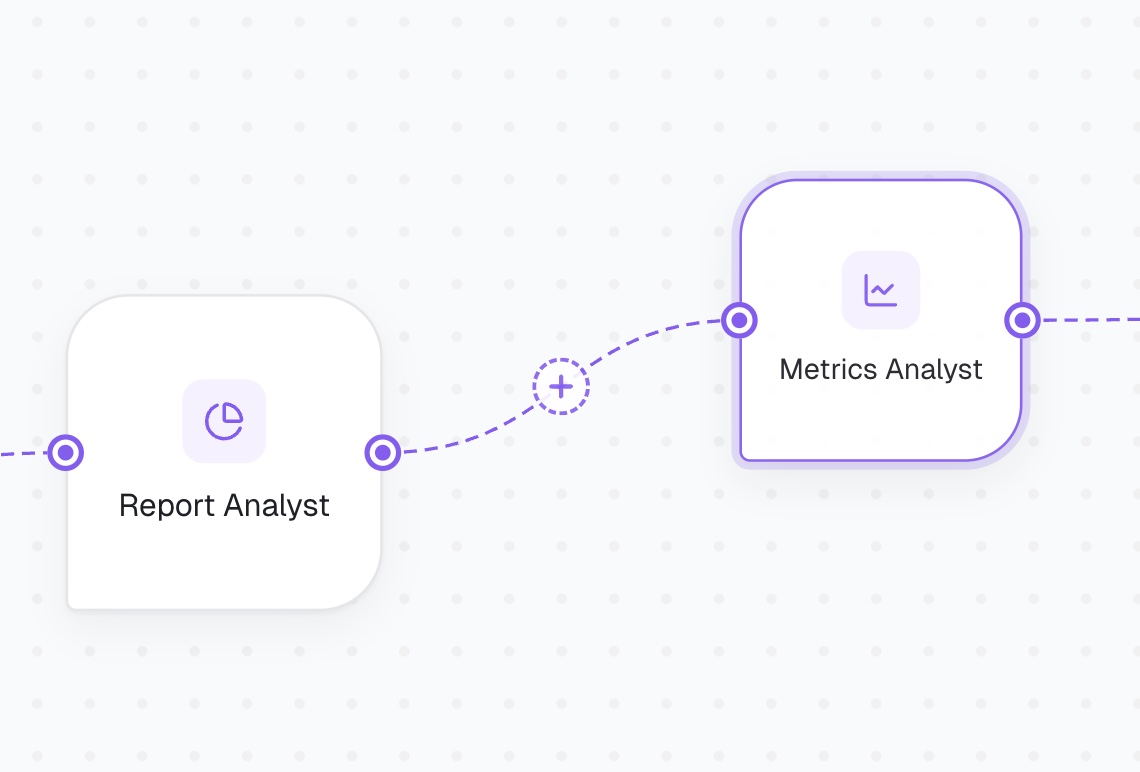
Without explicit Exit Conditions an actor won't hand off cleanly and decides on its own when the chat ends. Write them in plain text for each actor:
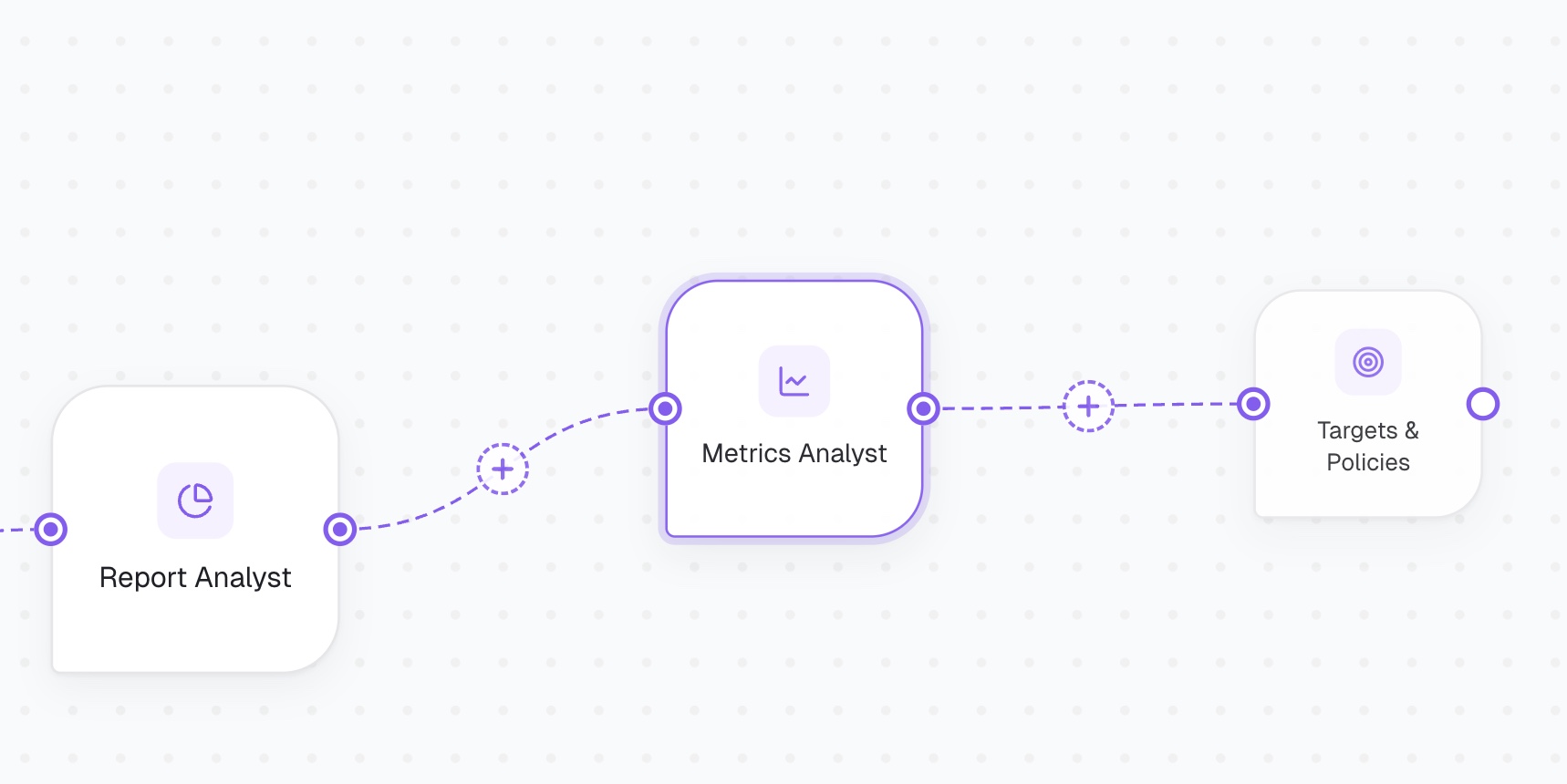
Check out Part 2 of this guide to finish the build!