In Part 1, we built the Conversation Flow — the actors, the routing, the Q&A logic. Now it's time to connect it to the real world.
In Part 2, we'll build the deterministic workflow that pulls your weekly data, summarizes it with an LLM, and hands it off to the conversation flow you already built — through a single node. By the end, you'll have a fully automated system that runs every Monday morning, delivers the digest to your team, and stays in the conversation until every question is answered.
Let's finish the build.
Phase 2 — Build the workflow in Applications

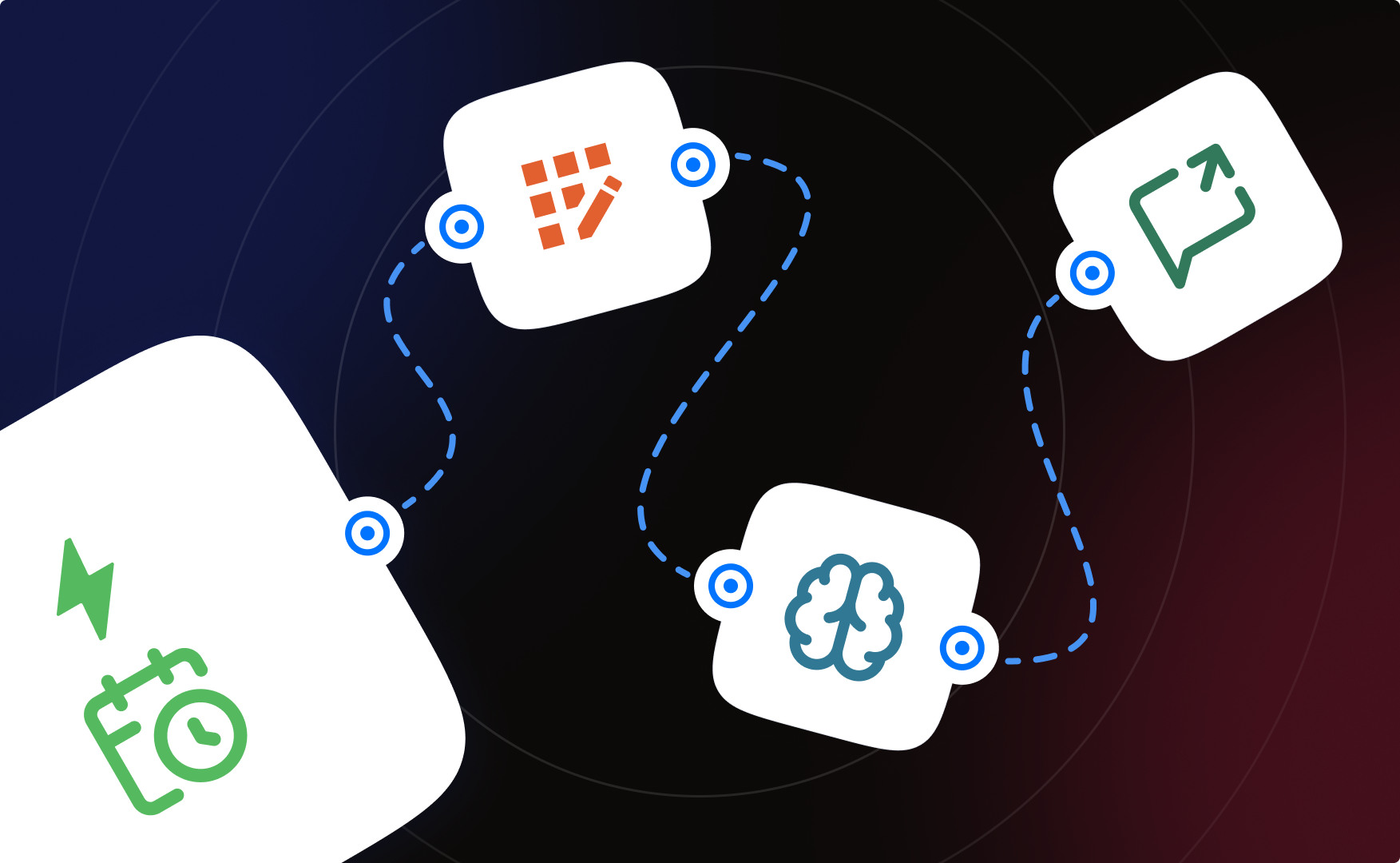
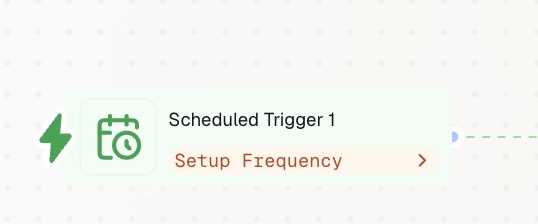
Step 5: Add the Scheduled Trigger
- Scheduled Trigger, weekly — e.g. Monday 8:00 AM.
- One trigger per workflow. While building, swap in a manual Start node so you control every test run (see Phase 4).
Step 6: Pull data with one Integration Action
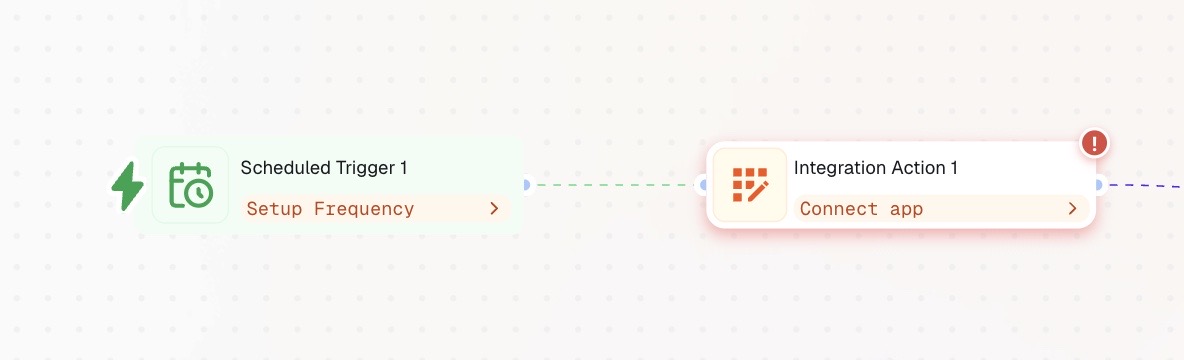
- Add a single Integration Action pointed at your data source — e.g. a Google Sheet with the week's revenue and bookings columns (or your CRM, if that's where the numbers live).
- Filter to last week's records (most integrations let you filter by date range).
Step 7: Summarize with the LLM node
Add an LLM node (Actions tab). Two settings are non-negotiable:
- Structured Output: configured. Define the fields the flow will receive. Without it, the variables don't exist downstream. Suggested schema:
- revenue_total (number)
- revenue_delta_pct (number)
- bookings_total (number)
- bookings_delta_pct (number)
- top_anomalies (text — top 3 unusual movements with one-line explanations)
- digest_text (text — the formatted weekly summary the entry actor will present)
- System Instructions define the role: "You are a business analyst. You receive raw weekly data and produce a concise executive summary with week-over-week comparisons."
- User Instructions define the task and must reference the variables from previous nodes — e.g. {{integration_sheet.output}}. If you don't pass variables in, the LLM has nothing to summarize.
Step 8: Add the Conversational Flow node
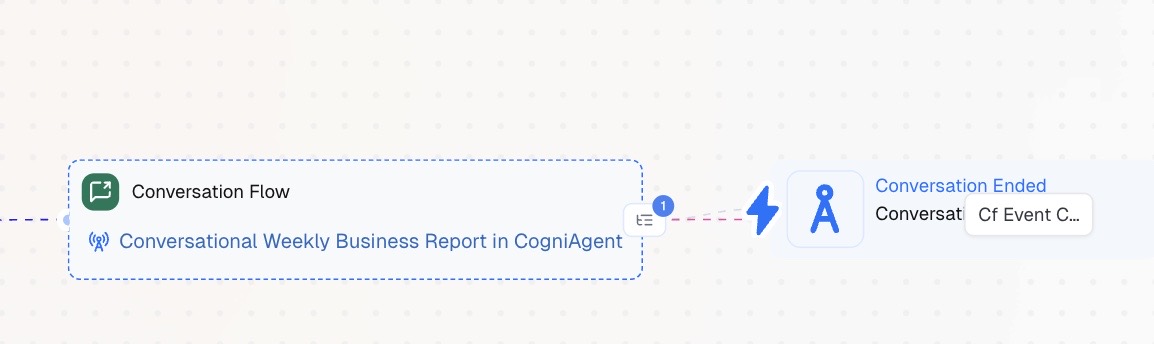
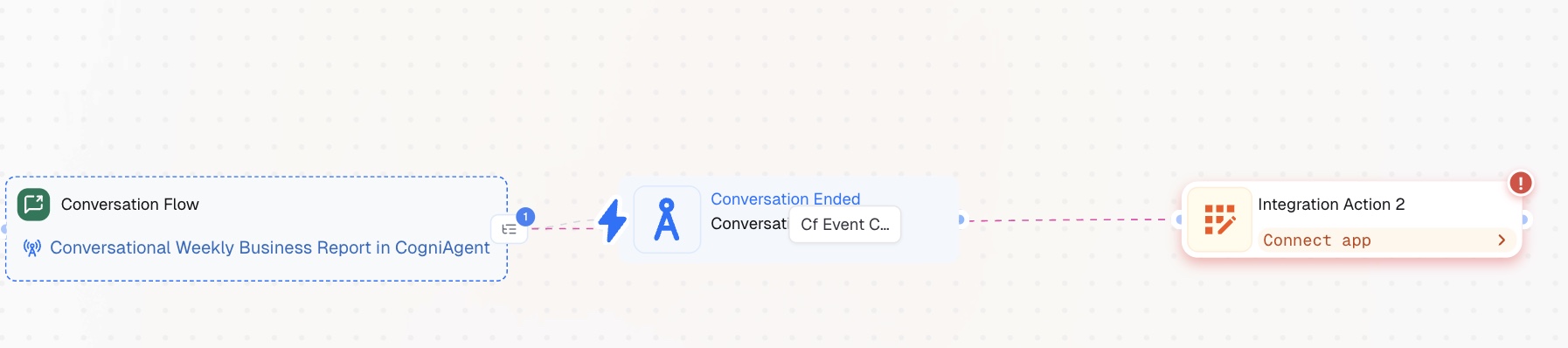
- Add the Conversational Flow node and select the flow you built in Phase 1. This single node is the entire bridge between the deterministic workflow and the conversation.
- Pass the structured output from Step 7 into the flow (digest_text, totals, deltas, top_anomalies) so the Report Analyst opens with this week's actual numbers and every actor answers from the same snapshot.
- When the workflow reaches this node, the flow takes over: digest delivered, conversation held, routing handled by the actors — no further messaging logic needed on the workflow canvas.
Phase 3 — Logging (turn questions into an asset)
Step 9: Log the exchange after the flow completes
- After the Conversational Flow node finishes, continue to an Integration Action that writes the exchange to Notion, a Google Doc, or your CRM.
- Log: date, who asked, the questions, the answers given.
Why bother: over weeks, this log becomes a record of what leadership actually asks about — which tells you what metrics to add to the digest, which specialist actors to build in v2, and where the recurring anxieties are. The report improves itself.
Phase 4 — Testing
- Test with a Start node first. Swap the Scheduled Trigger for a manual Start node so you control every run while building.
- Use sample data before real data. Point the Integration Action at a test Sheet or sandbox CRM — untested workflows writing to production data is how databases get corrupted.
- Check node colors after each run: gray = inactive, green = executed successfully, red = error. Read error messages completely — the actual problem is often described several lines down, not in line 1.
- Change one thing at a time. Modifying multiple steps before re-testing hides which edit broke the flow.
- Test the flow and the workflow separately first, then together: flow alone in its sandbox (Step 4), workflow alone with the LLM output inspected, then the full chain end-to-end.
- When everything is green, swap the Start node back for the Scheduled Trigger and deploy.Want to build more? Explore our other guides and learn how to create workflows that combine deterministic automation with conversational AI — all in one place.
 Jun 18, 2026
 4 min read