How to Build a Candidate Qualification Agent in CogniAgent
 Jul 31, 2026
 5 min read
 Jul 31, 20265 min read
Basic screening tells you whether a candidate is available and located in the right area. It doesn't tell you how they'll handle the specific environment the role requires, whether they show up reliably, or how they communicate with the people they'll be working with. That gap is what this build closes: a deeper, structured conversation that happens after initial screening and produces evidence a recruiter can use, without ever deciding who gets hired. Before building this, confirm the same things you'd confirm for any hiring tool: whether accommodation requests need a specific handling process, whether the questions this flow asks are the ones legal has approved for the roles in scope, and who the human recruiter is that flagged cases route to. This flow never makes a hiring decision, but it does collect information that touches hiring, so the same sign-off discipline applies.
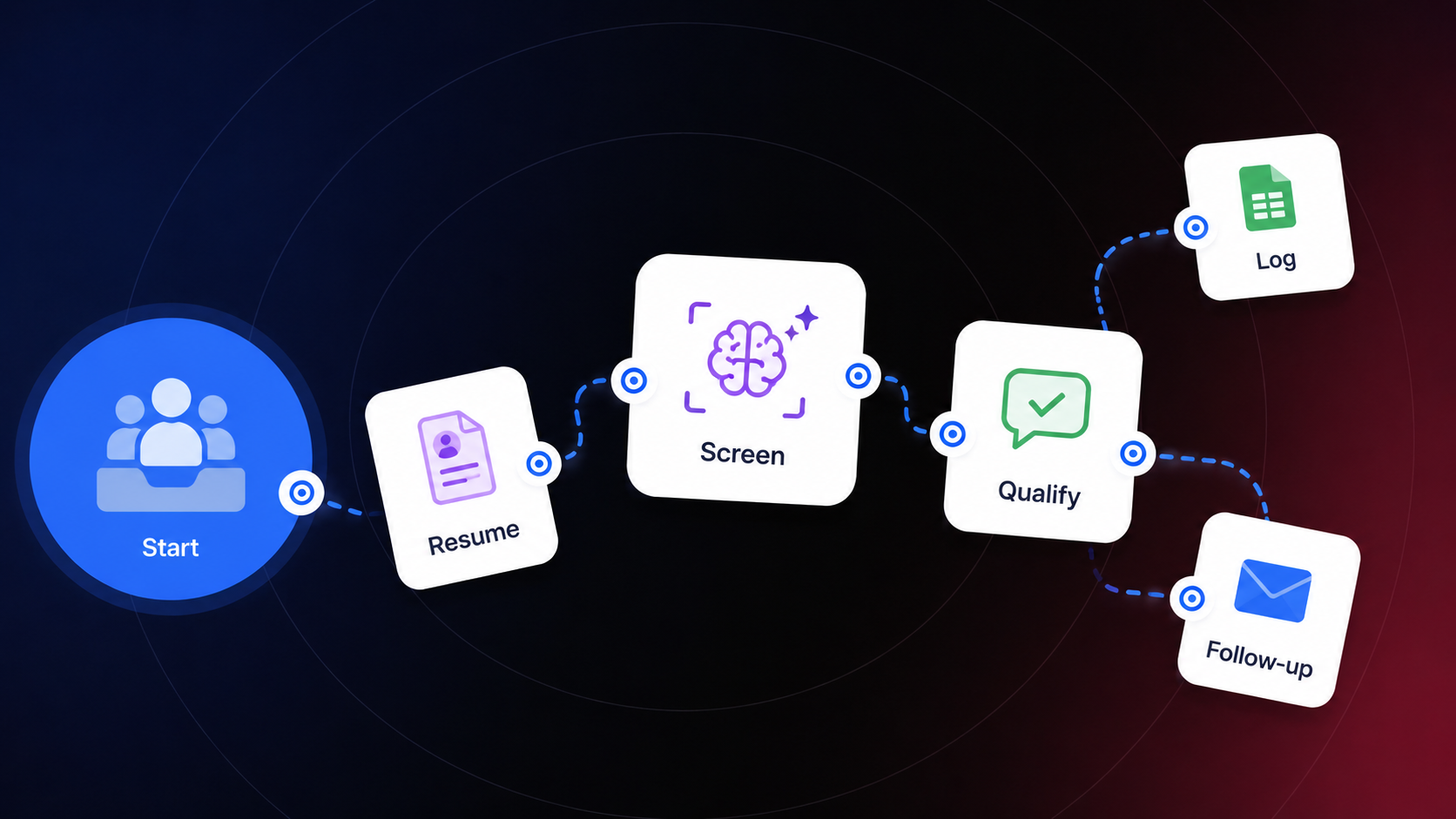
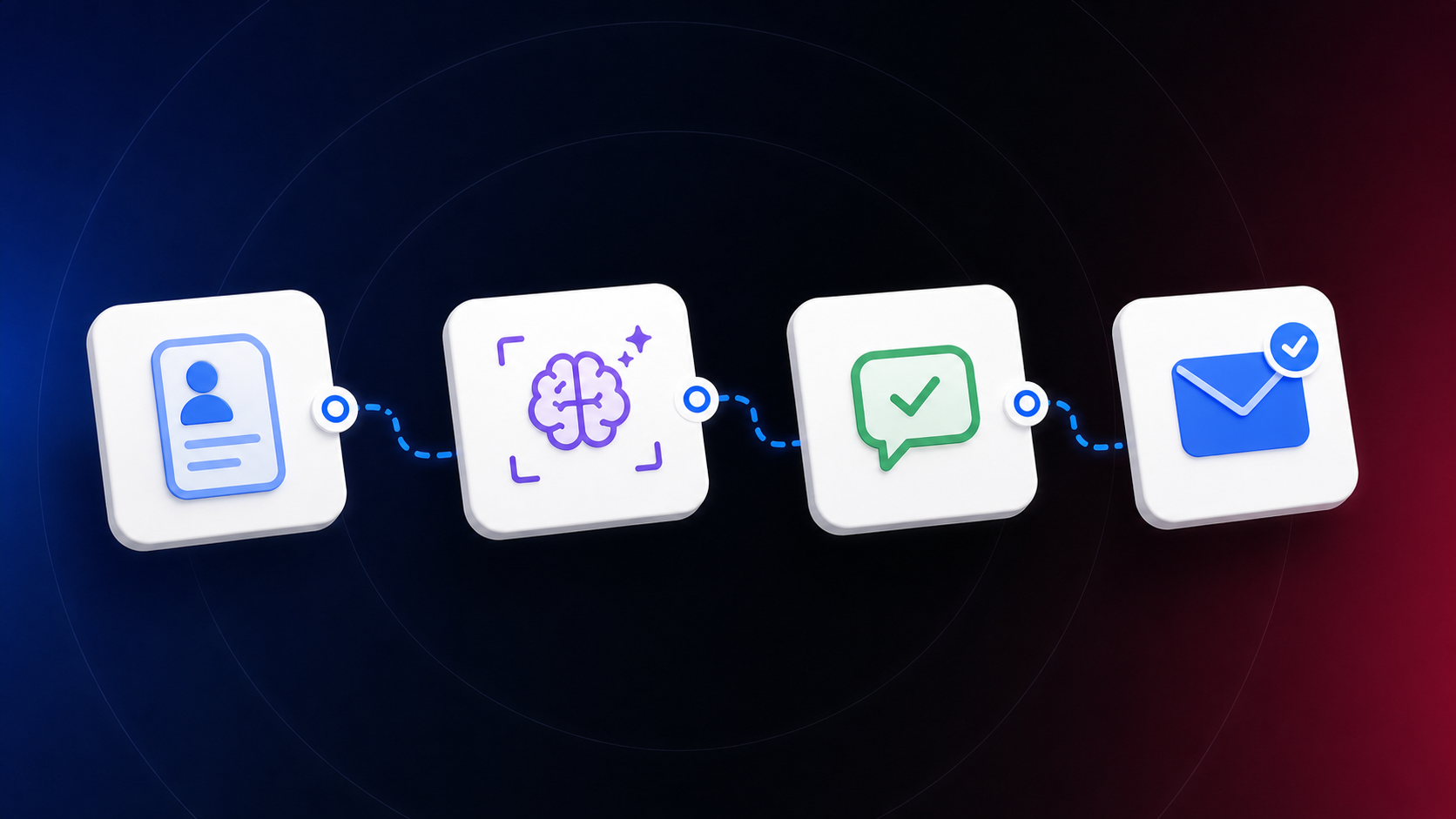
This is a Conversational Flow, not an Application on its own, and it starts differently than most: it reaches out to the candidate rather than waiting for them to reach in. A single actor runs a structured interview over SMS or email, pulling in what an earlier qualification step already knows about the candidate before asking a single question, then logging every reply as the conversation runs.
Connect Email as the channel in Flow Settings. Set Execution Mode to Initiator, since this flow starts the conversation itself once a candidate has already cleared initial screening, rather than waiting for them to message first. Define the parameters this flow expects when it launches: candidate_name, role_name, candidate_contact, and screening_summary. If this flow is chained after an earlier screening step, these come straight from that step's output rather than getting typed in again.
Before writing any actor instructions, work with the hiring manager to define what distinguishes a strong candidate for each role in scope: the work environments involved, reliability expectations, equipment and procedures, required certifications, the customer-facing or interpersonal skills the role demands, and location and schedule requirements. This becomes the Context the actor reasons against in Step 3, and it needs to exist per role rather than as one generic list, since different roles don't share the same bar for what counts as relevant experience.
Add an actor named Candidate Qualification, with Focus Mode set to Persistent. This interview needs to reach a complete picture even if the candidate's answers wander or run short, rather than closing out on something half-finished. In Context, load the role-specific criteria from Step 2, keyed by role_name, along with the screening_summary passed in at launch so the actor isn't asking about anything screening already confirmed. In Instructions: "Ask five questions at a time. Never state or imply a hiring decision, an interview offer, or a rejection. If the candidate volunteers information about a protected characteristic (age, disability, family status, and so on), do not factor it into any recommendation and do not ask a follow-up about it. If the candidate discloses something sensitive, requests an accommodation, or disputes something from screening, flag it for the recruiter immediately and continue the interview rather than resolving it yourself." Set the Definition of Done: "Every question relevant to the candidate's specific role has been asked and answered, prior qualification data has been retrieved and used rather than re-asked, each reply has been logged, and the End node has been reached."
In the actor's Advanced tab, add two Act actions. The first, Retrieve Previous Qualification, runs at the start of the conversation and pulls the candidate's existing record, whatever an earlier screening step logged, so the actor opens already knowing the role, the screening summary, and anything already confirmed. Without this, the interview risks re-asking questions the candidate already answered once, which reads as sloppy rather than thorough. The second, Log Qualification Replies, appends each answer to a Google Sheets action as the conversation runs, or as a single row once it completes, depending on how the recruiter wants to review it. Specify exactly when it should run: after each answer for a live-updating view, or once at the end for a single clean row per candidate.
Run test conversations for a strong match, a partial match, a missing certification, and a sensitive disclosure. Confirm the retrieval action pulls prior data instead of returning empty, and confirm the logging action writes a complete, correctly formatted row rather than a partial one if the candidate drops off mid-conversation. Deploy only after the recruiter who'll review these logs has seen the sheet and confirmed it's readable.
A recruiter who calls every screened candidate for a first real conversation is doing the same conversation over and over, most of which covers ground this flow can cover asynchronously. By the time a candidate reaches a recruiter through this flow, the recruiter already has a reliability example, confirmed schedule and location fit, and a clear note on any certification gap, logged in one place, instead of starting that conversation from zero and taking their own notes. The hiring decision never moves. It arrives with more to work with.