How to Automate Competitor Price Monitoring (E-Commerce Example)
 Mar 05, 2026
 2 min read
 Mar 05, 20262 min read
This workflow automatically visits a competitor's website every day, uses AI to extract all product prices from the page, and logs everything into Google Sheets to build a price history over time. Follow this step-by-step guide to learn how you can build it and be ahead of your competitors just by scraping the pricing data from their websites and tailor your offers accordingly.
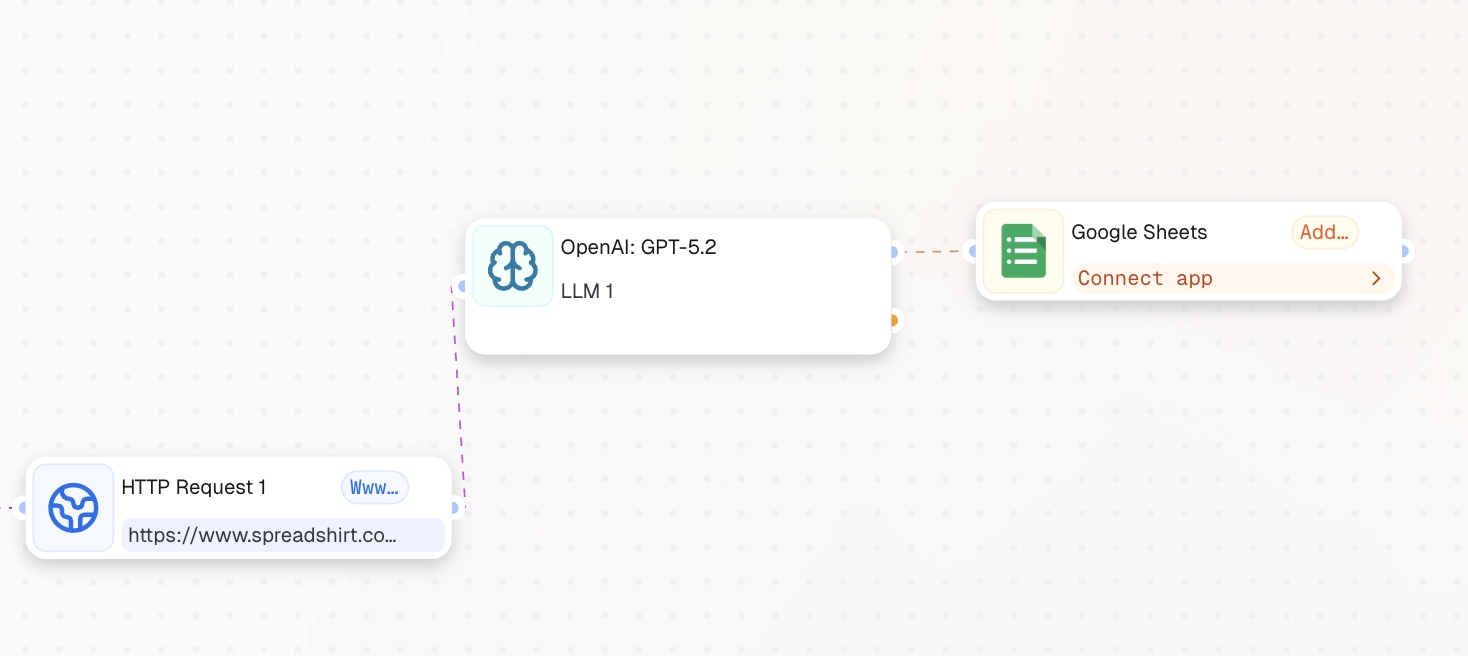
[Recurrent Event] -> [HTTP Request] -> [LLM] -> [Action in App]
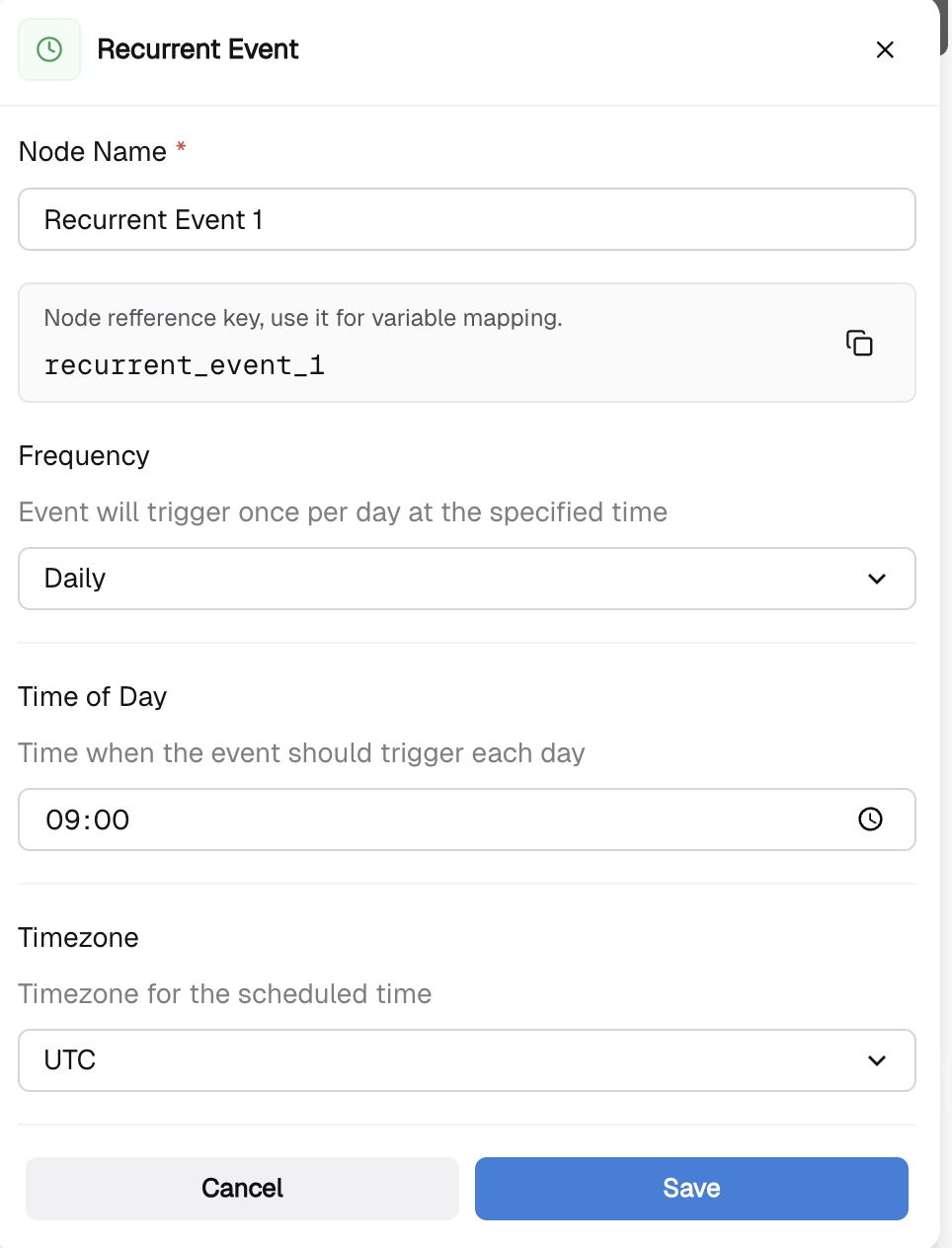
Click "Add Step" and choose the "Recurrent Event" Node. This node triggers the workflow automatically every day.
This node fetches the raw HTML of the competitor's product page.
To verify it works, click Test. If you see HTML in the response body, you are good to go. If you get a 403 error, the site is blocking requests and you need a different source URL.
In the execution history we see that the node returns the output, thus we continue the execution of the workflow.
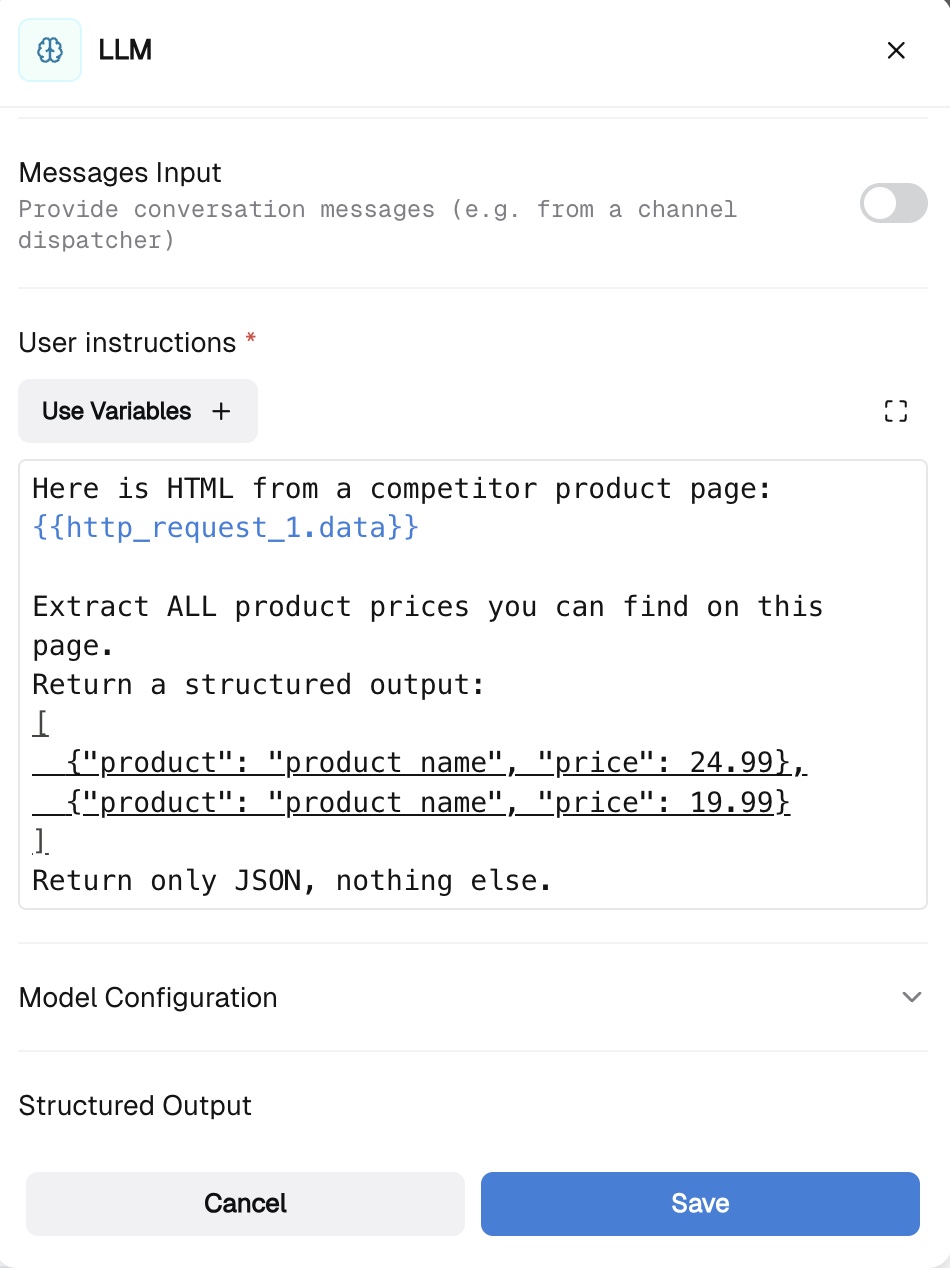
This node reads the raw HTML and extracts all prices using AI. No code needed — the LLM does the parsing.
System instructions - the role of your LLM User instructions - what exactly LLM does Structured Output - map out all of the necessary fields as required. In this scenario: product_name, product, and the price.
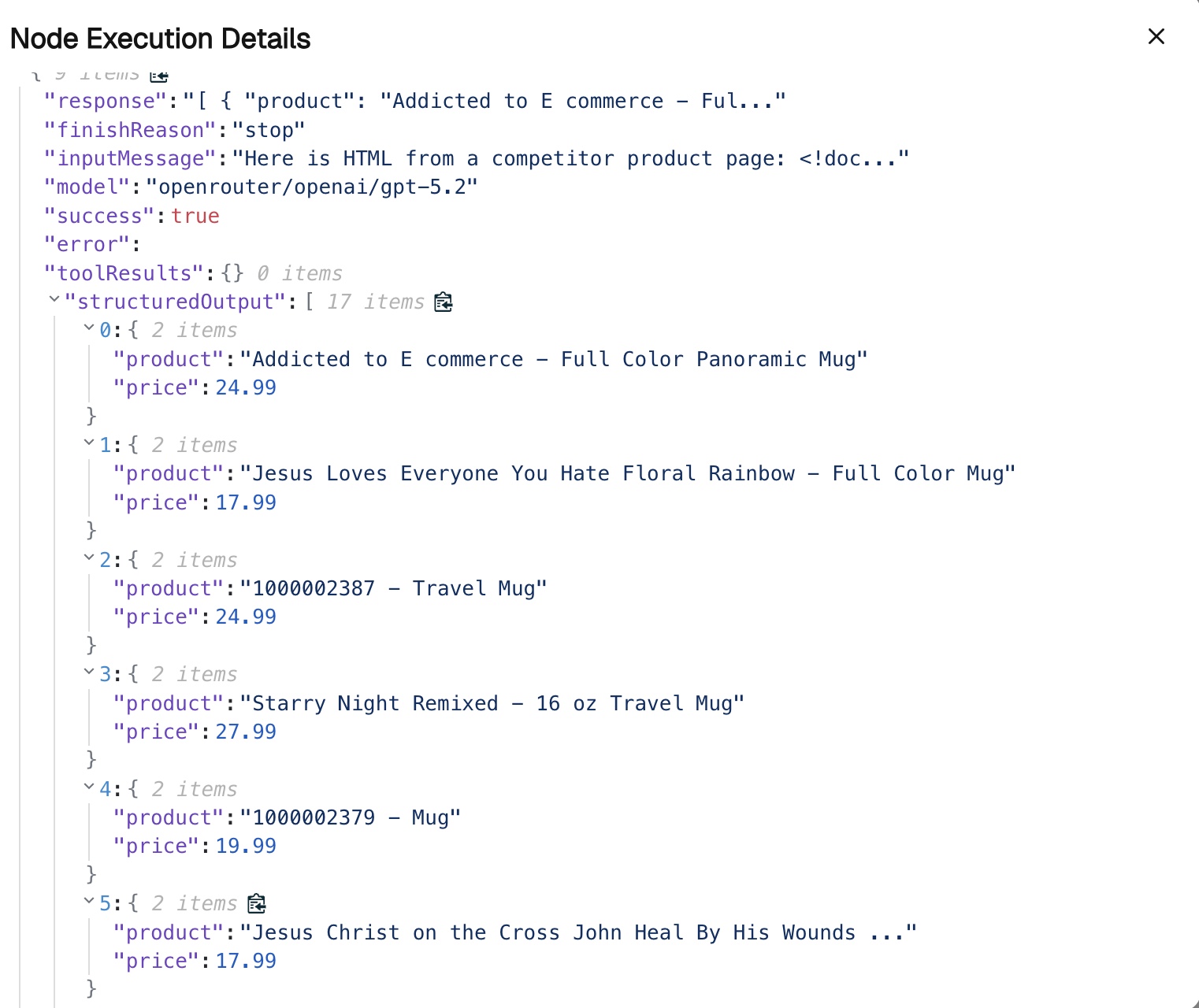
If it works, in the execution history you will see the structured output:
This node appends one row per product into your spreadsheet.
Follow other step-by-step guides in CogniAgent and rebuild workflows!