How to Auto-Translate & Auto-Publish Shopify Product Descriptions
 Mar 06, 2026
 4 min read
 Mar 06, 20264 min read
Writing product descriptions is one of the most time-consuming tasks in e-commerce — and translating them into multiple languages makes it even harder. This workflow eliminates that work entirely.
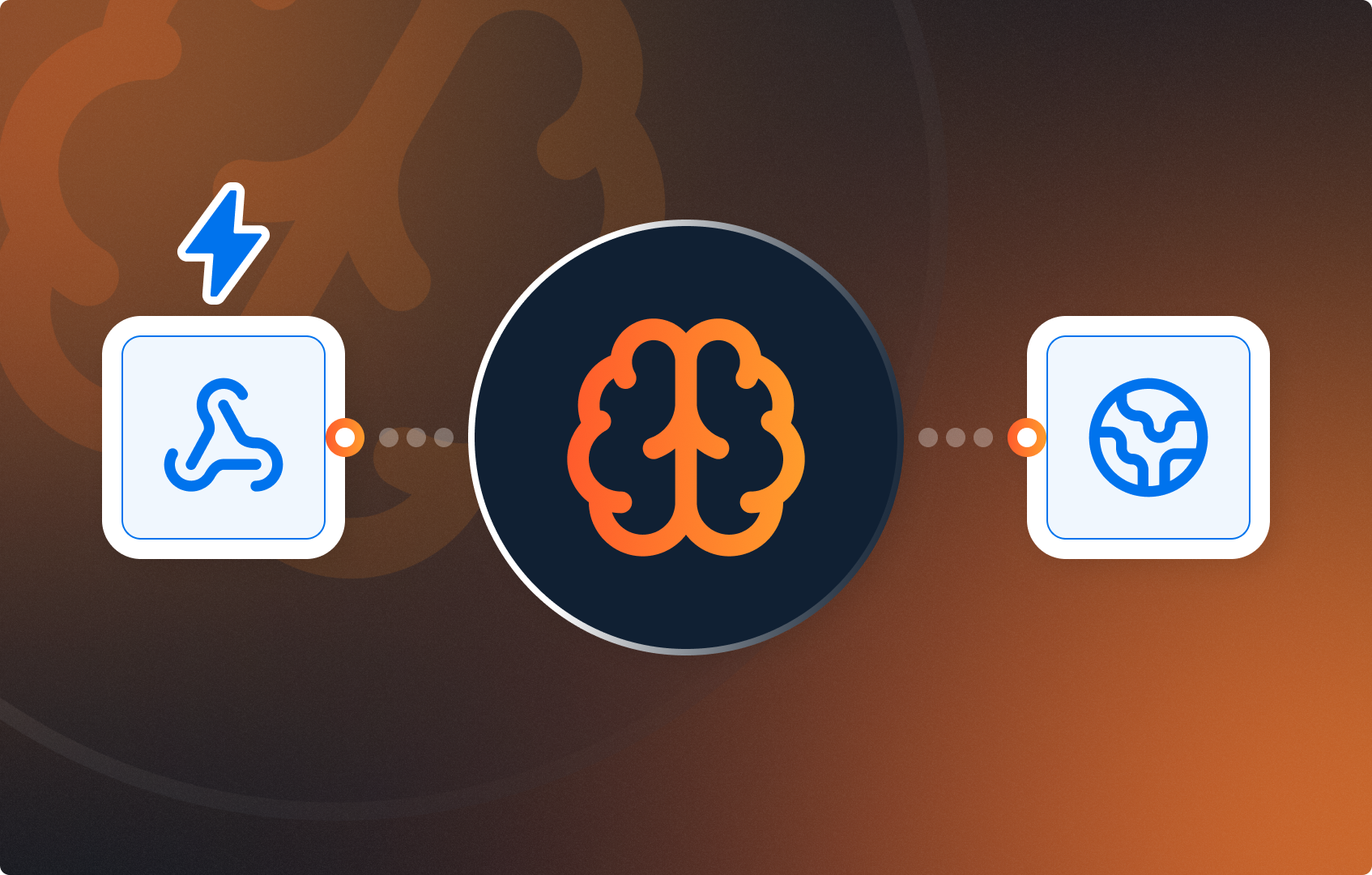
Every time a new product is added to your Shopify store, this automation fires instantly. It reads the product title, type, and tags, then uses AI to craft a professional English description. That description is then automatically translated into French, German, and Spanish. Finally, all four versions are published back to the Shopify product page in a single API call — no copy-pasting, no manual translation tools, no delays.
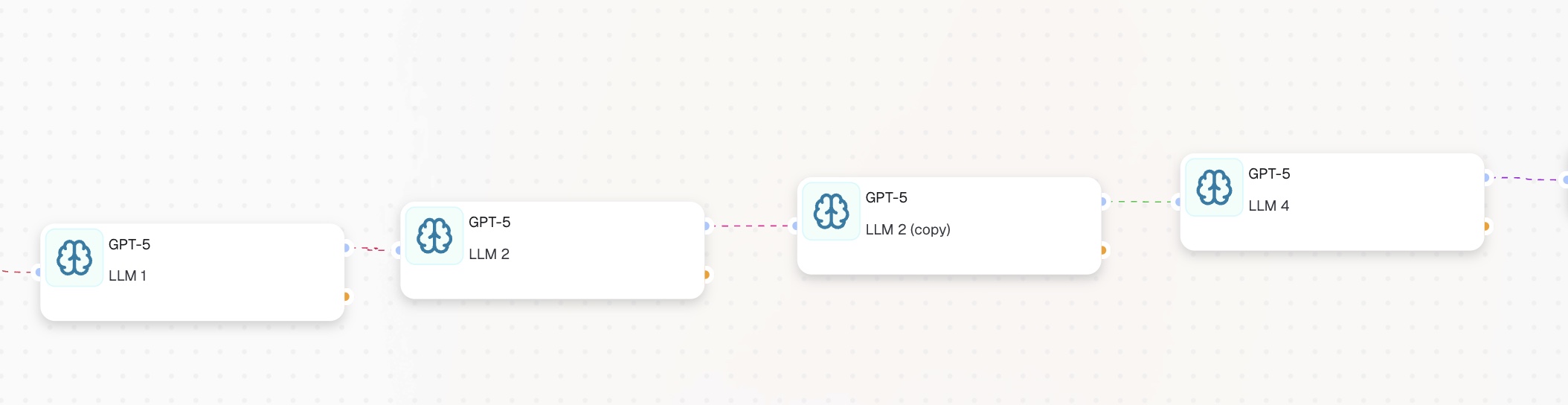
[Webhook] -> [LLM 1: Write English] -> [LLM 2: French] -> [LLM 3: German] -> [LLM 4: Spanish] -> [HTTP Request: Publish]

Before building anything in CogniAgent, you need an API token that gives the workflow permission to write data back to your store.
Go to your store settings.
Then follow these steps:
The Webhook node is the entry point of the workflow. It listens for new product creation events from Shopify and fires the automation the moment a new product is saved.
Add a Webhook node in CogniAgent, click on it, and copy the webhook URL it generates. It will look like this:
Now register it in Shopify by going to your store.
Scroll to the bottom and click Create webhook. Fill in the fields as follows:
Save it. From this point on, every new product created in your store will automatically send its data to CogniAgent.
Add an LLM node connected after the Webhook. This node reads the raw product data and writes a professional English description.
Prompt: You are a professional e-commerce copywriter. Write a compelling product description for: Product title: {{webhook_1.data.title}} Product type: {{webhook_1.data.product_type}} Tags: {{webhook_1.data.tags}} Write 3 short paragraphs. Focus on benefits, not features. Return plain text only.
To learn how to write instructions, follow our other guides where we break it down step by step.
Add a second LLM node connected after LLM 1. Prompt:
Translate the following product description to French. Return only the translated text, nothing else. {{llm_1.response}} (the data you refer to from the previous node)
Add a third LLM node. Prompt:
Translate the following product description to German. Return only the translated text, nothing else. {{llm_1.response}}
Add a fourth LLM node. Prompt:
Translate the following product description to Spanish. Return only the translated text, nothing else. Return only the translated text, nothing else. {{llm_1.response}}
This is the final node. It sends all four descriptions back to Shopify in a single API call. The English description goes into the main product body. The three translations are stored as metafields for your multilingual storefront.
A successful call returns HTTP status 200.
That’s all! Now you have a fully automated workflow where product descriptions are added to your Shopify store and translated automatically. Follow our other guides to rebuild workflow automations!