The Front-Desk Workflow Your AI Receptionist Runs
Each step of an enquiry, up to the booking request, runs on one canvas with live calendar access.

First contact and missed call recovery
Picks up the enquiry whenever it arrives, surgery blocks and lunch included

Intake and needs capture
Collects pet name, species, reason for visit, and owner contact details

Qualification and routing
Separates routine booking requests from urgent calls before anything reaches the calendar

Common questions
Covers hours and services, plus general pricing ranges from approved clinic information

Scheduling and reminders
Captures preferred appointment times, then confirms the visit and nudges the owner beforehand

Escalation
Hands anything clinical or outside its approved scope to on-call staff instead of deciding alone

Follow-up on open enquiries
Keeps working booking requests that never got finished, on the cadence you set

After the appointment
Confirms the visit happened and asks for a review where it makes sense
The Cost of a Sometimes-Unstaffed Front Desk
The challenge
CogniAgent AI receptionist


One person covers one line at any time
When the desk is busy with a check-in, every other caller hits voicemail

Answers every channel at the same time
Several owners can be mid-conversation at once without anyone waiting
A missed call waits for the next shift
Meanwhile the owner calls the clinic down the street
Picked up in under a minute, 24/7
The request is captured before the owner thinks about calling elsewhere
Open booking requests quietly go stale
Nothing moves unless someone remembers to make the call back
Unfinished requests keep moving
Messages again on day 1, day 3, and day 7 until the booking is done
Owners would rather text than call you
63% would switch to a business that replies by SMS, and 98% of SMS messages get read versus 6% of emails
Meets owners on the channel they chose
Call, text, chat or WhatsApp, with one intake and one record
Sick days and PTO leave the desk short
On any unpredictable day, all coverage rests on one schedule
Coverage does not depend on one person
Routine intake keeps moving when nobody is at the front desk
Hiring a front-desk person takes weeks
Then they still need time to learn your clinic scripts
Deployed from a template in a few days
Then tuned as you learn what owners ask most
Start With an Agent Built for Veterinary Front-Desk Work
Pre-configured templates that already know how enquiries get answered, qualified, booked, and followed up
AI Receptionist
Answers calls and messages, responds to common questions, collects owner and pet details, and identifies the reason for contact






AI Appointment Booking Agent
Collects appointment details, checks stated calendar availability, and captures the booking request for staff confirmation

Follow-up and Review Agent
Sends review requests after a visit or routes a complaint to staff
AI Estimate/Quote Sending Agent
Validates the request and sends a general pricing range or estimate by email, without quoting clinical specifics

After-Hours Answering & Emergency Triage Agent
Flags language suggesting an emergency and routes it to on-call staff immediately rather than queuing it as routine
.svg.webp)
.svg.webp)
Missed-Call Text-Back Agent
Texts missed callers back within minutes and finds out what they needed

How It Works
No developer needed, and most clinics go live within days.
One AI Receptionist. Every Channel Pet Owners Use.
Owners call, text, or message on WhatsApp, and the same logic and owner record follow them everywhere.
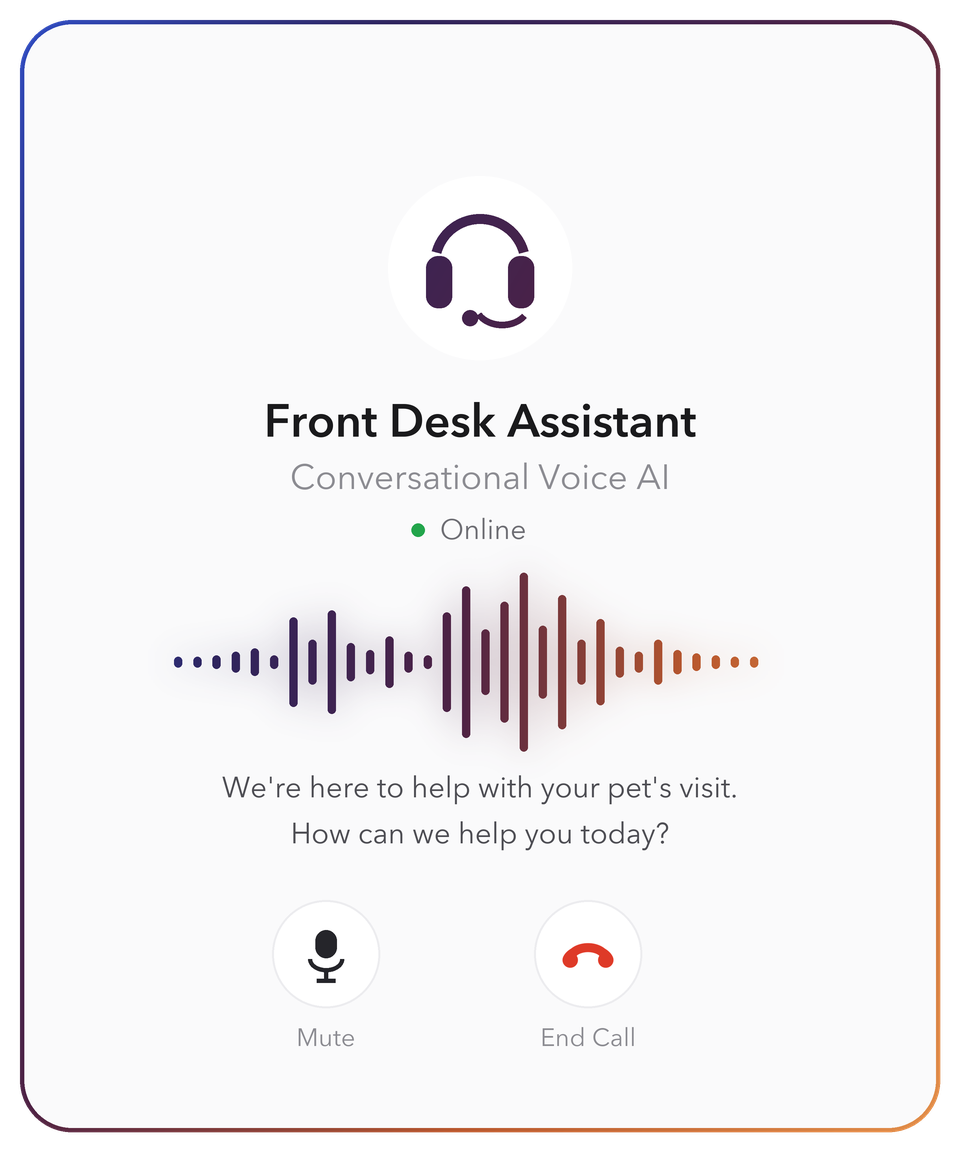
Conversational voice AI
Answers inbound calls and can call back owners who don't reply to text. No menus, no hold music.
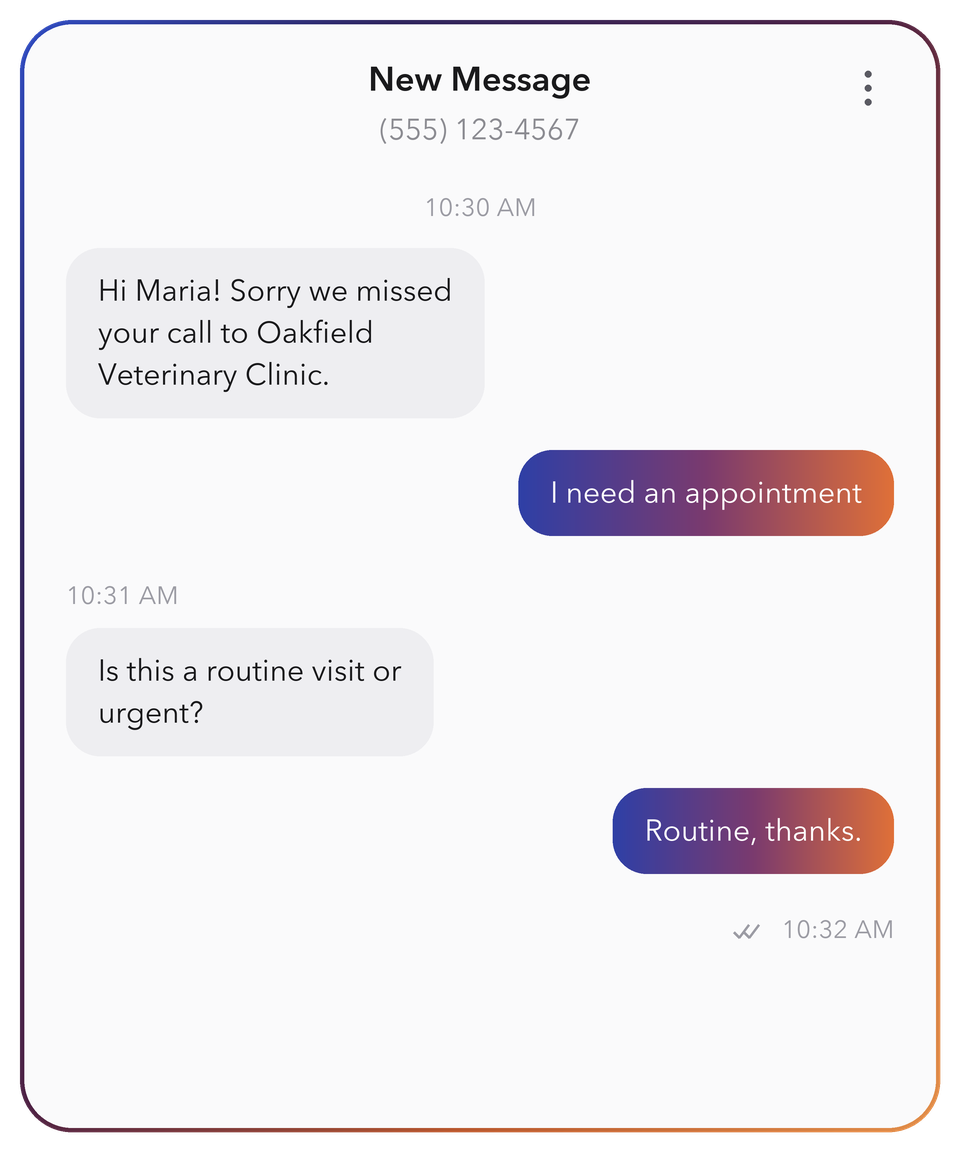
SMS
The recovery channel for a missed call: an automatic text-back with a booking request option, then reminders and review requests on the same thread.
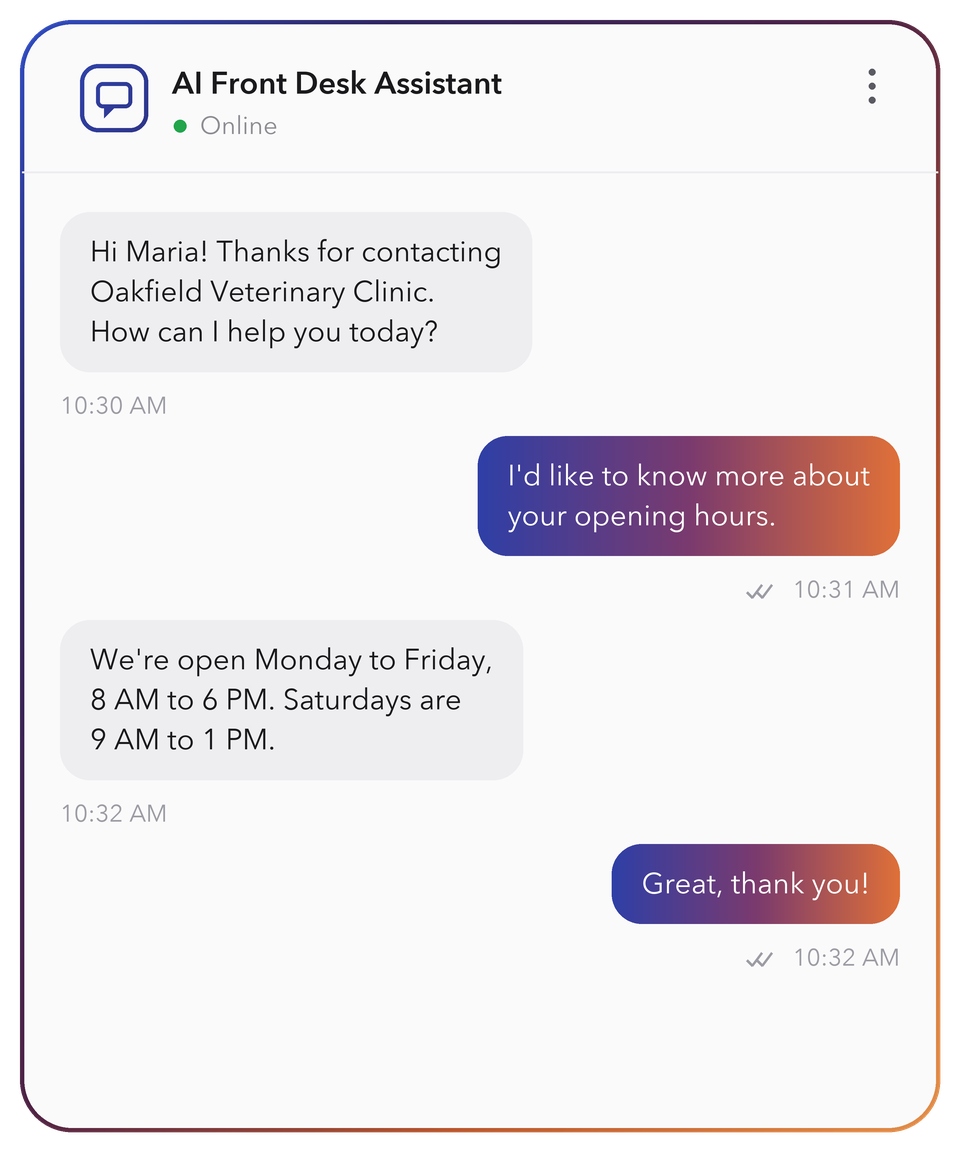
Web and online booking chat
Engages visitors on your services and pricing pages and captures the request without a form.
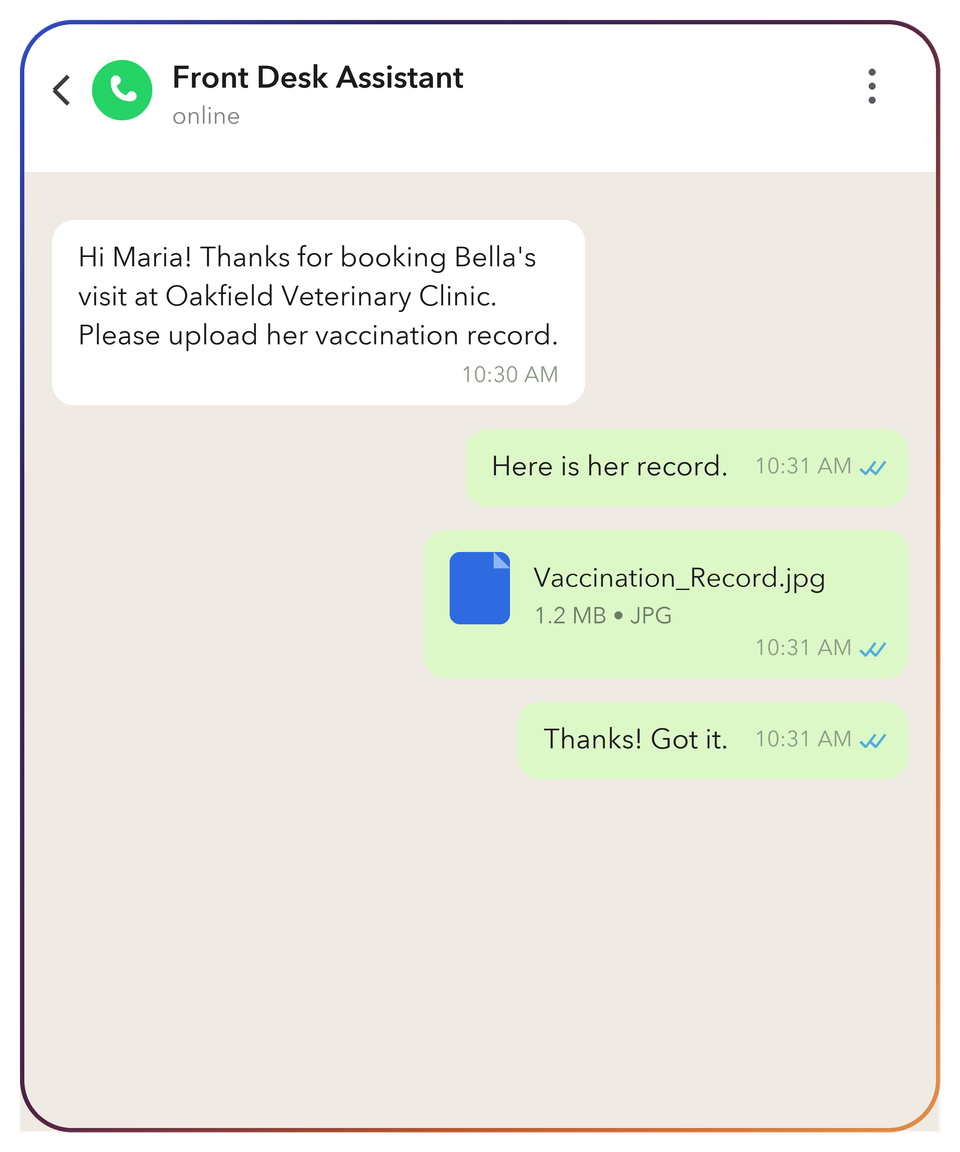
For owners who prefer messaging, including photo upload when they want to share a symptom or condition.
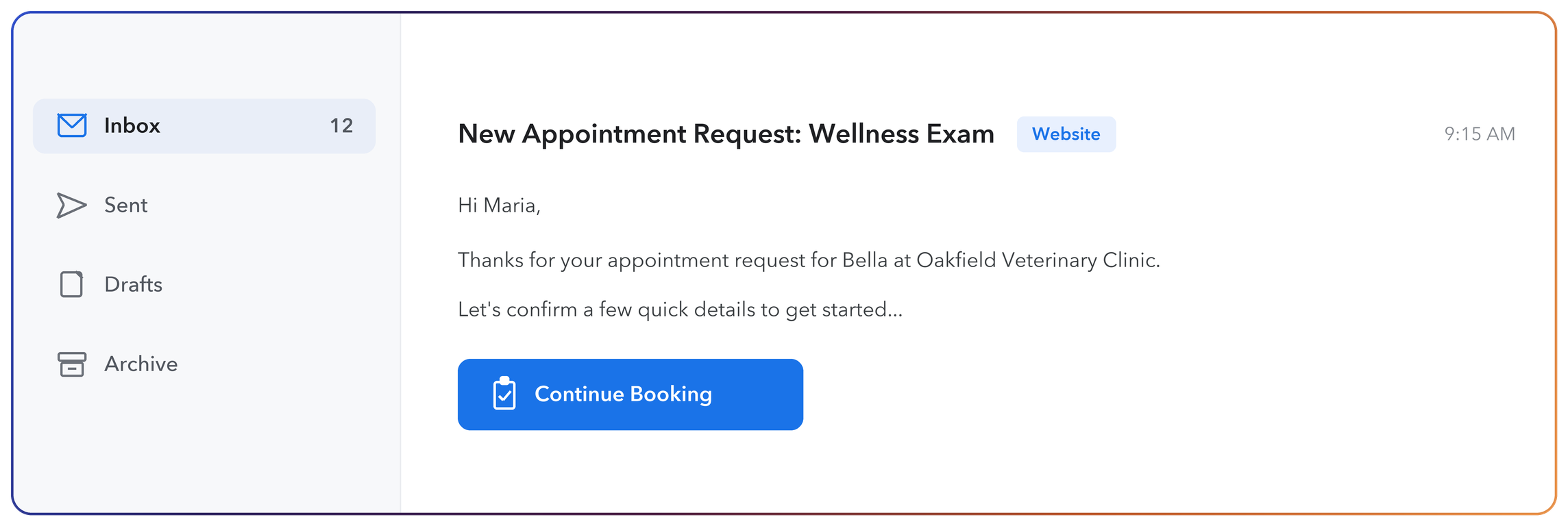
Covers longer enquiries from partners and referrals, with intake and scheduling handled in the thread.
5 Capabilities Behind Every Conversation
Work Alongside Your Practice-Management System
Captures and confirms booking requests right away. Calendar sync and write-back are configured after a short compatibility audit.


 WhatsAppbusiness
.svg.webp)
.svg.webp)






 Calendar




.svg)

Most AI Receptionists Just Answer
A standalone tool answers the phone and stops; on this canvas, the call is where your automation starts.

A standalone AI receptionist

- A closed product: you configure what the vendor exposes
- Answers the call, then hands the request to your team
- The conversation ends where the automation should start
- One use case, reception; anything else is another tool
- Scripted paths; an off-script caller gets a fallback message
- Per-seat or monthly plans, whether the phone rings or not
- Changing how it routes means raising a support ticket

CogniAgent AI receptionist

- An open canvas instead of a vendor settings page
- Resolves the request: qualified, captured, routed, and logged
- The conversation triggers the workflow, and both keep running
- The same platform runs lead capturing, qualification, follow-up, and review requests
- The Skillset Engine reasons through each turn against your rules
- Pay-as-you-go, so cost tracks usage rather than headcount
- Change routing or answers yourself, on the canvas, live
Pricing
Pay only for what you use. Full visibility on every credit spent.
Pay-as-you-go
No subscription. No monthly fee.
Buy credits from $10
- 5,000 credits loaded on signup
- Full canvas + all AI features
- 2,700+ integrations, templates
- Free messaging channels
- Up to 5 user seats
- Production deployment
- Human chat support*
- Credits never expire

* activates on first credit purchase
Enterprise
Custom plan. Annual subscription,
negotiated rate.
- Annual credit package
- Custom user seats
- SSO
- Bring your own LLM API keys
- Extended usage logs
- Assisted onboarding + training
- Agents built by CogniAgent team
- Premium support + SLA

Enterprise-Grade
Security & Compliance
Built for veterinary practices handling sensitive client data - owner contact details, cards on file, uploaded records, and recorded calls.


Data protection
Call recordings, transcripts, owner contact details, and cards on file are encrypted in transit with TLS and encrypted at rest. Retention windows are configurable per clinic.

Privacy assurance
Your client list stays yours. Owner conversations and call recordings are never used to train public AI models, and bring-your-own API keys keep LLM calls inside your provider relationship.
Secure system integration
Encrypted channels for every system the agent connects to, with role-based access for your front-desk team. Your practice-management system connects once a technical audit confirms compatibility.

Audit & monitoring
Full activity logs for every call, text, and booking request: what an owner asked, when, and what the agent told them. Time-stamped records support your own record-keeping and any dispute about what a client was quoted.


![Best AI Tools for Auto Repair Shops [2026 Guide]](https://cogniagent-preview-def77a0f.nyc3.digitaloceanspaces.com/media/2026/07/Best-AI-Tools-for-Auto-Repair-Shops-2026-Guide.png)

Frequently Asked Questions for
AI Receptionist for Veterinary Clinics
An answering service ends the call with a message, so someone still has to ring the owner back and book the visit. An AI receptionist keeps going: it captures the reason for the visit, checks your calendar's stated availability, and logs a booking request for your team to confirm before the owner hangs up.
Both, and more. It answers voice calls like a virtual receptionist and handles chat like a bot, but it also reasons through the conversation with structured decision logic, remembers context across channels, and checks your calendar's stated availability mid-conversation instead of just taking a message.
Routine work stays with the agent: answering, intake, booking requests, reminders, and follow-up. Anything clinical, any emergency, and anything outside its approved scope goes to on-call staff with the full conversation history, so the vet or nurse picks up with context instead of starting over.
Yes. The agent is configured to flag language that suggests an emergency, such as an owner describing a pet that has collapsed or eaten something toxic, and route it to on-call staff immediately rather than queuing it as a routine booking request. You set the trigger phrases and the escalation path during setup.
No. You map intake questions, connect your calendar, and set escalation rules on the visual canvas without writing code. If you'd rather not build at all, describe your process to the AI Concierge in plain language and it drafts the agent for you to adjust.
Booking requests are captured and confirmed from day one. Two-way sync that writes appointments straight into Cornerstone, ezyVet, AVImark, or another PMS is set up after a short technical audit of your specific system, and it is only switched on once it has been verified for your setup.
Most clinics go live within days by starting from the veterinary template or briefing the AI Concierge, then connecting a calendar and channels. Enterprise accounts get a fully configured agent built by the CogniAgent team, and PMS write-back follows once the compatibility audit is complete.
You do. Call recordings, transcripts, and records live in your account and are not shared with third parties or used to train public AI models. You can export or delete them on your own timeline, for example when a client asks for their records to be removed.
No. It closes the coverage gap when your front desk can only be in one place at a time, such as during lunch, surgery blocks, or after hours. Your team still handles anything clinical or judgment-based, while the agent keeps routine intake moving.

No results