How to Build a Conversational Weekly Business Report in CogniAgent (Part 1)

A workflow that compiles your weekly KPIs from connected apps, delivers a digest to the team – and then holds a real conversation so anyone can interrogate the numbers in natural language. Deterministic automation and stateful conversation, connected by a single node.

Difficulty: Intermediate 

Build time: ~45-60 minutes

What you’ll need before starting

  1. A CogniAgent workspace with your delivery channel connected (e.g. Slack).
  2. At least one data source connected – CRM, Google Sheets, calendar, or support tool. Start with one; add more later.
  3. (Optional but recommended) Targets, pricing docs, or business policies uploaded to the Knowledge Base so the Q&A actors can answer “is that above target?” type questions.

Architecture overview

Two builds that connect through one node:


Part A – Conversation Flow (built first):

Start

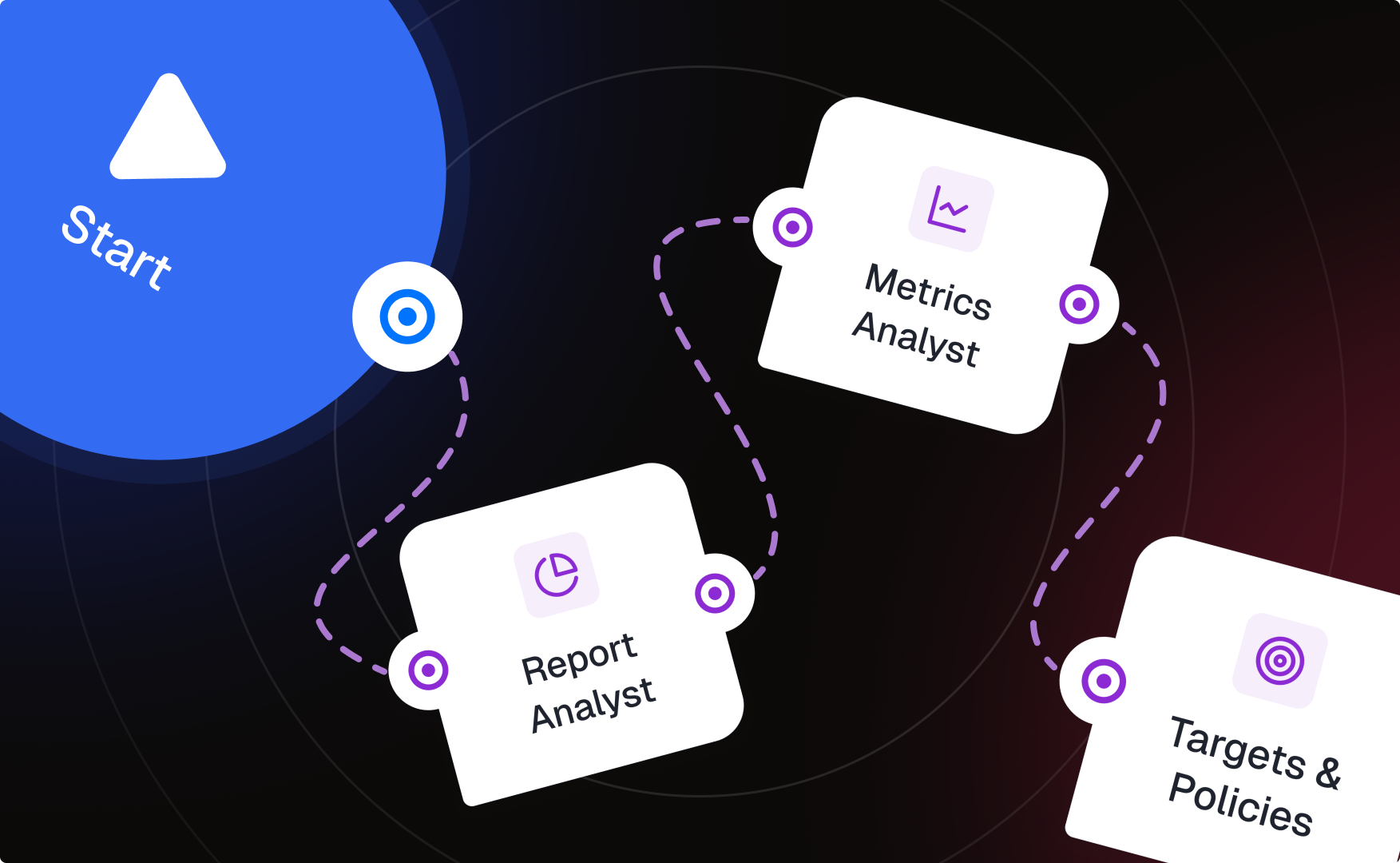
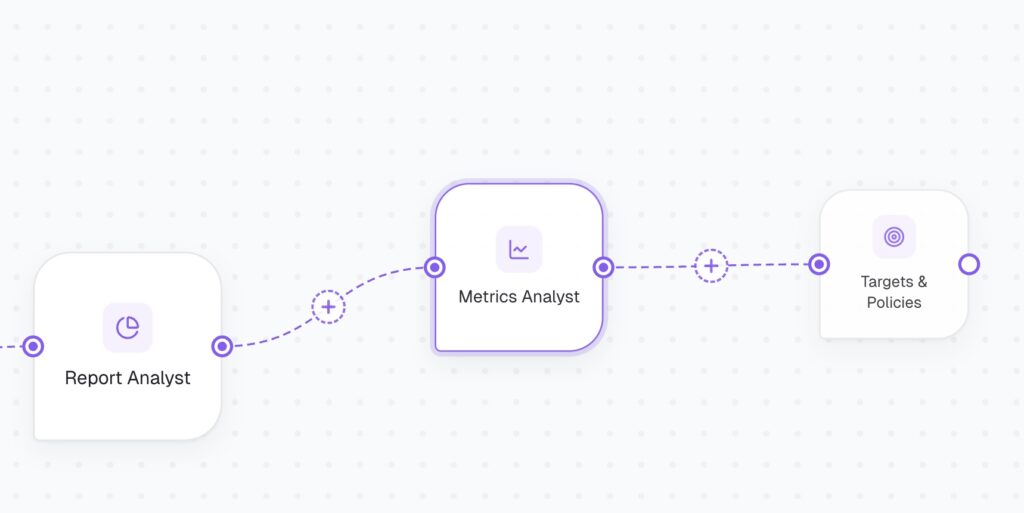
   → Report Analyst (entry actor — delivers digest, triages questions)

        — [Metric question]→   Metrics Analyst (actor)

        — [Target / policy]→   Targets & Policies (actor, Knowledge Base connected)


Part B — Workflow in Applications (deterministic):

Scheduled Trigger

   → Integration Action           [pull last week’s data from your source]

   → LLM (Structured Output)      [summarize + compute deltas]

   → Conversational Flow node     [invokes the entire flow from Part A]

   → Integration Action           [log the Q&A after the flow completes]

The Conversation Flow is built on its own canvas with actors connected by intent-labeled transitions – no workflow nodes there. The workflow then connects to it through one node: Conversational Flow, which hands the digest data to the flow and lets the actors take it from there.

Phase 1 – Build the Conversation Flow (actors)

Build this first, so the Conversational Flow node has something to point at.
Step 1: Create the flow and configure the entry actor

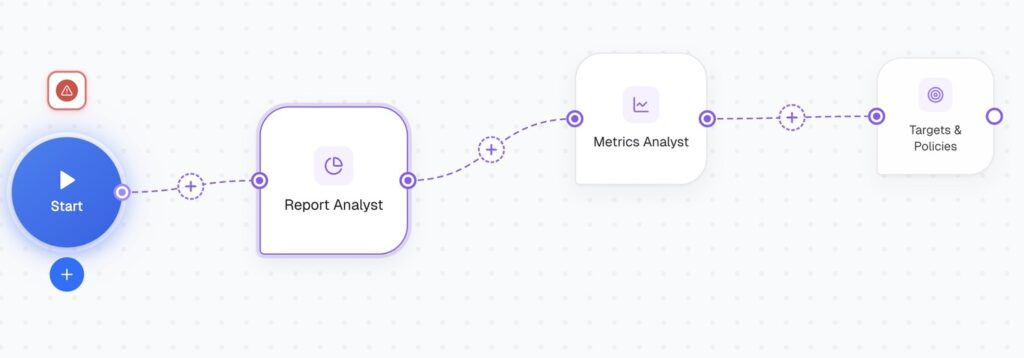
Create a new Conversation Flow. The Start point connects to your entry actor: Report Analyst.

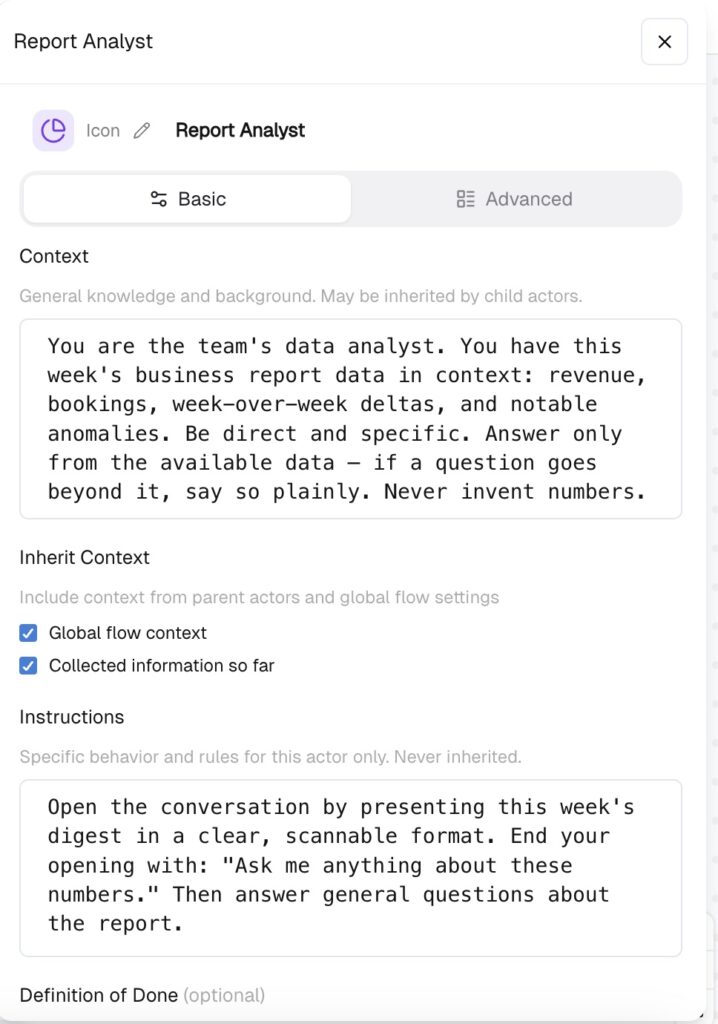
Each actor has important text fields, and the split between them matters:

  • Context – general knowledge and background. May be inherited by child actors. Put everything the whole flow should know here, because specialist actors will inherit it: 

You are the team’s data analyst. You have this week’s business report data in context: revenue, bookings, week-over-week deltas, and notable anomalies. Be direct and specific. Answer only from the available data – if a question goes beyond it, say so plainly. Never invent numbers.


  • Instructions – specific behavior for this actor only. Never inherited. Put the entry actor’s unique job here: 

Open the conversation by presenting this week’s digest in a clear, scannable format. End your opening with: “Ask me anything about these numbers.” Then answer general questions about the report.
 

  • Focus Mode controls how the actor handles topic changes mid-conversation (Auto / Flexible / Persistent / Strict). For a Q&A report agent, Auto or Flexible is the right call – people will jump from revenue to bookings to targets mid-thread, and the actor should follow. Persistent/Strict are for data-collection actors that must finish their fields before moving on; that’s not this use case.

Step 2: Add specialist actors with intent-labeled transitions

Wiring rule: Start connects to one actor only – Report Analyst. Every specialist branches from Report Analyst, never directly from Start.

Start → Report Analyst

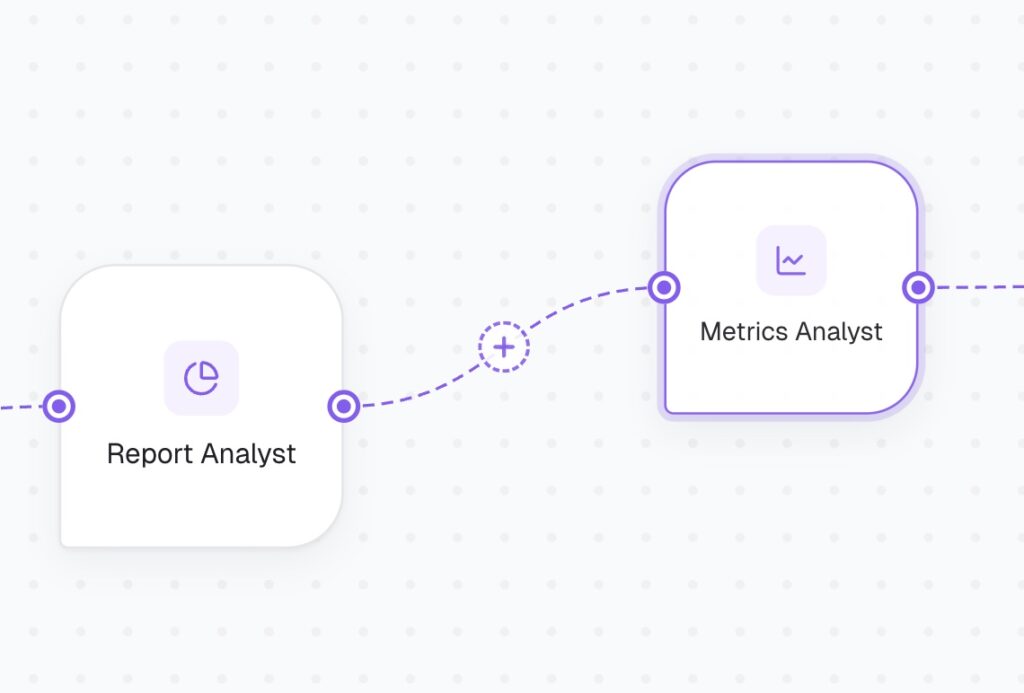
            — [Metric question]→        Metrics Analyst

            — [Target / policy]→        Targets & Policies

This is hierarchical, not flat – the same shape as a services flow (Start -> Expert -> “Inquiry” / “Services” -> specialists). It matters for three reasons:

  1. Every conversation must enter through a Report Analyst – it’s the actor that presents the digest. If specialists hang directly off Start, a conversation can route straight to Metrics Analyst and nobody ever sees the report.
  2. Context inheritance is parent -> child. Metrics Analyst and Targets & Policies only inherit the Report Analyst’s Context  if they branch from it. Siblings off Start inherit nothing from each other.
  3. Intent labels live on the transitions – they only exist on the Report Analyst -> specialist connections.

The specialists:

  • [Metric question] -> Metrics Analyst. Handles “why did demos drop?”, week-over-week comparisons, anomaly explanations. Specify as to your inquiries.
  • [Target / policy question] -> Targets & Policies. Connect the Knowledge Base to this actor so it answers “is that above target?”, “what’s our pricing on X?” from uploaded docs.

Label each transition, ot talking in CogniAgent language – activation routings with the intent in plain language.

On every child actor, check both Inherit Context boxes:

  • Global flow context – so the data-grounding rules from the parent’s Context cascade down (this is why “never invent numbers” went in Context, not Instructions).
  • Collected information so far – so a specialist doesn’t lose what was already discussed when the conversation routes to it. Without this, someone who asked three questions gets an actor with amnesia.

Then each child actor’s own Instructions field holds only its specialty (e.g. Metrics Analyst: “Explain metric movements using week-over-week deltas and the anomalies list. Lead with the number, then the likely cause.”).
Step 3: Define Exit Conditions per actor – do not skip this

Without explicit Exit Conditions an actor won’t hand off cleanly and decides on its own when the chat ends. Write them in plain text for each actor:
  1. “User says thanks, goodbye, or indicates they have no more questions.”
  2. “User stops responding — no reply received within a reasonable time.”
  3. “All questions have been answered and the user confirms they’re done.”

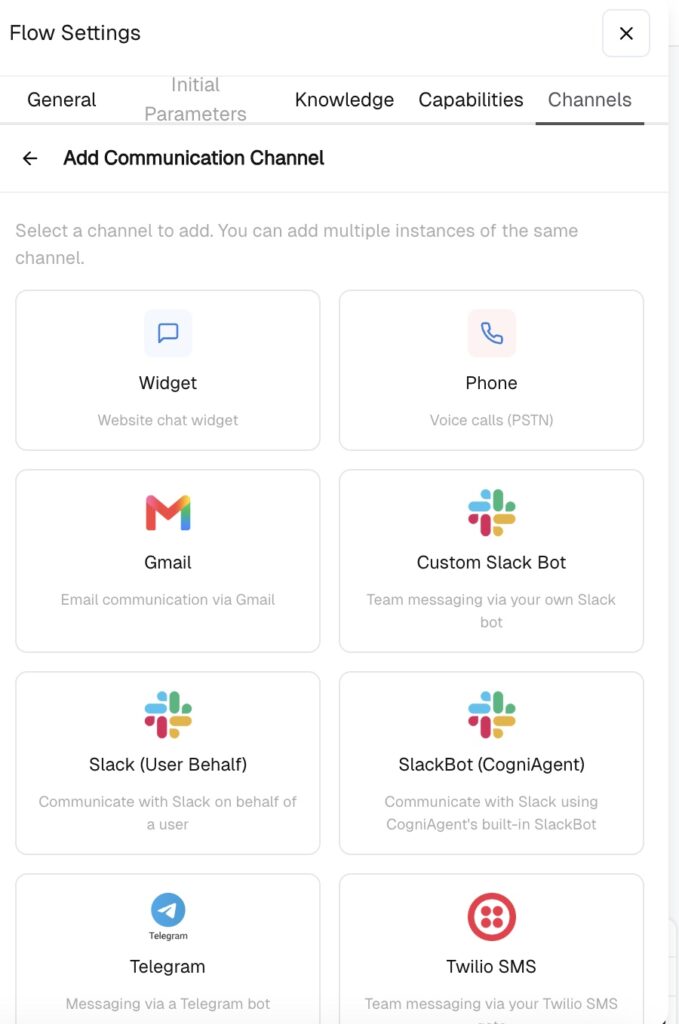
Step 4: Configure the channel and test in sandbox

  • Set the flow’s delivery channel (Slack channel or DM for the digest).
  • Test the conversation in the builder before connecting it to the workflow: probe it with awkward questions (“why is revenue down?” when revenue is up) to verify actors’ answers from data rather than agreeing with the premise.


Check out Part 2 of this guide to finish the build!
Other Guides