Real-Time Product Knowledge
Reads live product data, descriptions, prices, and availability directly from your store
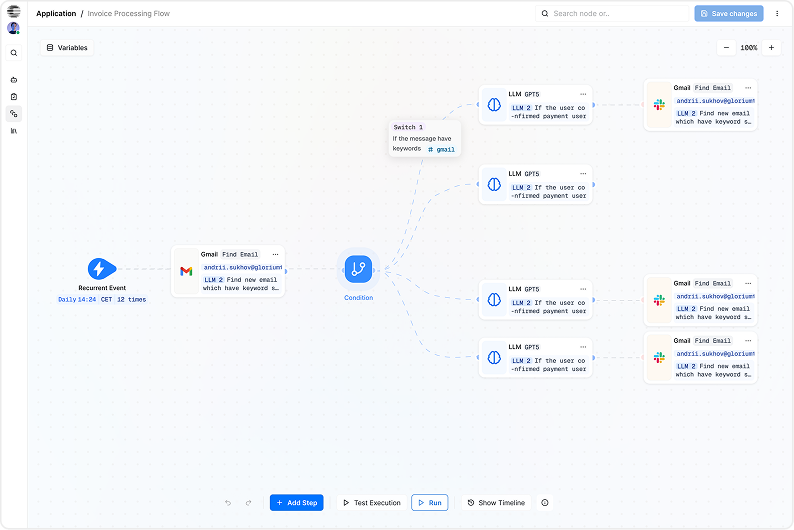
Create cognitive chatbot that understands products, categories, pricing, and checkout flows
Reads live product data, descriptions, prices, and availability directly from your store
Understands categories, variations, collections, and related products
Answers questions immediately to reduce hesitation and cart abandonment
Suggests products, upgrades, and alternatives based on shopper intent
Keeps tone and messaging aligned with your store’s brand voice
Handles peak sales and promotions without slowing your store
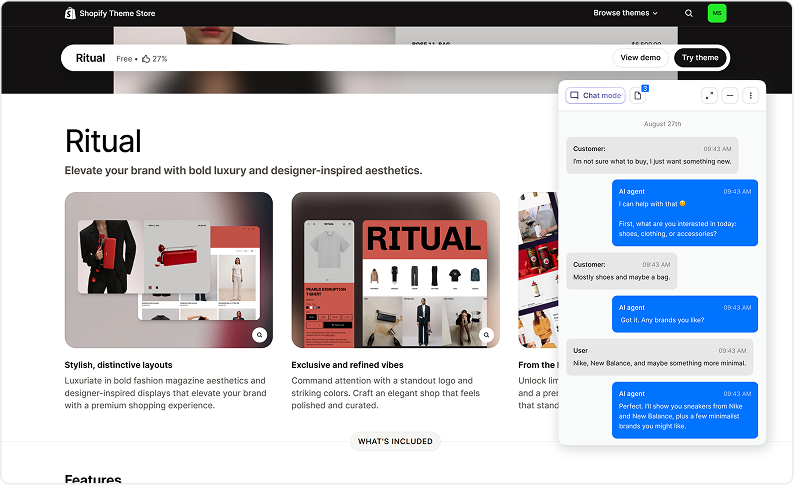
The chatbot understands your entire WooCommerce catalog.
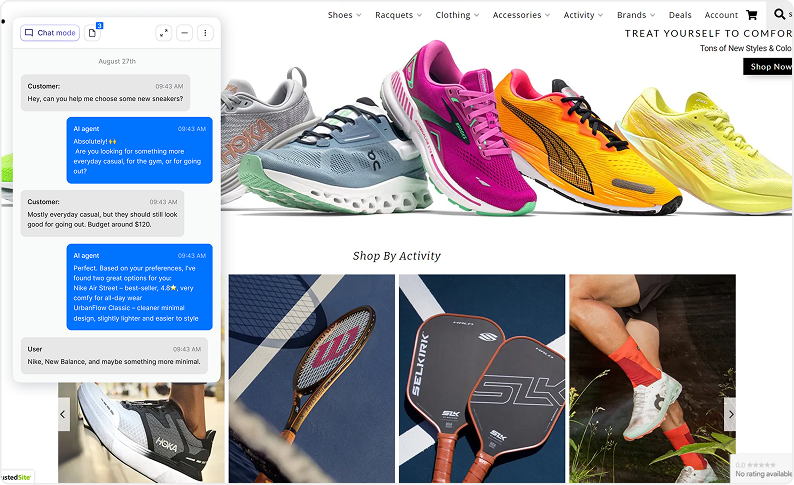
Helps customers find the right product faster.
Answers post-purchase and pre-purchase questions instantly.
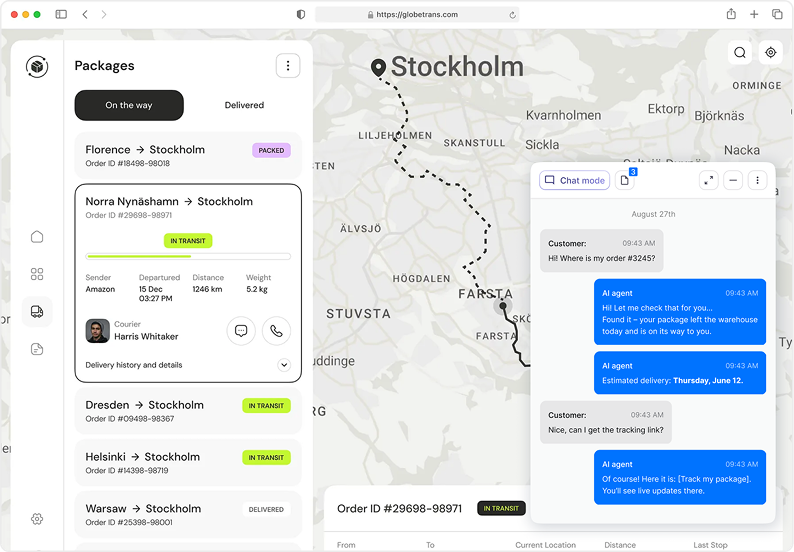
The agent can:
Your customers get instant answers, no more clogged inbox.
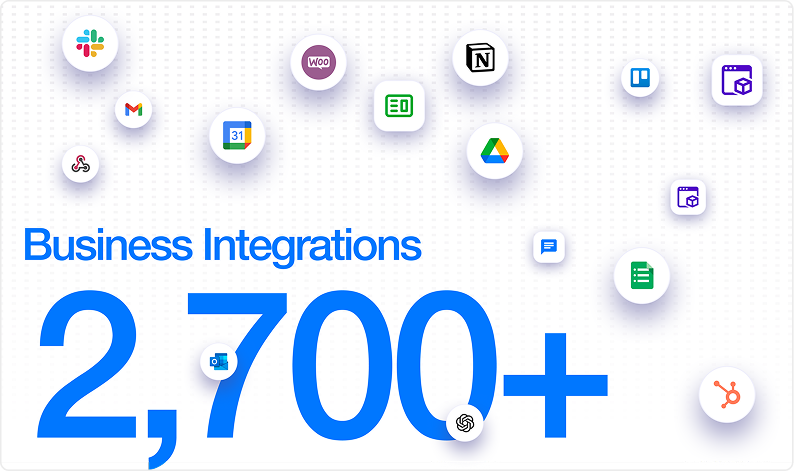
Keeps customers moving toward purchase.
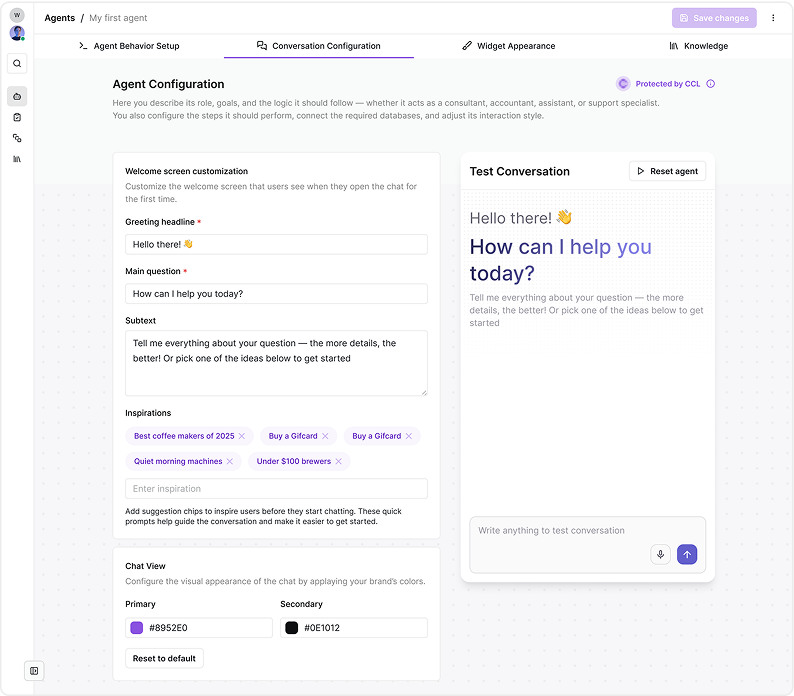
Control every interaction without developers.


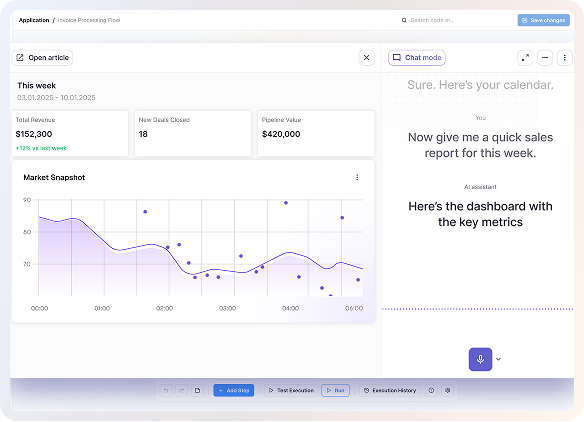
CogniAgent
A WooCommerce AI chatbot is an automated assistant that helps shoppers directly on your store. It answers questions using real product and store data. This allows you to support customers 24/7 without manual effort.
The chatbot syncs with your WooCommerce products, categories, and pages. It uses this data to generate accurate responses. Updates happen automatically when store content changes.
Yes, it suggests products based on shopper questions and intent. This includes comparisons, alternatives, and upgrades. Recommendations are designed to increase conversions.
No technical setup or coding is required. The chatbot is managed through an intuitive visual dashboard designed for non-technical users. You can configure, customize, and launch it in just a few minutes.
Yes, you have full control over the chatbot’s responses and behavior. You can customize tone, messaging, and how it handles different questions. This ensures every interaction stays aligned with your brand and business goals.
Yes, you can pause, update, or disable the chatbot at any time from your dashboard. This is useful during site updates or promotional changes. You remain in full control of when and how the chatbot operates.

No results
![Top AI Receptionists for Cleaning Services [2026]](https://cogniagent.ai/wp-content/uploads/2026/07/Top-AI-Receptionists-for-Cleaning-Services-2026-300x185.webp)

![Best AI Tools for Auto Repair Shops [2026 Guide]](https://cogniagent.ai/wp-content/uploads/2026/07/Best-AI-Tools-for-Auto-Repair-Shops-2026-Guide-300x185.png)