Article Updated Nov 04, 2026
 11 min read
What Is Conversational AI? How It Works, Examples, and Limitations
Updated Nov 04, 202611 min read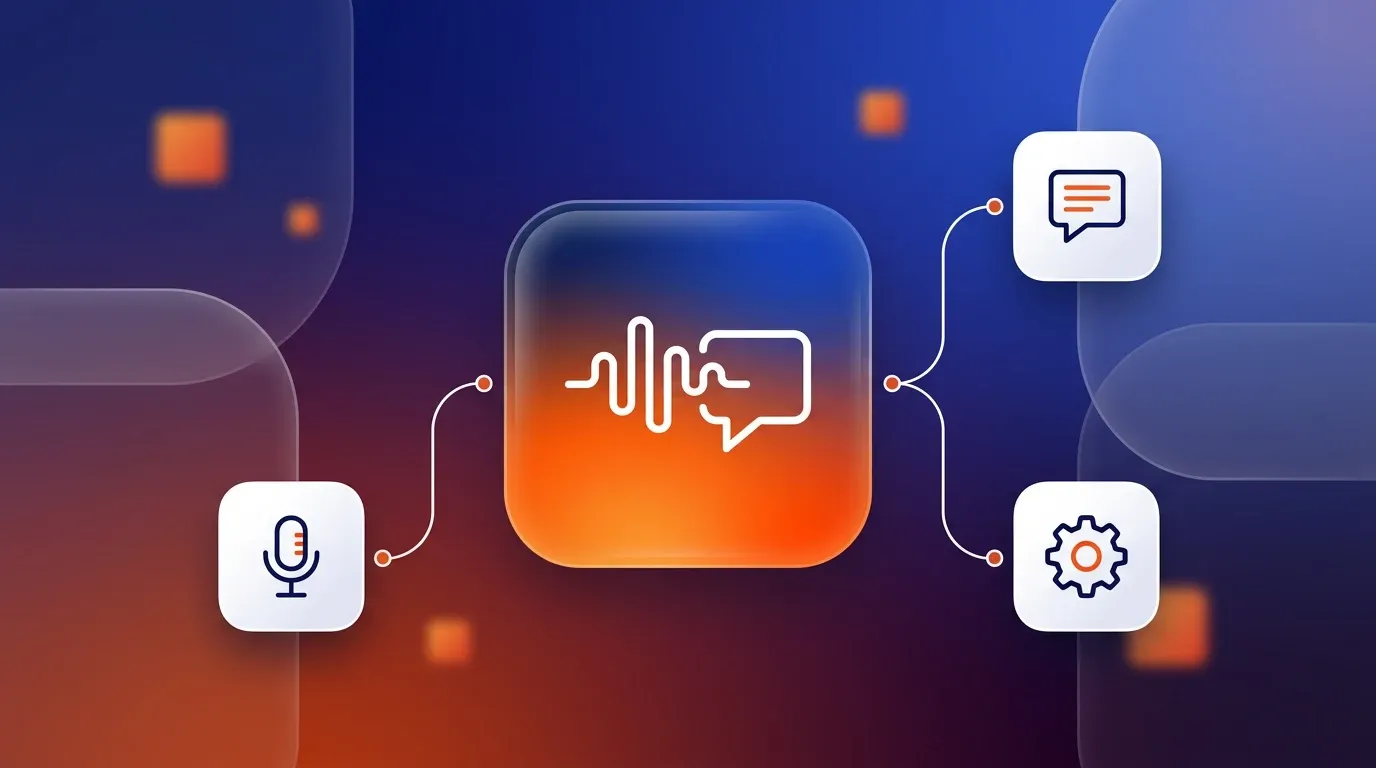 Updated Nov 04, 202611 min read
Conversational AI is software that uses artificial intelligence to interact with people through natural-language text or speech. It can interpret requests, ask follow-up questions, and use available context across an exchange. Depending on its design, it may answer questions, retrieve information, or call connected tools to perform permitted actions. These capabilities are separate: a system that explains a booking policy does not necessarily have access to a calendar or permission to create an appointment.
The practical question is not how human the conversation sounds. It is whether the system has the information, permissions, and checks needed to help with a particular task.
A conversational system connects language processing with instructions and, where configured, data and tools. The following sequence describes a useful design pattern, not a mandatory architecture for every product:
Voice systems can also use models that process audio more directly; ASR followed by TTS is not the only possible arrangement. Likewise, a question-answering system may have no external tools or action-verification stage.
Remembering a correction during a conversation does not mean the underlying model has been retrained.
|
Mechanism |
What changes |
Example |
|---|---|---|
|
Conversation context |
Information available for the current exchange |
“Actually, Tuesday, not Monday” informs the next reply |
|
Saved information or workflow state |
Records retained by the application |
A confirmed appointment preference is stored for a later step |
|
Retrieval |
Source material supplied for a particular answer |
The system searches the current cancellation policy |
|
Instruction updates |
Rules governing future behavior |
An operator changes which requests require approval |
|
Model training or fine-tuning |
Model parameters through a separate training process |
A team trains on an approved dataset and evaluates the resulting model |
Storage, retention, and later use depend on the implementation. An interaction does not automatically update model parameters, and an employee correction does not automatically become fine-tuning data.
These terms describe overlapping aspects of a system, rather than four competing product categories.
|
Term |
What it describes |
What it does not establish |
|---|---|---|
|
Conversational AI |
AI-supported interaction through language |
Which sources, tools, or channels are available |
|
Chatbot |
An application or interface for conversation |
Whether it uses rules, language models, memory, or integrations |
|
Generative AI |
An approach that generates content, including text or audio |
Whether the output is accurate or an external action succeeded |
|
AI agent |
A system that carries out steps using available tools within defined limits |
Unrestricted autonomy or permission to act without approval |
A chatbot can retrieve records, retain application state, and execute connected actions. An agent can work inside a fixed workflow with human approval. The useful distinction is the actual behavior and authority, not the label alone; our AI agent vs chatbot comparison explores that terminology further.
For conversational AI vs generative AI, the central point is overlap: a conversational application can use generative AI to write replies while relying on other components for permissions, retrieval, and execution.
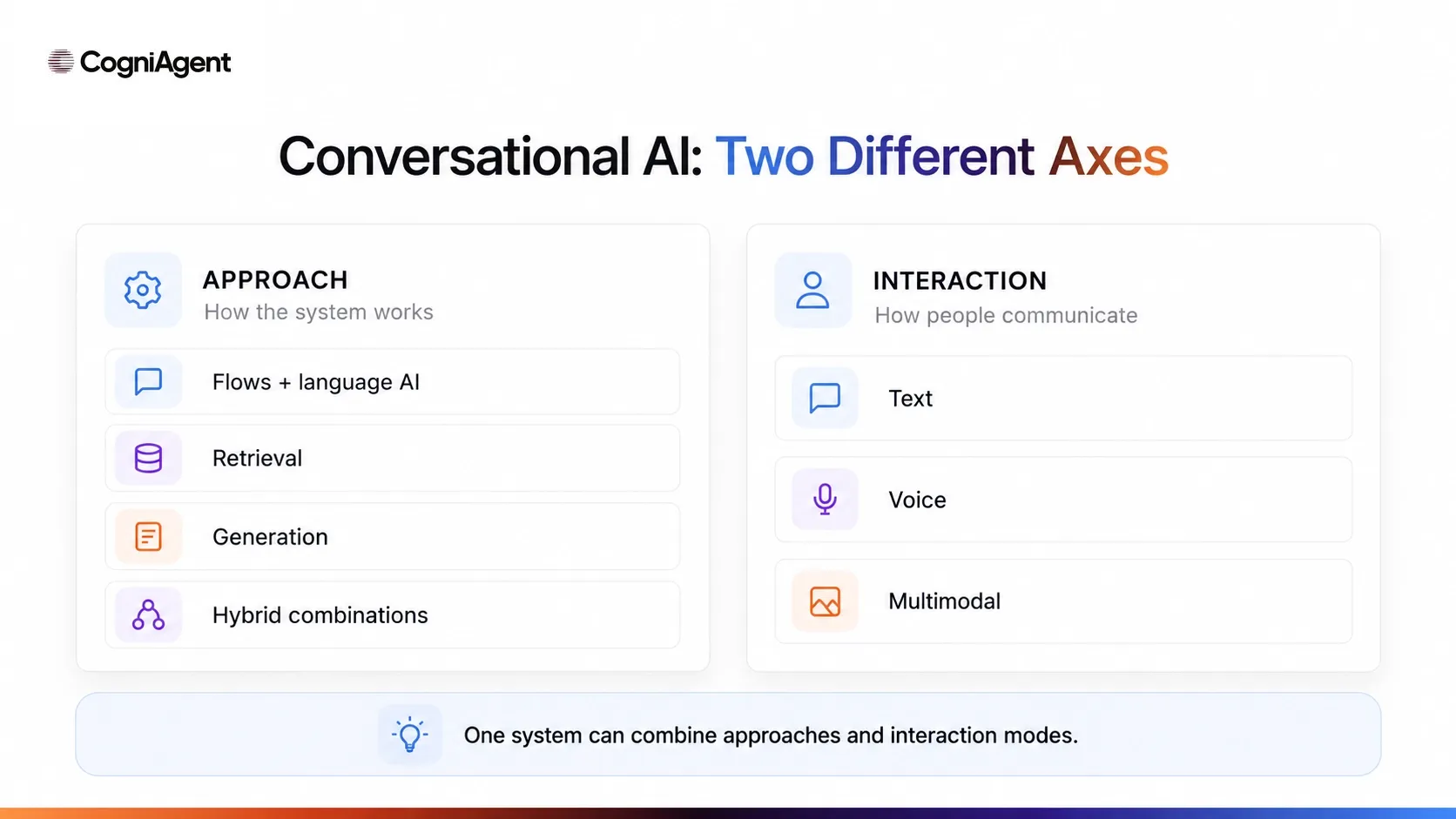
Separate how the system works from how a person interacts with it.
|
Axis |
Options |
Practical distinction |
|---|---|---|
|
Approach |
Managed flows and rules with language components; retrieval; generation; hybrid combinations |
Determines how requests are handled and answers produced |
|
Channel or modality |
Text; voice; multimodal interaction |
Determines how information enters and leaves the system |
A managed flow can ask a fixed sequence of questions while using AI to interpret free-text answers. A button menu alone is not evidence of AI. A hybrid system might generate explanations but use explicit rules for required fields and approvals.
For a concrete platform example, Google Cloud’s Conversational Agents documentation describes generative playbooks, generative data stores, and deterministic flows within its console. This illustrates combination, not a universal blueprint.
Retrieval-augmented generation, or RAG, supplies retrieved material to a language model when forming an answer. Microsoft’s Copilot Studio documentation describes this pattern in its own implementation. Retrieval does not guarantee a correct answer: the material may be outdated, incomplete, irrelevant, or misinterpreted.
A voice assistant can use any of these approaches. Multimodal interaction adds other input or output types, but supported formats and operations must be checked for the specific implementation.
Consider an illustrative cleaning-company workflow, not a customer case or a verified CogniAgent template.
A customer says, “I need a deep clean next week.” The assistant can arrange an assessment call, but it cannot allocate cleaning crews. It explains that boundary before offering times.
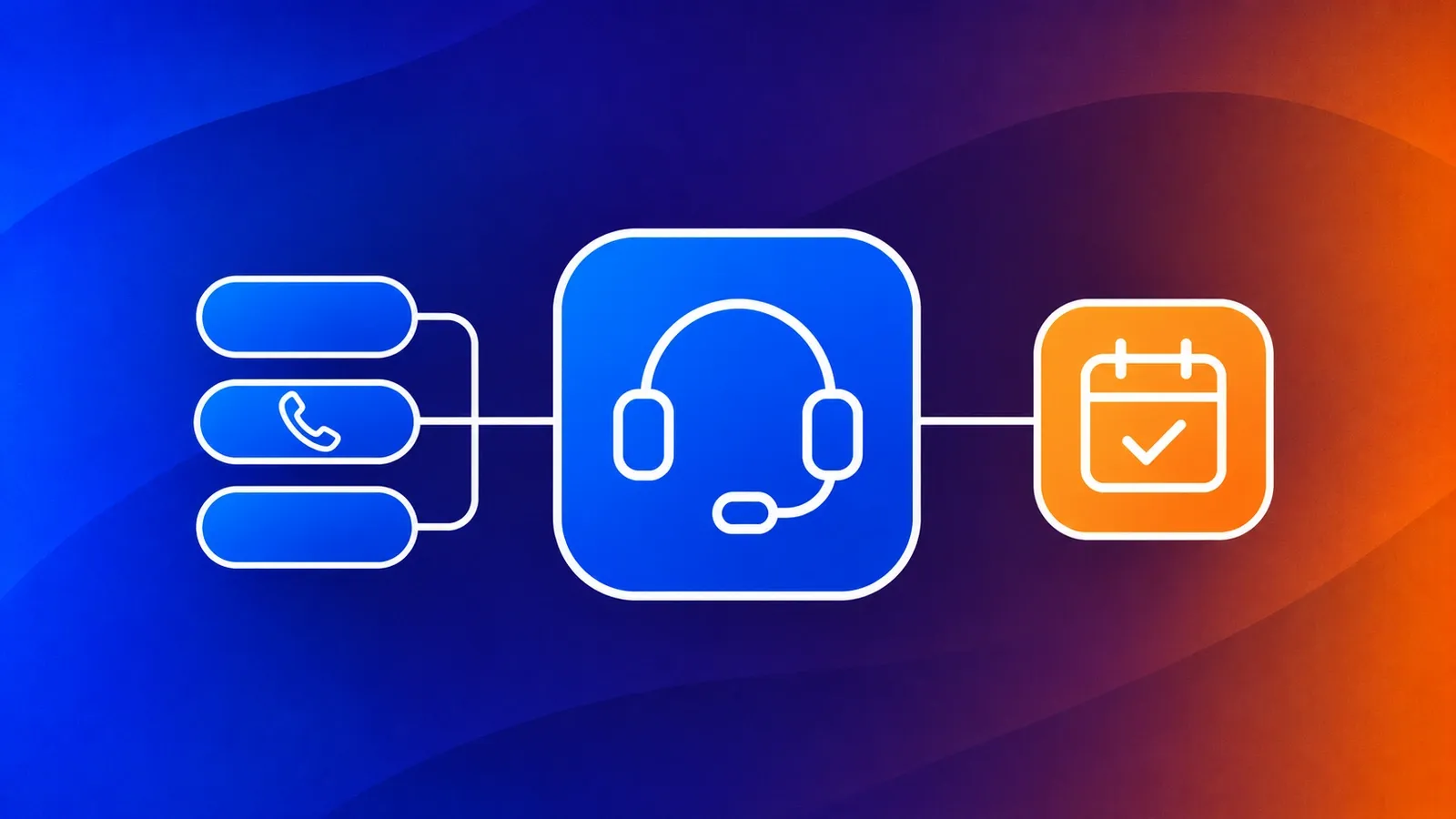
Clarify the request. The assistant asks about the property, requested service, contact details, and preferred assessment time. It confirms the date and time zone rather than interpreting “Tuesday afternoon” as a complete appointment instruction.
Check the relevant schedule. A configured integration reads the assessment calendar. Calendar availability supports offering an assessment slot; it does not establish crew availability or confirm a cleaning job.
Obtain confirmation. The assistant summarizes the agreed assessment details and asks the customer to confirm before creating the event.
Attempt the action. The workflow submits the event to the designated calendar using the confirmed details.
The tool reports successful creation. A read-back check confirms the event’s identifier, date, time zone, and agreed details in the intended calendar. The assistant can then say the assessment call is booked.
It must not describe this as a confirmed cleaning appointment: the action verified an assessment event, not crew allocation.
If the slot becomes busy, the assistant checks alternatives and asks the customer to choose again. If the integration is unavailable, it explains that it cannot confirm the appointment and offers a permitted next step, such as sending a request for staff review through a separately configured route.
A timeout requires particular care. The event might have been created even though confirmation did not return. Before retrying, the workflow should check for an existing matching event to avoid duplicates. If the outcome cannot be established, the assistant should describe it as uncertain.
An answer, an accepted request, and a verified external result are three different states. Confirmation should match the state actually established.
Input: “What does your standard service include?” Required data: current service descriptions and exclusions. Possible result: a relevant explanation grounded in those materials. Limit: missing details should trigger clarification or review, not an invented policy.
Input: a customer describes a problem in their own words. Required data: required fields, validation rules, and a permitted destination. Possible result: a structured inquiry with confirmed contact details. Limit: collecting information does not authorize a quote, contract, or service commitment.
Input: “Move my assessment call.” Required data: identity checks appropriate to the task, the existing event, availability, and update permission. Possible result: a verified calendar change. Limit: permission to read a schedule is not permission to change it.
Input: an employee asks for a procedure. Required data: approved documents, access controls, and source-version information. Possible result: an answer pointing to the applicable procedure. Limit: the assistant must not expose restricted material or treat instructions found inside a document as authority to perform unrelated actions.
Conversational AI can make repetitive questions easier to handle and collect information without requiring people to navigate a long form. With functioning integrations, it can also reduce manual copying between a conversation and a business system.
Those benefits depend on current sources, adequate language or speech recognition, correct connections, and clear exceptions. A faster reply is not useful if it cites an obsolete policy or writes to the wrong customer record.
Evaluate performance against observable outcomes:
Fewer staff contacts alone cannot establish improvement. Users may have abandoned the conversation, accepted a wrong answer, or failed to reach help.
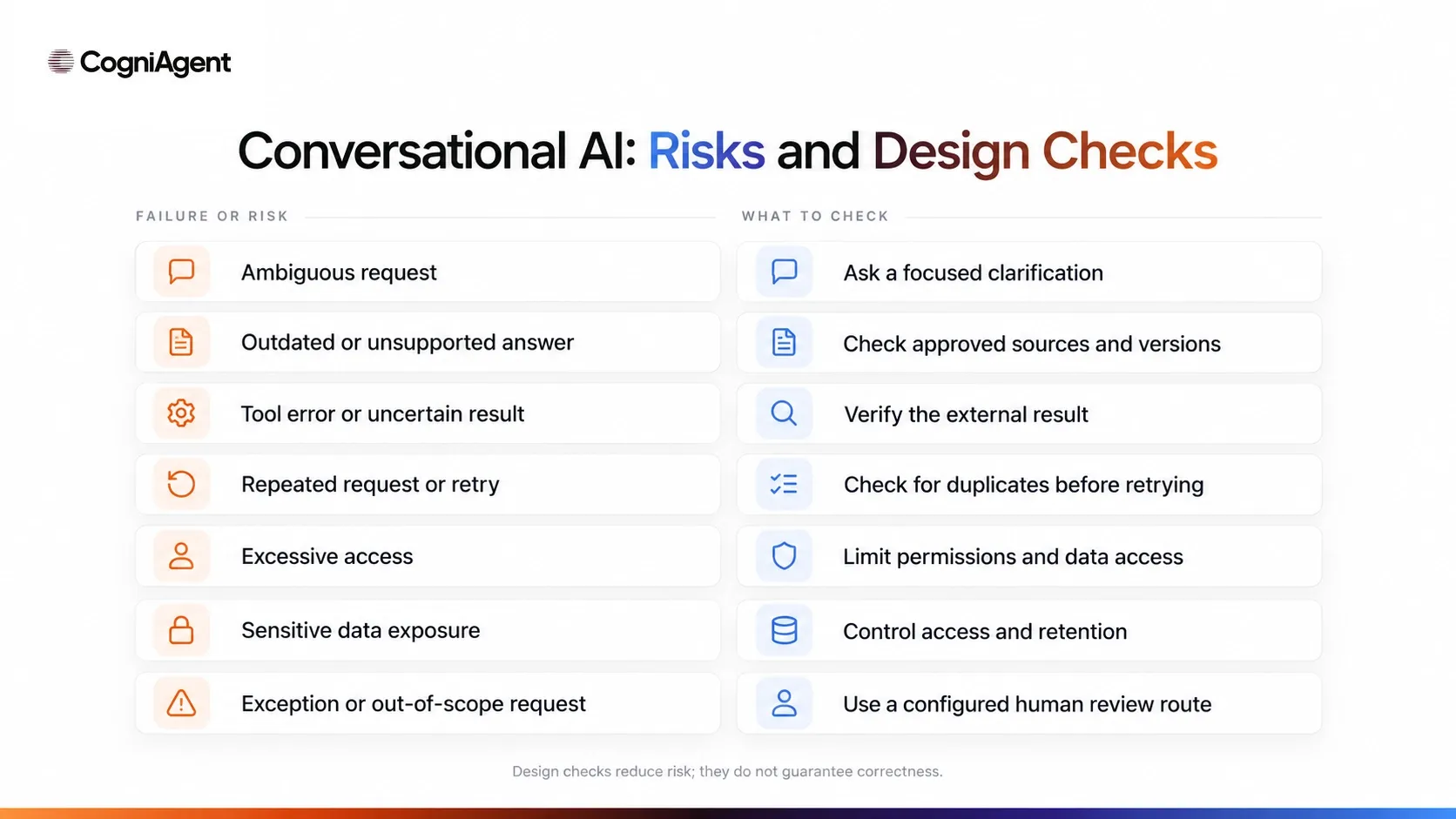
Fluent language can hide uncertainty.
|
Failure |
What to check or configure |
|---|---|
|
Ambiguous request |
Ask a targeted clarification before interpreting a date, person, or action |
|
Outdated source |
Assign an owner, track versions, and test answers after updates |
|
Unsupported or invented answer |
Check source support and test behavior when information is absent |
|
Tool error or uncertain result |
Inspect the response and resulting record; do not announce unverified success |
|
Repeated request or retry |
Check existing records and use duplicate-prevention controls where supported |
|
Excessive access |
Restrict credentials, data, destinations, and permitted operations |
|
Complex or exceptional case |
Provide a configured route to an appropriate person |
Privacy and security are material design concerns. Conversation logs, retrieved documents, and connected records may contain sensitive information. Decide what may be collected, who may access it, how long it is retained, and which providers process it.
Instructions are not a substitute for access controls. A system told not to expose confidential records should also be prevented from retrieving records outside the user’s authorization. Human routing likewise requires a working process, not just a sentence promising that somebody will help.
Start with a bounded task whose result can be inspected, such as answering service questions or collecting an inquiry.
For a practical evaluation checklist, see how to test an AI agent before launch. Training a model, fine-tuning, or building custom infrastructure is not a mandatory starting point.
CogniAgent’s conversational AI platform provides tools for building conversational agents and workflows that connect dialogue, knowledge sources, and configured operations.
For a proposed workflow, identify the exact operation, connected account, required inputs, approval rules, and destination. Knowledge-base search and integration actions serve different purposes: finding an answer does not grant permission to update a record. An available operation also needs correct configuration and testing before it supports a reliable business process.
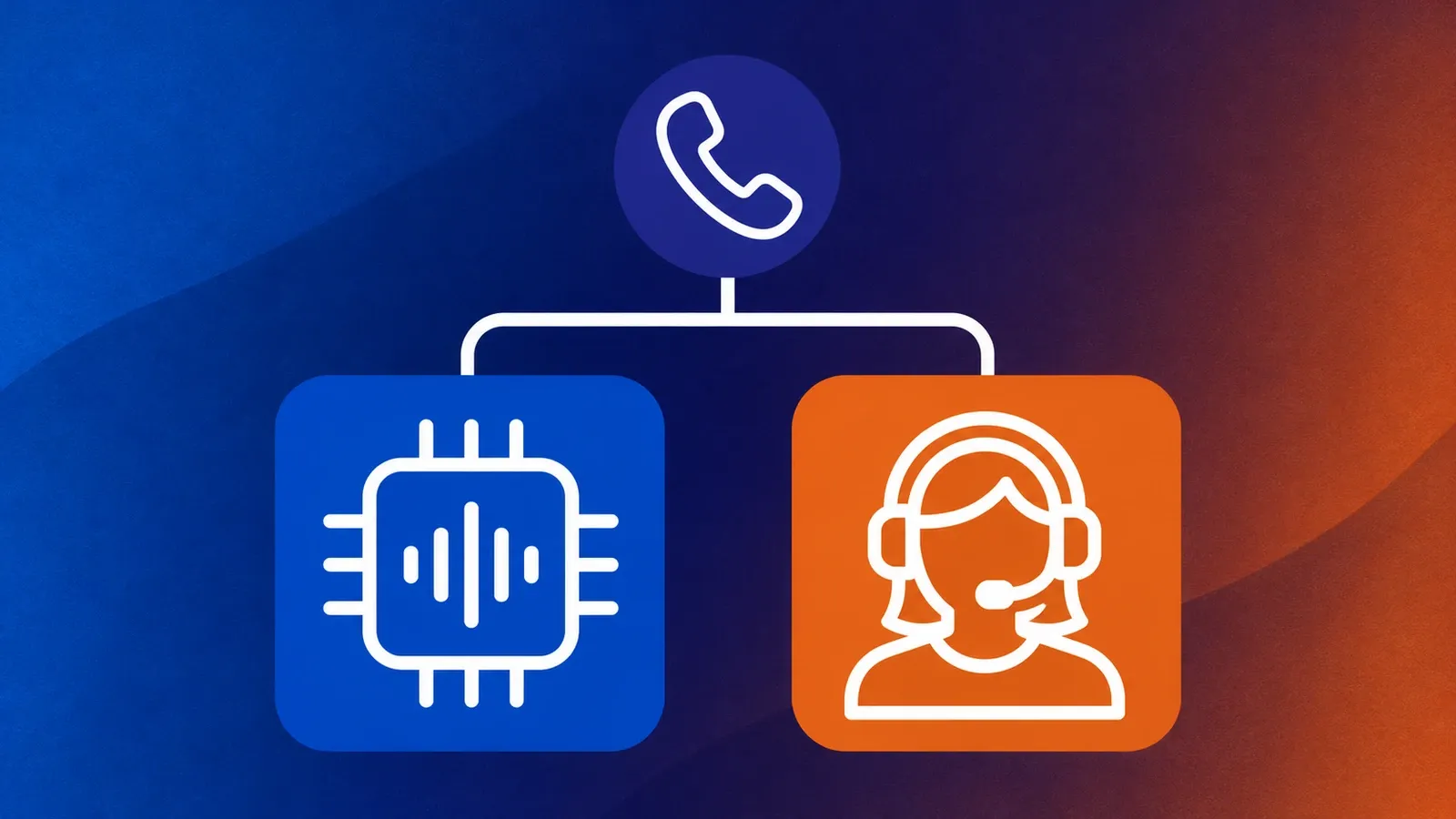
Plan human involvement separately. A workflow approval or review step should not be assumed to provide seamless transfer of a live phone call.
Estimate costs using the intended conversation and workflow, including relevant model, integration, and channel usage. Consult current pricing and usage costs rather than assuming a universal price per conversation or voice minute.
Not exactly. A chatbot is an application or conversational interface; conversational AI describes AI-supported language interaction. A chatbot may use simple menus, language models, retrieval, or combinations of these, with capabilities determined by its implementation.
Not automatically. A system may use the current exchange as context or save information in application storage. Updating model parameters requires a separate training process. Check the provider’s data-use and retention terms rather than assuming conversations are always—or never—used for training.
Yes, when tools and permissions are configured for the task. Producing a reply is different from executing an operation. A responsible implementation checks the operation’s outcome before telling the user a booking, update, or other change is complete.
Usually, a first implementation can use an existing model with instructions, selected sources, and configured tools. Whether additional training is worthwhile depends on measured failures and the task, not simply on wanting a conversational interface.