Built to Fit Perfectly Into Squarespace
Create AI chatbot, designed to work naturally with Squarespace sites, layouts, and content, no technical setup required
Live Content Awareness
Uses your Squarespace pages, products, and content to answer visitor questions accurately
Understands Site Structure
Navigates collections, pages, products, and blog content just like a real site assistant
Instant Visitor Engagement
Responds immediately to chats, preventing missed questions and lost opportunities
Conversion-Focused Guidance
Helps visitors take the next step - explore, contact, or purchase with confidence.
Consistent Brand Messaging
Delivers answers aligned with your site content and brand voice
Ready to Scale With Traffic
Handles growing visitor volume without slowing down your site
Powerful Features Built Specifically for Squarespace
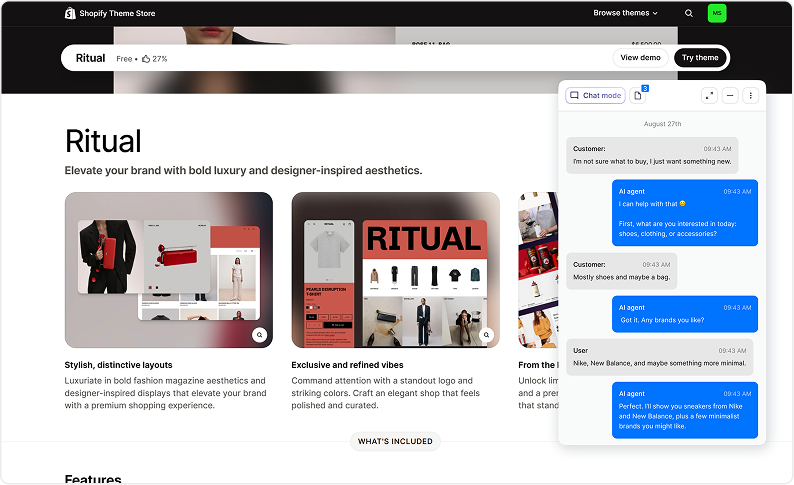
Website Content Intelligence
The chatbot answers questions using your real Squarespace site content.
- Syncs pages, blog posts, and product content
- Understands headings, sections, and site structure
- Explains services, pricing, and offerings
- Updates automatically when content changes
- Prevents outdated or inconsistent answers
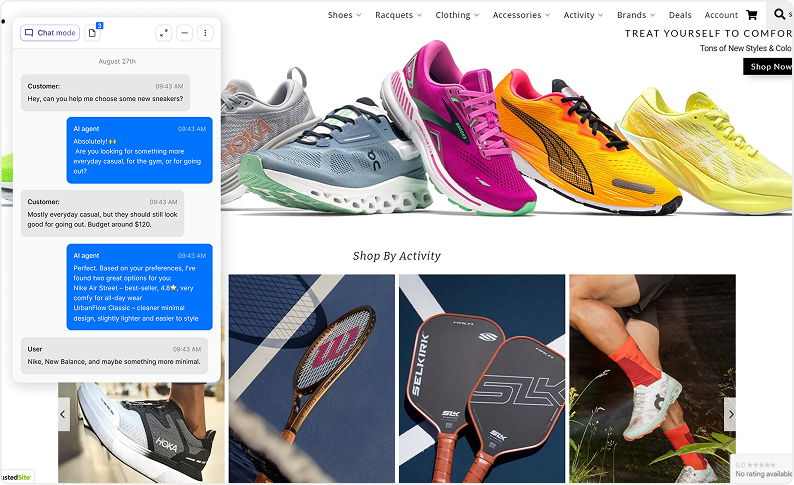
Smart Visitor Navigation Assistant
Helps visitors quickly find what they are looking for.
- Understands visitor intent and questions
- Directs users to relevant pages or products
- Explains differences between services or plans
- Highlights key sections or offers
- Reduces bounce rates
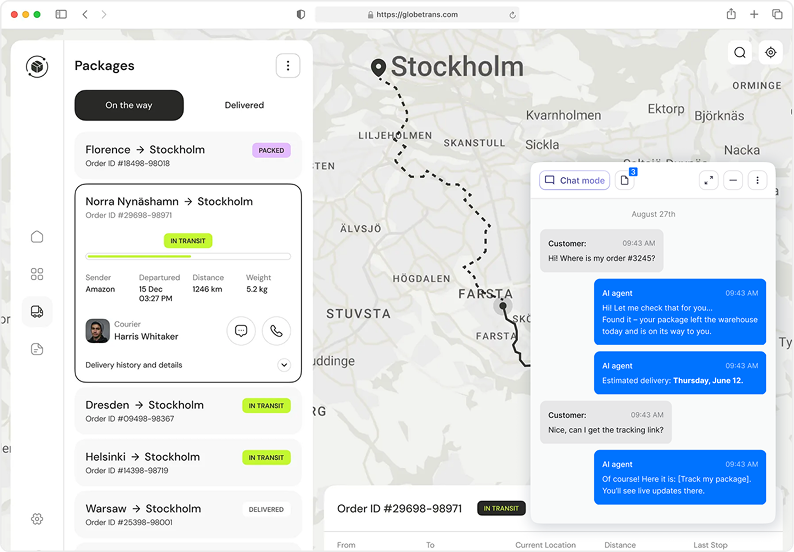
Automated Contact & Inquiry Handling
Handles common questions and contact requests instantly.
- Answers FAQs and service questions
- Captures contact details automatically
- Routes inquiries to the right team
- Reduces contact form friction
- Improves response speed
Scheduling & Booking Support
Assists visitors with appointments, consultations, or bookings.
- Explains services and availability
- Guides visitors to booking pages
- Answers scheduling-related questions
- Reduces booking drop-off
- Improves lead quality
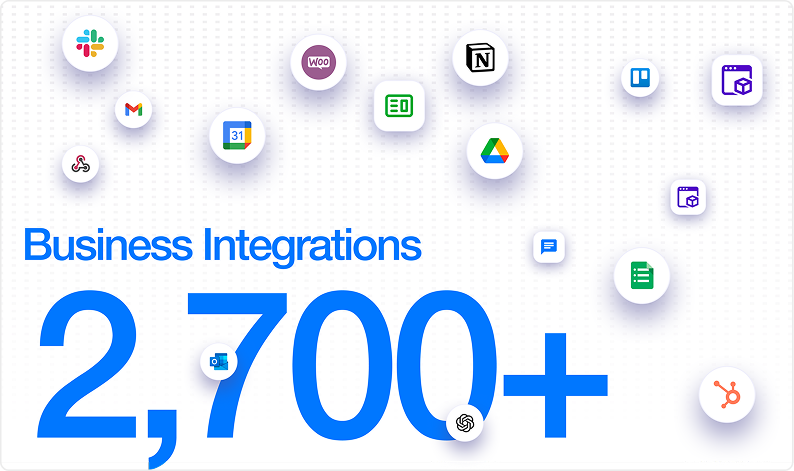
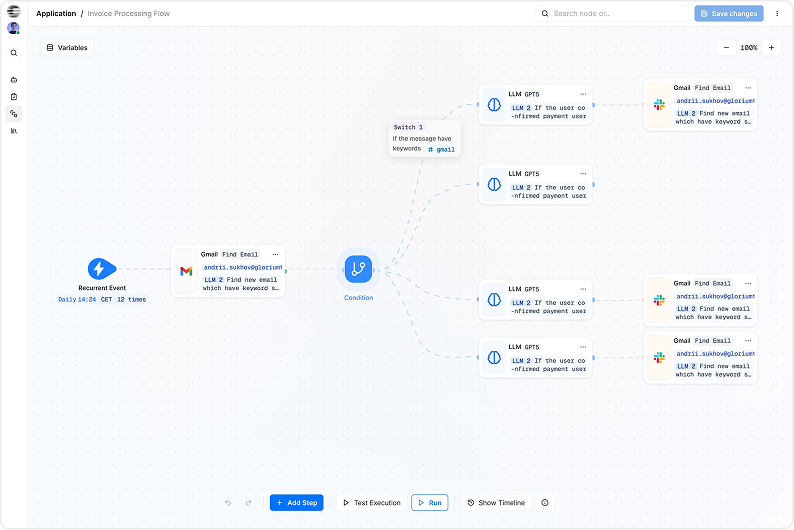
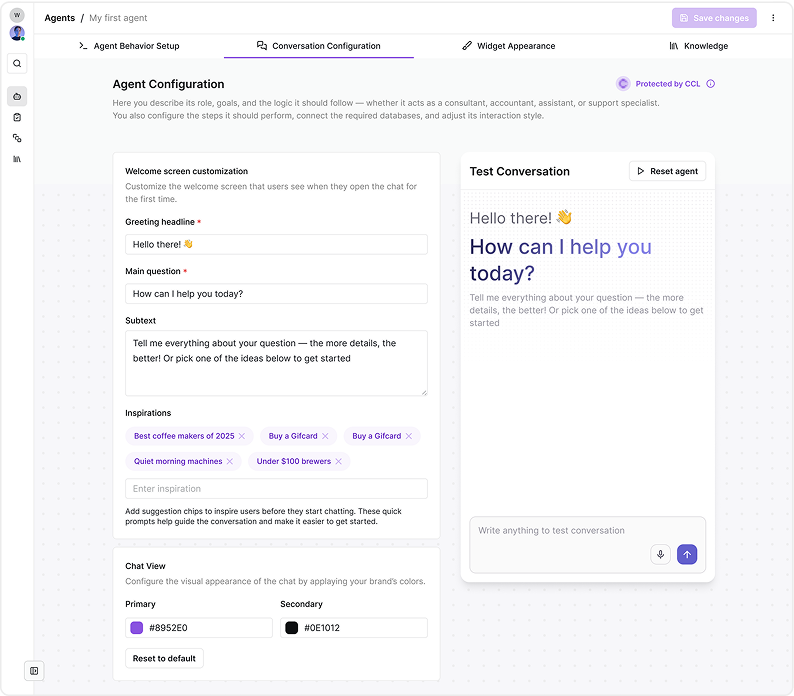
Low-Code AI Agent Builder
Build and control your chatbot without technical skills.
- Visual drag-and-drop agent builder
- Intent-based conversation logic
- Custom answers and fallback rules
- Multi-step conversation flows
- No plugins or custom code required
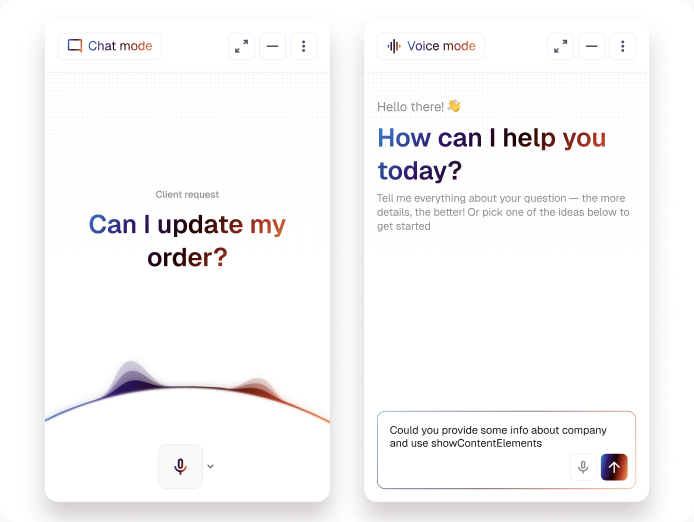
Omnichannel Visitor Messaging
Use one AI assistant across multiple touchpoints.
- Squarespace website chat widget
- Email inquiries
- Messenger and WhatsApp
- Follow-up conversations
- Unified conversation history


Why Squarespace Users Choose CogniAgent
- Works natively with your existing Squarespace design
- Trained automatically on your site content
- Delivers consistent, on-brand responses 24/7
- Reduces support workload without sacrificing quality
- Provides actionable insights from visitor conversations
- Improves user experience without slowing down your site
How It Works
From First Call to Live Agent in Days


![Best AI Tools for Auto Repair Shops [2026 Guide]](https://cogniagent-preview-def77a0f.nyc3.digitaloceanspaces.com/media/2026/07/Best-AI-Tools-for-Auto-Repair-Shops-2026-Guide.png)

Frequently Asked Questions about
CogniAgent
A Squarespace AI chatbot is an automated assistant that answers visitor questions directly on your website. It uses your site content to provide accurate, real-time responses. This allows you to engage visitors 24/7 without manual effort.
The chatbot analyzes visitor questions and matches them with your site content or predefined responses. Over time, it improves accuracy by learning from interactions. It can answer FAQs, provide links, and direct users to relevant pages. All responses are delivered in real time.
No coding skills are required to use the Squarespace AI Chatbot. It is designed to be user-friendly and integrates seamlessly with your existing Squarespace dashboard. Setup typically involves simple configuration and content selection. This makes it accessible for beginners and non-technical users.
The chatbot can handle frequently asked questions about products, services, pricing, policies, and contact details. It can also guide visitors through navigation or suggest relevant pages. For complex inquiries, it can direct users to a contact form or human support. This ensures a smooth user experience.
Yes, you can customize the chatbot’s tone, style, and knowledge sources. This allows responses to match your brand voice and messaging. You can also prioritize certain pages or FAQs as reference material. Customization helps ensure accurate and on-brand conversations.
Yes, you can disable or pause the chatbot at any time from your Squarespace settings. This is useful during site updates or content changes. You can also re-enable it instantly when needed. Full control ensures flexibility for your business needs.

No results