Blocks Showcase

use-cases-flow

use-case-flow

Use Cases

A
  1. Customer calls to book service
  2. AI schedules appointment
  3. Updates calendar
  4. Processes payment
  5. Sends confirmation
  6. Notifies technician
B
  1. Website visitor inquires about product
  2. AI answers questions
  3. Checks inventory
  4. Creates quote
  5. Updates CRM
  6. Schedules follow-up call
C
  1. Client requests consultation
  2. AI qualifies needs
  3. Assigns specialist
  4. Books meeting
  5. Creates project folder
  6. Notifies team

tabs-showcase

tabs-showcase

See It In Action: Workflow Examples

Customer places new order
Sales agent AI confirms details
Checks stock
Support agent updates status
Shipping agent arranges delivery
Notification agent sends updates

concierge-flow

concierge-flow

Describe Your Call Flows
AI Builds the Agent.

Tell AI Concierge how your call center operates — your most common call types, your escalation triggers, your resolution criteria. It generates a working AI call center agent canvas. You adjust what doesn't fit. You don't start from zero.
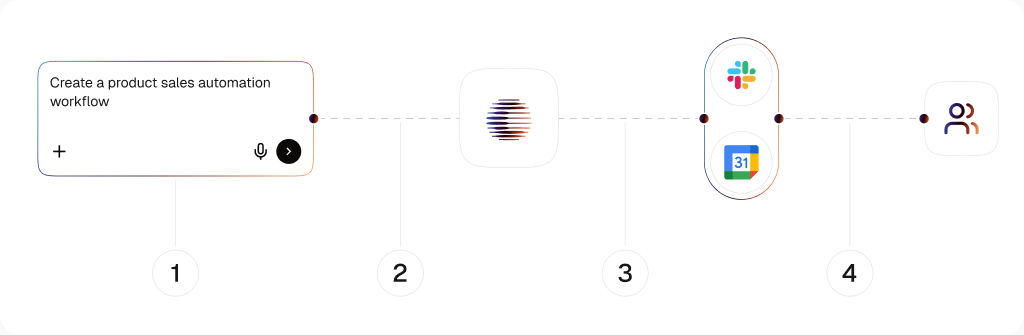
Describe Your Call Flows||{{ AI Builds the Agent. }}

AI Concierge

Your call flows in — a working agent out

Describe your inbound and outbound scenarios in plain language. AI Concierge structures them into a deployable voice agent canvas — call logic, escalation rules, and data lookups included.

One Canvas

Voice automation and call center workflows together

Call handling, live data lookup, ticket creation, and post-call follow-up all on one canvas. No separate IVR tool, no separate CRM integration, no gap between what the agent says and what your system records.

Low / No-Code

Running in days, not after a sprint

No telephony engineering required. Connect your call center stack and go live. When your call flows change, you update the canvas — no developer, no ticket, no waiting.

media-showcase

media-showcase

A Support ConversationThat Resolves Itself

Triage logic, resolution branches, helpdesk actions, and escalation triggers — all on one canvas. No separate tools. No manual ticket creation after the fact.
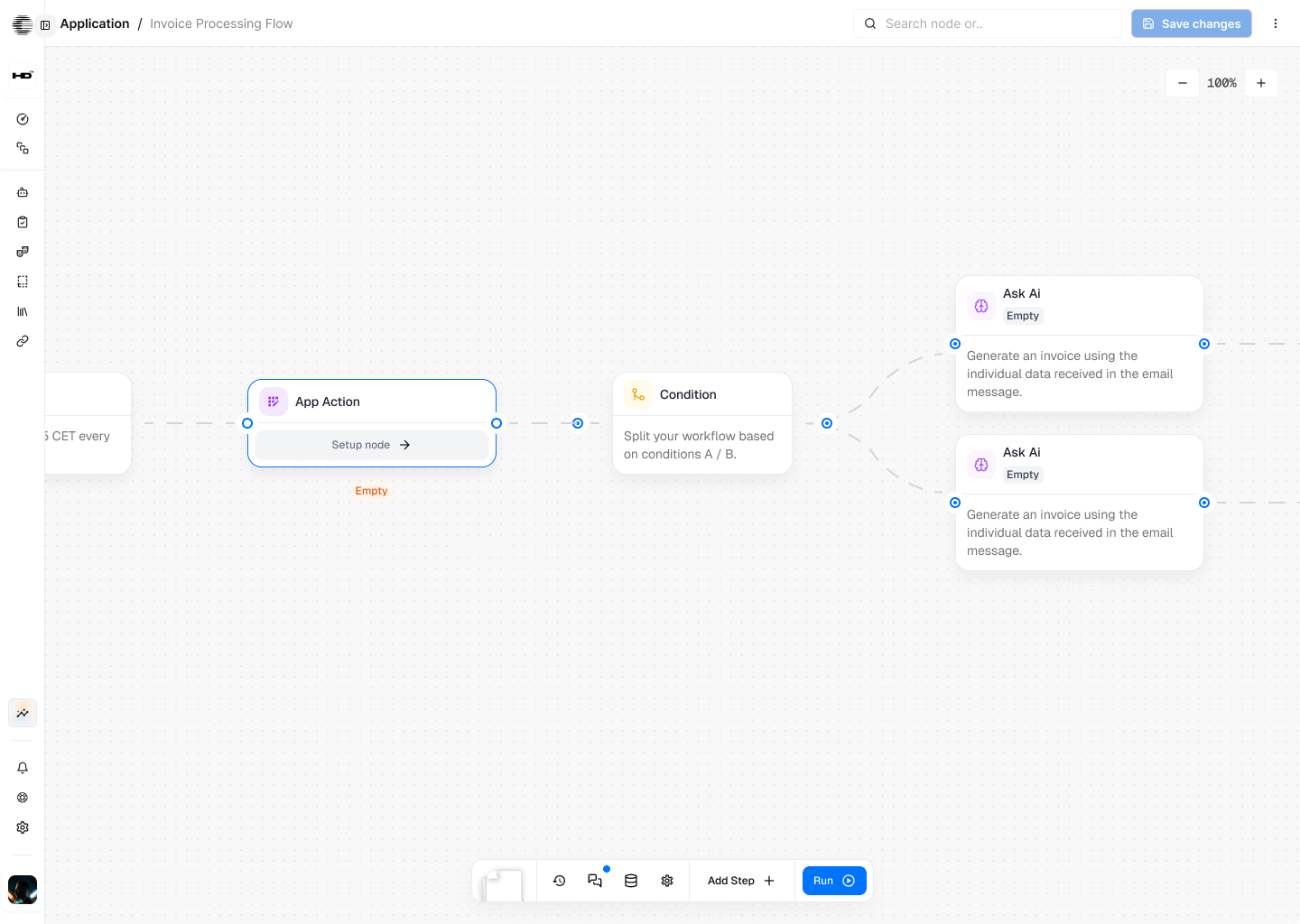
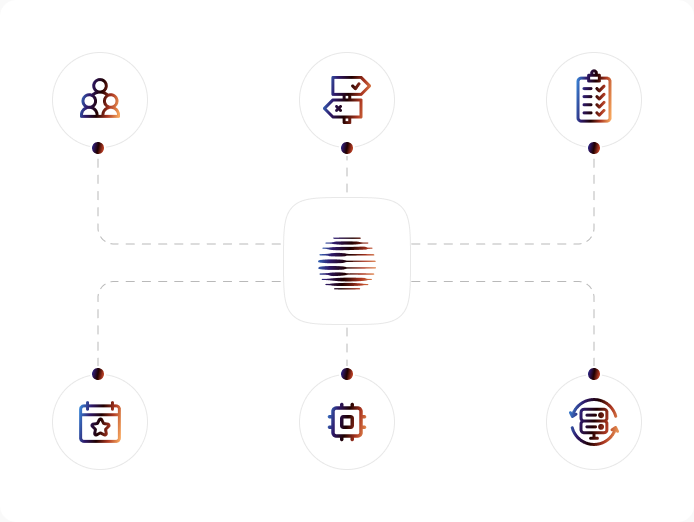
A Support ConversationThat Resolves Itself

side-by-side

side-by-side
Business Workflow Automation illustration

Business Workflow Automation

End-to-end process orchestration with cognitive AI
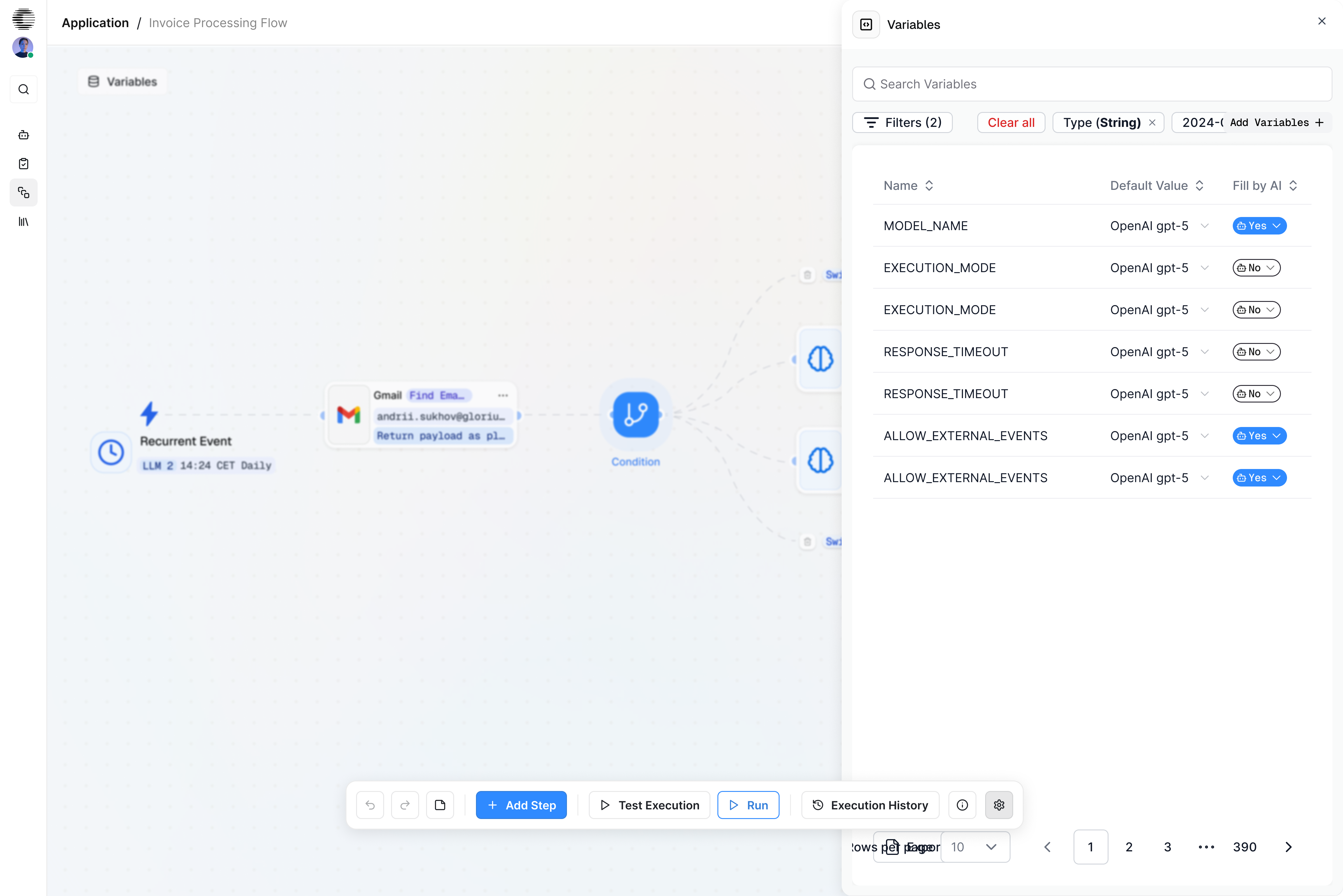
Automate complex business operations with intelligent, event-driven workflows that make decisions, coordinate teams, update systems, and execute tasks autonomously, without human micromanagement.

Perfect For

  • Operations Teams.Automate scheduling, escalations, reporting, and cross-department approvals.
  • Finance & Accounting.Process invoices, match POs, reconcile payments, and run compliance workflows automatically.
  • Customer Support.Route tickets, handle requests, automate follow-ups, and trigger backend actions without manual steps.
  • Administrative Departments.Onboarding, document workflows, contract processing, lead qualification, and policy-driven operations.

Use Cases

  • Invoice Processing AutomationValidate documents, match POs, and post payments automatically
  • Order-to-Delivery AutomationRoute orders, sync inventory, and trigger shipping updates in real time
  • Client Onboarding AutomationCollect data, verify documents, and update CRMs without manual steps
  • Incident & Escalation AutomationDetect issues, assign tasks, and notify teams instantly across systems

side-by-side-with-integration-icons

side-by-side
CogniAgent Interface

AI-Augmented Integrations

Make supports many integrations, but requires manual mapping and configuration.

CogniAgent enhances integrations with AI:

  • Natural-language field mapping
  • Smart API parameter suggestions
  • Auto-generated workflow steps
  • AI-powered error recovery

Let AI manage the complexity, so you don’t have to.