YouTube Automation with AI: How to Add a Script Generator to Your Workflow


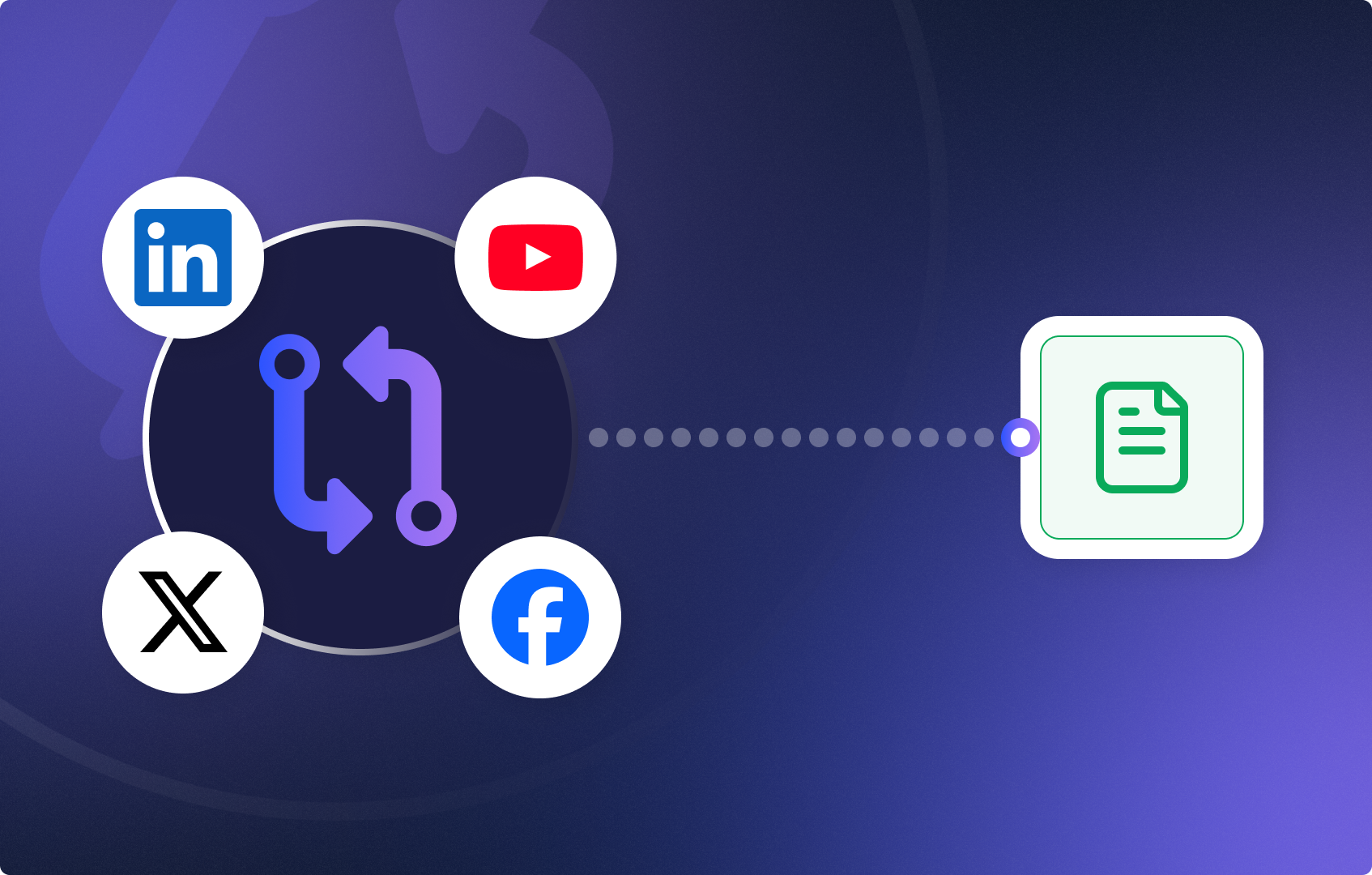
YouTube automation means using AI and workflows to handle the repetitive parts of content creation — writing scripts, repurposing posts, and preparing video-ready copy — without doing it manually every time.
In this guide, we’ll extend the social media workflow from Part 1 by adding an AI YouTube automation layer: a scriptwriter node that turns your existing social posts into ready-to-record YouTube scripts. No rebuilding from scratch. Just three additional steps.
By the end, you’ll have one unified workflow that:
If you haven’t built Part 1 yet, start there first — this guide picks up where it left off.

YouTube automation is the practice of using tools and AI workflows to produce, repurpose, and publish video content with minimal manual effort.
Content teams rarely struggle with ideas. They struggle with reuse.
Your social posts already contain clear opinions, structured thoughts, and strong hooks. Turning them into automated YouTube scripts manually is repetitive and time-consuming. With the right AI tools for YouTube automation, that conversion happens automatically — keeping your message consistent across platforms and cutting production time dramatically.
This is a youtube automation business use case: one source of truth, multiple content formats, zero copy-paste.
You’ll add three nodes to your existing social media workflow:
Here’s how to build it.
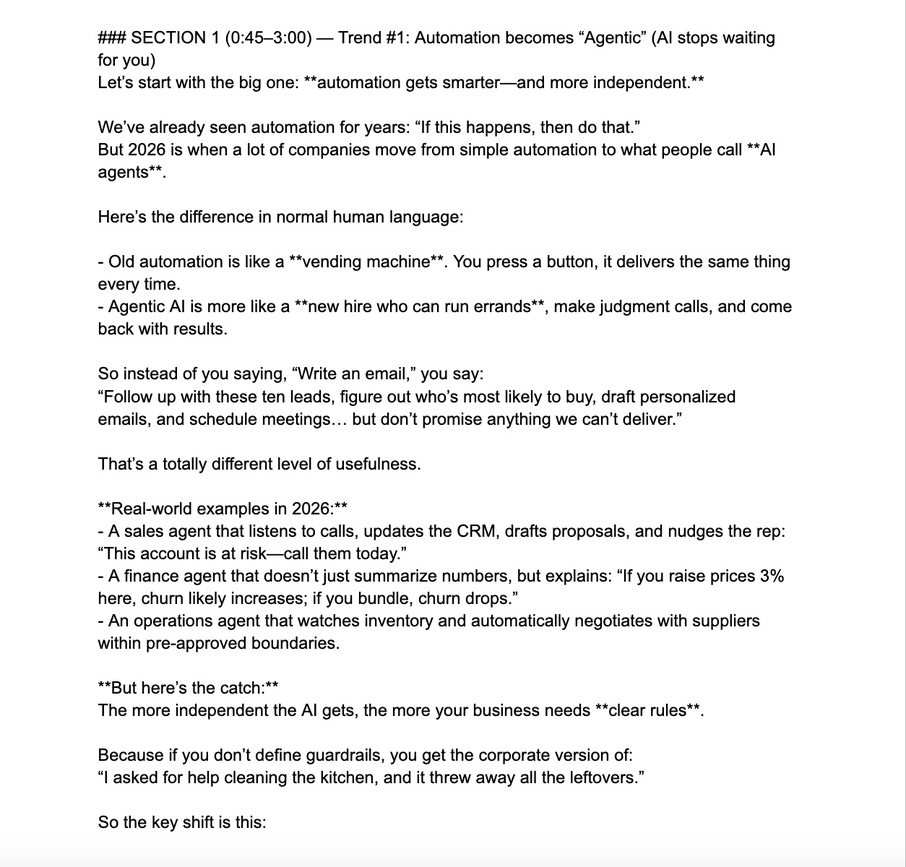
At this stage, your workflow already generates social media posts from an LLM node, a loop, or a publishing branch.
To start youtube script automation, you need to consolidate those outputs first.
Add a Merge node and connect all branches that produce final post content into it. This gives the next AI step a single, clean input — ensuring the script is generated from finalized copy, not drafts or partial outputs.
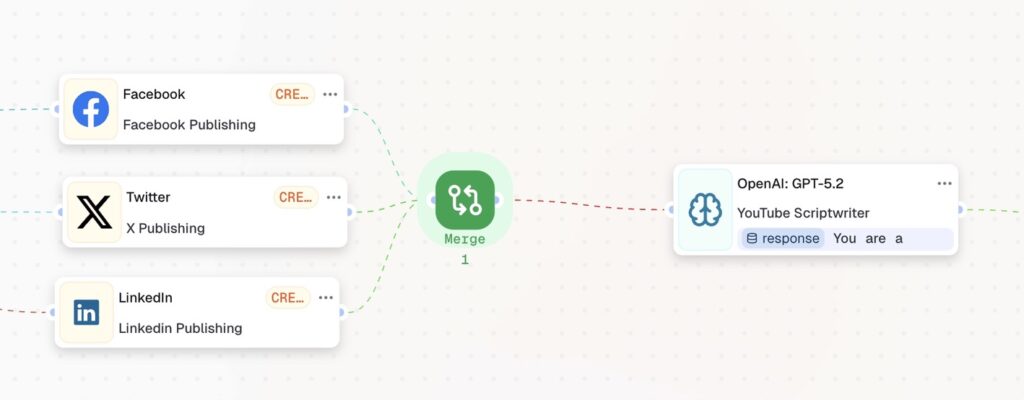
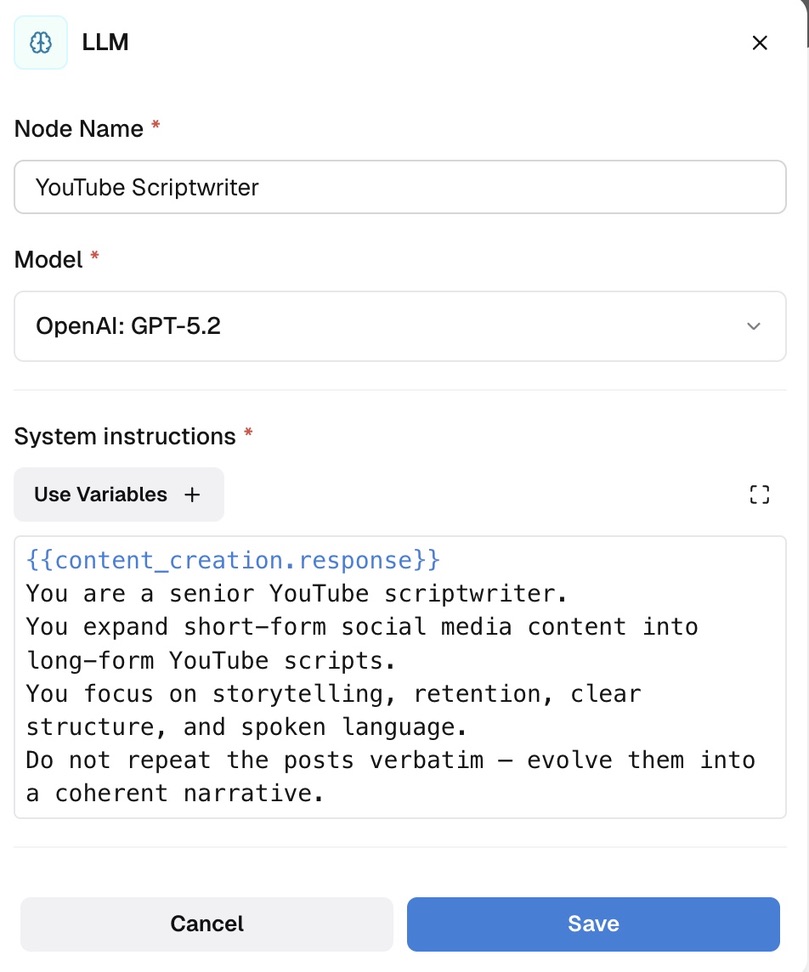
Now add a new LLM node after the Merge. This is the core of your AI youtube automation — it takes the social content and rewrites it as a voice-ready video script.
In the prompt, define:
Role: “You are a YouTube scriptwriter”
Input: the generated social media posts from the Merge node
Output structure: hook → main explanation → closing
Example instruction logic:
This step converts short-form written content into long-form, voice-ready scripts — one of the most powerful youtube automation examples for content teams.
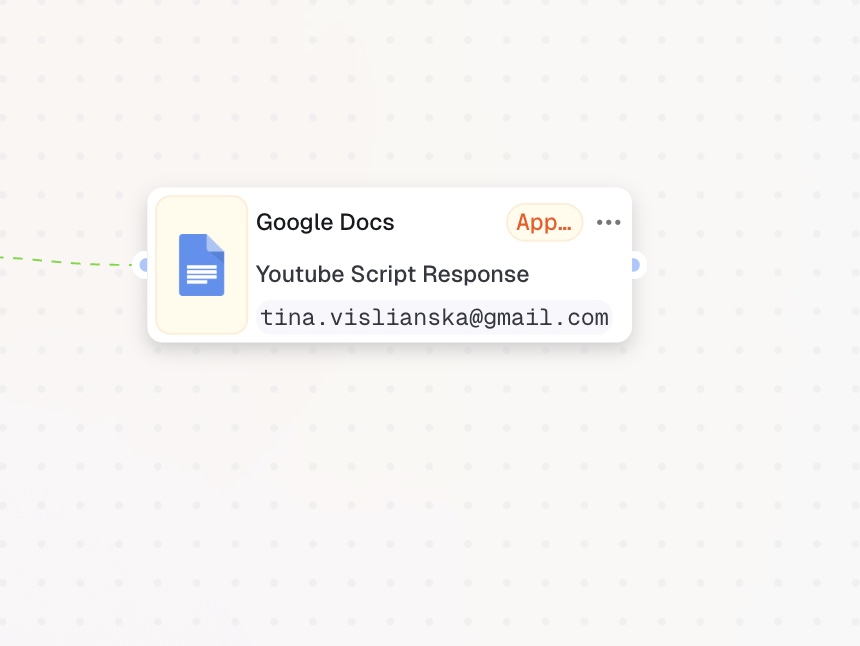
Add an Action in App node after the LLM node to surface the generated scripts for review.
Typical use cases:
Map the LLM output variables into the text field. Your scripts will appear there — visible, reviewable, and ready to record immediately.
With just three additional nodes, your youtube automation workflow now:
No copy-paste. No manual rewriting. This is what how to do youtube automation looks like in practice — one workflow, every format, from a single trigger.
Now that you have a working AI youtube automation setup, the next step is scaling it — adding visuals generation, building approval loops, and exploring control nodes to add branching logic.
Follow us on social and subscribe so you don’t miss the next guides.