Mar 05, 2026

2 min read
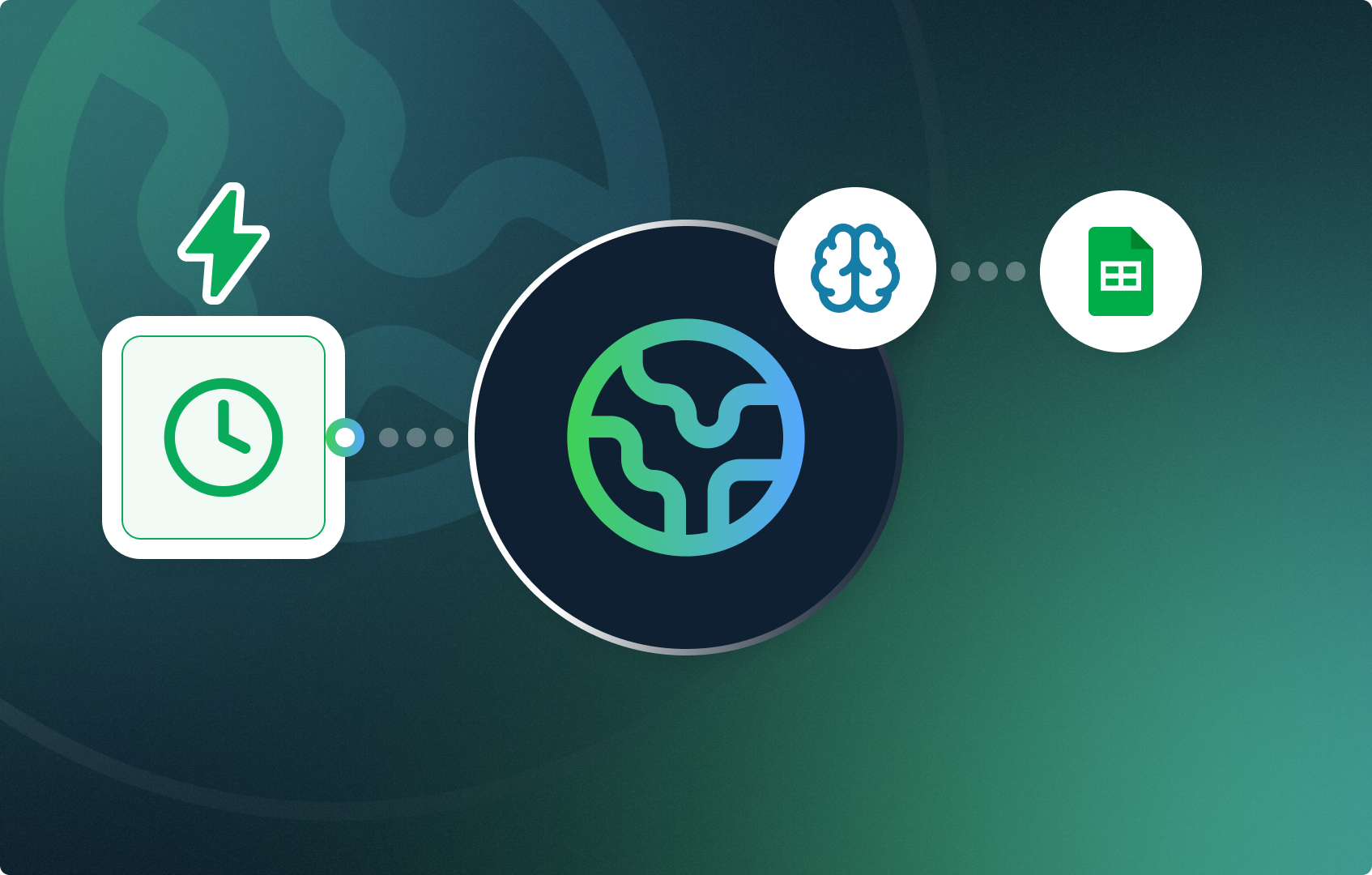
This workflow automatically visits a competitor’s website every day, uses AI to extract all product prices from the page, and logs everything into Google Sheets to build a price history over time. Follow this step-by-step guide to learn how you can build it and be ahead of your competitors just by scraping the pricing data from their websites and tailor your offers accordingly.
Architecture
[Recurrent Event] -> [HTTP Request] -> [LLM] -> [Action in App]
Prerequisites
- CogniAgent account with a workflow created
- Competitor product page URL
- Google Sheets file created and connected
- Google Sheets columns set up: Name of the Product, Product, Price
Step 1 — Recurrent Event
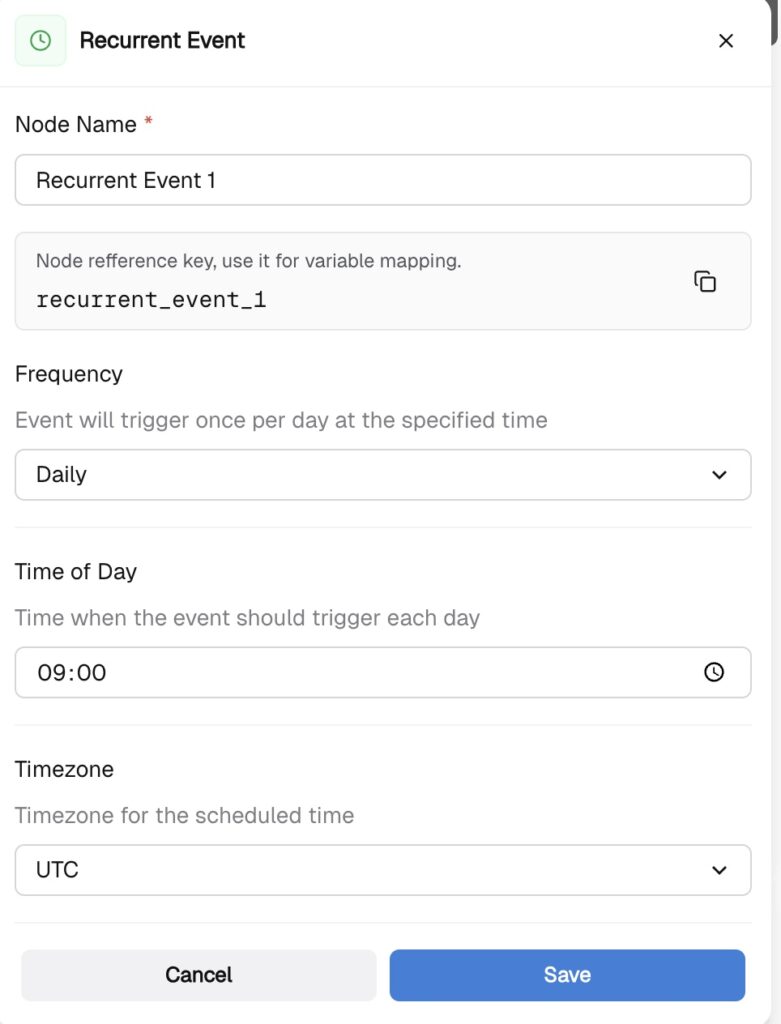
Click “Add Step” and choose the “Recurrent Event” Node. This node triggers the workflow automatically every day.
- Frequency: Daily
- Time: 09:00
- Timezone: your local timezone
Step 2 — HTTP Request
This node fetches the raw HTML of the competitor’s product page.
- Method: GET
- URL: https://competitor.com/their-product-page
To verify it works, click Test. If you see HTML in the response body, you are good to go. If you get a 403 error, the site is blocking requests and you need a different source URL.
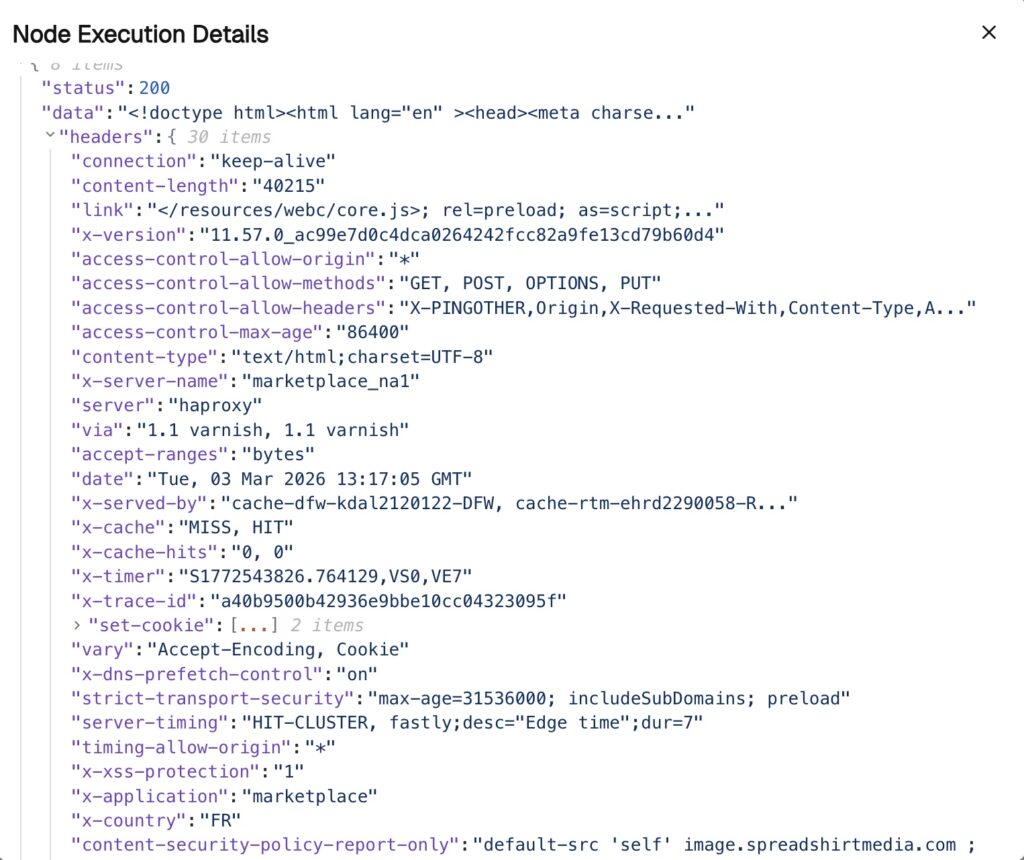
In the execution history we see that the node returns the output, thus we continue the execution of the workflow.
Step 3 — LLM
This node reads the raw HTML and extracts all prices using AI. No code needed — the LLM does the parsing.
System instructions – the role of your LLM
User instructions – what exactly LLM does
Structured Output – map out all of the necessary fields as required. In this scenario: product_name, product, and the price.
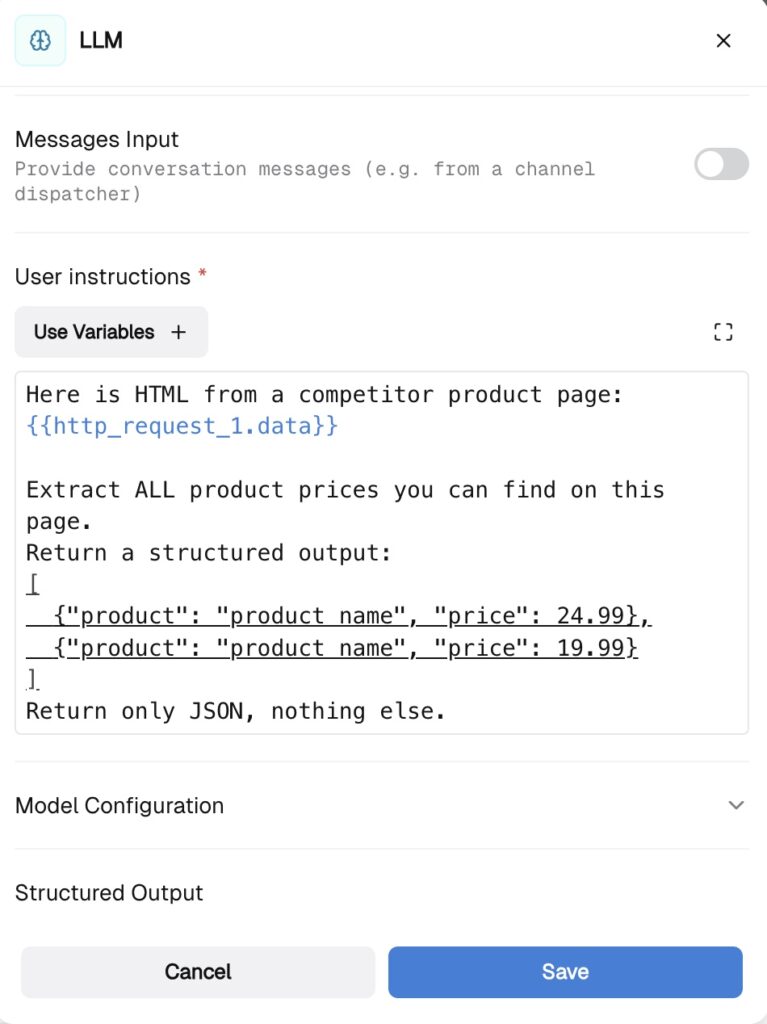
If it works, in the execution history you will see the structured output:
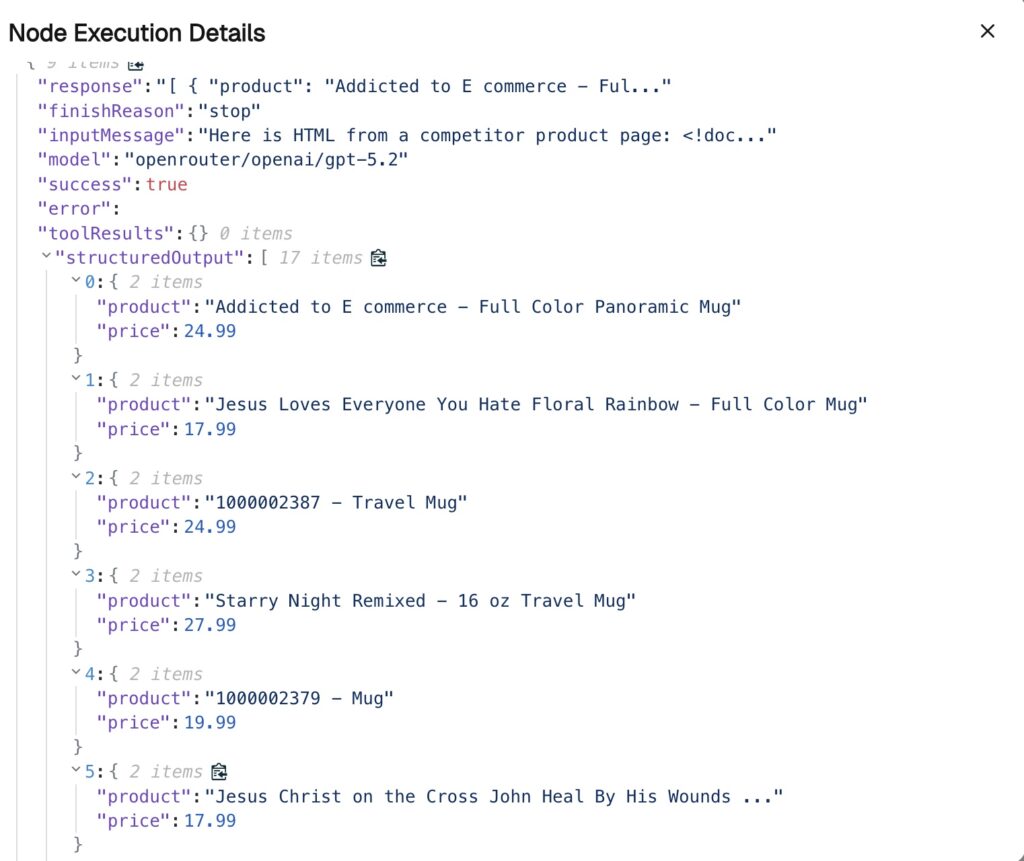
Step 4 — Action in App -> Google Sheets
This node appends one row per product into your spreadsheet.
- App: Google Sheets
- Action: Append Row
- Spreadsheet: your file name
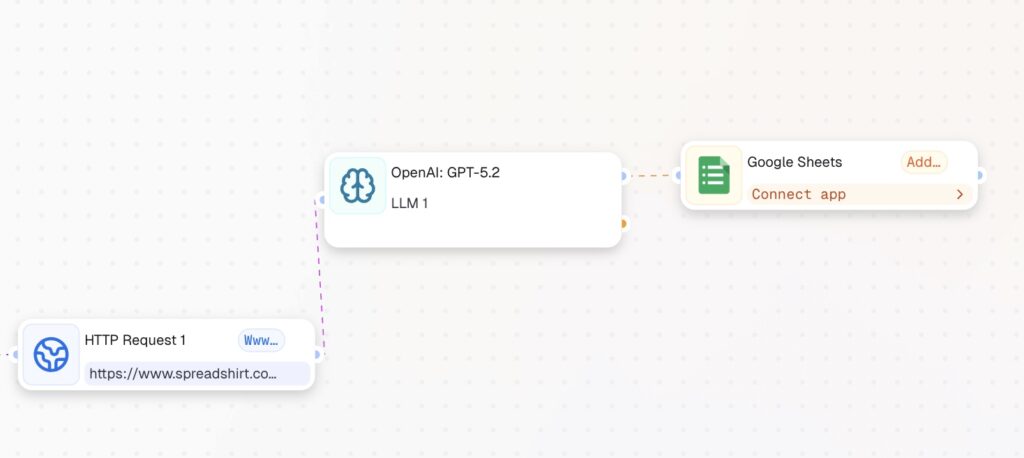
Testing the Full Flow
- Check HTTP Request returns HTML in the response body
- Check LLM output is structured with products and prices
- Open Google Sheets and confirm new rows were added
Follow other step-by-step guides in CogniAgent and rebuild workflows!