Why Teams Switch from Chatbase to CogniAgent?
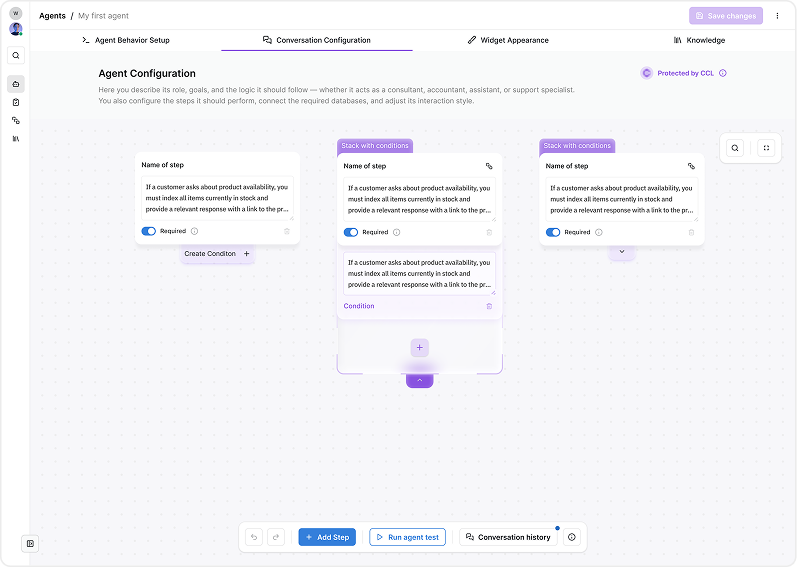
Automation That Continues After the Chat
CogniAgent goes beyond chat to complete tasks automatically across systems:
- Completes multi-step workflows after conversations
- Follows business rules without manual intervention
- Turns chat interactions into actionable outcomes
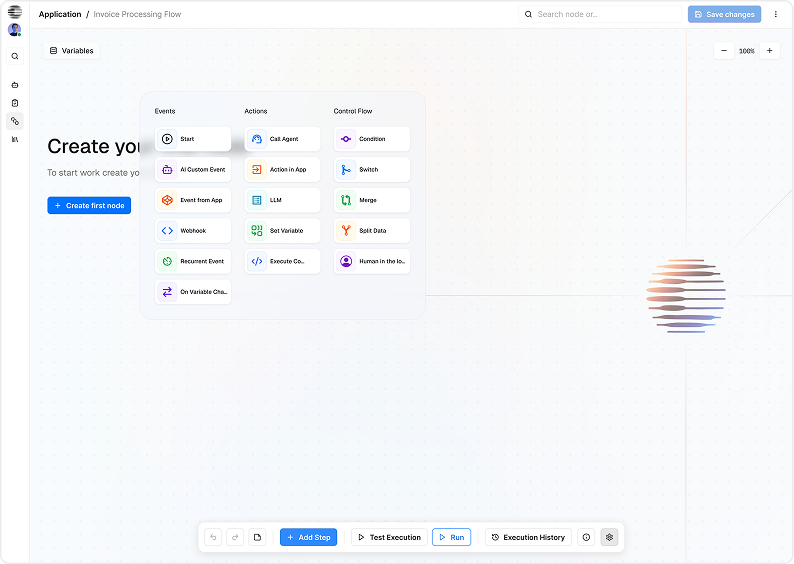
Hosted Setup With Less Operational Load
Spend less time stitching processes together and more time delivering reliable automation:
- Reduce manual setup and maintenance outside the platform
- Ship workflows teams can reuse and improve
- Minimize operational complexity
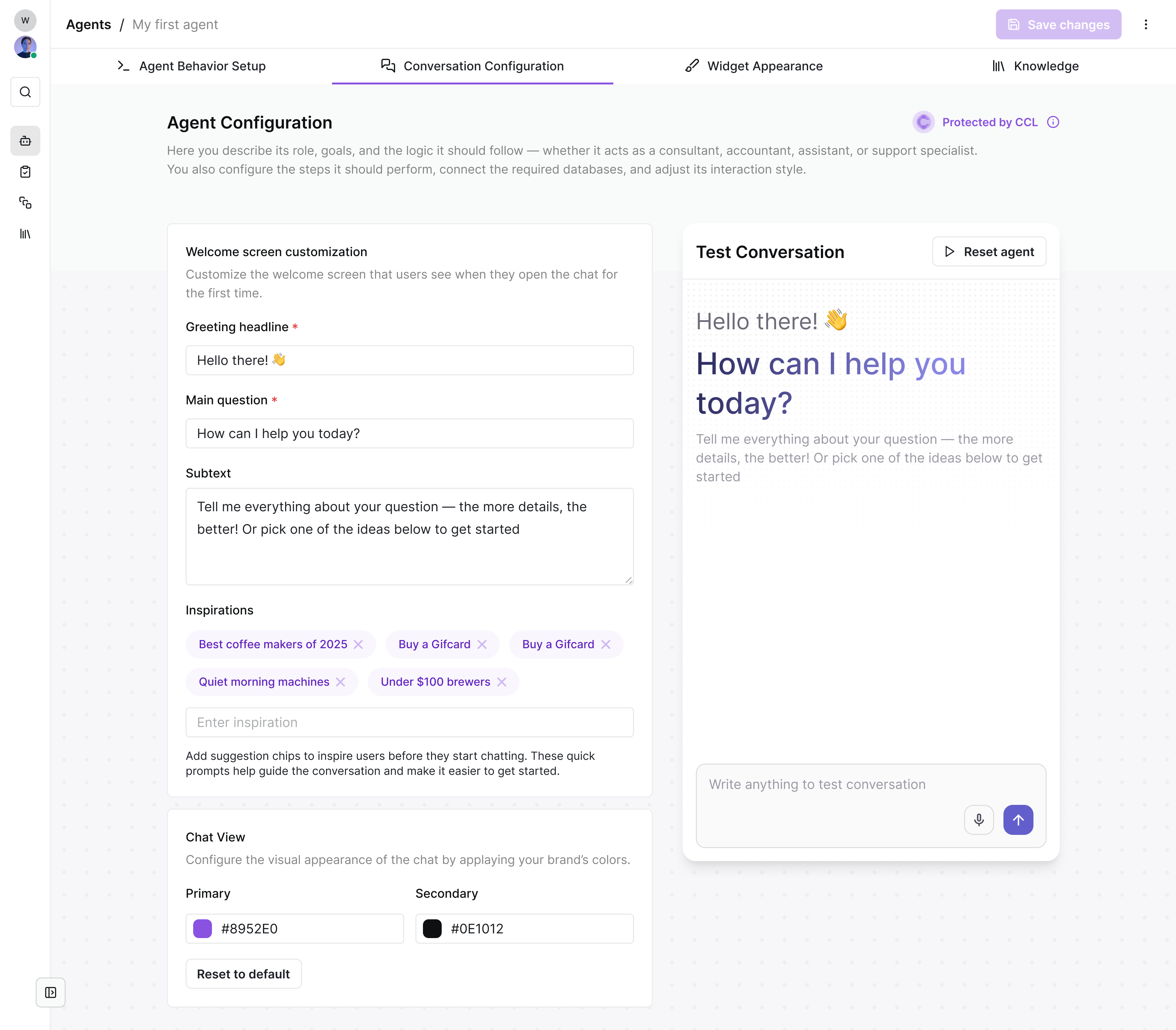
Business Logic Ownership
Keep your workflow logic centralized for easier management:
- Store process logic inside the workflow instead of scattered scripts
- Simplify review, refinement, and handoff between teams
- Quickly adapt workflows when processes change
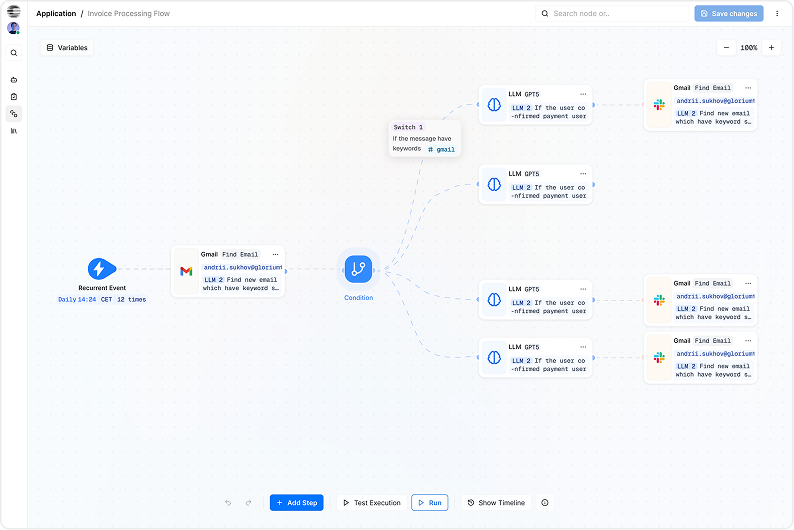
AI-Augmented Integrations
Integrations are easier and smarter with AI-assisted workflow building:
- Reduce setup time with AI-assisted connections
- Automate processes across multiple tools, not just one endpoint
- Turn complex business processes into functional workflows efficiently
Real Reliability – No Cron Jobs, No DIY Scaling
n8n requires:
- Cron maintenance
- Queue management
- Horizontal scaling
- Manual retry logic
CogniAgent handles:
- Automatic scaling
- Built-in retries
- Monitoring dashboards
- Execution history
Everything just works.
CogniAgent vs. Chatbase
The Practical Comparison
| Feature | CogniAgent | Chatbase |
|---|---|---|
| Best fit | Workflow-first teams that want an agent to do the work | Support-first teams that want an agent to answer and hand off |
| Core outcome | Fewer manual steps across tools and teams | Faster replies and higher self-serve resolution |
| Automation across tools | Designed for cross-app processes (CRM, email, calendar, ops tools) | Works well inside support workflows and common channels |
| Long workflows | Better when a task needs steps, checks, and follow-ups | Better when the flow is short and support-led |
| Ownership | Business + ops teams can own automations without constant engineering help | Support teams can own the bot and content updates easily |
| Visibility | Clear workflow paths you can review and improve | Great for support analytics and conversation review |
| Governance | Fits teams that need permissions, logs, and process control | Fits teams that need support, control, and safe deployment |
| Time to value | Fast when you already know the process you want to automate | Fast when you want a support agent live ASAP |
![Top AI Receptionists for Cleaning Services [2026]](https://cogniagent.ai/wp-content/uploads/2026/07/Top-AI-Receptionists-for-Cleaning-Services-2026-300x185.webp)

![Best AI Tools for Auto Repair Shops [2026 Guide]](https://cogniagent.ai/wp-content/uploads/2026/07/Best-AI-Tools-for-Auto-Repair-Shops-2026-Guide-300x185.png)

Frequently Asked Questions about
CogniAgent
СogniAgent works best when the chatbot must complete multi-step work, not only answer questions. It’s a strong fit for workflows that involve multiple tools, require branching logic, or necessitate follow-ups, such as lead qualification with CRM updates, onboarding sequences, internal request routing, and operational automation.
Chatbase is usually the better choice when your primary goal is support deflection and providing fast, accurate answers across multiple channels.
Yes. It can cover FAQs, product guidance, and request intake. The difference lies in what happens next: if the conversation should trigger actions, collect missing details, update systems, or continue until a task is completed, CogniAgent tends to feel more natural because it’s built around workflows.
Both can trigger actions and connect to external systems. Chatbase is great for simple, support-led actions inside a chat. CogniAgent is a stronger fit when actions form a chain, such as validating data, applying rules, updating multiple tools, and then confirming the outcome. If your actions are typically one step, Chatbase may be enough. If there are several steps, CogniAgent is often the better match.
Both are built for business use, so the right choice depends on your security checklist. Look for encryption, role-based access, audit logs, and SSO options, then confirm data retention and how model providers handle your data. If you’re regulated, ask both vendors for security documentation and a clear data-flow summary.
Chatbase pricing often aligns with support usage and deployment needs, while CogniAgent pricing usually reflects automation workload and agent execution. The easiest way to compare is to model your real month: conversations, actions per conversation, and required integrations. Teams running complex workflows often prioritize predictability and lower maintenance over the lowest starting tier.
CogniAgent is easiest to adopt when you start with one high-impact workflow, connect the key tools, define edge cases, and iterate based on real runs. This approach typically benefits from hands-on guidance when workflows include approvals or exceptions. Chatbase can feel faster to start if your goal is simply launching a support agent with trained content.

No results