Live Content Awareness
Uses your Squarespace pages, products, and content to answer visitor questions accurately
Create AI chatbot, designed to work naturally with Squarespace sites, layouts, and content, no technical setup required
Uses your Squarespace pages, products, and content to answer visitor questions accurately
Navigates collections, pages, products, and blog content just like a real site assistant
Responds immediately to chats, preventing missed questions and lost opportunities
Helps visitors take the next step – explore, contact, or purchase with confidence.
Delivers answers aligned with your site content and brand voice
Handles growing visitor volume without slowing down your site
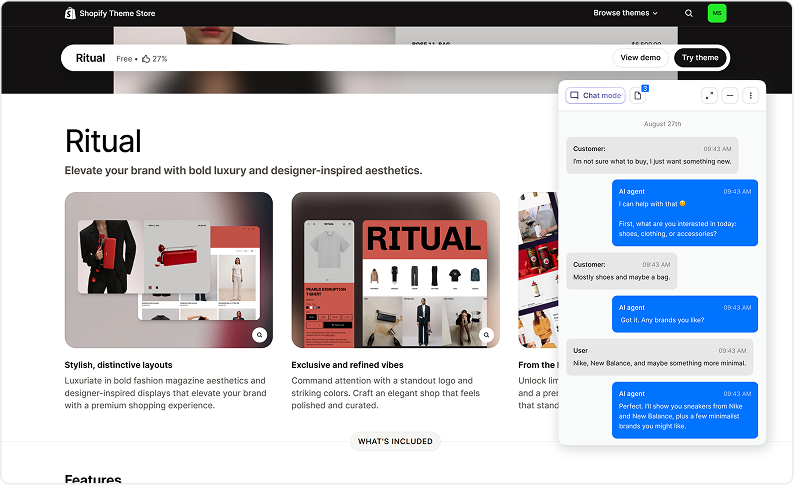
The chatbot answers questions using your real Squarespace site content.
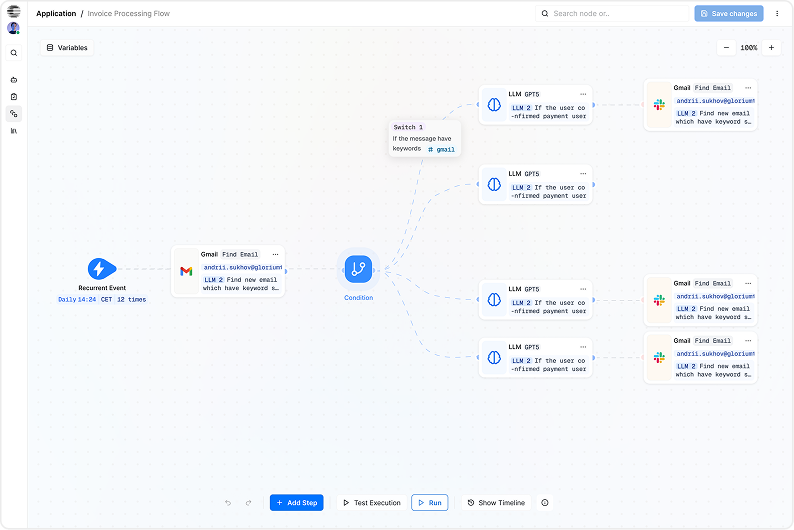
Helps visitors quickly find what they are looking for.
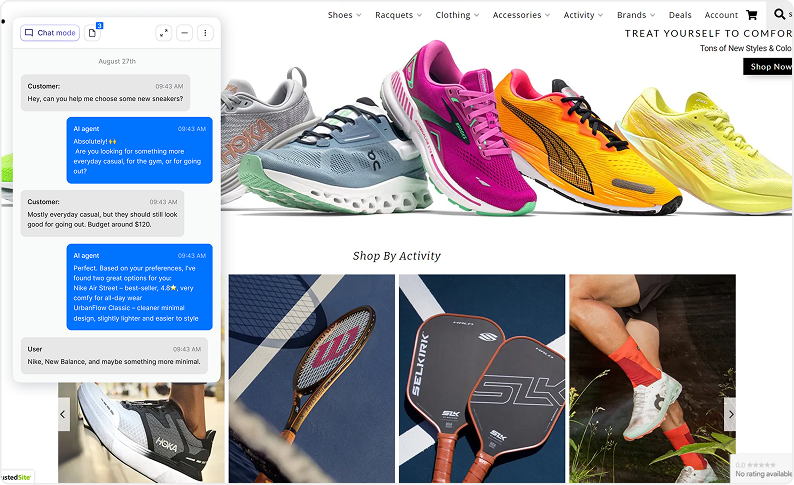
Handles common questions and contact requests instantly.
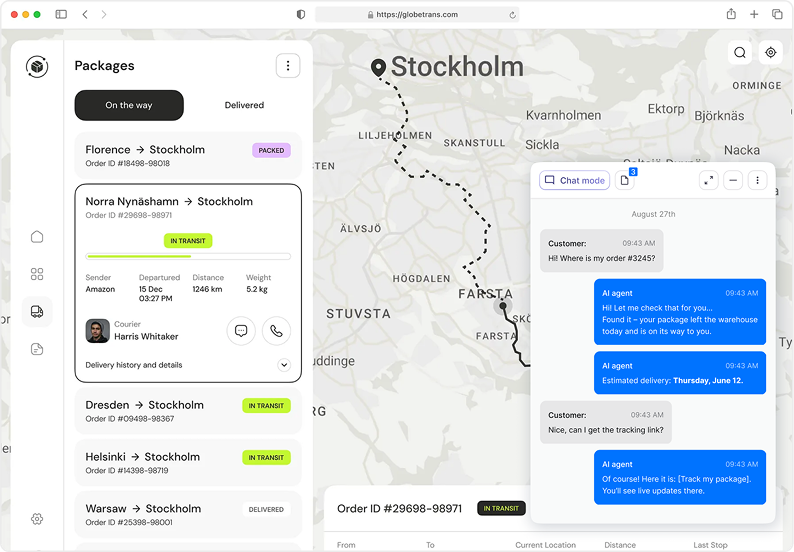
Assists visitors with appointments, consultations, or bookings.
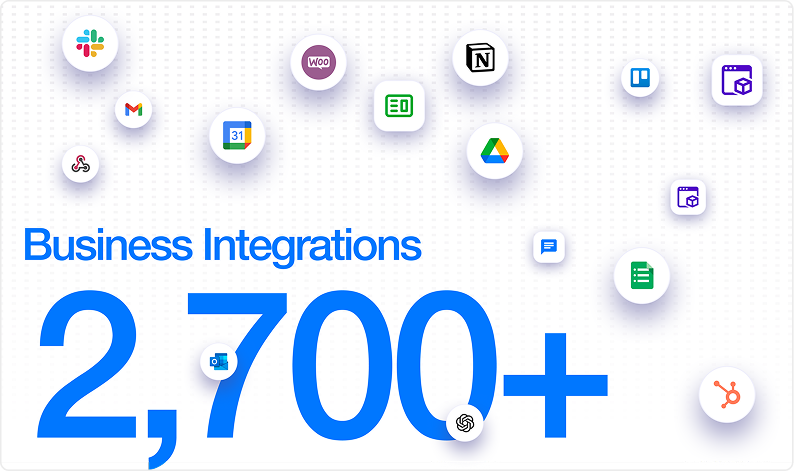
Build and control your chatbot without technical skills.
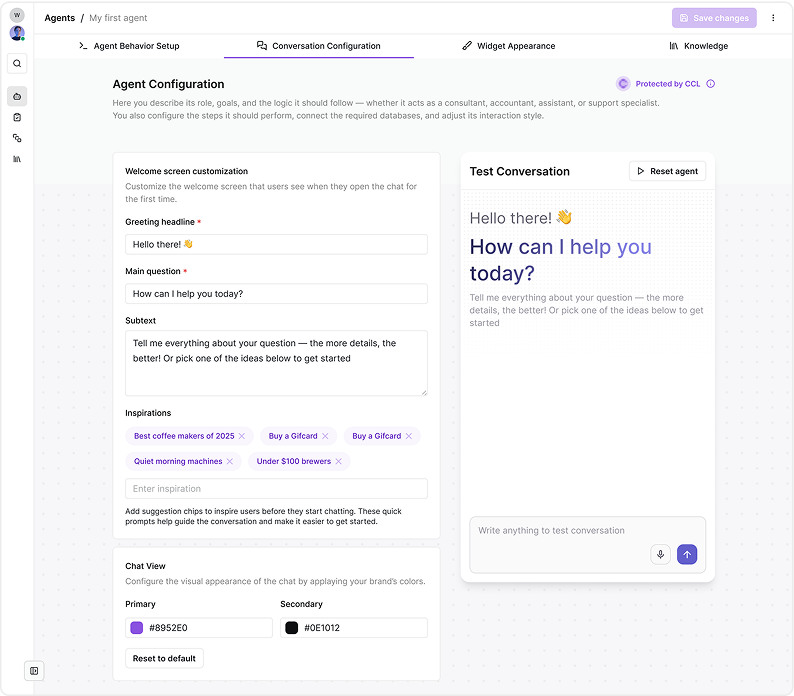
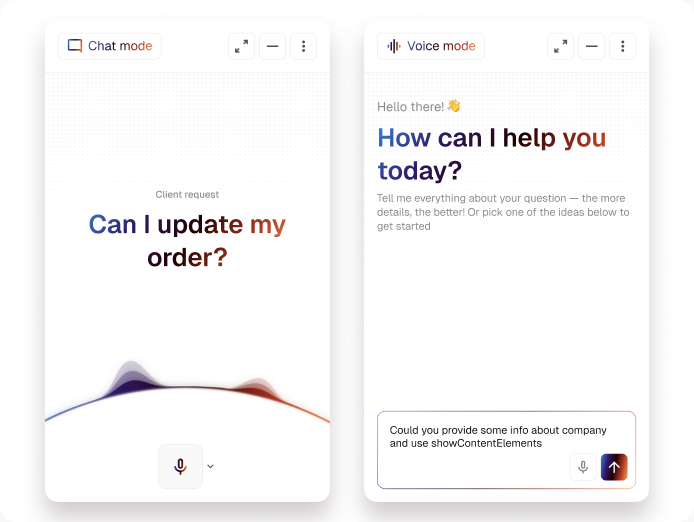
Use one AI assistant across multiple touchpoints.
Answer common questions about services, pricing, and content instantly
Help visitors find the right pages, products, or information faster
Engage visitors with smart prompts and collect high-quality inquiries
Guide users toward scheduling, checkout, or contact actions


CogniAgent
A Squarespace AI chatbot is an automated assistant that answers visitor questions directly on your website. It uses your site content to provide accurate, real-time responses. This allows you to engage visitors 24/7 without manual effort.
The chatbot analyzes visitor questions and matches them with your site content or predefined responses. Over time, it improves accuracy by learning from interactions. It can answer FAQs, provide links, and direct users to relevant pages. All responses are delivered in real time.
No coding skills are required to use the Squarespace AI Chatbot. It is designed to be user-friendly and integrates seamlessly with your existing Squarespace dashboard. Setup typically involves simple configuration and content selection. This makes it accessible for beginners and non-technical users.
The chatbot can handle frequently asked questions about products, services, pricing, policies, and contact details. It can also guide visitors through navigation or suggest relevant pages. For complex inquiries, it can direct users to a contact form or human support. This ensures a smooth user experience.
Yes, you can customize the chatbot’s tone, style, and knowledge sources. This allows responses to match your brand voice and messaging. You can also prioritize certain pages or FAQs as reference material. Customization helps ensure accurate and on-brand conversations.
Yes, you can disable or pause the chatbot at any time from your Squarespace settings. This is useful during site updates or content changes. You can also re-enable it instantly when needed. Full control ensures flexibility for your business needs.

No results