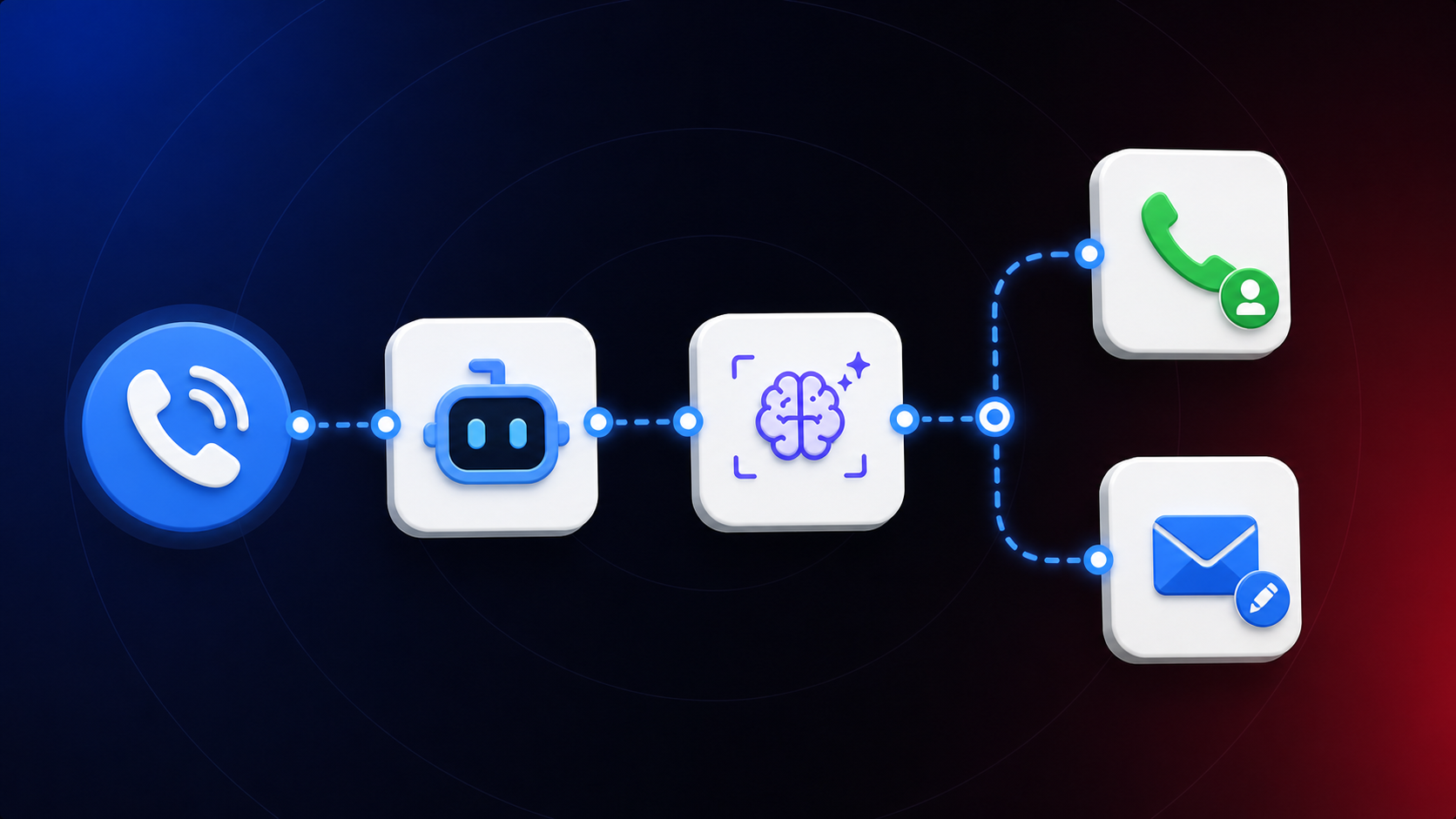
Most workflow automation tools are built on a simple, linear assumption: a trigger fires, actions run, the workflow ends. For single-step tasks, that’s fine. But most real business processes don’t work that way.
Most businesses don’t lose leads because of bad marketing. They lose them because no one was available to respond. A call comes in while someone’s on-site. An inquiry arrives at 11pm. A form gets submitted on a Sunday. The information you need doesn’t arrive in one message — people clarify, change their mind, ask questions. A fire-and-forget automation can’t handle that.
CogniAgent’s Conversational AI nodes are built for exactly this: multi-turn AI-powered conversations across any communication channel, running in parallel with the rest of your workflow — not instead of it.
What Makes Conversational AI Automation Different
Traditional automation tools are transactional. They process inputs and return outputs. They don’t remember context, they can’t handle ambiguity, and they certainly can’t push back when a user gives an incomplete answer.
Conversational AI workflow automation changes this. Instead of a form or a one-shot message, your workflows can conduct real dialogue — asking follow-up questions, understanding informal language, handling corrections, searching knowledge bases, and escalating to a human when the situation demands it. The rest of your workflow continues running in parallel.
This matters at scale. In high-volume contexts — emergency trades bookings, insurance intake, hiring pipelines — the difference between a rigid form and a capable conversational AI is the difference between drop-off and completion.
Where to Find Conversational AI Nodes in CogniAgent
Conversational AI nodes are part of the standard workflow node library. When building a workflow, open the CogniAgent dashboard and you’ll find them alongside all other node types — no separate configuration or add-on required.

The Conversational AI Nodes: A Full Breakdown
Channel Dispatcher
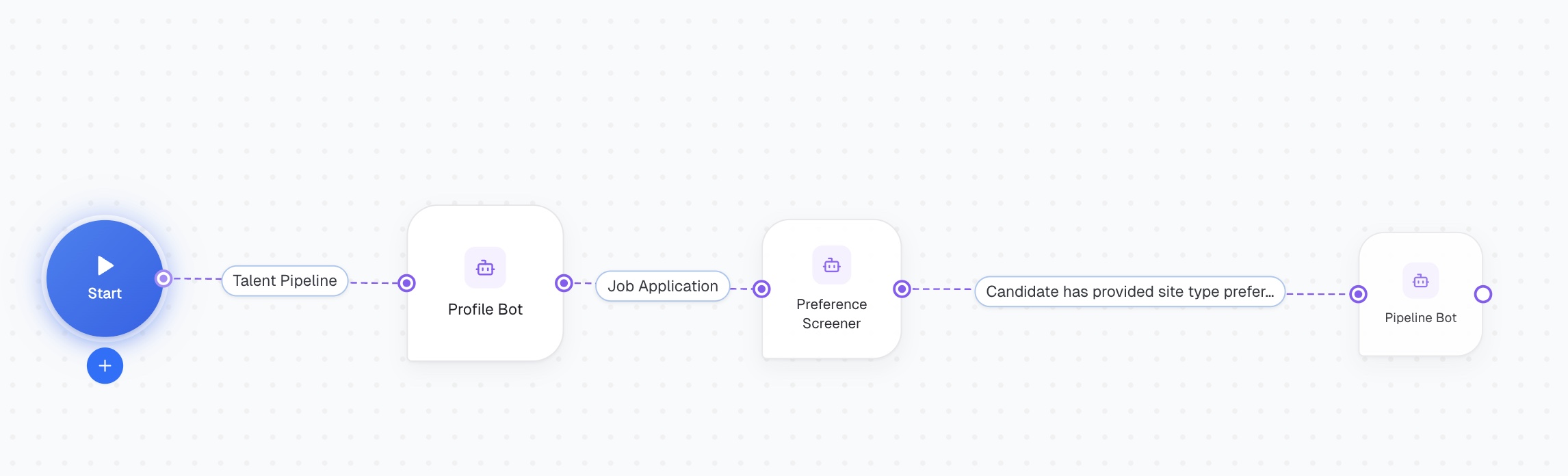
The Channel Dispatcher opens a communication channel — Gmail, Slack, web widget, SMS, WhatsApp, and others — and listens for incoming messages. When a message arrives, it emits a conversation_updated event and triggers the next node to handle the conversation.

Use it when you need to:
- Build a multi-channel intake inbox — receive inbound inquiries across Gmail, WhatsApp, or a web widget and route them to the right AI agent
- Launch proactive outreach — initiate a conversation with a candidate, prospect, or client via email or SMS
- Route conversations dynamically — combine with Condition nodes to direct inquiries based on type, source, or time of day (useful for after-hours coverage in home services or wellness)
- Support multiple conversation types — use a single Channel Dispatcher with multiple actors to handle different flows, such as new lead qualification vs. returning client rebooking
Ask a Person
The Ask a Person node combines a communication channel and an AI skillset in a single step. It opens the channel, assigns a skillset to manage the conversation, and handles message routing automatically — no separate routing nodes required.
Best suited for simpler conversational workflows where you don’t need to route between multiple AI agents — for example, a standalone after-hours booking agent for a cleaning company, or a single-purpose FAQ bot for a property management firm.

Send Message
The Send Message node sends a message through an active conversation. It locates the conversation from the current workflow execution and delivers your message through the same channel the person is using — email, Slack, web widget, SMS, or otherwise.
Use it to send replies, follow-ups, confirmations, or closing messages within a conversational workflow.

Clear Conversation
The Clear Conversation node removes data from the active conversation in the current workflow execution. You can selectively clear messages, metadata, state, or any combination of the three.
Use it to reset a conversation before handing it to a new actor, clean up after a completed interaction, or start fresh within a long-running workflow.

LLM Actor
The LLM Actor node handles conversations using a large language model with tool calling. Unlike the Communication Actor — which uses the Skillset Engine — the LLM Actor gives you direct control over the model, system prompt, and available tools.
Use it when you need precise, low-level control over how the AI handles a conversation: custom personas, specialized tool integrations, or fine-grained prompt engineering for complex decision flows.

Communication Actor
The Communication Actor uses CogniAgent’s Skillset Engine to handle conversations. Rather than asking people to fill out forms, it turns data collection into natural dialogue — leads, candidates, and clients simply talk, and the AI guides them through providing the information you need.

What the Skillset Engine enables:
- Asks questions naturally, without form-field rigidity
- Understands varied and informal responses — critical in high-volume, time-pressured contexts like emergency trades or hiring pipelines
- Handles corrections and mid-conversation changes gracefully
- Knows when to ask for clarification
- Can search knowledge bases to answer questions — service area coverage, pricing tiers, open roles
- Escalates to a human agent when needed, so nothing falls through during treatments, showings, or on-site jobs
Why This Matters for AI Workforce Infrastructure
Most automation platforms are additive — they bolt AI onto existing linear workflows and call it intelligent automation. CogniAgent is built from a different premise: that AI-native operations require a fundamentally different architecture.
Conversational AI nodes are one expression of that. They don’t just automate a step in your process — they replace the most brittle part of most workflows: the moment when a human has to gather unstructured information from another human. When that moment is handled by an AI that can adapt, clarify, and remember context across a multi-turn exchange, the entire workflow becomes more reliable, more scalable, and more capable of handling real-world complexity.
As organizations build more agents — across support, sales, operations, and beyond — the ability to manage multi-turn interactions across channels isn’t a feature. It’s foundational infrastructure.
Getting Started with Conversational AI Workflow Automation
Conversational AI nodes work within any CogniAgent workflow. Choose the node combination that matches your use case — from simple single-agent flows to sophisticated multi-agent conversations across multiple channels.
The goal isn’t to automate for automation’s sake. It’s to make sure every conversation that matters gets handled — at any scale, across any channel, whenever it arrives.