



![Top 15 Conversational AI Solutions [Comparison] banner 3](https://cogniagent.ai/wp-content/uploads/2025/12/Top-15-Conversational-AI-Solutions-Comparison-banner-3.png)
How many different approaches have you tried to reduce the stress and the amount of repetitive tasks for your customer support and sales teams? It’s almost impossible to reduce the stress without sacrificing customer experience, operational efficiency, response times, or all of the above. Still, conversational AI platforms manage to tackle these issues successfully, improving customer interactions, lead acquisition, customer engagement, and more.
But what exactly is conversational artificial intelligence and agentic AI? In simple terms, it’s an advanced technology behind smart chatbots and voice assistants that understand and process human language naturally. Imagine the regular chatbots you’ve interacted with before (the ones with pre-written scripts and little flexibility), conversational AI software solutions tower over these platforms through their ability to learn, adapt, and provide genuine, context-aware assistance.
This technology has exploded in popularity across sales, support, and marketing. The promise is undeniable, but the market is saturated. With dozens of platforms offering ease of use, automatic speech recognition, free trial, internal support, and other benefits, finding the one that suits your company becomes challenging. But don’t worry. We’ve done the heavy lifting for you and compiled a clear comparative look at the best conversational AI platforms.
Why Your Business Needs Conversational AI Solutions
So, what’s all the excitement about? Why are businesses across industries racing to implement conversational AI solutions? The answer to this question lies in its unique ability to transform how you connect with your audience and build relationships that have a chance to scale and improve.
Conversational AI solutions are powered by machine learning and natural language processing (NLP capabilities), which means that they don’t just search for some keywords, but actually understand intent and context. This is precisely the type of intelligence that delivers friendly customer interfaces.
The benefits are profound and touch nearly every part of a modern business:
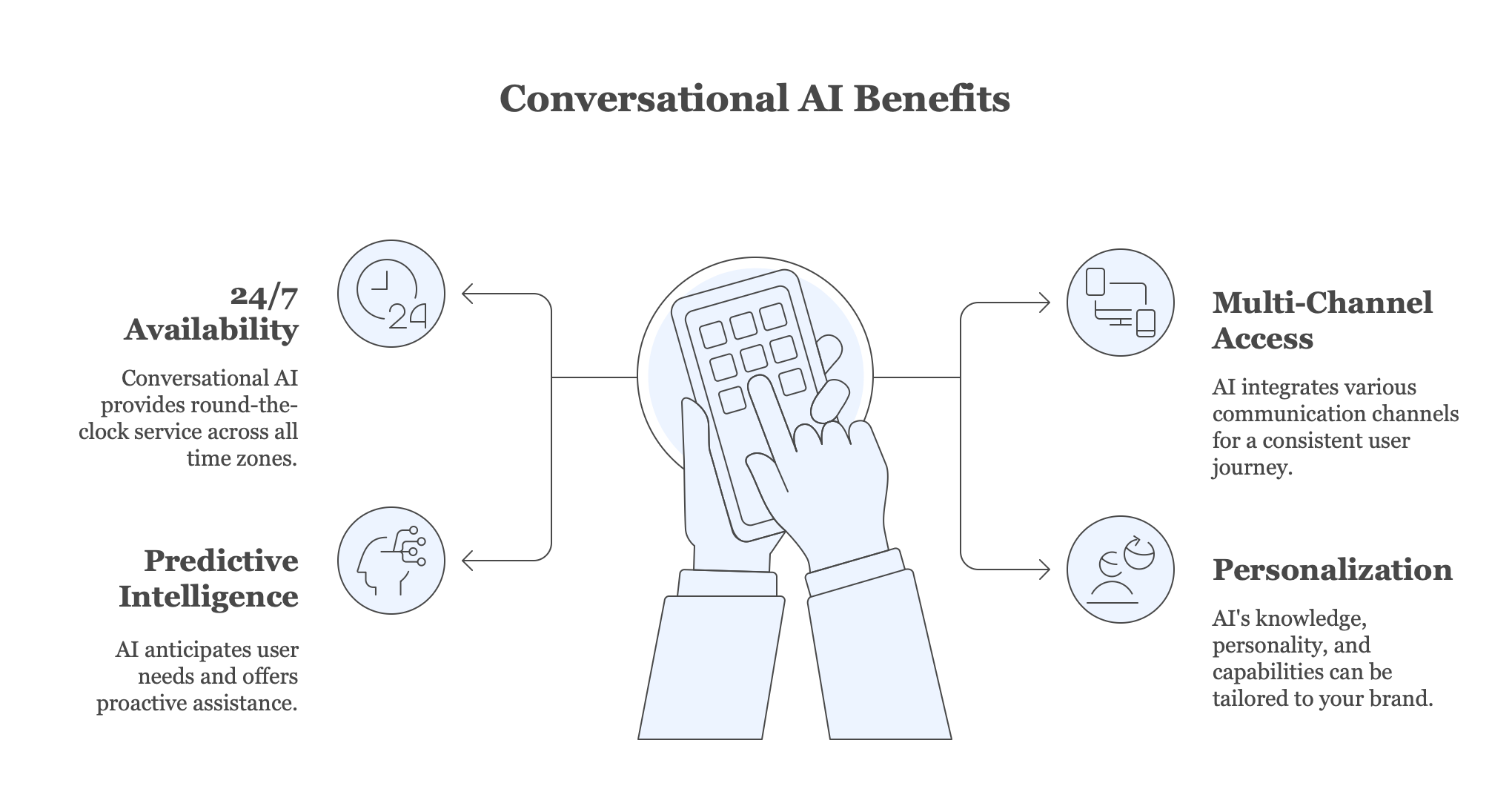
- 24/7 availability and global reach. Unlike human teams, conversational AI solutions don’t need to sleep and provide unmatched availability across all time zones.
- Access to multiple communication channels. Customers don’t stick to one channel. They may start on WhatsApp, continue on your website, and then call your call center for further clarification. Conversational AI solutions integrate various channels and create a consistent journey to improve overall user experience.
- Deeper engagement with predictive intelligence. Modern conversational AI solutions go beyond simple Q&A and can anticipate user needs, recommend products, or proactively offer help. This transforms passive user interactions into active, valuable engagements. Furthermore, with conversational AI solutions dynamic voice flows and sophisticated text-based dialogues, these interactions feel fluid and human, not robotic.
- Personalization. Conversational AI solutions offer extensive customization options. You can always tailor AI’s knowledge, personality, and capabilities to your brand’s unique voice and processes.
Companies actively deploy conversational AI solutions to provide better customer support across all digital channels and achieve an unmatched competitive advantage.
15 Best Conversational AI Solutions
The market for conversational AI solutions is vast and varied. Each platform offers a unique blend of offerings and specializations. To help you navigate the chaos, we prepared a list of 15 leading platforms. These solutions leverage advanced tech, from sophisticated conversational interfaces to powerful large language models.
1. CogniAgent
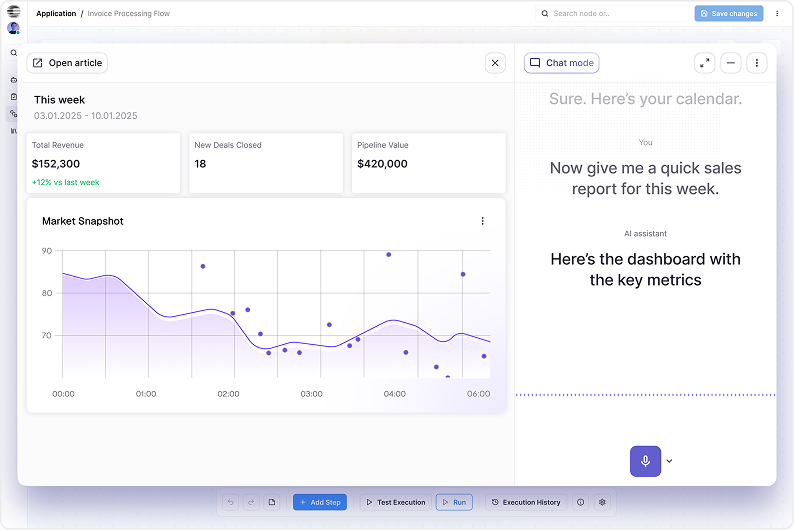
CogniAgent is an advanced, no-code AI builder platform. It empowers businesses to build advanced, voice-enabled AI agents that understand and adapt to human emotion, all without writing a single line of code. Its unique six-layer cognitive architecture easily blends data from any source (PDFs, videos, or live APIs) with adaptive planning and workflow execution. Imagine deploying an agent in minutes that can handle a complex customer support issue, then smoothly transition into a sales conversation, all while detecting frustration and responding with empathy. CogniAgent unifies sales, support, and marketing into a single, intelligent system, offering enterprise-grade capabilities at a simple, pay-as-you-go rate.
Best for: Enterprises looking for a no-code AI builder to create multi-function, emotionally intelligent agents that integrate across all departments.
Key features:
- No-code AI agent builder. A fast, five-minute setup environment that lets anyone design and deploy AI agents without technical expertise, automating real business workflows and connecting seamlessly to your existing eCommerce, ERP, CRM, and other systems.
- Universal data & system integration. Effortlessly pulls in and processes data from PDFs, videos, spreadsheets, databases, APIs, and all your core business tools, enabling agents to take informed action across your entire tech stack.
- Multi-agent orchestration. Coordinates multiple specialized AI agents that can reason, iterate, and collaborate, using external tools, searching the web, and tapping into your integrations to automate complex, multi-step operations.
- Conversational intelligence with real-time context. Enhances every interaction with AI that maintains context through sudden topic shifts, asks clarifying questions, adapts to evolving customer needs, and syncs relevant information or visuals directly into the conversation.
| Pros | Cons |
| Fast, no-code setup and deployment | Emotion AI is a newer concept that may require change management |
| Transparent, consumption-based pricing | May be overkill for very simple, single-use chatbots |
| Handles complex, cross-departmental workflows | |
| Unique emotional intelligence for more human-like interactions |
Pricing: Free plan with 500 credits; Pro plan – $33/mo; Business – $181/mo; Custom plan for enterprises.
2. Cognigy
Cognigy provides a strong, enterprise-scale platform for building AI-powered customer service agents and voice bots. Its primary focus is delivering seamless, personalized experiences across voice and text channels. Cognigy helps large contact centers automate a high volume of interactions while maintaining a natural, fluid conversation flow that reduces wait times and boosts customer satisfaction.
Best for: Large enterprises and contact centers in need of a powerful, low-code solution for omnichannel voice and text automation.
Key features:
- Low-code flow builder: Visual development environment for complex conversation logic.
- Omnichannel deployment: Ability to deploy the same agent across web, mobile, phone (IVR), and social messaging apps.
- Enterprise-grade security and compliance: Features like SSO, role-based access, and GDPR compliance built in.
- AI & NLU capabilities: Advanced Natural Language Understanding (NLU) to accurately interpret user intent.
- Seamless CRM & ERP integrations: Pre-built connectors for tools like Salesforce, SAP, and ServiceNow.
| Pros | Cons |
| Great for high-volume, complex call center automation | Steeper learning curve than simpler chatbot builders |
| Strong omnichannel capabilities (especially for voice) | Pricing is typically enterprise-oriented and not transparent |
| Highly scalable and secure for global enterprises | |
| Powerful integration with backend enterprise systems |
Pricing: Custom enterprise pricing upon request.
3. Decagon
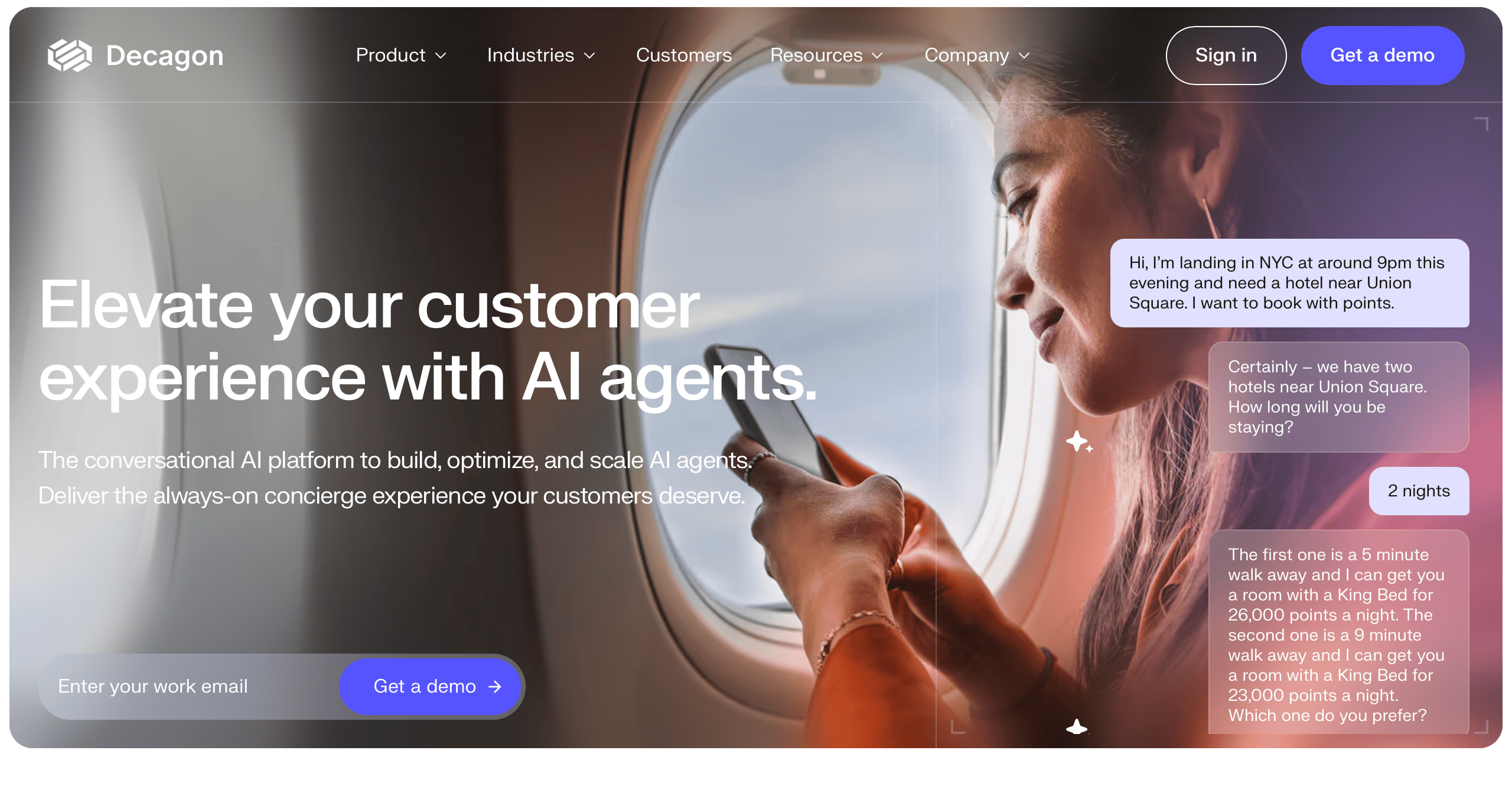 Decagon is an advanced AI platform designed to create accurate conversational experiences for engineering and product teams. This platform trains AI models directly on the company’s data and documentation, making the answers provided precise and on-brand. Companies that want their AI to deeply understand their product and handle technical customer queries without hallucinations often employ Decagon.
Best for: B2B SaaS and technology companies that require high-accuracy AI trained exclusively on their own technical documentation.
Key features:
- Custom model training: Trains AI models on your proprietary data for unmatched accuracy.
- Developer-first API: Easy-to-use API for seamless integration into your product and workflows.
- Hallucination control: Advanced techniques to minimize incorrect or fabricated responses.
- Performance analytics: Detailed insights into your AI’s accuracy and response quality.
- White-label solutions: Ability to fully brand the AI interface to match your company.
| Pros | Cons |
| Exceptional accuracy for technical and product-specific content | Focus is more on the API than on a no-code user interface |
| Reduces AI “hallucinations” | Likely less suited for non-technical teams to set up independently |
| Ideal for embedding AI directly into a product | Best for companies with well-structured documentation |
| Developer-friendly with robust APIs |
Pricing: Custom pricing based on usage and needs.
4. Sendbird
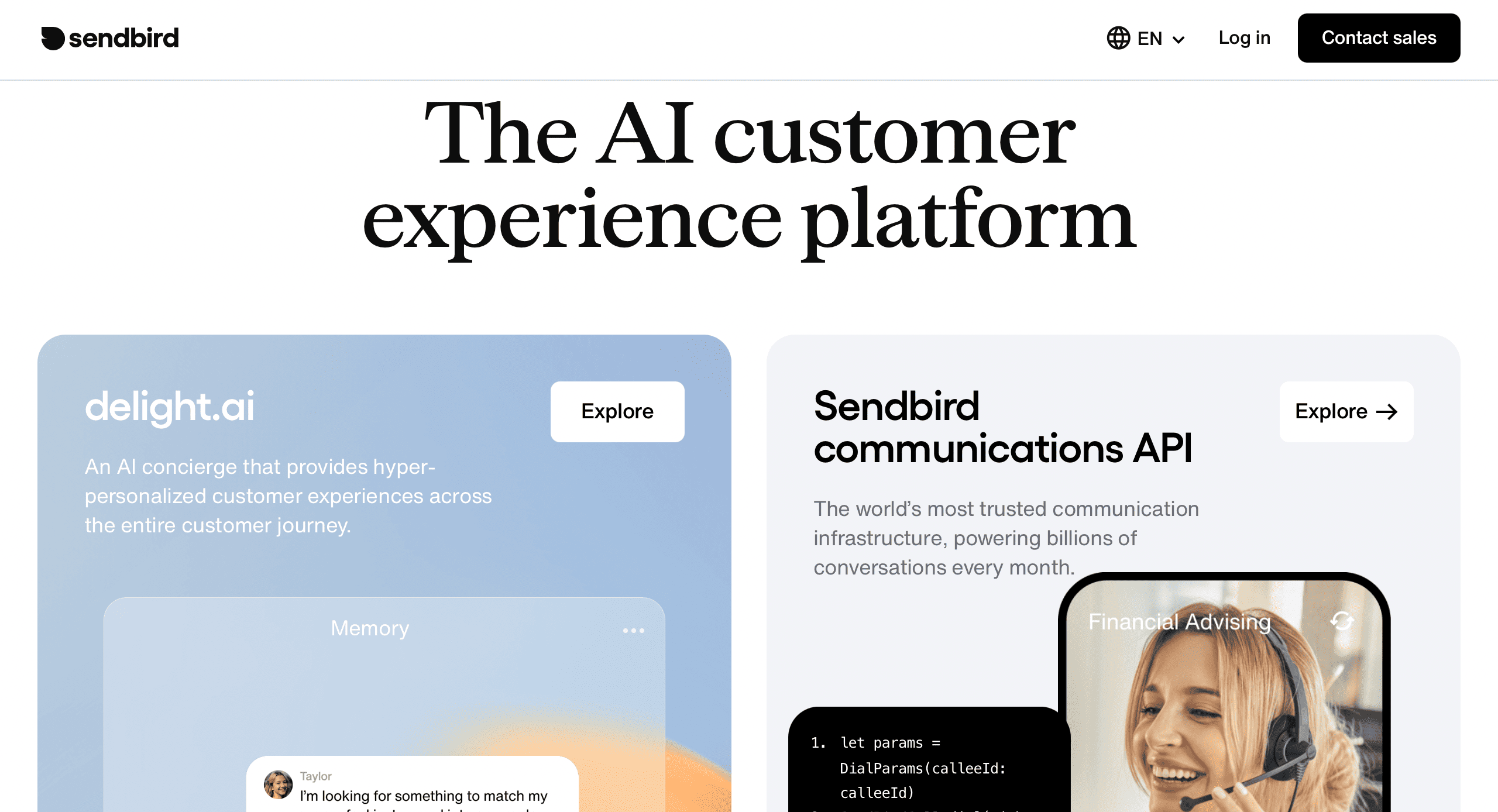
Sendbird is a toolkit that allows companies to create in-app experiences like those offered by Uber or Airbnb. It’s not a simple chatbot, but a complete platform for building chat, voice, and video features directly into your mobile application or website. Yes, Sendbird has AI-powered chatbot features, but its core strength comes from the real-time communication infrastructure needed for modern customer engagement.
Best for: Product teams and developers looking to build custom in-app messaging, chat, and video experiences.
Key features:
- In-app chat UI kits: Pre-built UI components to speed up development of chat interfaces.
- AI xhatbots: Smart chatbots for automated support.
- Voice and video calling: High-quality real-time voice and video calls for your app.
- Moderation & safety: Tools to automatically filter profanity and manage user safety.
- Scalable infrastructure: Handles millions of concurrent users with high reliability.
| Pros | Cons |
| All-in-one platform for chat, voice, video, and AI | Core value is in the infrastructure, not just the AI chatbot |
| Highly scalable and suitable for large user bases | Requires development resources to implement and customize |
| Excellent developer experience and documentation | Can be more complex than a standalone chatbot solution |
| Pre-built UI kits accelerate time-to-market |
Pricing: Freemium model available; paid plans start at $499/month and scale with usage.
5. Fin AI
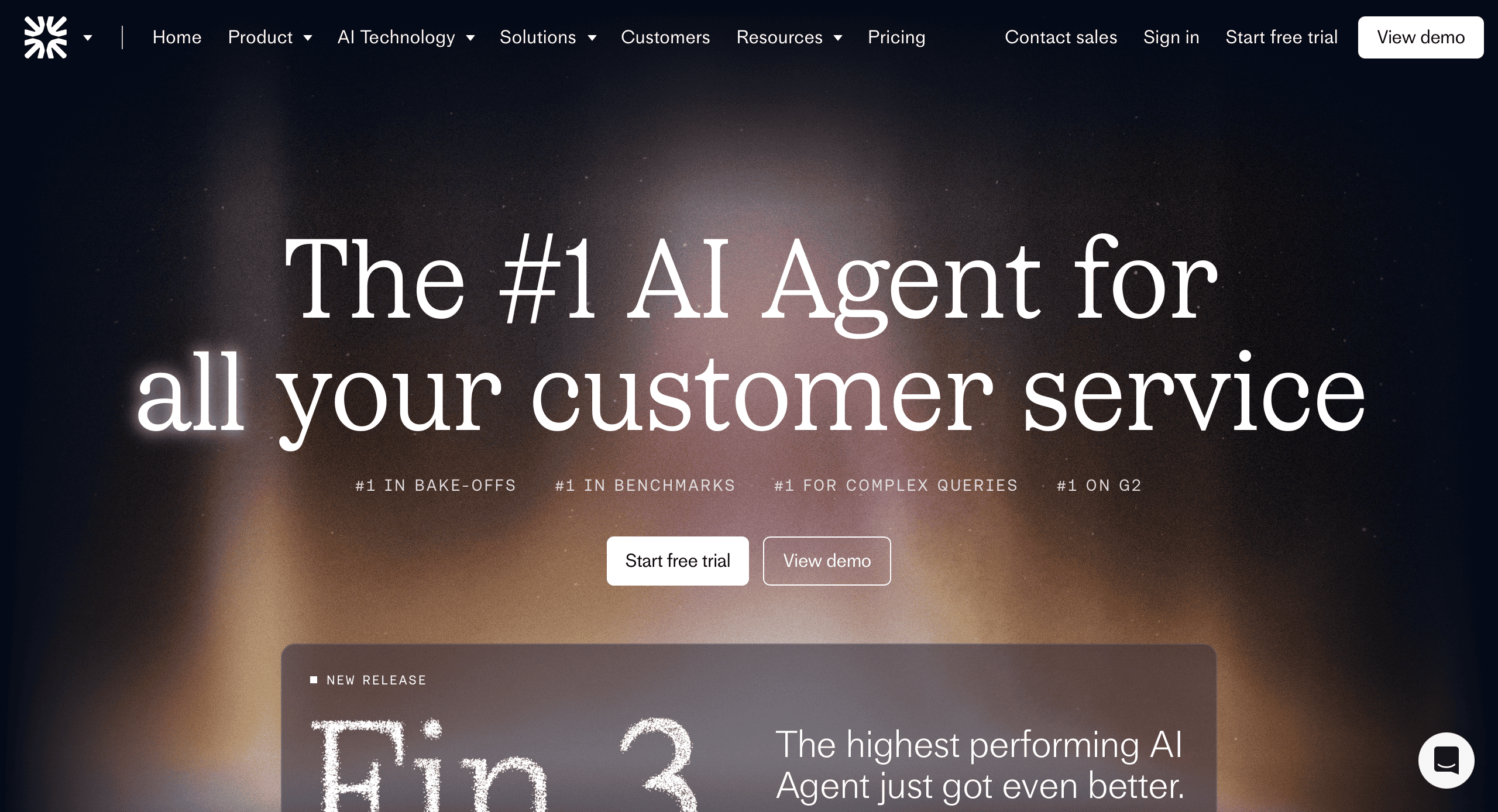
Fin AI is a unique AI agent that can work with your customer service team as a full member. It takes charge of customer issues by securely accessing and navigating your help center, knowledge base, and other internal tools to fix problems from start to finish. It learns from your past support conversations to give answers that are not only correct but also match the tone and style of your team.
Best for: Customer support teams looking for an AI that can autonomously resolve complex tickets, not just answer simple questions.
Key features:
- Autonomous ticket resolution: Takes actions to solve customer problems without human intervention.
- Tools and API integration: Connects to your internal systems (like billing or user management) to perform real tasks.
- Learning from past conversations: Trains on your historical support data to mimic your team’s best practices.
- Human-in-the-loop handoff: Smoothly escalates complex cases to a human agent when needed.
- Enterprise-grade security: SOC 2 Type II certified, ensuring data is handled with the highest security standards.
| Pros | Cons |
| Solves complex tickets, not just retrieves information | Requires access to internal systems and data to be most effective |
| Reduces ticket volume and handle time significantly | Aims to replace human tasks, which requires careful change management |
| Learns your team’s specific language and processes | Pricing is not publicly disclosed |
| Strong security credentials for enterprise trust |
Pricing: Custom pricing based on support volume and needs.
6. Rasa
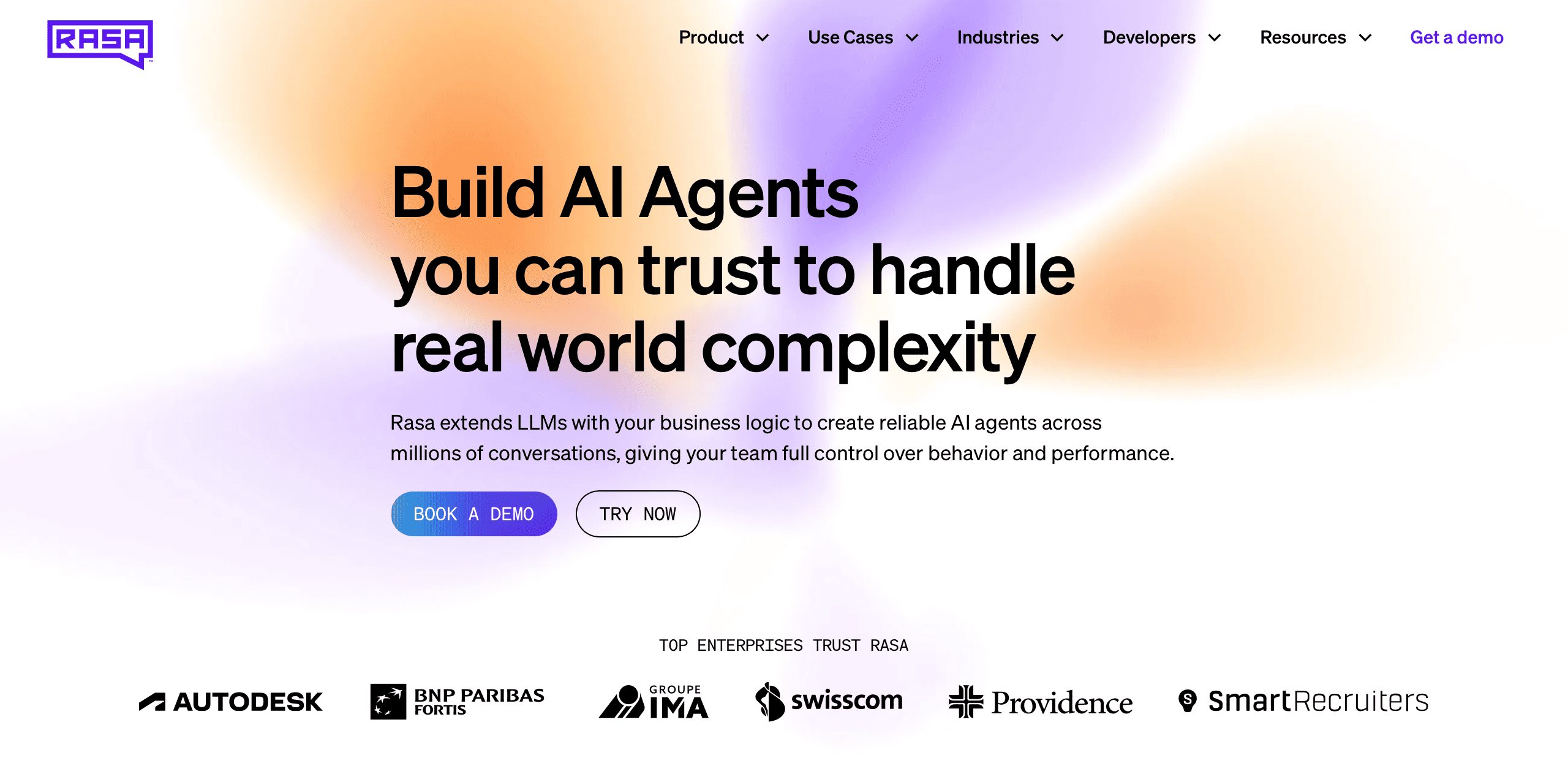
Rasa is a framework that developers and data scientists can use to control their conversational AI fully. It lets you build, deploy, and improve advanced AI assistants on your own infrastructure. Although it has a steeper learning curve, it allows you to create completely custom dialogue management and connect to any system you can think of.
Best for: Developer teams and enterprises that require maximum flexibility, control, and ownership over their AI assistant’s code and data.
Key features:
- Open-source framework: Full access to the source code for complete customization.
- Custom NLU and dialogue management: Fine-tune how the AI understands language and manages complex conversations.
- On-premise deployment: Host everything on your own servers for maximum data security and compliance.
- Strong community and ecosystem: A large community of contributors and pre-built components.
- Conversation-driven development: Tools to analyze conversations and continuously improve your AI.
| Pros | Cons |
| Maximum flexibility and control over the AI | High technical barrier to entry; requires ML/developer skills |
| Data privacy and security with on-prem deployment | Significant time and resource investment for setup and maintenance |
| No vendor lock-in; you own the entire stack | Lack of a dedicated support team unless you purchase Rasa Pro |
| Ideal for highly unique or complex use cases |
Pricing: Open-source (free); Rasa Pro/Enterprise pricing available upon request.
7. Chatbase
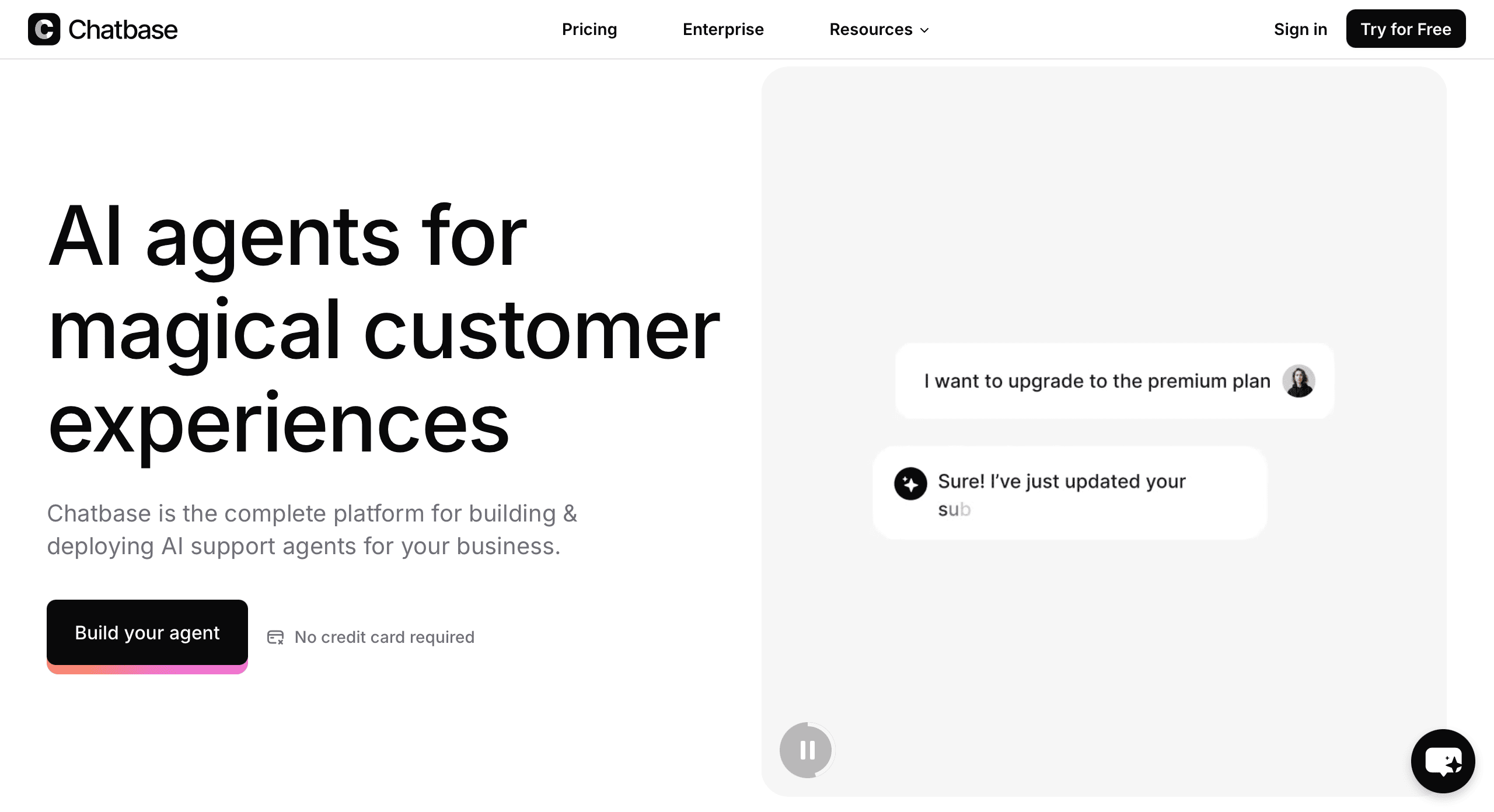
Chatbase has a narrow specialization: creating AI chatbots trained on your specific data. You simply provide the platform with your website content, PDFs, and other documents, and Chatbase quickly generates a chatbot to answer questions. It’s one of the most straightforward, no-fuss solutions on the market for a simple but smart Q&A widget.
Best for: Small to medium-sized businesses and individuals needing a simple, fast-to-deploy chatbot for customer support on their website.
Key features:
- Data-based chatbot creation: Straightforward training process based on uploading documents.
- Easy embedding: Add the chatbot to your site with a single line of code.
- Lead generation: Capture user information before answering to qualify leads.
- Conversation history: Review past interactions to improve your content and chatbot.
- Customizable base prompt: Fine-tune the personality and behavior of your AI.
| Pros | Cons |
| Extremely fast and easy to set up | Primarily focused on Q&A, not complex workflows |
| Very affordable entry point | Limited integration capabilities compared to larger platforms |
| Clean and intuitive user interface | May struggle with complex or multi-step queries |
| Direct integration with Google’s AI ecosystem |
Pricing: Free plan with 20 message credits; Paid plans start at $19/month.
8. Bland AI
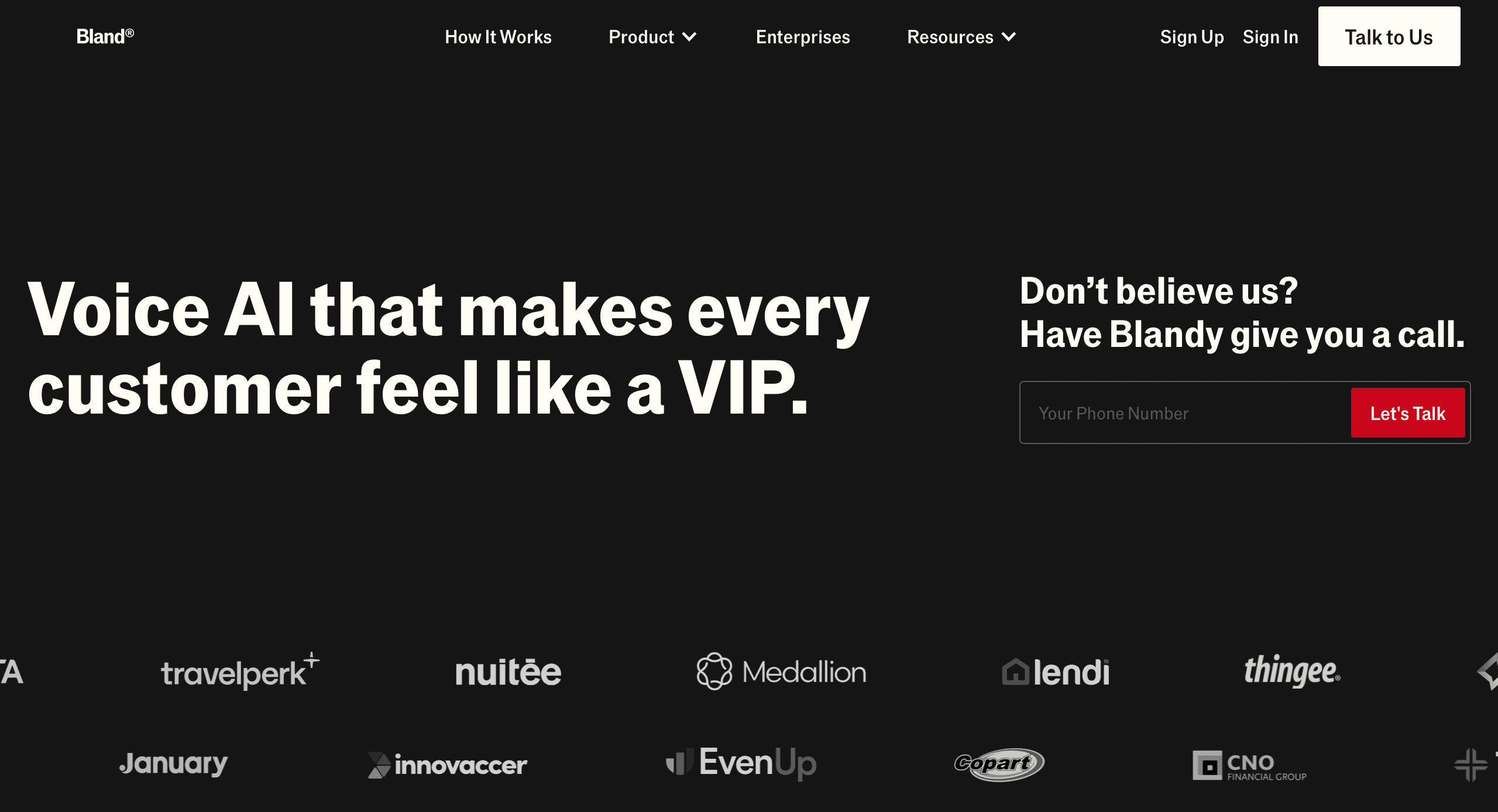
Bland AI offers developers tools to build and deploy AI-powered phone calls. This platform is ideal if you want to program voice agents with natural, dynamic conversations over the phone. Companies use Bland AI for appointment scheduling, customer follow-ups, and outbound calling campaigns.
Best for: Developers and businesses building custom applications that require natural, AI-driven voice conversations over the phone.
Key features:
- Voice API: A simple API to programmatically build and deploy AI phone calls.
- Dynamic conversation flow: Agents that handle interruptions and follow non-linear paths.
- Real-time transfers: Seamlessly transfer calls to a human agent when the AI is stuck.
- Customizable choices: A variety of natural-sounding voices.
- Detailed logs and recordings: Access to full call logs and recordings for quality assurance.
| Pros | Cons |
| Specializes in realistic AI phone calls | Requires technical skill to implement via API |
| Highly flexible and customizable for unique use cases | No standalone no-code interface for non-developers |
| Pay-as-you-go pricing model | Focused solely on voice, not text-based chat |
| Good for both inbound and outbound call automation |
Pricing: Pay-per-minute model, with rates starting at $0.15/min.
9. Gorgias
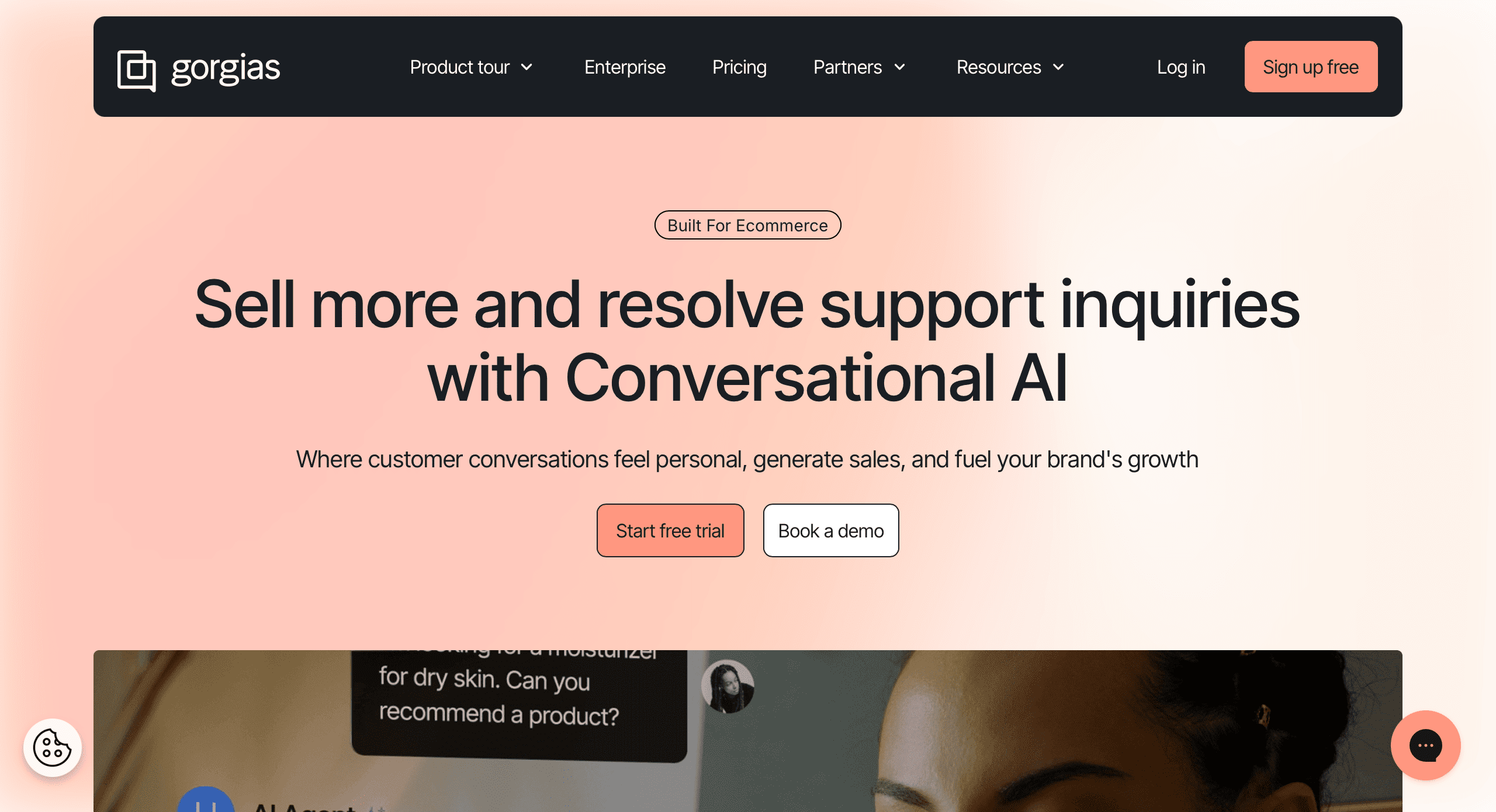
Gorgias is a helpdesk for e-commerce brands using platforms like Shopify and BigCommerce. It consolidates all customer support tickets (from email, live chat, and social media) into one place. Its main strength is that it uses AI to automate tasks and responses directly related to your store, such as looking up orders, processing returns, or applying discount codes. This saves support teams a lot of time.
Best for: E-commerce businesses using Shopify, BigCommerce, or Magento that want to unify and automate their customer support.
Key Features:
- Unified helpdesk: Brings all customer queries from different channels into one view.
- E-commerce integrations: Deep connections to Shopify, Magento, etc., to perform store actions.
- Automated macros and responses: Pre-built templates and rules to resolve common requests instantly.
- Live chat with AI suggestions: Provides agents with AI-powered reply suggestions.
- Customer data sidebar: Shows order history and customer data right next to the ticket.
| Pros | Cons |
| Saves time with deep e-commerce automations | Very focused on e-commerce; less ideal for other industries |
| Excellent integration with key e-commerce platforms | The AI is more for agent assist than for fully autonomous agents |
| Reduces repetitive ticket volume significantly | Can become expensive as ticket volume grows |
| Improves support agent efficiency and speed |
Pricing: Plans start at $50/month per agent.
10. Ada
Ada is an AI-powered automation platform that helps businesses improve customer service by redirecting tickets and letting customers help themselves. Its no-code builder allows you to create an AI agent that can answer many customer questions in many different languages. Ada’s main goal is to make it easy for non-technical teams to build and run a complex chatbot that talks to customers.
Best for: Customer-focused brands aiming to reduce support ticket volume through a powerful, no-code, and multi-lingual AI chatbot.
Key features:
- No-code chatbot builder: Easy-to-use visual interface for creating and updating automated responses.
- Multi-language support: Automatically serves customers in their native language.
- CRM and helpdesk integrations: Connects with tools like Zendesk and Salesforce.
- Proactive chat: Triggers conversations based on user behavior on your website.
- Analytics dashboard: Tracks deflection rates and customer satisfaction.
| Pros | Cons |
| No-code platform for non-technical teams | Less focused on complex, multi-step workflow automation |
| Multi-lingual capabilities for global brands | Can be cost-prohibitive for very small businesses |
| Proven to reduce support costs and ticket volume significantly | |
| Integrates well with existing support tech stacks |
Pricing: Custom pricing based on interactions and features.
11. LivePerson
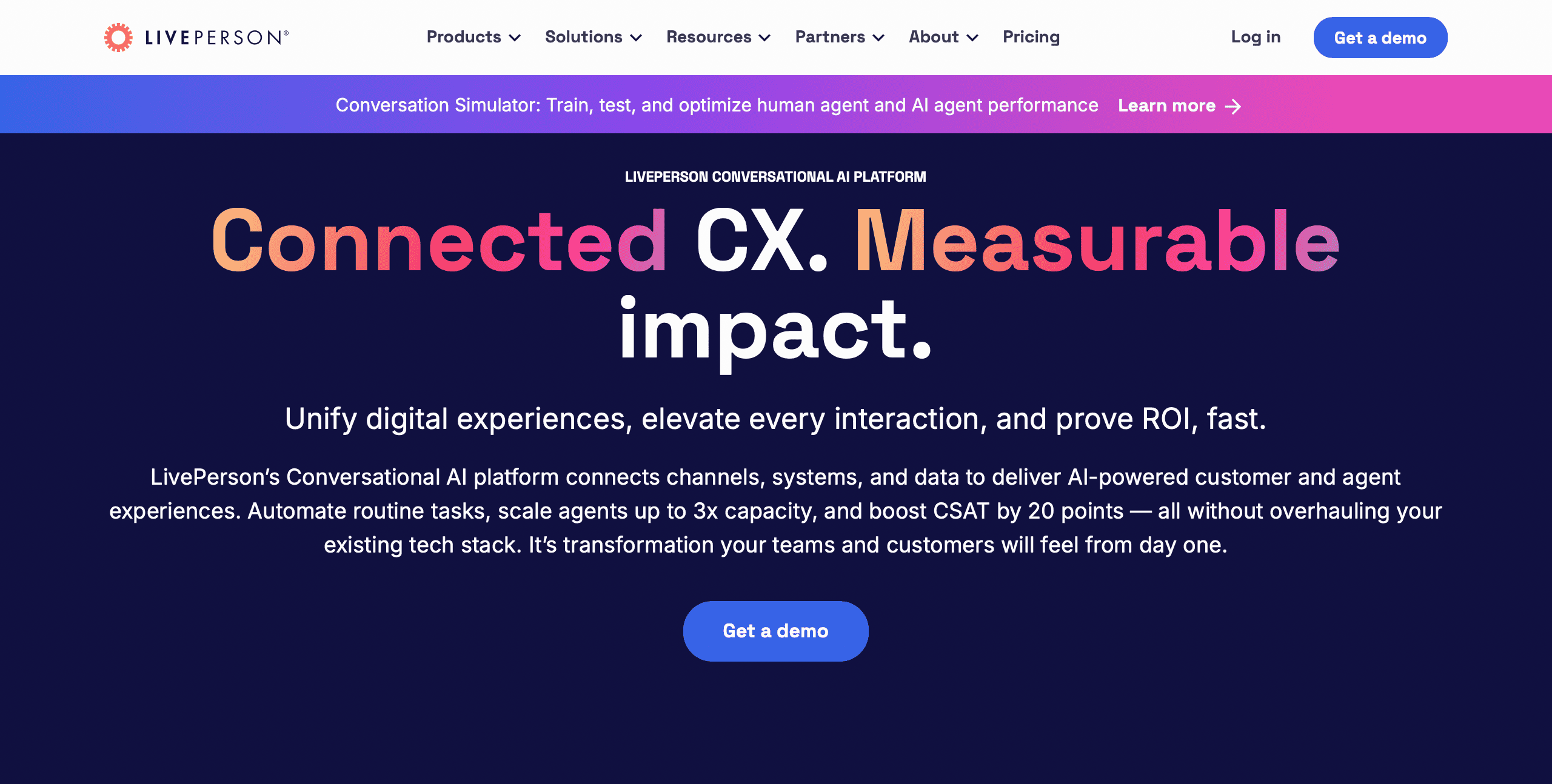
LivePerson is a leading conversational AI company that combines AI tools with a powerful suite of tools for human agents, creating an omnichannel messaging experience at scale.
Best for: Large enterprises that need to conduct high-volume, personalized customer conversations at scale across popular messaging channels.
Key features:
- Conversational cloud: An end-to-end platform for managing all messaging conversations.
- Connections to major messaging apps: Native integration with WhatsApp, Apple Business Chat, etc.
- AI + human agent teaming: Smart routing and AI-powered recommendations for live agents.
- Conversational analytics: Deep insights into conversation trends and performance.
- Structured and unstructured AI: Handles both pre-defined tasks and open-ended conversations.
| Pros | Cons |
| Unmatched reach across popular messaging channels | Enterprise-level pricing that is not suitable for SMBs |
| Powerful tools for blending AI and human agents | Can be a complex platform to fully master and configure |
| Trusted by many of the world’s largest brands | |
| Highly scalable for millions of conversations |
Pricing: Custom enterprise pricing upon request.
12. Kore.ai
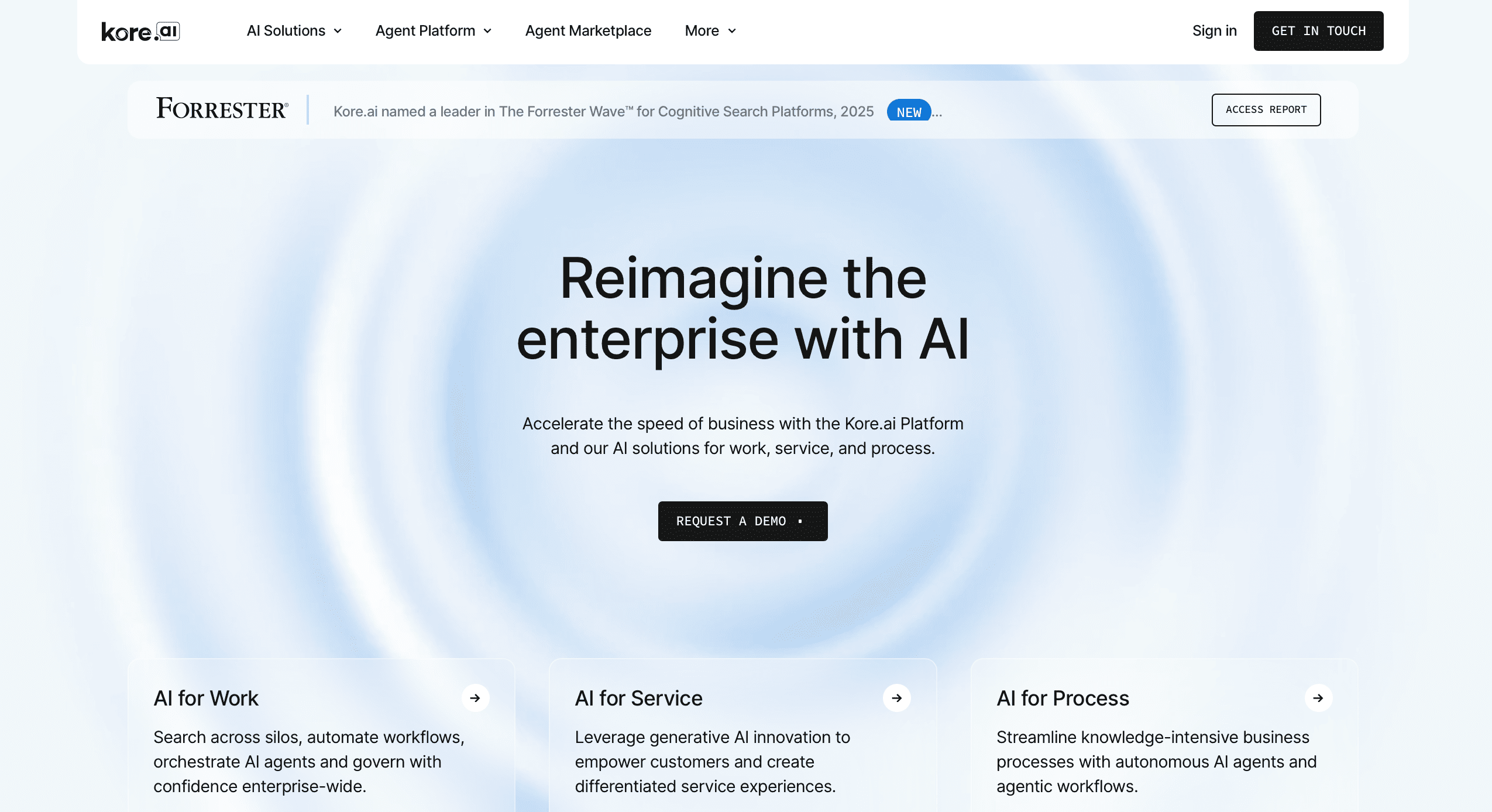
Kore.ai has an enterprise-level Experience Optimization Platform that goes beyond customer service to make AI assistants for customers, employees, and certain business processes, like HR or banking. Its platform is built to handle very secure, domain-specific conversations and automate complicated workflows throughout the whole company.
Best for: Large organizations, especially in regulated industries like banking and healthcare, needing secure, domain-specific AI for both customer and employee-facing applications.
Key features:
- Multiple assistant types: Build bots for customer service, employees, and the IT helpdesk.
- Pre-built industry solutions: Vertical-specific virtual assistants for banking, healthcare, etc.
- Omnichannel deployment: Deploy consistently across web, mobile, and voice channels.
- On-premise or cloud deployment: Flexibility to meet strict security and compliance needs.
- Workflow automation: Automates complex business processes end-to-end.
| Pros | Cons |
| Strong focus on security and compliance for enterprises | Platform complexity can lead to a longer implementation time |
| Serves both customer-facing and internal use cases | Pricing is oriented towards large enterprise budgets |
| Offers pre-built solutions for specific industries | |
| Flexible deployment options (cloud/on-prem) |
Pricing: Custom enterprise pricing upon request.
13. Ultimate.ai [Currently Zandesk AI]
![Ultimate.ai [Currently Zandesk AI]](https://cogniagent.ai/wp-content/uploads/2025/11/Ultimate.ai-Currently-Zandesk-AI.png "Ultimate.ai [Currently Zandesk AI]")
Ultimate.ai focuses on helping large enterprises automate their customer support by leveraging AI that learns from their existing helpdesk data. It integrates deeply with platforms like Zendesk and Salesforce Service Cloud, automatically answering up to 50% of customer questions right out of the gate and seamlessly handing off more complex issues to human agents.
Best for: Enterprises using Zendesk or Salesforce Service Cloud that want to quickly automate a large portion of their customer support queries.
Key features:
- Fast time-to-value: AI is trained automatically on your help center and past tickets.
- Deep helpdesk integration: Built specifically for Zendesk and Salesforce Service Cloud.
- Automatic handoff: Smoothly escalates from the AI bot to a live agent within the same interface.
- Continuous learning: The AI learns from agent corrections to improve over time.
- Multilingual support: Provides support in over 100 languages.
| Pros | Cons |
| Rapid setup and automation by leveraging existing data | Tightly coupled with specific helpdesks, limiting flexibility |
| Seamless agent experience within familiar tools | Focused primarily on customer service, not on other departments |
| Strong deflection rates for common customer questions | An enterprise solution with corresponding pricing |
| Excellent multi-lingual support capabilities |
Pricing: Custom enterprise pricing upon request.
14. Forethought
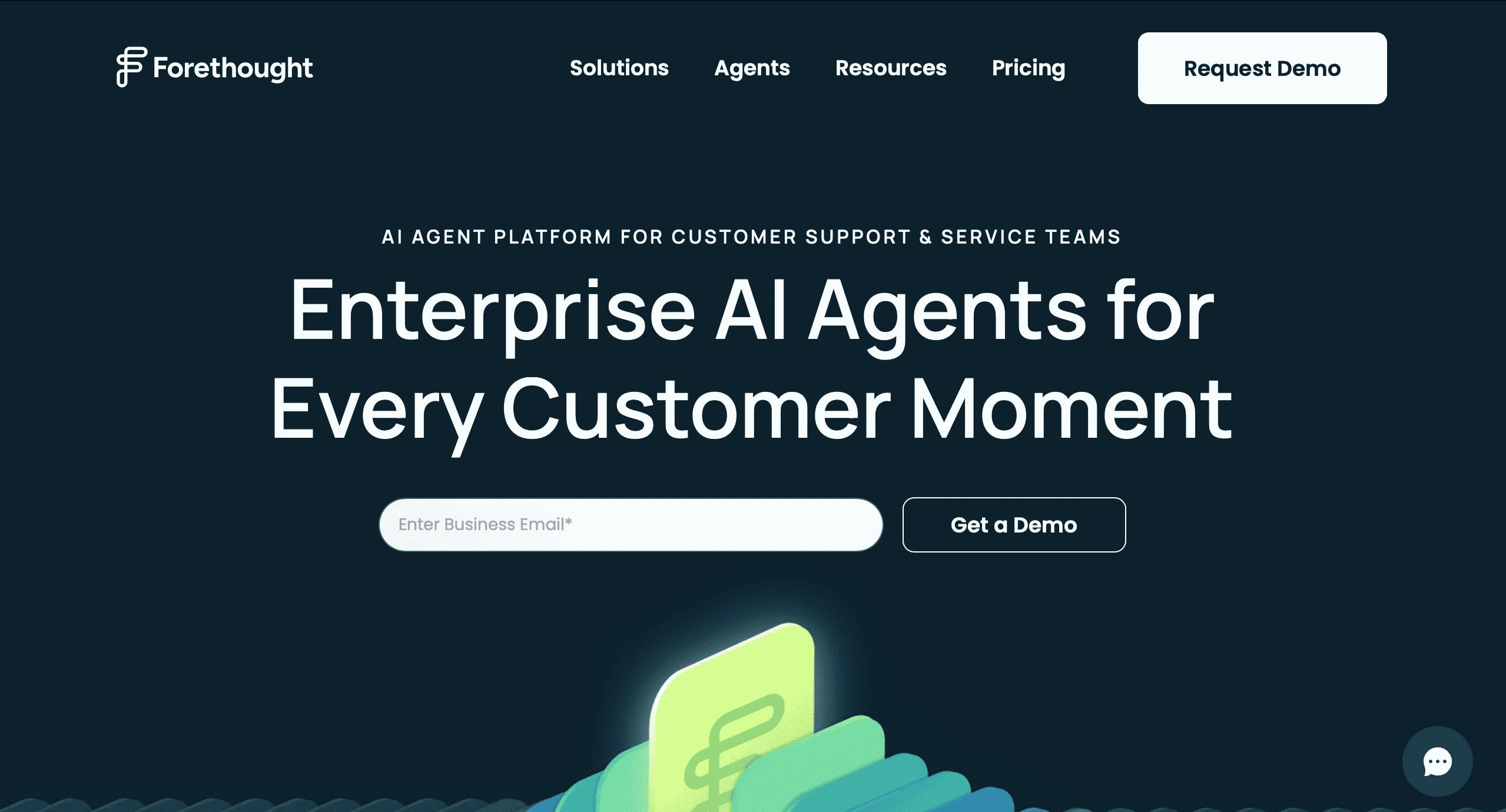
Forethought uses AI to improve customer support processes, using “SupportGPT” and automating the initial ticket classification and routing. It also suggests answers to agents and can auto-resolve common questions.
Best for: Support teams looking to boost efficiency by infusing AI across their entire workflow—from ticket triage to agent assist.
Key features:
- Triage automation: Automatically categorizes, tags, and routes incoming support tickets.
- Agent assist: Surfaces relevant knowledge base articles and suggested replies for agents.
- Self-service resolutions: Automatically answers common customer questions via chat or email.
- Generative AI answers: Creates high-quality, draft responses for agents to send.
- Seamless helpdesk integration: Works within Zendesk, Salesforce, and other major platforms.
| Pros | Cons |
| Augments the entire support workflow, not just the front-end | Less about a branded customer-facing chatbot experience |
| Reduces handle time and improves agent productivity | The value is in the backend efficiency gains for the team |
| Easy to integrate into existing helpdesk workflows | |
| Automates tedious ticket triage work |
Pricing: Custom pricing based on support volume.
15. Intercom
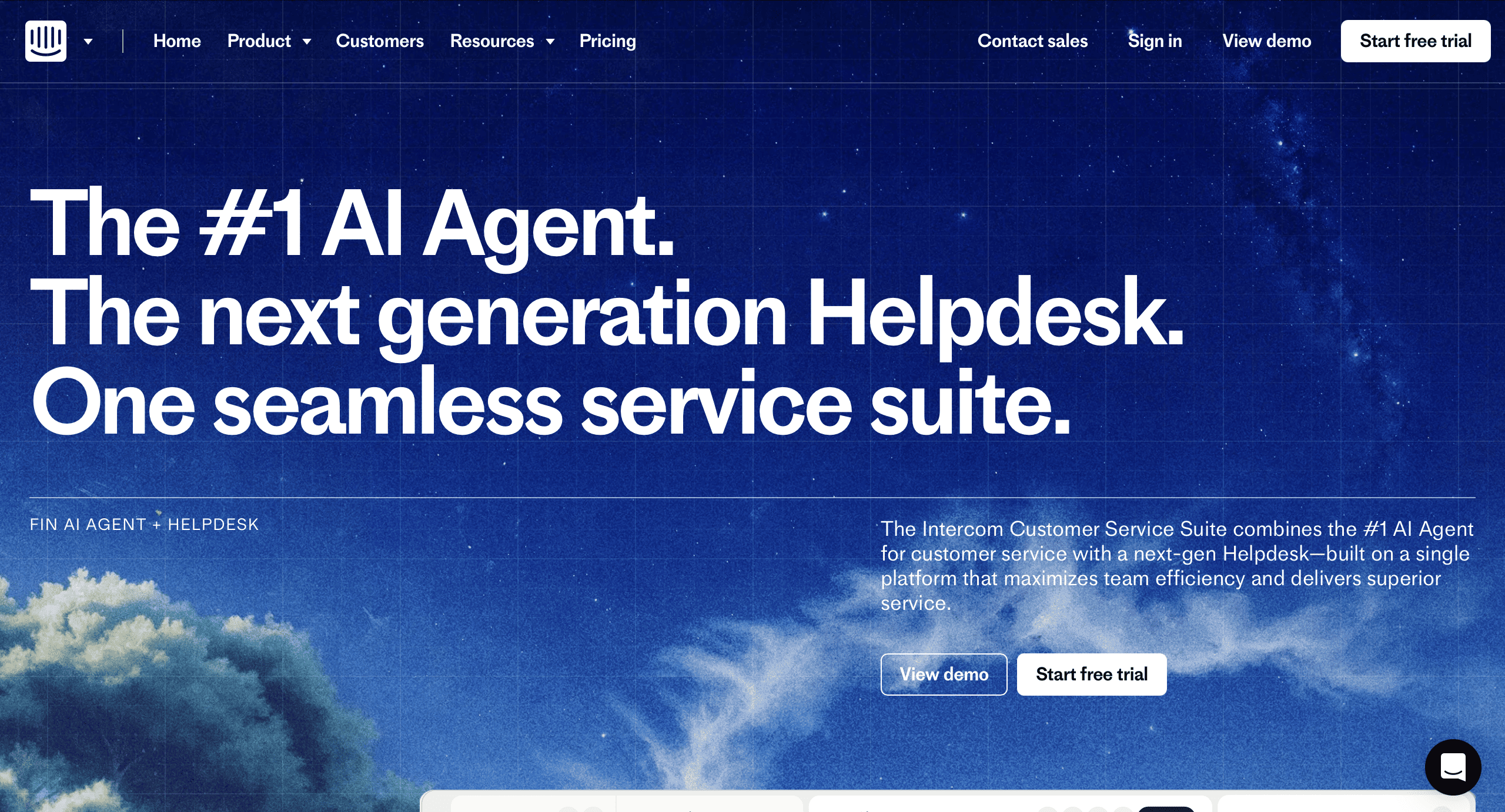
Intercom is a complete customer communication platform that combines a business messenger, marketing tools, and a helpdesk.
Best for: Sales and support teams, particularly in SaaS and tech, want an all-in-one platform for conversational marketing, support, and lead generation.
Key features:
- Business messenger: A customizable chat widget for your website and product.
- Fin AI chatbot: A powerful AI that can answer complex questions and qualify leads.
- Helpdesk and ticketing: A full-featured inbox for your support team to manage conversations.
- Product tours and outbound messages: Proactive engagement and onboarding tools.
- Seamless human handoff: Easy escalation from the AI bot to a human teammate.
| Pros | Cons |
| All-in-one platform for support, marketing, and sales | Can be more expensive than point solutions |
| Beautiful, user-friendly interface for both customers and agents | Some features can feel siloed within the broader platform |
| Powerful AI chatbot integrated with a robust messenger | Pricing scales with seats and contacts, which can add up |
| Excellent for lead qualification and proactive engagement |
Pricing: Starts at $39/month per seat for the Support plan; custom pricing for the full suite.
3 Common Use Cases for Modern Conversational AI Solutions
While the potential of Conversational AI solutions is vast, many businesses start by applying this technology to a few key areas where the impact is immediate and significant. In this section of the article, you can find the top use cases we’ve observed emerge again and again with CogniAgent users.
24/7 support and issue resolution
The most common application is conversational AI solutions for customer service. These platforms become your first defense when answering simple FAQs and guiding users through troubleshooting steps.
Example
- A customer messages an e-commerce store at 1:30 AM saying, “My package says delivered, but it’s not here.”
- The AI agent understands the intent and recognizes the customer’s anxiety. It immediately checks the product’s shipping status.
- The agent responds in real time with empathy: “I’m sorry to hear that. I can help. Let me check with the carrier for more specific delivery details. In the meantime, I can also initiate a trace request. Would you like me to do that?”
This way, conversational AI solutions provide immediate help, instead of making the customer wait for a human agent to respond during work hours, or you spending money on maintaining a 24/7 human-powered support team.
Sales lead qualification and nurturing
Conversational AI is also powerful tool for building sales automation. They engage website visitors, answer questions, and qualify leads by gathering essential information. The AI can then score the lead and route it to the correct sales representative in a particular order of priority, ensuring your human team focuses its energy on the hottest prospects.
Example
- A visitor on the SaaS company’s pricing page looks at the “Enterprise” plan for several minutes.
- Noticing this, an AI agent pops up and asks, “Are you evaluating solutions for your entire team?”
- After receiving the user’s answer, conversational AI solutions can ask additional questions to gather enough information and identify the lead’s priority.
- Once it assigns a score to the lead, it routes the conversation log to the top of the sales team’s queue (if the lead is high quality) in their CRM.
Complex, multi-step workflow automation
CogniAgent and similar conversational AI solutions excel at business workflow automation that involve multiple departments. That’s right; these solutions aren’t only client-facing, but they can also improve your company’s workflows. Imagine your employee is requesting time off.
This process requires checking a PTO balance, getting the request approved by a manager, updating the HR system, and more. Advanced conversational AI solutions can guide the user through this entire process, eliminating the need for the employee to fill out separate forms and for the company to include various teams.
Example
- An employee chats with the company’s internal AI: “I need to book a business trip to London for a client meeting next week.”
- The AI checks the travel budget, books flights and hotels that comply with company policy, and submits the request for manager approval.
The whole process is done on one single platform without unnecessary and time-consuming back and forth between managers, HRs, and employees.
Ready to Build the Future of Customer Interaction With CogniAgent?
We’ve explored various powerful tools, each with unique strengths. But if you’re looking for a platform that combines the deepest customization options, genuine real-time emotional intelligence, and the power to handle complex workflows (all without writing a single line of code) then CogniAgent is the right fit for you.
- It only takes 5 minutes.
- You can request a demo to check if it’s the right fit.
- Great for every business model.
See the difference yourself. Try fo free or contact our team to learn more about CogniAgent.
FAQ
How much technical expertise is needed to implement conversational AI solutions?
It depends on the tool you choose. Modern platforms like CogniAgent are no-code, while some require developer resources for setup and integration.
Can CogniAgent integrate with our existing CRM and helpdesk software?
Yes. CogniAgent (as most top-tier conversational AI solutions) offers pre-built integrations with common tools like Salesforce, Zendesk, Slack, etc.
How do these platforms handle sensitive customer data and ensure security?
Enterprise-grade conversational AI solutions are built with robust security, offering features like SOC 2 compliance and data encryption to protect information.