WHAT COGNIAGENT AUTOMATES
The Support WorkYour Team Does on Repeat — Handled Automatically
Every function runs on a single agent canvas — connected to your helpdesk, live across every channel your customers reach you on.

Inbound Inquiry Resolution
Instant response to support requests, complaints, and product questions across all channels — before frustration builds.

ResolutionStatus Update & FAQ Deflection
Order status, ticket status, account queries, and product FAQs answered in real time with live data pulled from connected systems.

DeflectionStructured Intake & Triage
Issue type, severity, account details, and relevant history collected before a human agent is involved — structured, not scattered.

After-Hours Coverage
Full customer service coverage outside business hours. Every inquiry handled, triaged, and escalated with complete context.

Escalation & Human Handoff
Escalation triggers you define — transfers to human agents with full conversation context, no repeat questions for the customer.

Onboarding & Document Collection
New customer and user onboarding handled in conversation — documents collected, instructions delivered, next steps confirmed automatically.

Approval & Confirmation
Service confirmations, consent collection, change acknowledgments — collected in conversation and logged to connected systems.

Follow-Up & Re-Engagement
Post-resolution follow-up, satisfaction checks, and re-engagement sequences triggered automatically.
Describe How Your Support Works. AI Builds the Agent.
Tell AI Concierge how your team triages, what it escalates, and where the common issues sit. It turns that description into a working agent canvas
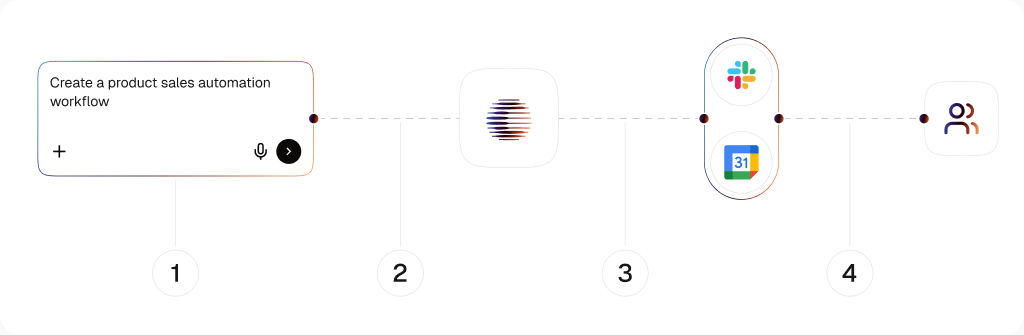
AI Concierge
Your support logic in. A working canvas out.
Describe your triage criteria, your most common issue types, and your escalation rules in plain language. AI Concierge builds the canvas. You adjust what doesn't fit — you don't start from zero.
One Canvas
Support conversation and helpdesk automation.
Conversation logic, ticket creation, routing rules, and follow-up sequences all live on one canvas. No patching together a chatbot, a workflow tool, and a helpdesk integration separately.
Low / No-Code
Live in days, not after a sprint.
No engineering resource required. Connect your helpdesk and channels, and the agent handles real customer conversations from day one. When your support process changes, you update the canvas — no developer, no ticket, no waiting.
Why Customers Don't Notice They're Not Talking to a Person
Most support chatbots pattern-match to a keyword and return a help article. When the customer says something slightly different, the flow breaks. CogniAgent is built differently — structured reasoning means the agent understands what the customer is trying to do, not just what words they used.
Structure Decision
Structured decision frameworks let the agent work through what the customer needs step by step — even when the request is incomplete, ambiguous, or expressed in five different ways across the same conversation.
Input Validation
Before the agent responds, it validates the input against your resolution criteria. Requests that are outside its scope get escalated correctly. Requests it can resolve don't get passed to a human unnecessarily.
Context Memory
Every detail from the conversation is carried forward. The agent does not ask the same question twice, does not forget what was said, and does not lose context mid-call.
One Customer Service AI Agent. Every Place Your Customers
Customers don't choose their support channel based on what's easiest for your team. Deploy the same agent across every channel they use, without rebuilding it for each one.
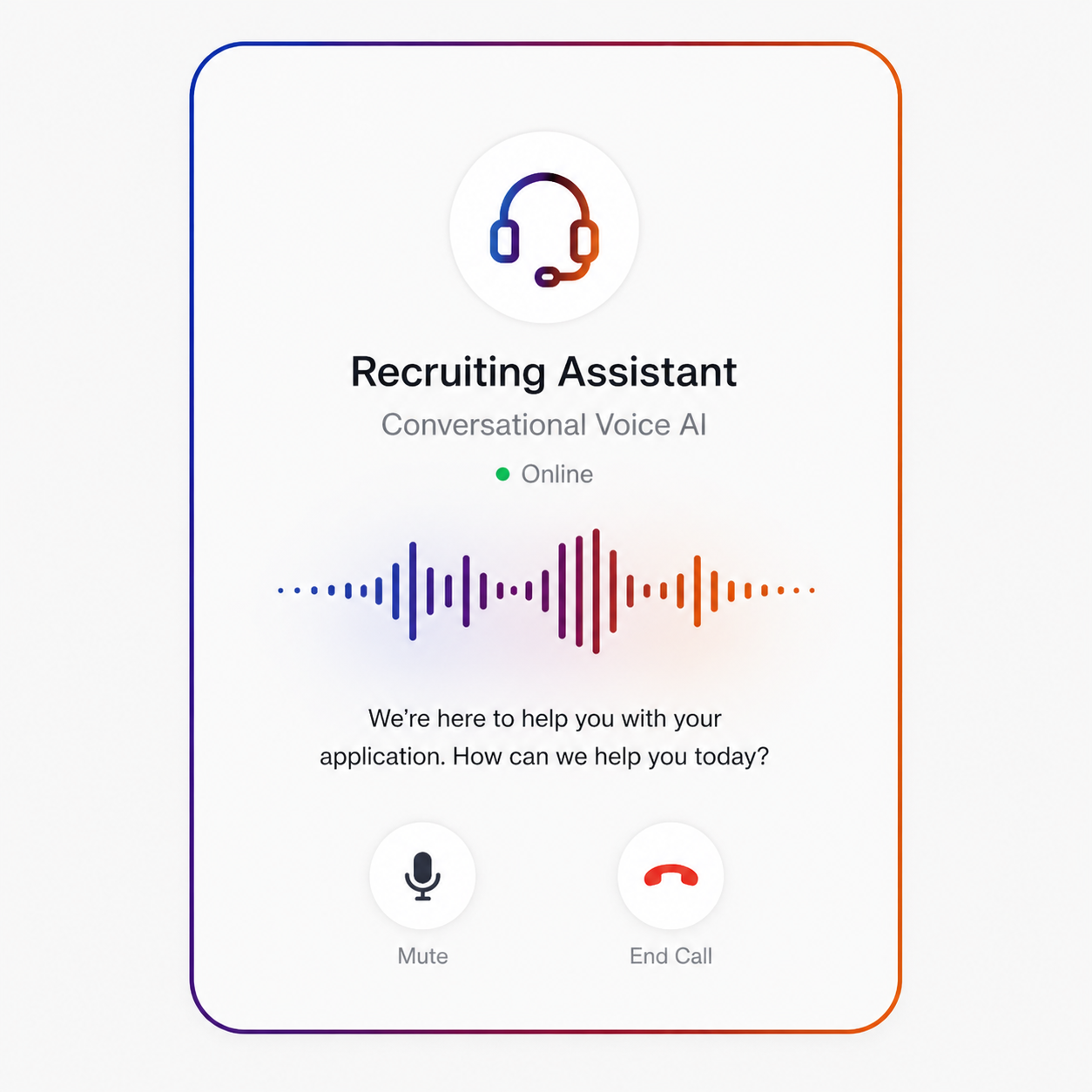
Conversational Voice AI
Inbound calls handled, triaged, and resolved or transferred — with live account lookup mid-call and full context passed to the human agent when needed.
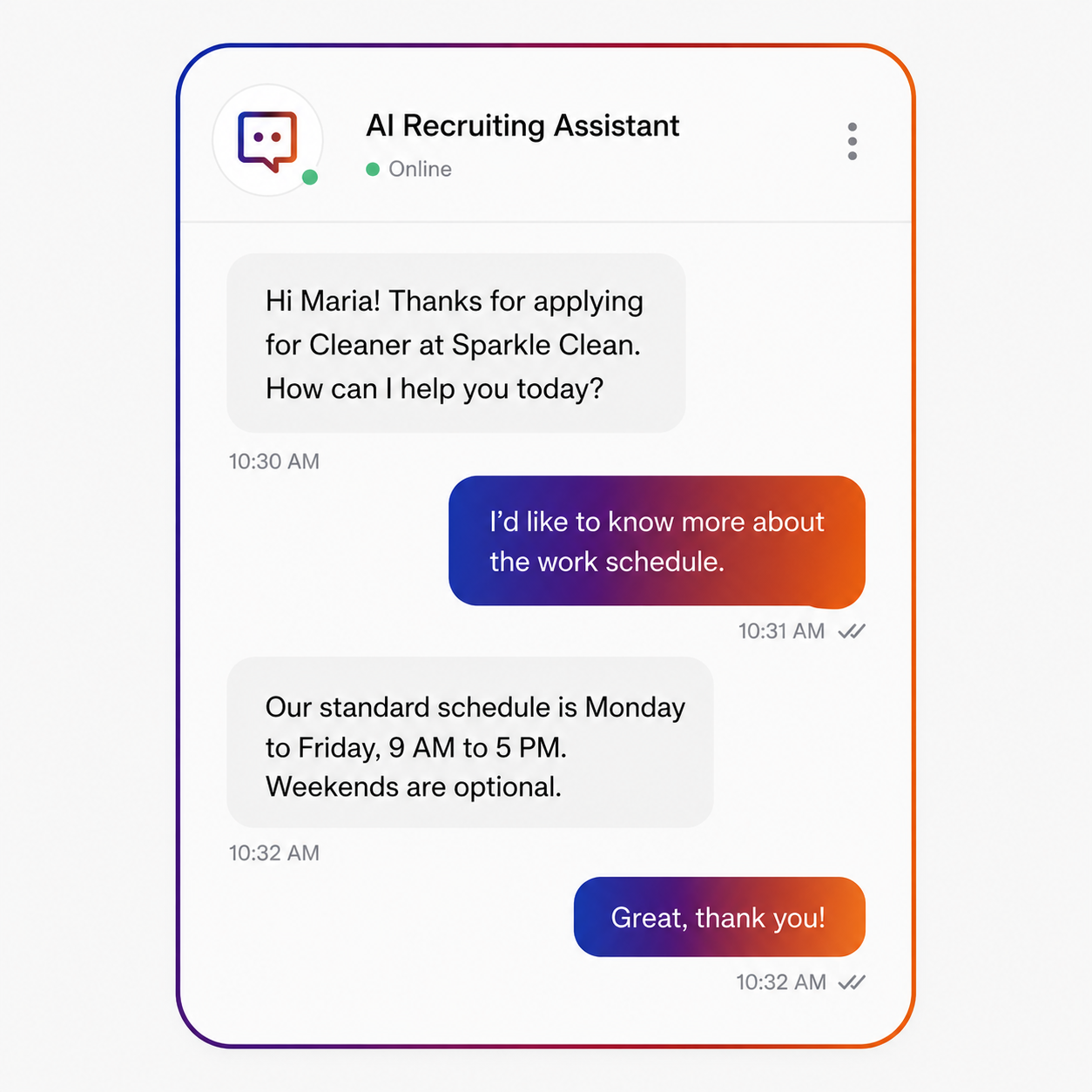
Web Chat
On-site support from any page — product pages, account portals, checkout, help centre. The agent meets the customer where the problem is happening.
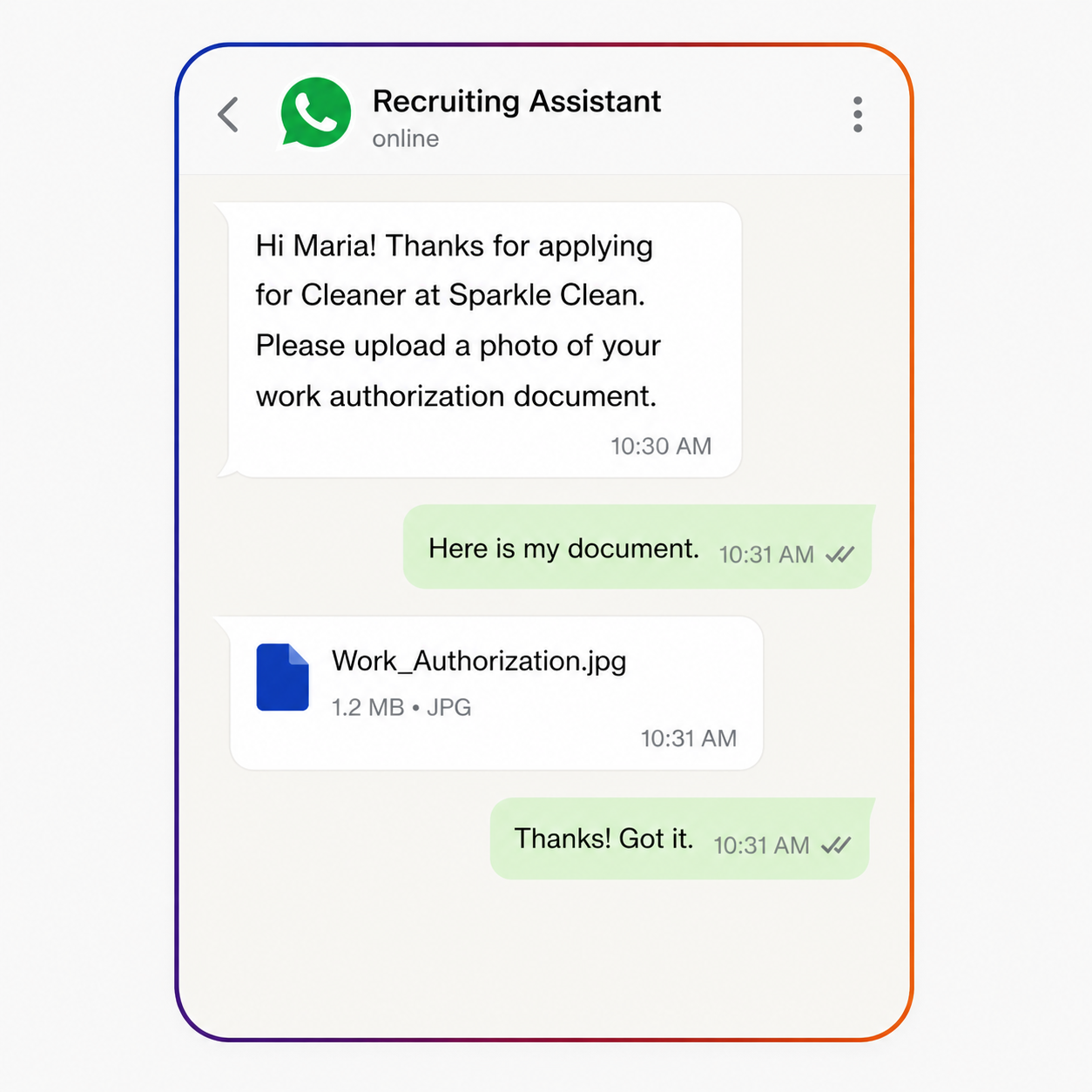
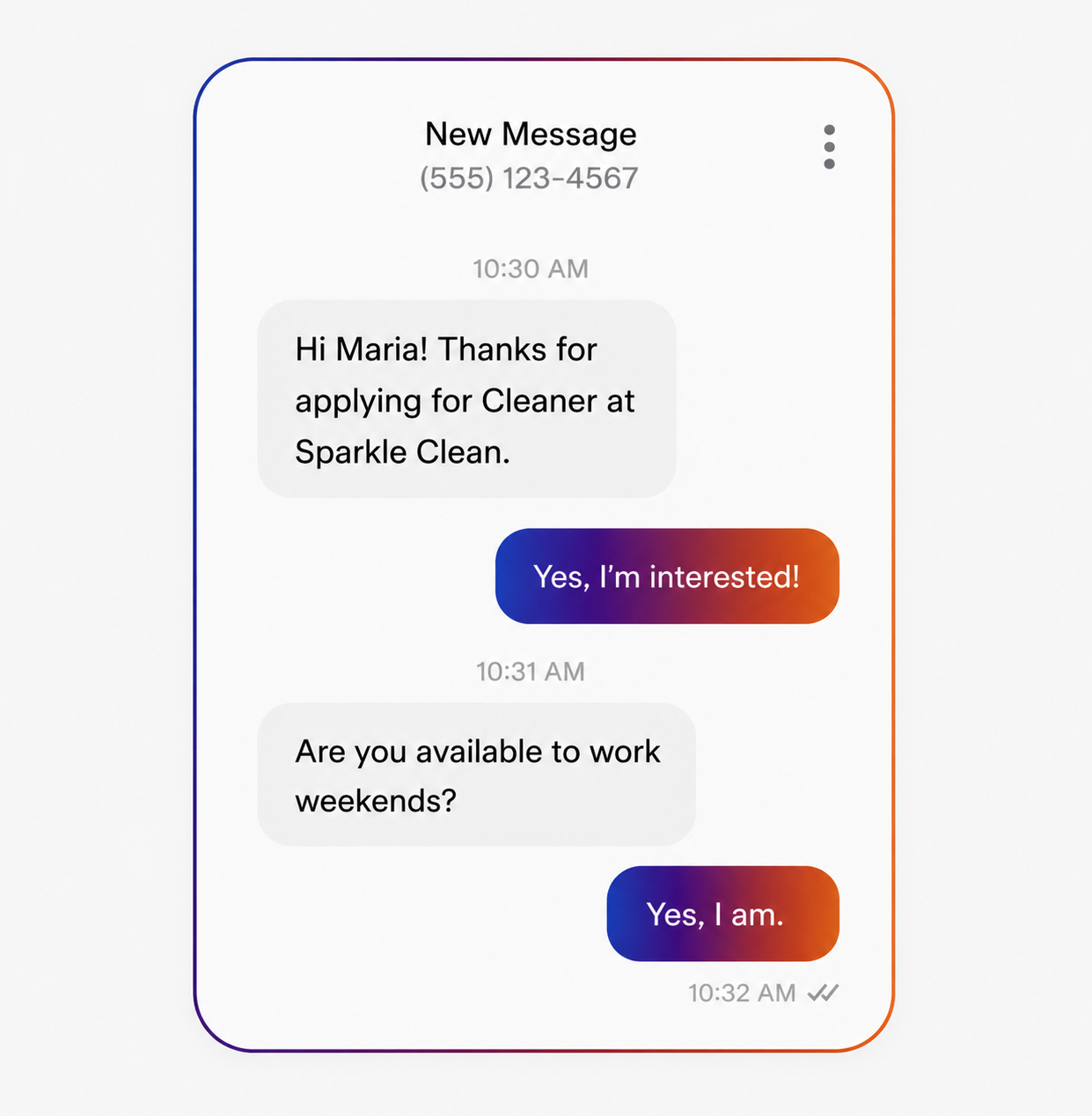
The channel your customers already use for everything else. Support requests handled in the thread they opened — without being redirected to a form or a different platform.
SMS
Post-resolution confirmations, appointment reminders, status updates, and proactive notifications — the outbound layer most support teams run manually.
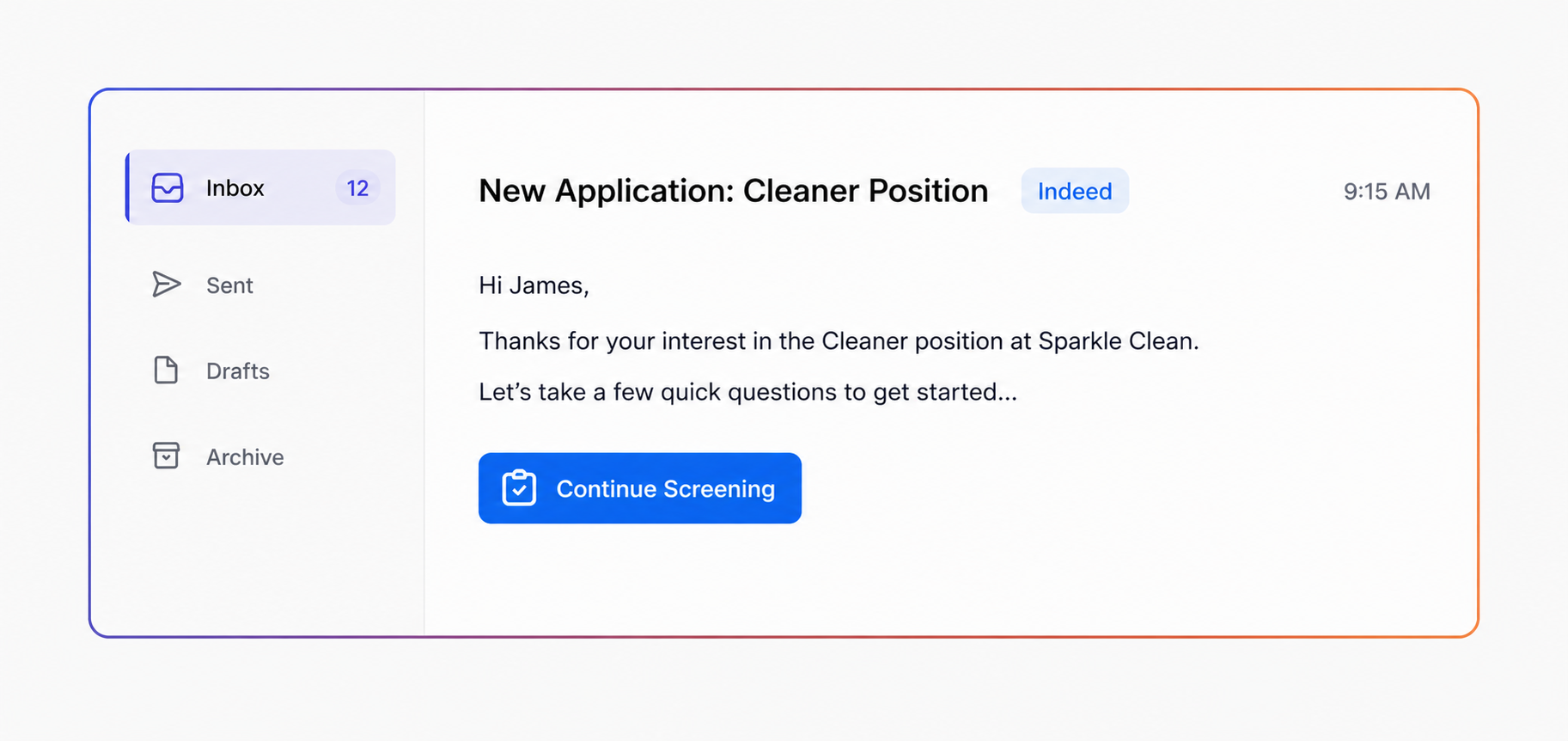
Inbound support emails triaged and responded to automatically. Tickets created, categorised, and resolved without the queue building overnight.
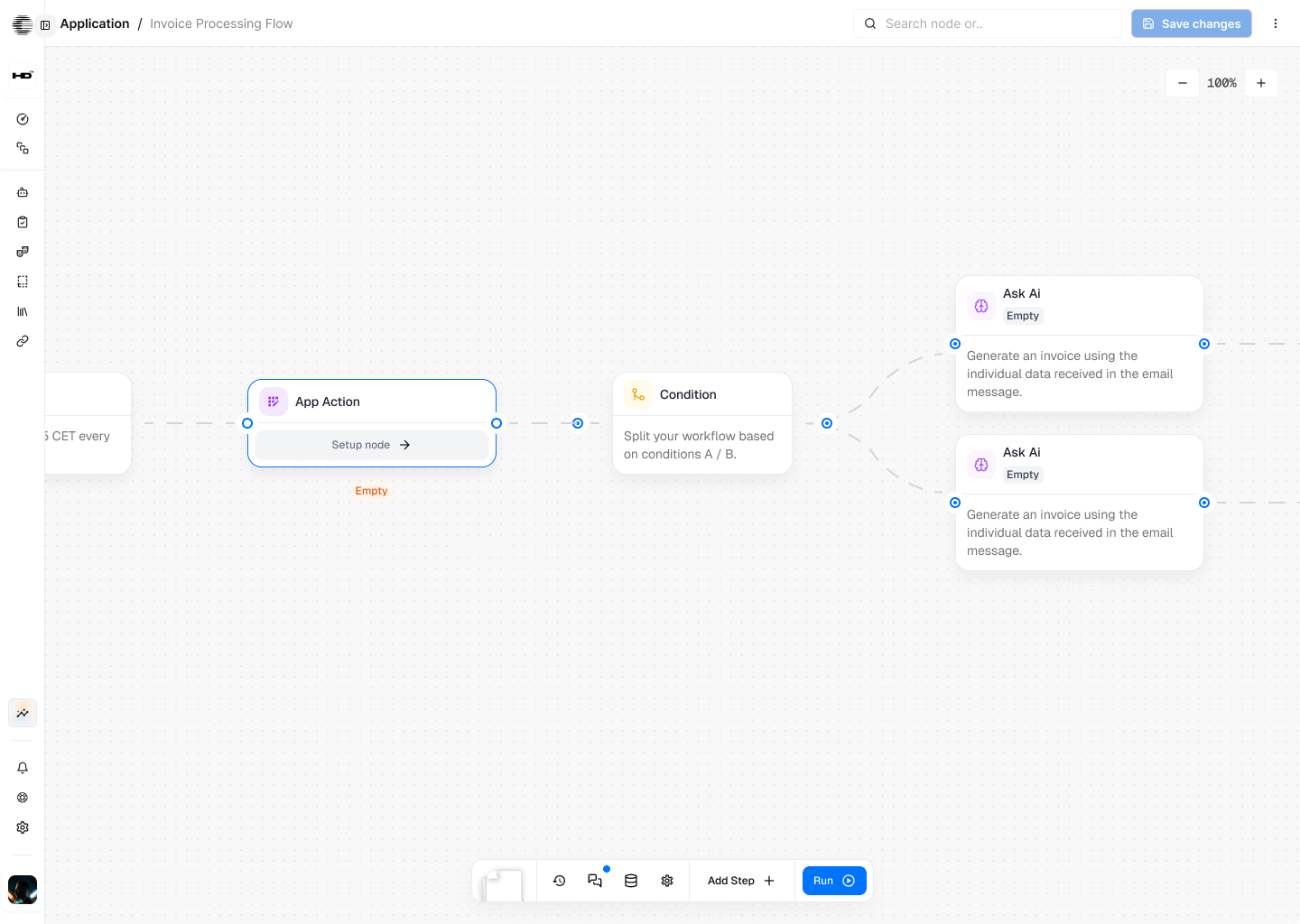
A Support ConversationThat Resolves Itself
Triage logic, resolution branches, helpdesk actions, and escalation triggers — all on one canvas. No separate tools. No manual ticket creation after the fact.
HOW IT WORKS
From Sign-Up to a Support Agent Handling Real Conversations
You don’t need a developer or an automation specialist. Most security operators have a working agent live within a week.
Integrations
Plugs Into the Support Stack You Already Run
2,700+ integrations. The agent reads live ticket and account data, creates and updates records, routes escalations, and sends notifications, inside the tools your support team already works in.











What CogniAgent Does That Standard Tools Don't
CogniAgent is built to handle the full support conversation (from first message to closed ticket) with the same quality your best agent would deliver, at any volume, on any channel.

Typical Support Chatbots

- Keyword matching that breaks the moment a customer phrases something differently
- "Here's an article that might help" as the answer to every question that isn't an exact FAQ match
- Chat widget on the website only — every other channel still manual
- Escalation that transfers the customer with no context — they explain everything again
- Ticket creation in a separate batch sync — the helpdesk is always behind the conversation
- No way to know if it's actually working

CogniAgent AI Agent Builder

- Structured reasoning that understands what the customer means — not just what they typed
- Real resolution: account data pulled, action taken, ticket updated — in the same conversation
- Same agent logic across voice, chat, WhatsApp, email, and SMS — one canvas, consistent resolution quality everywhere
- Escalation with full conversation history, issue summary, and recommended next step already handed to the human agent
- Tickets created and updated mid-conversation, before the chat window closes
- 92% first-attempt success rate across 172 real benchmark scenarios (internal study, Feb 2026)
What Your Support Team Actually Gets Back
60%+
of tier-1 volume handled without human involvement
24/7
coverage without a night shift
100%
consistent triage — every issue, every channel
3x
support capacity from the same headcount
The Support Problems That Have Been "Managed" Long Enough
The situation
What CogniAgent changes


The ticket queue grows faster than the team can clear it
Peak periods, product launches, and seasonality push response times out. Customers notice. Reviews reflect it. CSAT drops on the weeks it's hardest to staff.

Volume stops being a staffing problem
The agent handles the predictable, repeatable portion of the queue at any volume — so response time stays consistent whether it's a quiet Tuesday or the week after a major release.
Your best agents spend most of their time on the easy tickets
A senior support agent fielding "what's my account number" questions is not a good use of their time, their knowledge, or their salary.
Easy tickets never reach your team
The agent resolves what it can. What reaches a human is genuinely complex — the kind of work that uses the skills you hired for.
Customers contact support and don't hear back until the next business day
Every hour without a response is a customer deciding whether to churn, leave a review, or file a chargeback.
Every message gets an immediate response
At 2pm and at 2am. The customer knows their issue is registered, understands what happens next, and doesn't have to wonder if anyone saw it.
New support hires take months to reach independent productivity
Onboarding a support agent means training them on every product, every policy, every edge case. Meanwhile, the queue doesn't wait.
Tier-1 volume is handled from day one
New human agents focus on complex cases immediately — the agent covers what they're not ready for yet, and keeps covering it when they move on to harder work.
Follow-up is whoever remembers to do it
Post-resolution satisfaction checks, re-engagement after an issue, renewal prompts — all things that improve retention and CSAT, all manual, all inconsistently done.
Follow-up runs automatically
Triggered by resolution, by time elapsed, by account event. Not by someone's calendar reminder.
Pricing
Pay only for what you use. Full visibility on every credit spent.
Pay-as-you-go
No subscription. No monthly fee.
Buy credits from $10
- 5,000 credits loaded on signup
- Full canvas + all AI features
- 2700+ integrations, templates
- Free messaging channels
- Up to 5 user seats
- Production deployment
- Human chat support*
- Credits never expire

* activates on first credit purchase
Enterprise
Custom plan. Annual subscription,
negotiated rate.
- Annual credit package
- Custom user seats
- SSO
- Bring your own LLM API keys
- Extended usage logs
- Assisted onboarding + training
- Agents built by CogniAgent team
- Premium support + SLA

Enterprise-Grade
Security & Compliance


Data Protection
Encryption in transit and at rest, meeting or exceeding industry standards across every channel and every connected system.
Secure Integration
Role-based access controls and encrypted connection protocols — your helpdesk data stays yours, and only the agent functions that need access to a system get it.

Privacy Assurance
Your customer conversation data is never used to train public AI models. What happens in your support conversations stays in your support environment.

Audit & Monitoring
Every agent interaction, every escalation trigger, every system action — logged. Reviewable by your team. Auditable for compliance.


![Best AI Tools for Auto Repair Shops [2026 Guide]](https://cogniagent-preview-def77a0f.nyc3.digitaloceanspaces.com/media/2026/07/Best-AI-Tools-for-Auto-Repair-Shops-2026-Guide.png)

Frequently Asked Questions about
CogniAgent
The customers who get frustrated are the ones who waited 4 hours for a copy-pasted response to a simple question, or who were told “here’s an article” when they needed an answer. CogniAgent resolves the request — with the right information, in the right tone, on the first attempt. Most customers don’t care whether it was a human or an agent. They care whether their problem was solved.
Escalation logic is defined by you. You set the triggers: sentiment signals, specific language, issue types that always need a human, account tiers that get prioritised routing. When any trigger fires, the agent transfers the conversation to a human agent — with the full conversation, the customer’s account history, the issue summary, and a recommended next step. The human agent never starts from zero.
The agent follows the escalation logic you configure — it can transfer to a human with full context, create a ticket flagged for agent review, acknowledge the gap to the customer and set a follow-up expectation, or route to a specific flow. The agent never tells a customer it doesn’t know and leaves them there. Every conversation has a next step.
It updates your helpdesk mid-conversation. Tickets are created when a new issue is raised. Existing tickets are updated when a customer follows up. Resolution notes are written. Escalations are routed with structured summaries attached. Your agents open Zendesk, Intercom, or Freshdesk and the work is already there — they don’t reconstruct what happened from a chat transcript.
Yes. The agent operates across languages — useful for businesses with international customers or multicultural markets where support requests arrive in more than one language. Language configuration is part of the agent setup.
Per-resolution pricing penalises you for having a well-performing agent — the better it works, the more resolutions, the higher the bill. CogniAgent uses credit-based prepay: 1 credit = $0.001 USD, all platform activity draws from one balance, credits never expire. You pay for actual usage, not for each successful resolution. At high volume, the difference is significant.
Days for most businesses using templates and AI Concierge. Describe your support process, connect your helpdesk and channels, adjust what doesn’t fit — you’re live. Enterprise accounts are fully configured by the CogniAgent team, typically within 2–3 weeks from kickoff, with testing against your real support scenarios before launch.
No. The agent canvas is built and adjusted through a visual no/low-code interface. Updating triage logic, changing escalation thresholds, editing knowledge base responses, or adding a new channel — all done without a developer. When your support process changes, you update the canvas. No sprint, no ticket, no waiting.

No results