WooCommerce AI Chatbot by CogniAgent
Turn Store Conversations
Into Sales Without Extra Support Staff
Create AI-powered assistant that answers shopper questions, recommends products, and supports purchases automatically
Built Specifically for WooCommerce Stores
Create cognitive chatbot that understands products, categories, pricing, and checkout flows

Real-Time Product Knowledge
Reads live product data, descriptions, prices, and availability directly from your store

Store-Aware Conversations
Understands categories, variations, collections, and related products

Instant Shopper Assistance
Answers questions immediately to reduce hesitation and cart abandonment

Sales-Driven Recommendations
Suggests products, upgrades, and alternatives based on shopper intent

Brand-Consistent Responses
Keeps tone and messaging aligned with your store’s brand voice

Ready for High Traffic
Handles peak sales and promotions without slowing your store
AI Capabilities Tailored for WooCommerce Stores
Product & Catalog Intelligence
The chatbot understands your entire WooCommerce catalog.
- Syncs products, categories, and attributes
- Explains features, pricing, and variations
- Compares similar or alternative products
- Updates automatically when products change
- Prevents outdated or incorrect answers
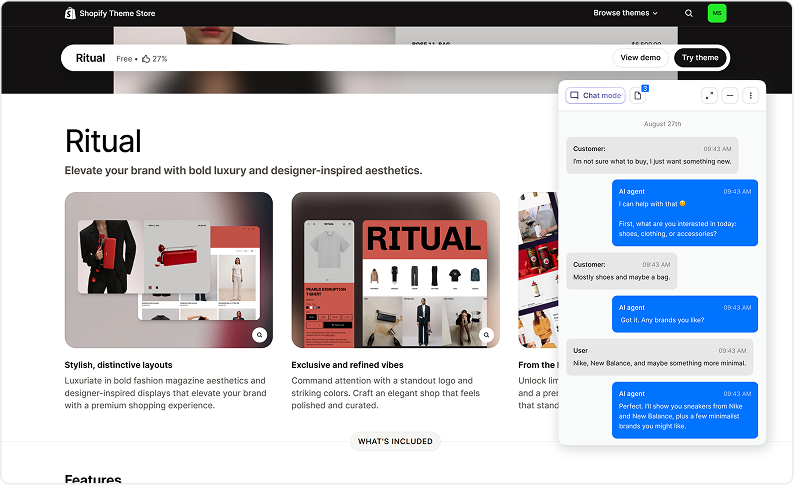
Guided Shopping Assistance
Helps customers find the right product faster.
- Interprets shopping intent from questions
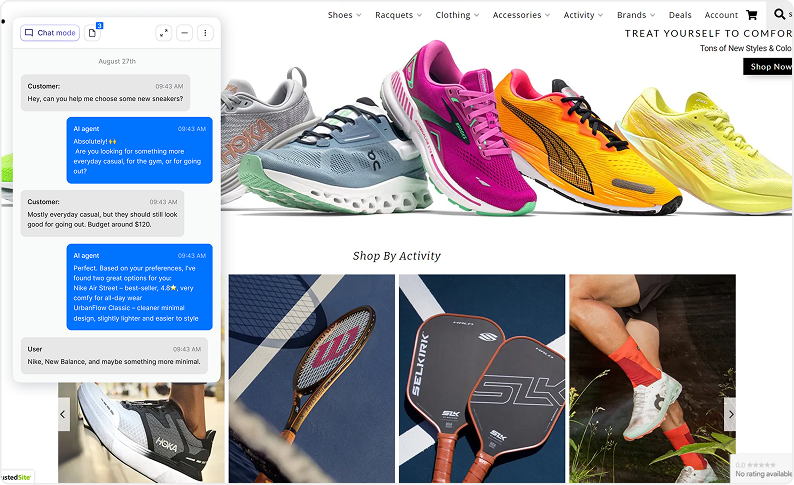
- Recommends products based on needs
- Explains differences between items
- Highlights promotions or best sellers
- Reduces decision fatigue
Automated Order & Policy Support
Answers post-purchase and pre-purchase questions instantly.
- Shipping, returns, and refund policies
- Order status and fulfillment questions
- Payment and checkout guidance
- Reduces repetitive support tickets
- Improves customer satisfaction
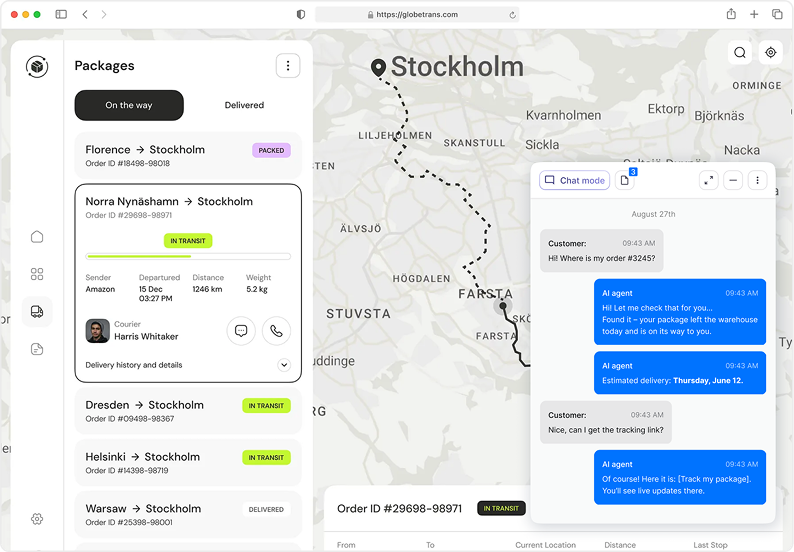
Automated Order & Post-Purchase Support
The agent can:
- Track orders
- Provide shipping updates
- Process returns & exchanges
- Answer sizing, material, and policy questions
Your customers get instant answers, no more clogged inbox.
Cart & Checkout Assistance
Keeps customers moving toward purchase.
- Answers checkout-related questions
- Addresses objections in real time
- Guides users back to cart
- Reduces checkout abandonment
- Improves conversion rates
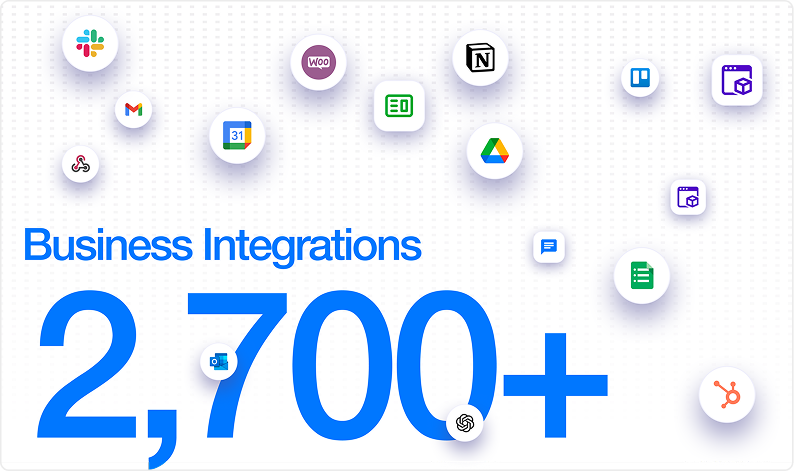
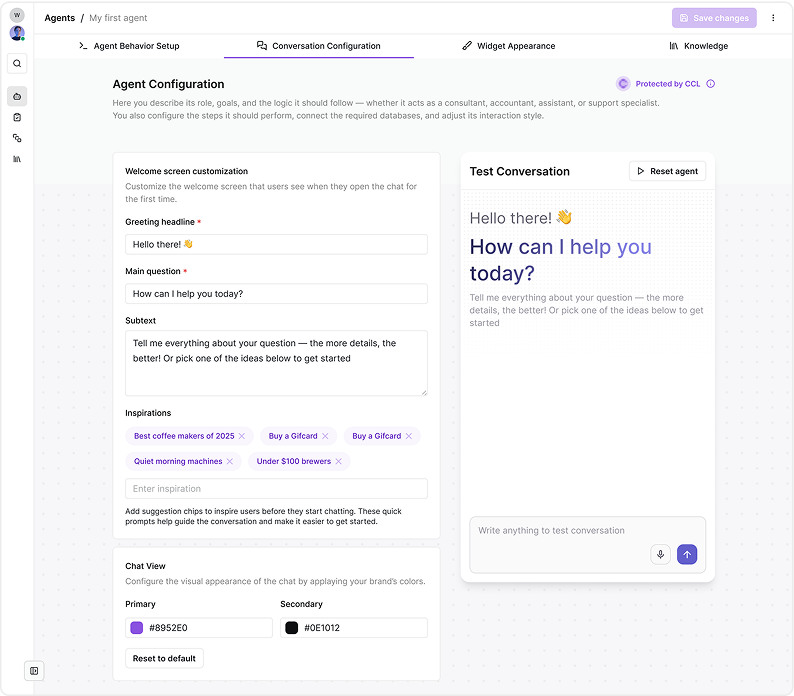
Low-Code AI Agent Builder
Control every interaction without developers.
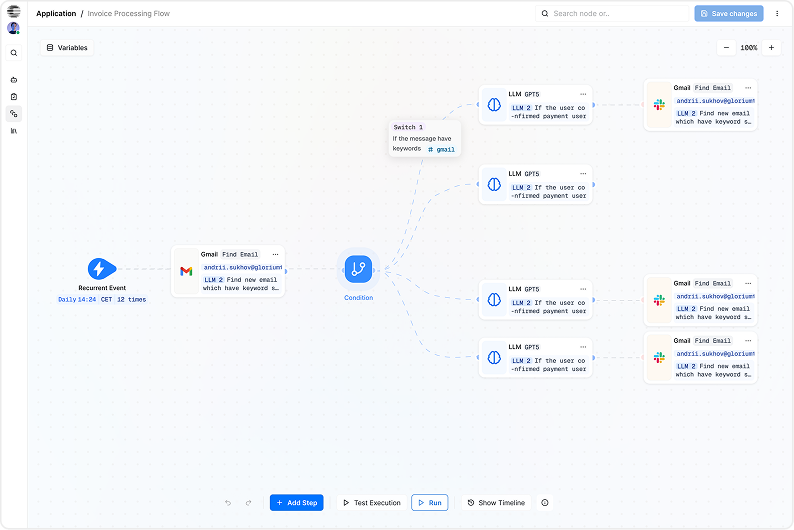
- Visual AI agent builder
- Intent-based conversation logic
- Custom responses and fallback rules
- Multi-step ecommerce flows
- No custom scripts or plugins required
Why WooCommerce Store Owners Choose CogniAgent
- Built for WooCommerce product logic
- Trained automatically on live store data
- Increases sales without hiring support agents
- Delivers consistent answers at scale
- Provides insights into buyer behavior
- Improves CX without slowing site speed
Common Use Cases for WooCommerce Stores

Product Discovery & Recommendations
Help shoppers quickly find the right products

Pre-Purchase Question Handling
Answer questions that block buying decisions

Order & Policy Automation
Reduce support load with instant answers

Conversion & Upsell Support
Guide shoppers toward checkout and higher-value purchases
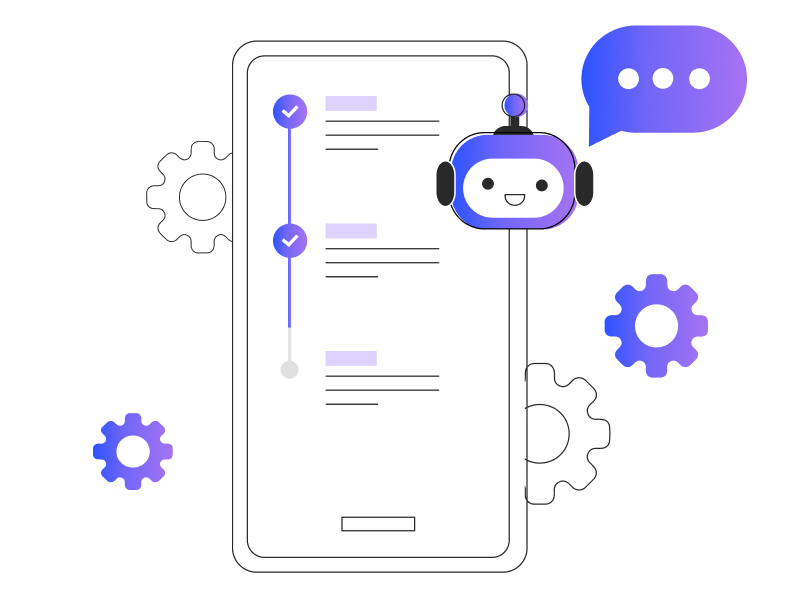
How It Works
- Connect Your WooCommerce Store. Securely sync products, categories, and store content.
- Build Your AI Assistant. Use ecommerce templates or customize conversations.
- Train With Store Data. Products, policies, FAQs, and brand tone.
- Launch and Sell Smarter. The chatbot starts helping shoppers instantly.