Marketing Use Cases
Email List Management
Keep your lists clean, segmented, and always up-to-date
Every Subscriber is a Workflow Waiting to Be Automated
Manual List Management Chaos
Marketing teams spend hours moving subscribers between lists, applying tags, and updating custom fields
Error-Prone Data Entry
Typos, duplicates, or mismatched tags lead to mis-segmented audiences and lower engagement rates
Delayed Campaign Targeting
By the time new leads are added and segmented, opportunities to engage are already lost

How It Works
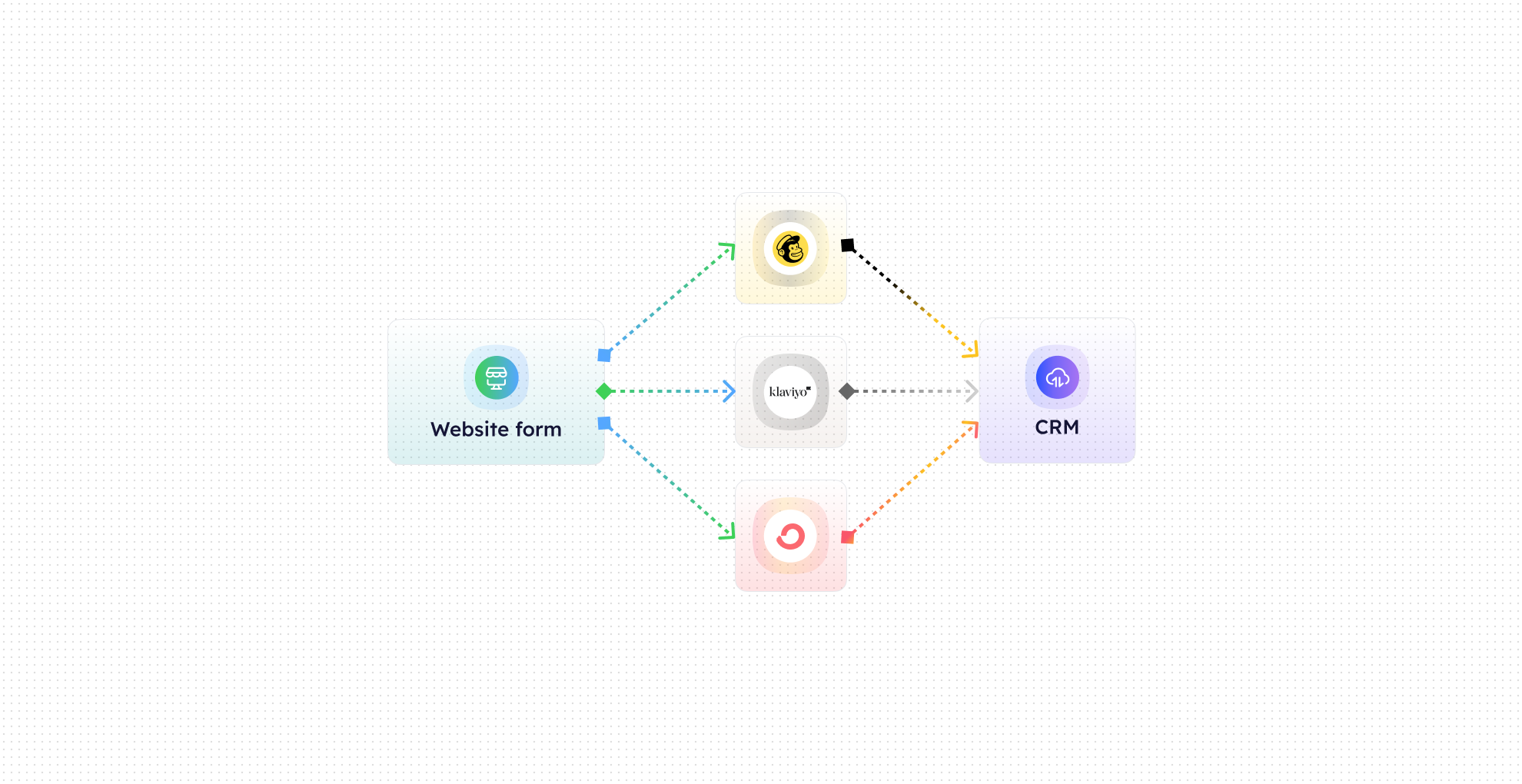

Subscriber Detection
CogniAgent monitors forms, landing pages, and lead sources to capture new subscribers automatically

List Routing
Sends new subscribers to the correct ESP lists based on form tags, lead source, or campaign type

Segmentation & Tagging
Auto-applies tags, custom fields, interests, and lead magnet categories for precise segmentation

Duplicate Prevention & Sync
Ensures no duplicates, merges profiles if needed, and keeps all subscriber data consistent across systems

Approval & Review Workflow
Sends a structured summary to Slack or Email for optional review before updates go live

Autonomous Updates
Once approved, new subscribers are fully routed, tagged, and synced without any manual work
The Real Impact for Marketing Teams
Metric
Before Automation
After (With AI Agent)
Time spent managing lists
2–4 hrs/day
<15 mins/day
Subscriber accuracy
80–85%
99.9%
List segmentation consistency
Inconsistent
Fully automated
Duplicate subscriber rate
High
Nearly zero
Campaign targeting speed
Manual & slow
Instant
Core Automation Capabilities

Automated Subscriber Routing to ESP Lists

Lead Magnet, Form Tag, & Source Segmentation Engine

Auto-Apply Tags, Custom Fields & Interests

Duplicate Prevention & Profile Sync Module

Slack / Email Notification & Approval Workflow

Autonomous Updates & List Maintenance Automation
Step-by-Step Setup
Step 1
Connect your ESP (Mailchimp, Klaviyo, HubSpot, ActiveCampaign, etc.) and your form sources or landing pages.
Step 2
Define segmentation rules based on lead magnet, form tags, campaign source, or any custom fields.
Step 3
Enable real-time automation and optional review notifications in Slack or Email.
Step 4
Watch new subscribers automatically routed, tagged, and synced across your lists—freeing your team to focus on campaigns.