AI Use Cases in Real Estate

Client Milestone Reminders
Send automated messages for birthdays, closing anniversaries, lease renewals, and more
Client Engagement Drives Referrals and Repeat Business
Busy Agents Forget Important Dates
Even seasoned agents can’t track every birthday, closing anniversary, or lease renewal manually. Missed opportunities can weaken relationships.
Manual Outreach Is Inconsistent
Handwritten notes, phone calls, or emails often happen sporadically (or not at all), reducing long-term client retention.
Referrals Decline Without Regular Touchpoints
Consistent, thoughtful communication drives referrals, but maintaining this at scale is challenging for teams.

How Client Milestone Automation Works
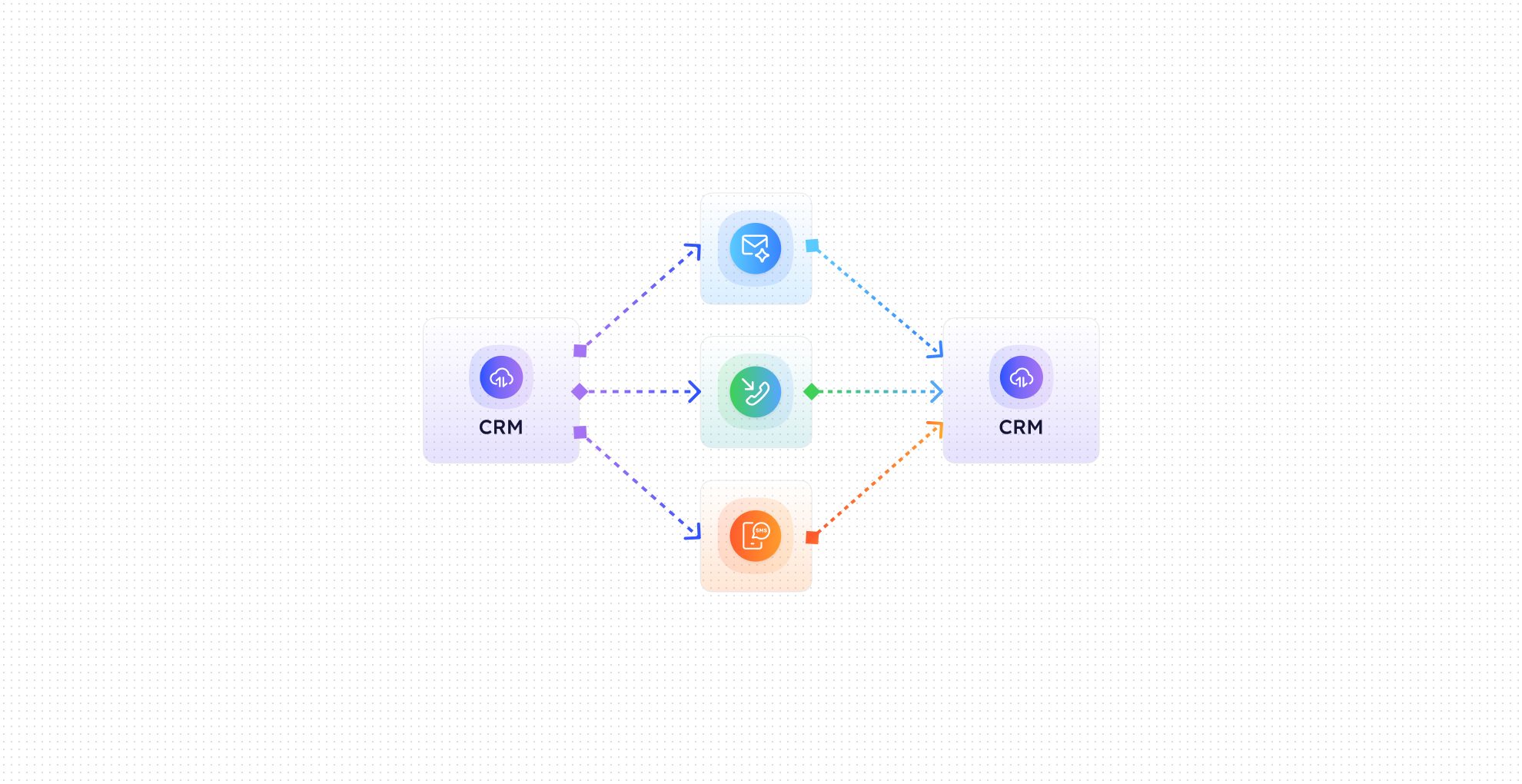

Milestone Detection
CogniAgent identifies key client events from CRM records, including birthdays, closing anniversaries, lease renewals, and other milestones.

Scheduled Reminders
Automatically sends pre-scheduled emails, SMS, or notifications to clients, ensuring timely, personalized communication.

Referral Request Workflows
Trigger follow-up sequences that politely request referrals or reviews after important milestones.

CRM Sync
Updates CRM records with sent messages, engagement activity, and task reminders for agents to follow up if needed.

Multi-Channel Delivery
Use email, SMS, or even physical mail reminders (via integration) to reach clients in their preferred channel.

Analytics & Tracking
Track engagement, referral responses, and campaign effectiveness to measure ROI and agent performance.
Results You’ll See in Your Brokerage
Metric
Before Automation
After (With AI Agent)
Timely client outreach
20–30%
95–100%
Repeat business rate
10–15%
20–35%
Referral generation
Low
2–3× increase
Manual follow-up effort
Hours per week
Fully automated
Missed milestones
Frequent
Near zero
CRM data accuracy
Partial
Fully updated & tracked
What This Automation Handles for You

Automatic Birthday, Closing, & Lease Renewal Alerts

Personalized Email & SMS Messages

Referral Request Workflows

CRM Record Syncing & Engagement Logging

Agent Task Creation for Follow-Up

Multi-Channel Communication Options
Quick Setup / Onboarding Timeline
Step 1
Connect your CRM and select the milestone types you want to track.
Step 2
Customize message templates for each milestone and channel.
Step 3
Set scheduling preferences and follow-up workflows for referrals or calls.
Step 4
Clients automatically receive timely, personalized messages while your agents stay informed.