
Customer Service
Quality & Reviews Follow-up Agent
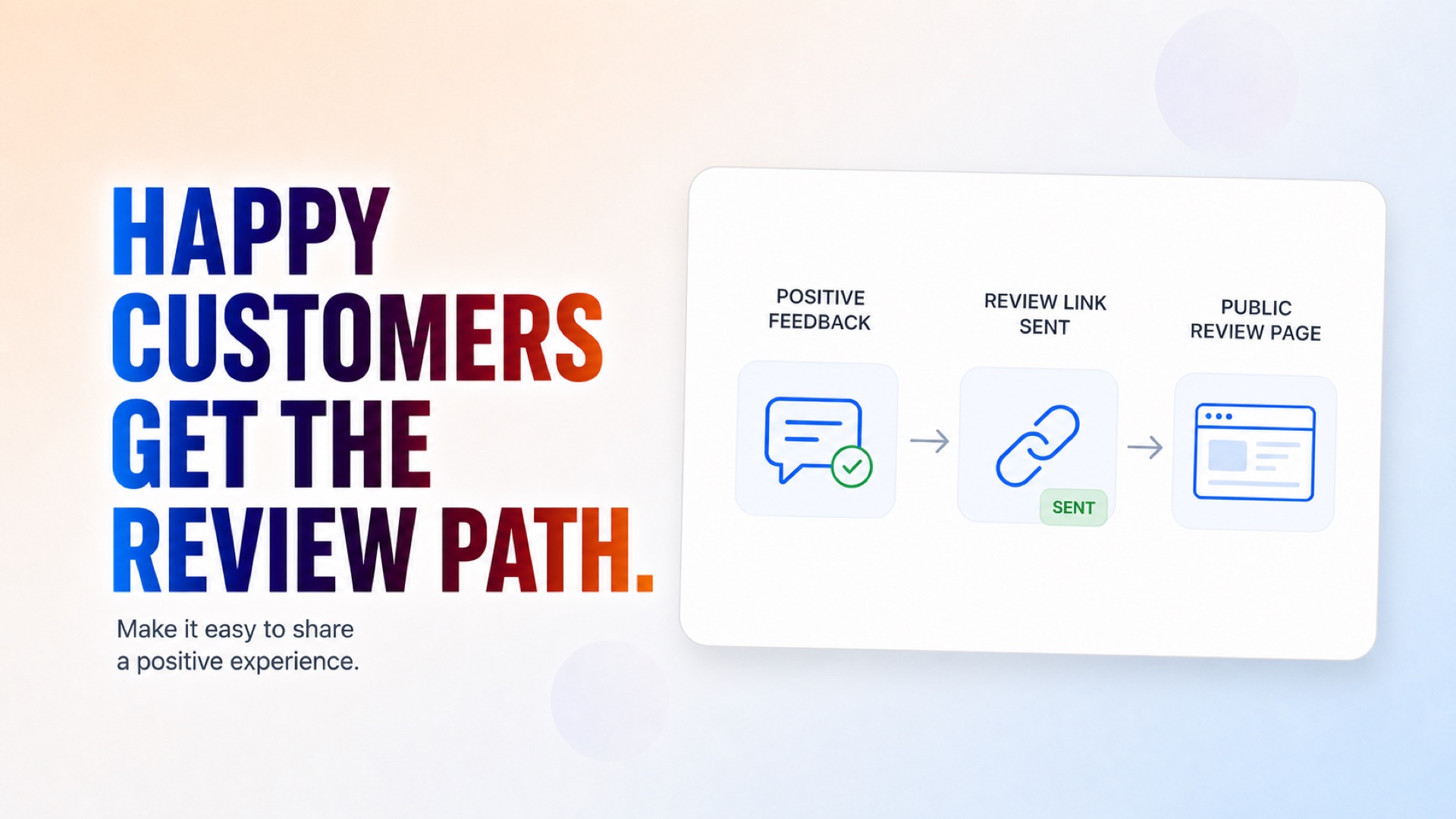
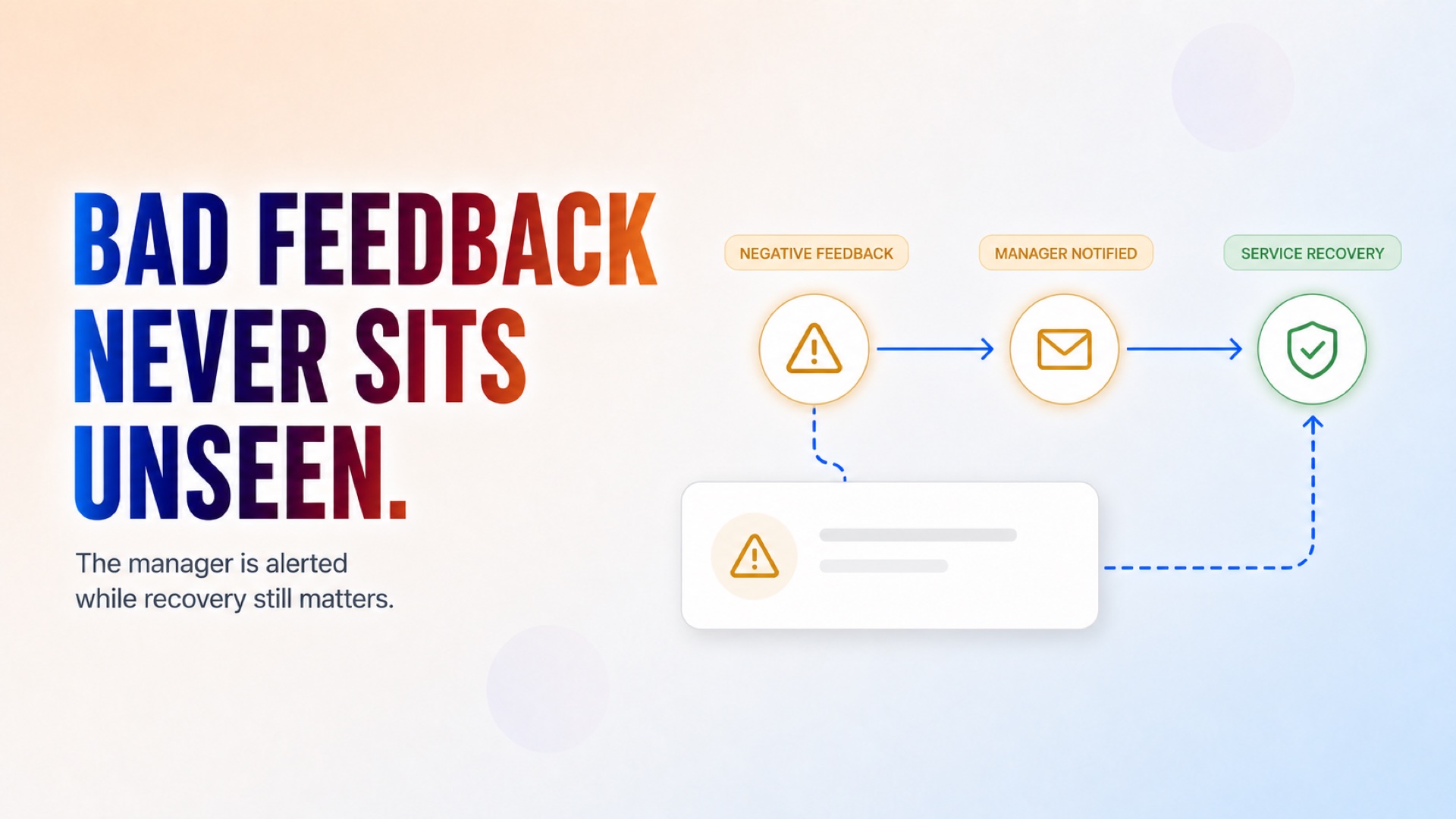
Contacts the customer after a completed cleaning to check on their satisfaction. Happy customers receive a public review link to share their feedback, while complaints or negative feedback are automatically routed to a manager for service recovery.
See it work
An illustrated example run. Click any tile to see what it handles.
Cleaning crew
AI agent
Gmail
Customer
Manager
Press Play to watch an example run.
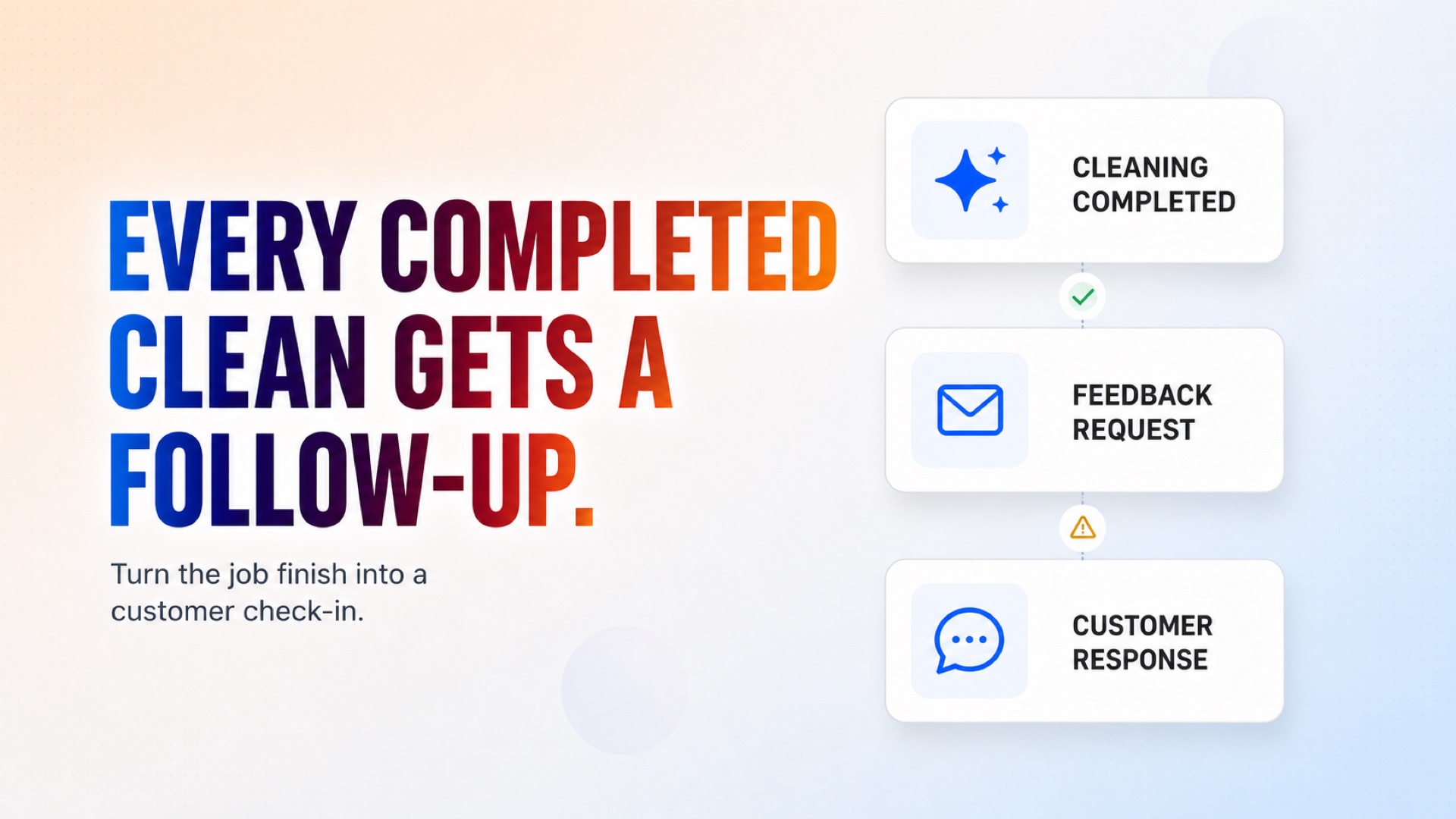
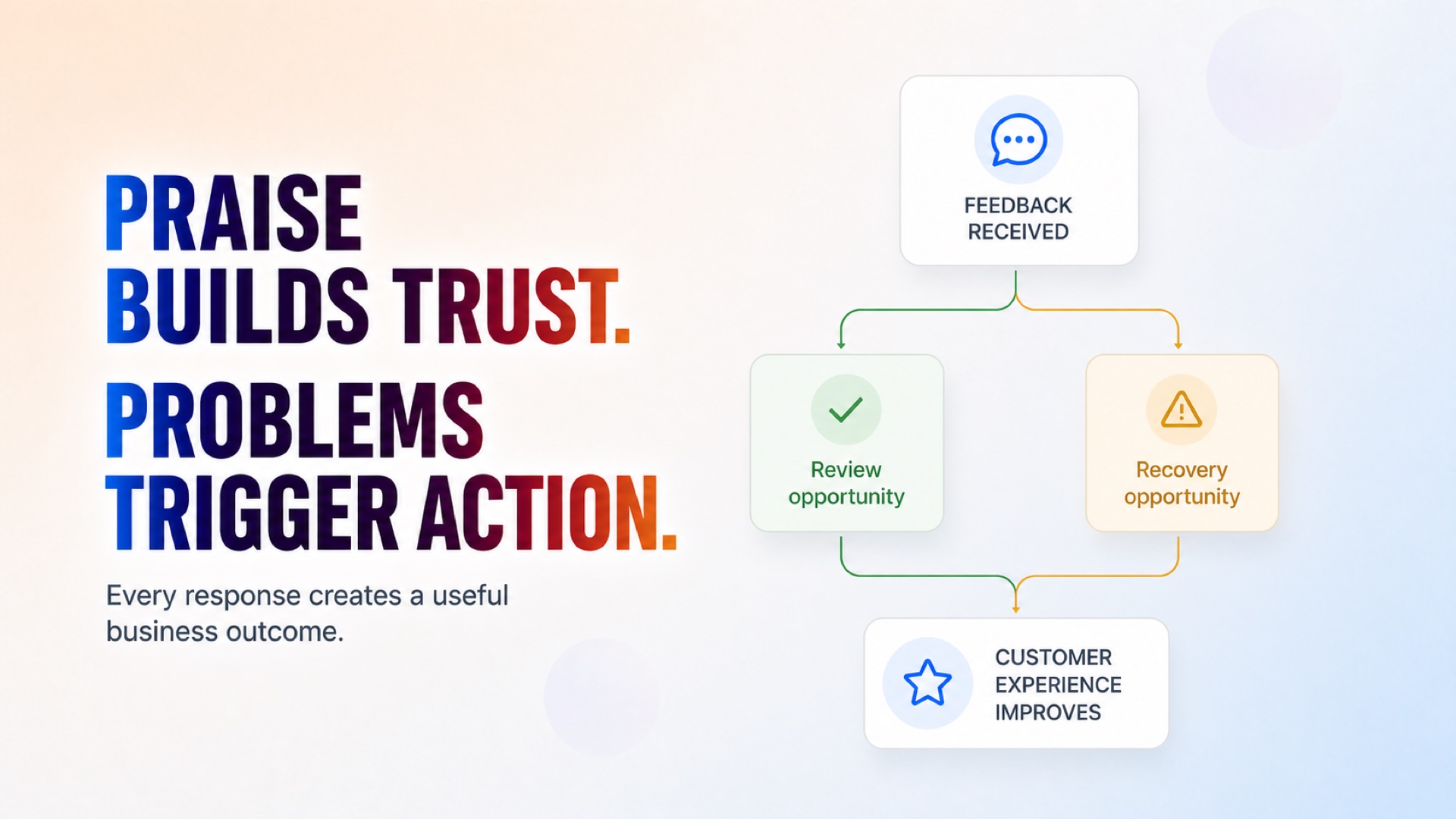
Each completed cleaning automatically becomes a customer satisfaction check-in.
How it works
- Trigger: The workflow starts when a "Cleaning completed" event is received.
- Ask for feedback: The customer is asked about their satisfaction with the service, along with a review request sent to their email.
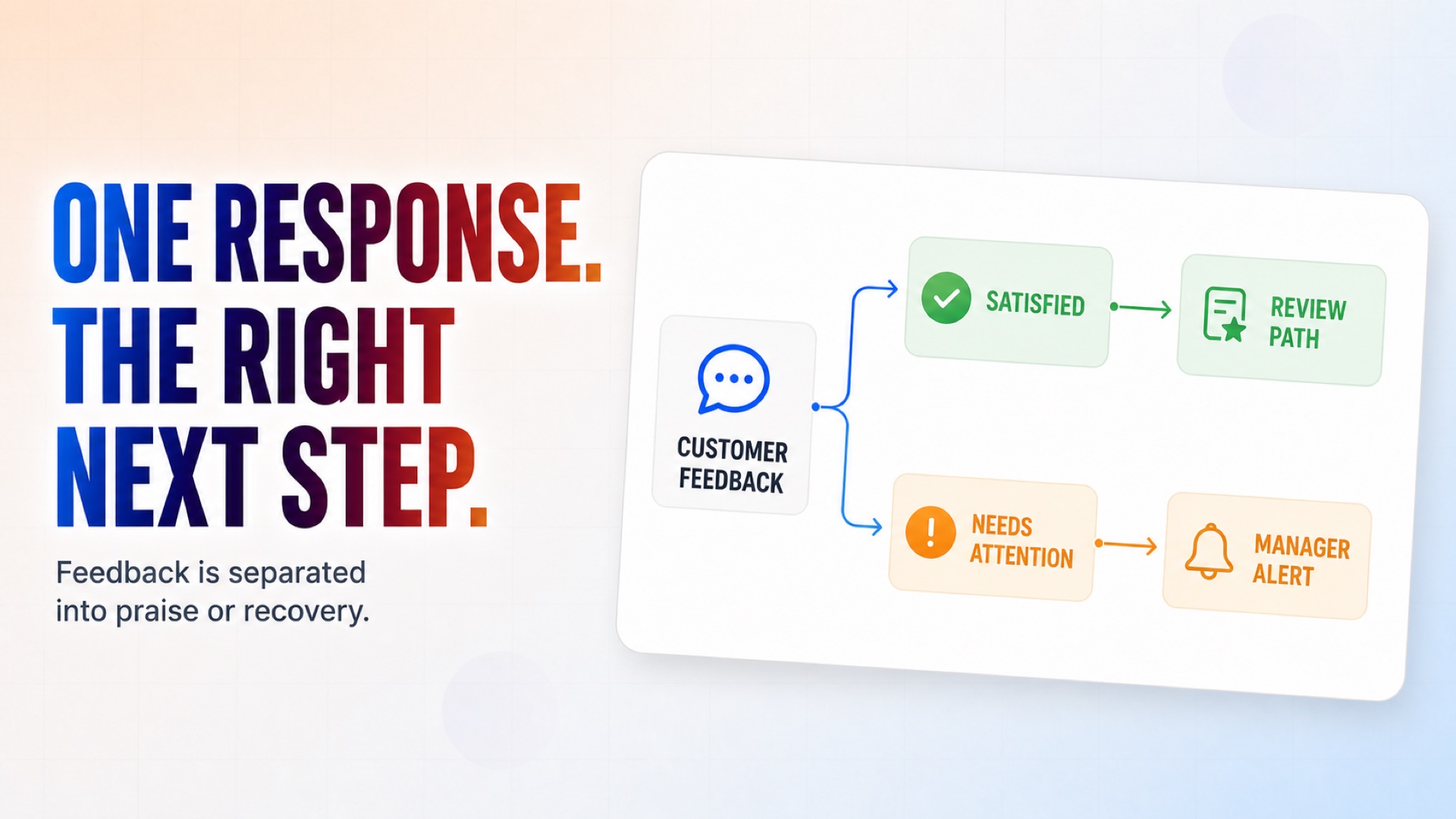
- Branch based on response:
If satisfied: The interaction completes once the customer responds.
If dissatisfied: The manager is notified by email so they can follow up for service recovery.
What's included
Everything a copy brings into your workspace.
1
workflow
What you'll need
Connect: Gmail
Fill in, now or later: Job_Id, Team Name, Service Date, Service Type, Customer Name, Manager Email, Customer Email, Customer Email, Public Review URL
What it does
The key things this agent does for you.
Automatically reaches out after every completed cleaning
Asks customers about their satisfaction
Sends a review link to satisfied customers
Notifies the manager immediately when a customer is unhappy
Installation
What setting this up involves.
Connect Gmail to send satisfaction requests and manager notifications.
Set your manager's email address to receive service recovery alerts.
Add your review link for satisfied customers to share feedback.
~4 min to launch
Free to start. Create your free account, then set it up.
Connect 1 tool, fill in a few details, and install it. No coding.
FUNCTION
Customer ServiceTAGS
Built by CogniAgent
Official agent