
Customer Service
AI Receptionist
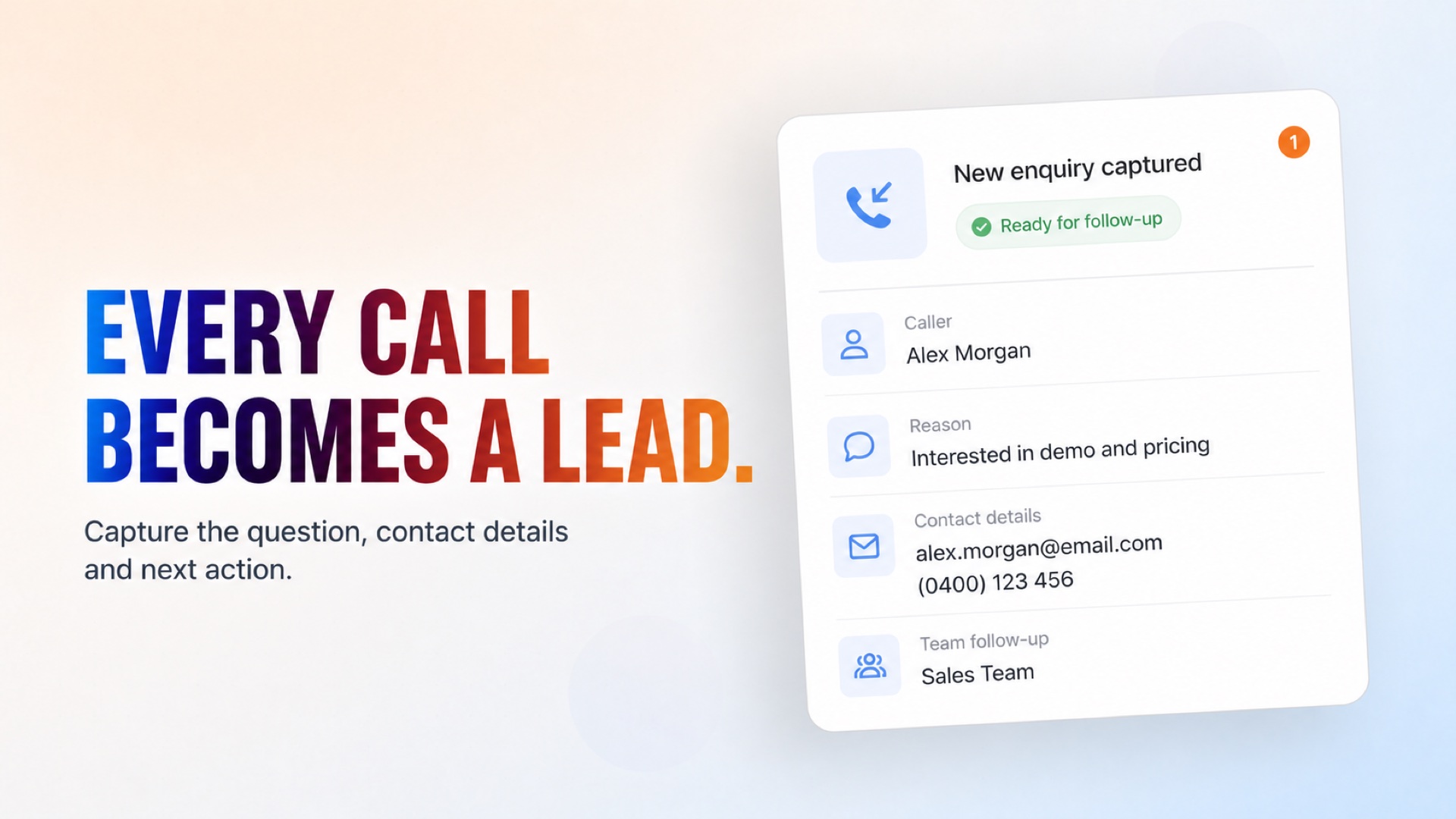
Handles general inquiries as the first point of contact for incoming calls. The AI Receptionist answers common questions, collects caller details, and logs the enquiry for your team to follow up.

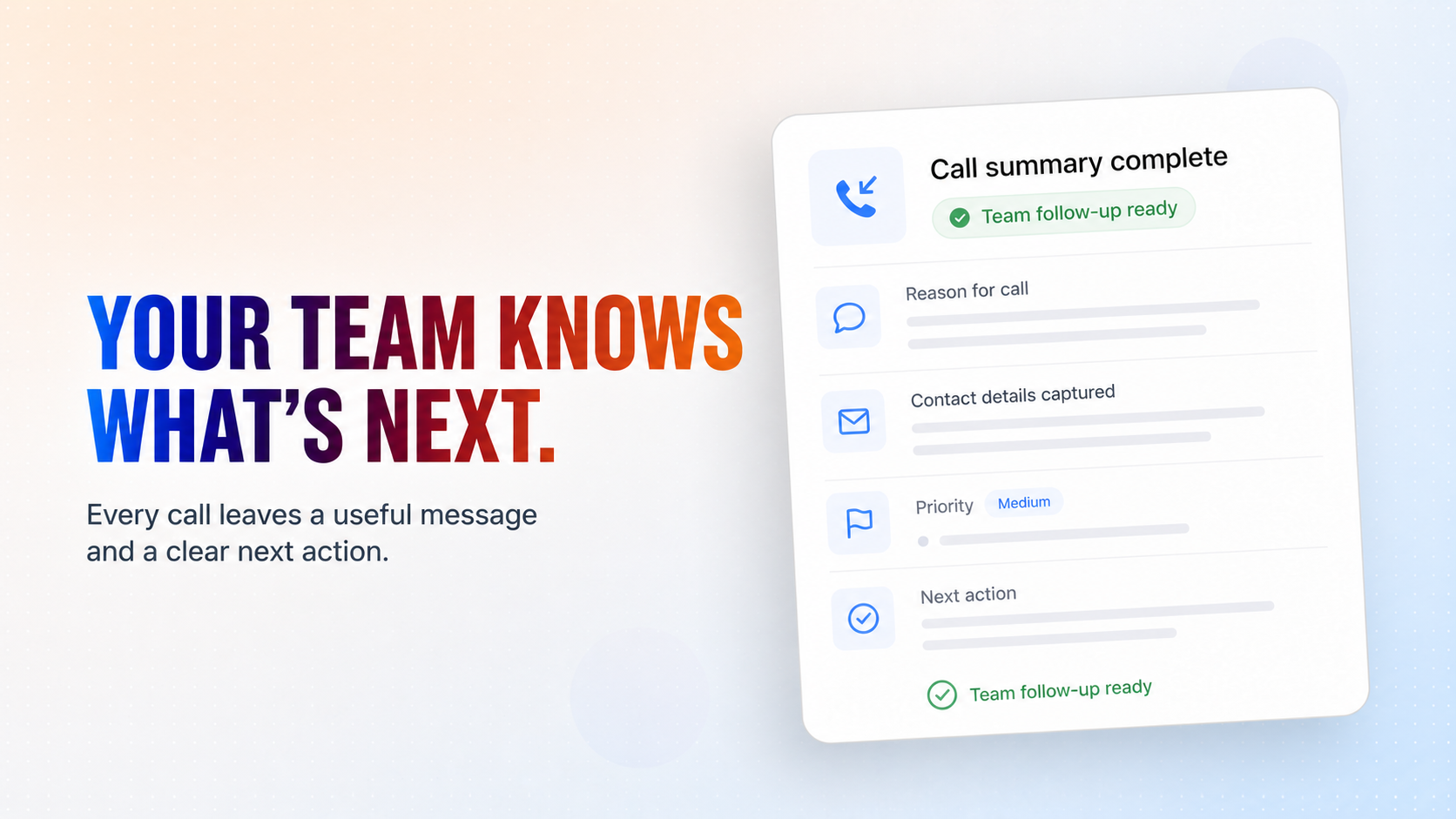
Turn Every Incoming Call Into a Clear Next Step.
How it works
- Trigger: The AI Receptionist activates when a call comes in on the connected phone channel — it waits for the caller to speak first rather than initiating contact.
- Greeting: Every call opens with a fixed greeting, thanking the caller for calling and asking how it can help. If the caller already stated their reason, the receptionist acknowledges it immediately without asking them to repeat it.
- Understanding the call: The receptionist identifies why the caller is reaching out and responds naturally, keeping replies short and asking only one question at a time.
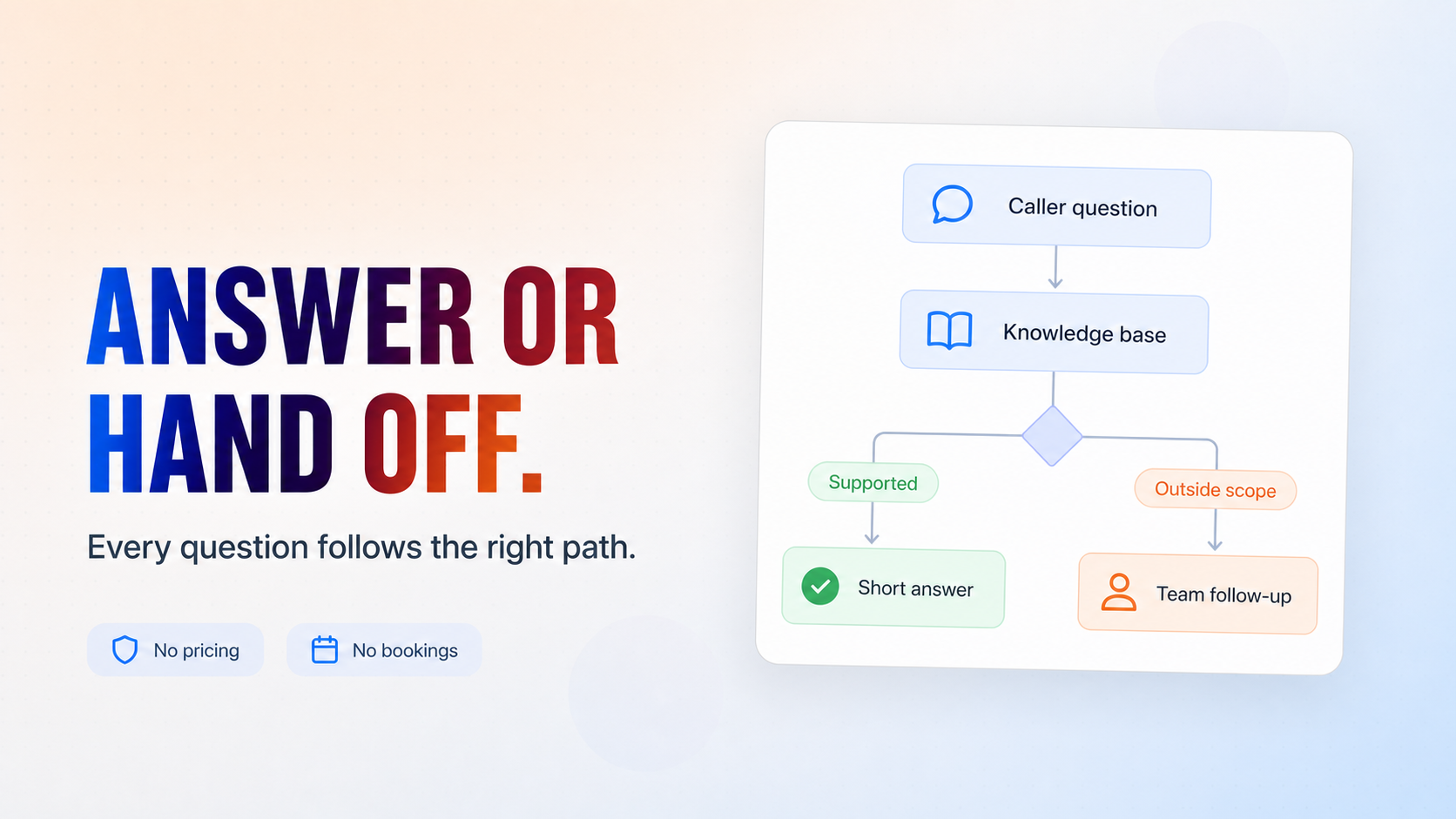
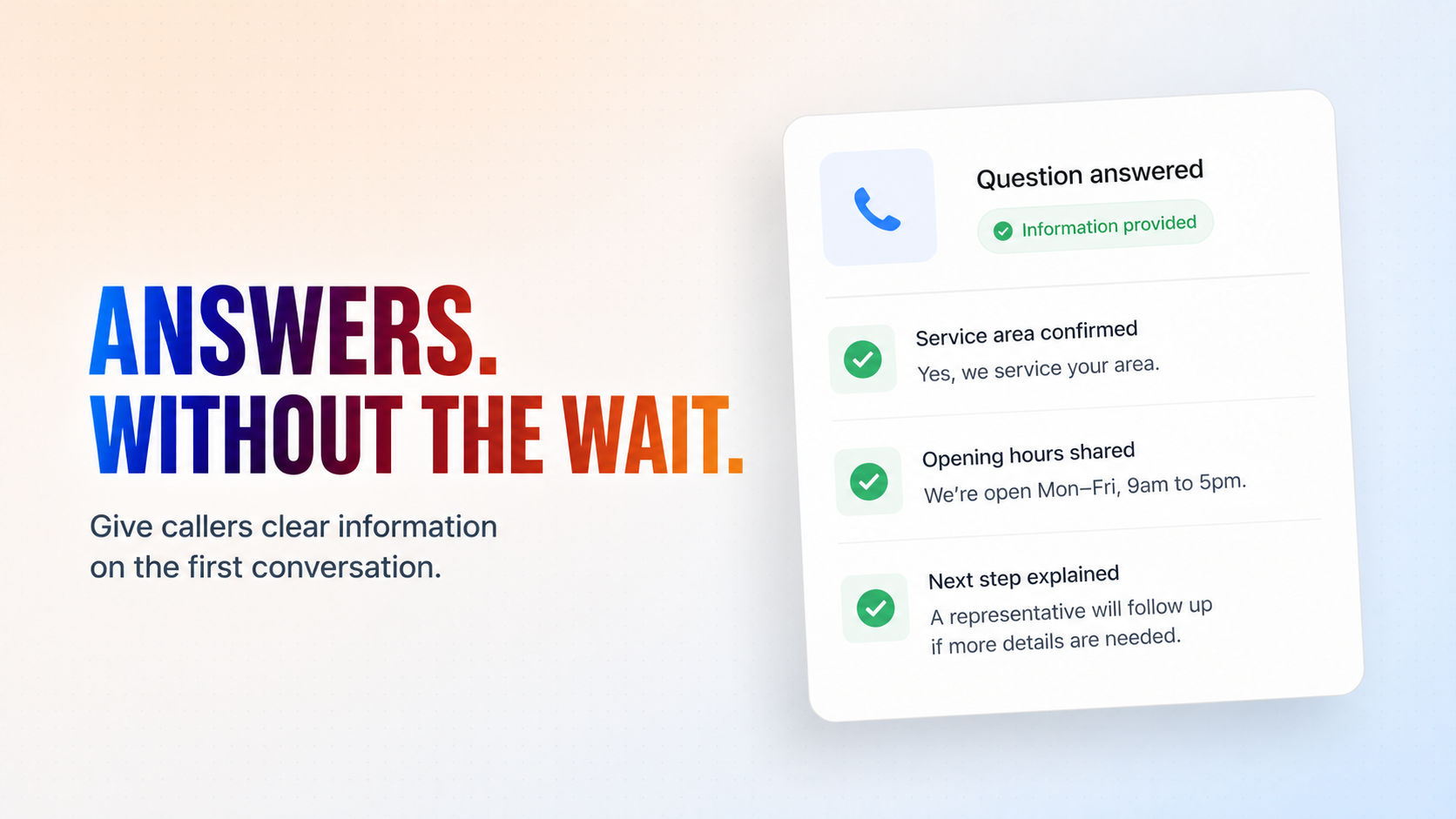
- Answering simple questions: Basic supported questions are answered directly from the connected knowledge base.
- Staying within scope: The receptionist never quotes prices, confirms bookings, or creates records in external systems. For anything outside its scope, it explains that a team member will follow up.
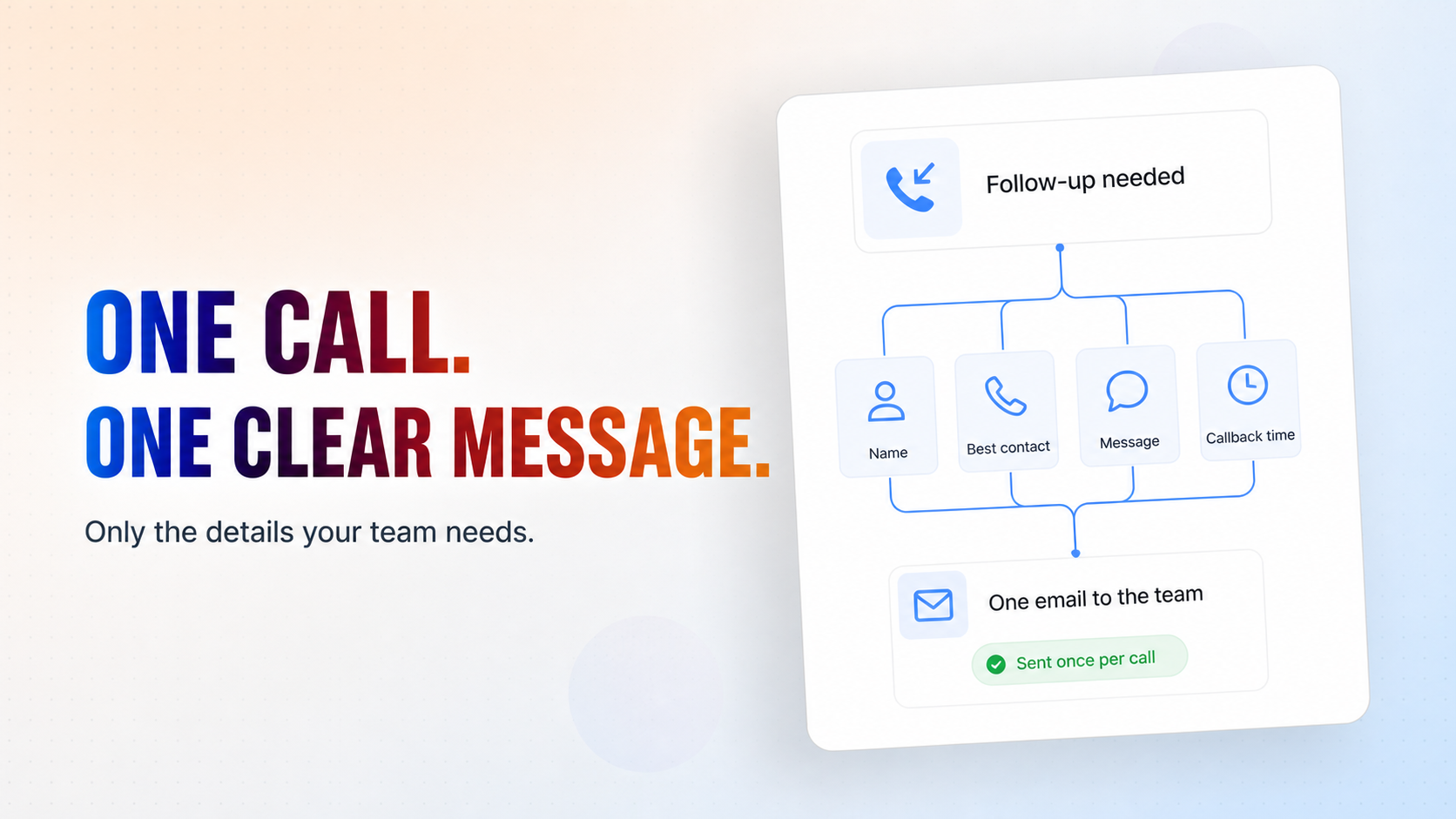
- Taking a message: When human follow-up is needed, it collects only the minimum details — name, best contact method, a concise message, and a preferred callback time if relevant.
- Closing the call: Once the caller confirms nothing else is needed, the receptionist delivers a closing message.
- Notification: After collecting the caller's details, a single internal notification email is sent to your team so someone can follow up — sent only once per call.
- Complaint escalation: If the caller voices a complaint, a separate escalation report is sent after the call ends, so dissatisfied callers get flagged distinctly rather than blending into routine messages.
What's included
Everything a copy brings into your workspace.
1
conversation flow
1
knowledge base
What you'll need
Connect: Gmail
Fill in, now or later: Company name, Business location, Send notifications to
What it does
The key things this agent does for you.
Answers every inbound call on the first ring
Greets callers and identifies why they're calling
Answers common questions from your knowledge base
Takes a concise message with contact details when needed
Notifies your team by email once per call for follow-up
Installation
What setting this up involves.
Add your phone number in Flow Settings to receive inbound calls. You can use shared test numbers if you want to test the phone calls.
Choose a voice for the conversation.
Connect Gmail to send message notifications and complaint escalations.
Set your escalation email address for complaint reports.
Connect a knowledge base (optional) with your company's common questions and policies.
Test the flow by calling the connected number.
Deploy the flow!
~4 min to launch
Free to start. Create your free account, then set it up.
Connect 1 tool, fill in a few details, and install it. No coding.
FUNCTION
Customer ServiceTAGS
Built by CogniAgent
Official agent