
Sales
AI Commercial Lead Qualification
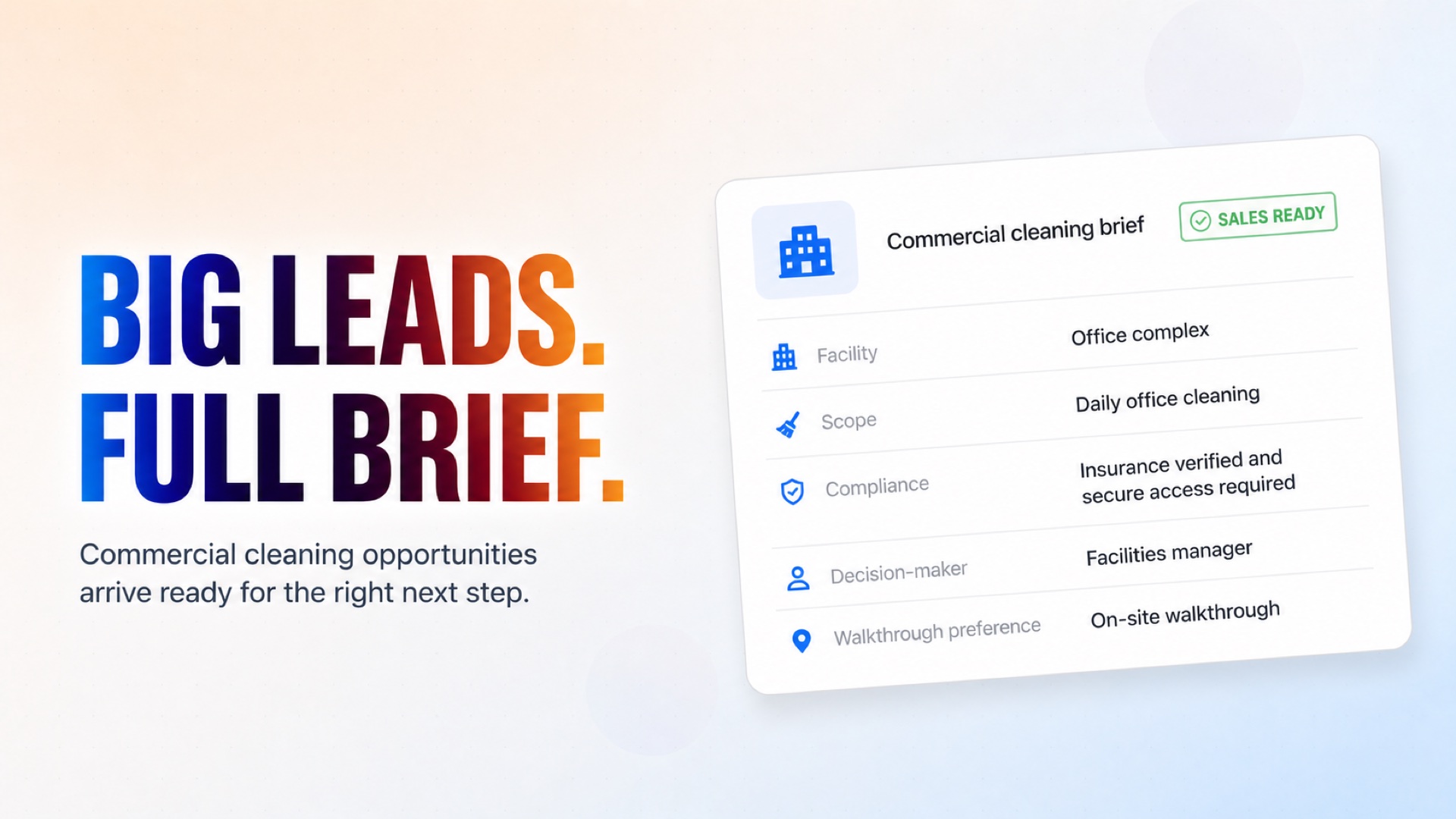
Qualifies commercial cleaning opportunities across facility types and service scopes. Collects organization details, decision-maker and contact information, facility size and location, cleaning scope and frequency, occupancy, access and compliance requirements, current-provider issues, timing, and walkthrough preference before routing the lead to your team.
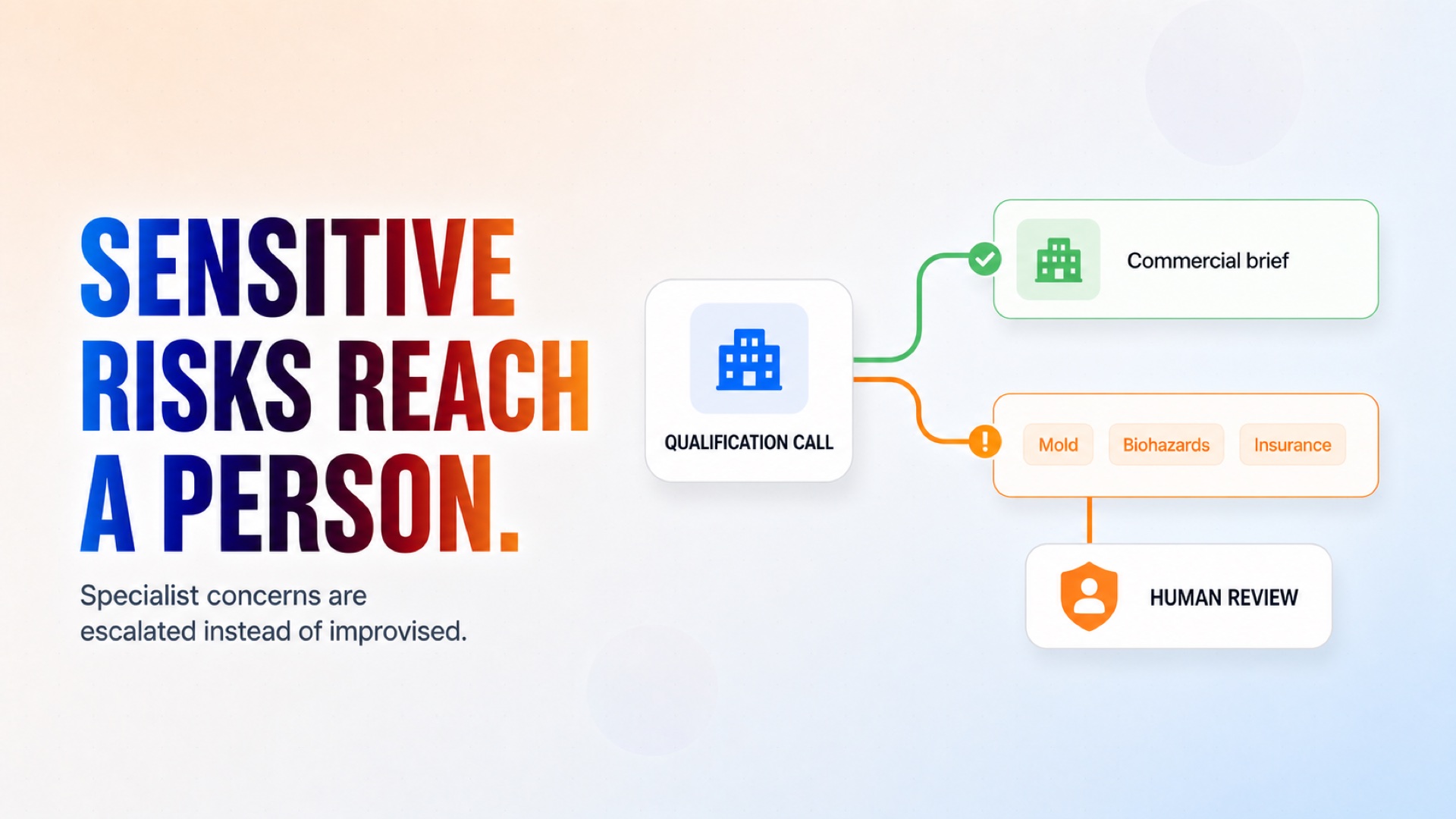
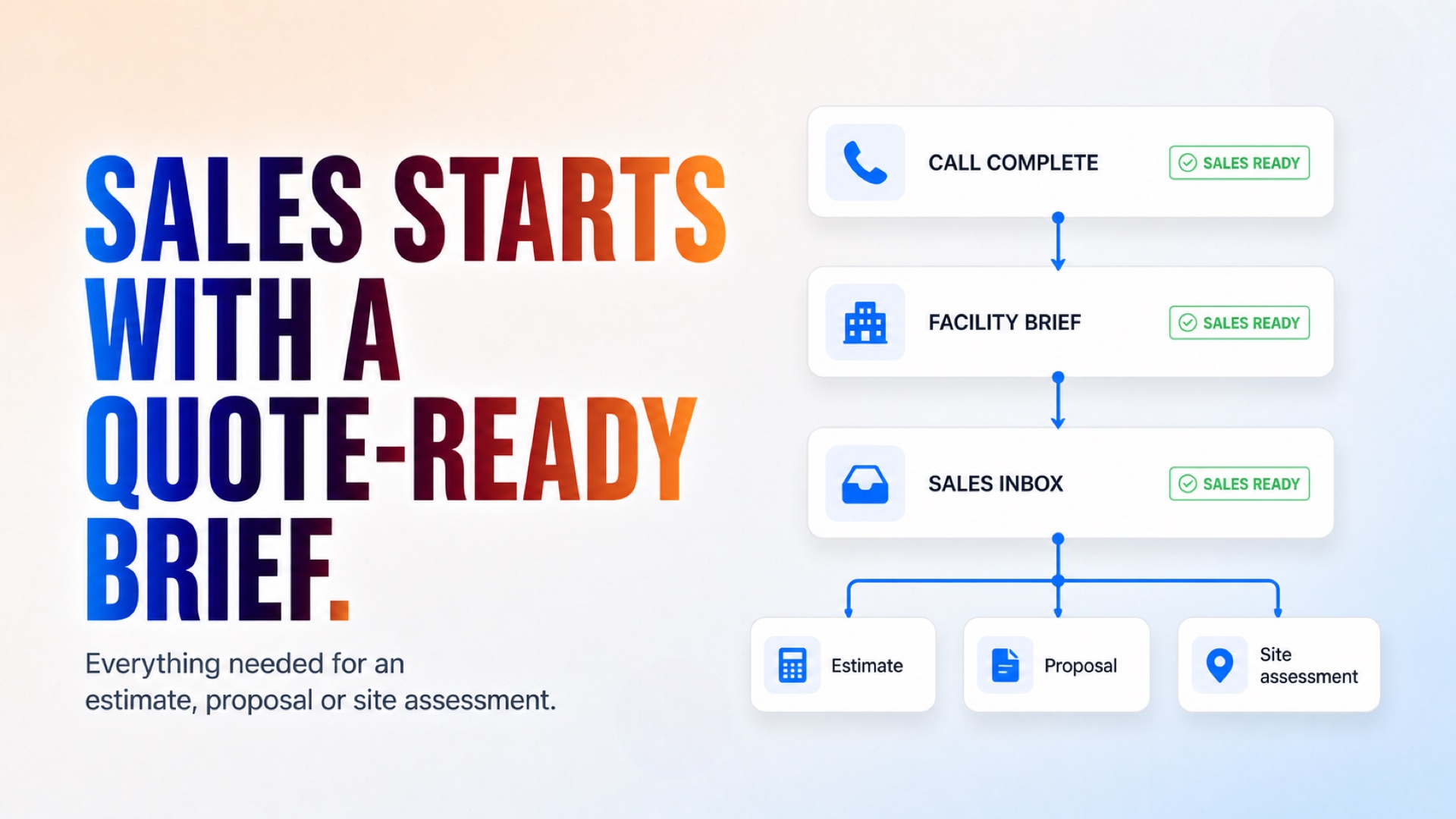
Big Commercial Leads Arrive With a Complete Brief
How it works
- Trigger: The Commercial Qualification actor answers when someone calls the number you connected, greeting them with your company name and thanking them for the call.
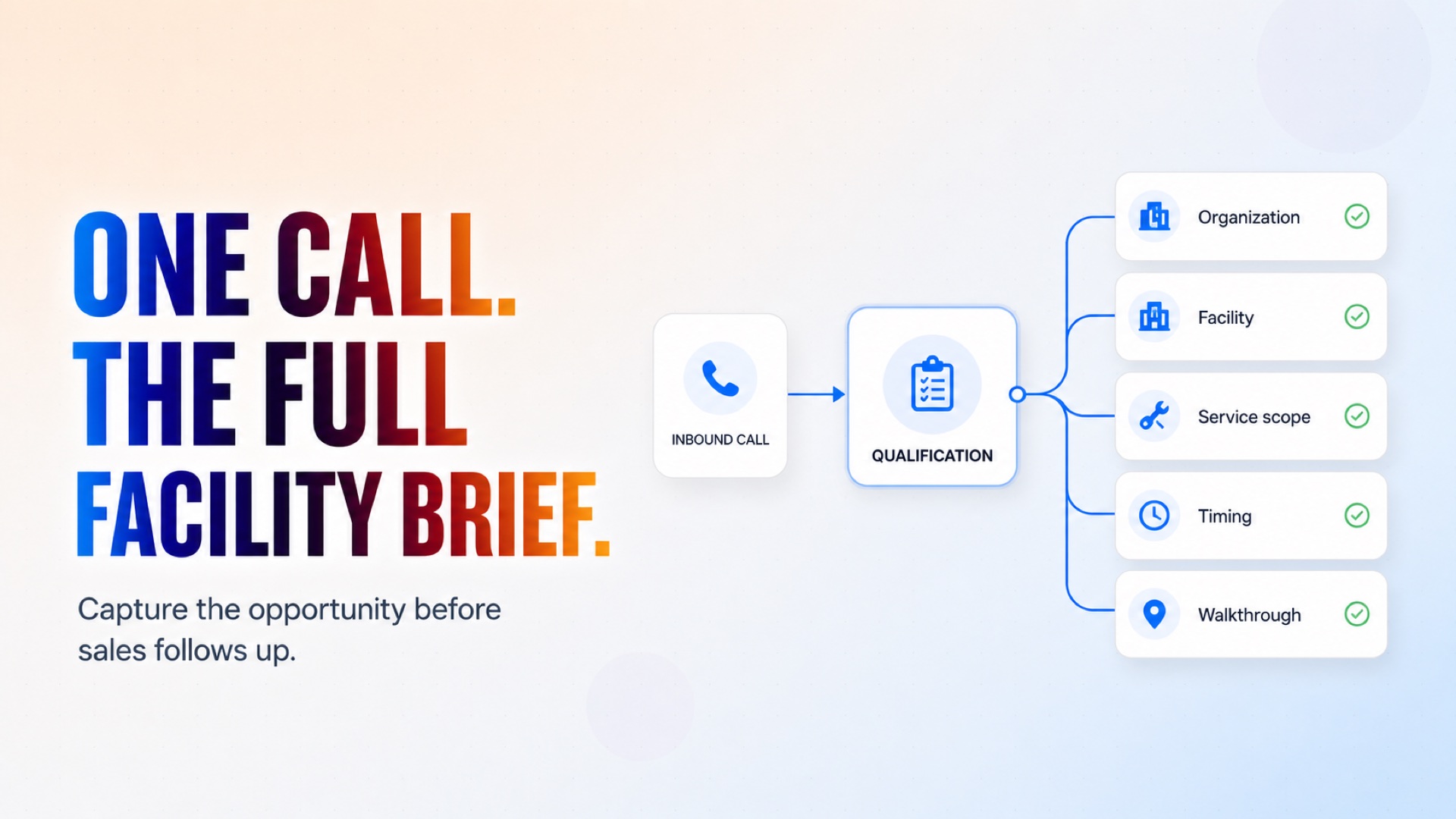
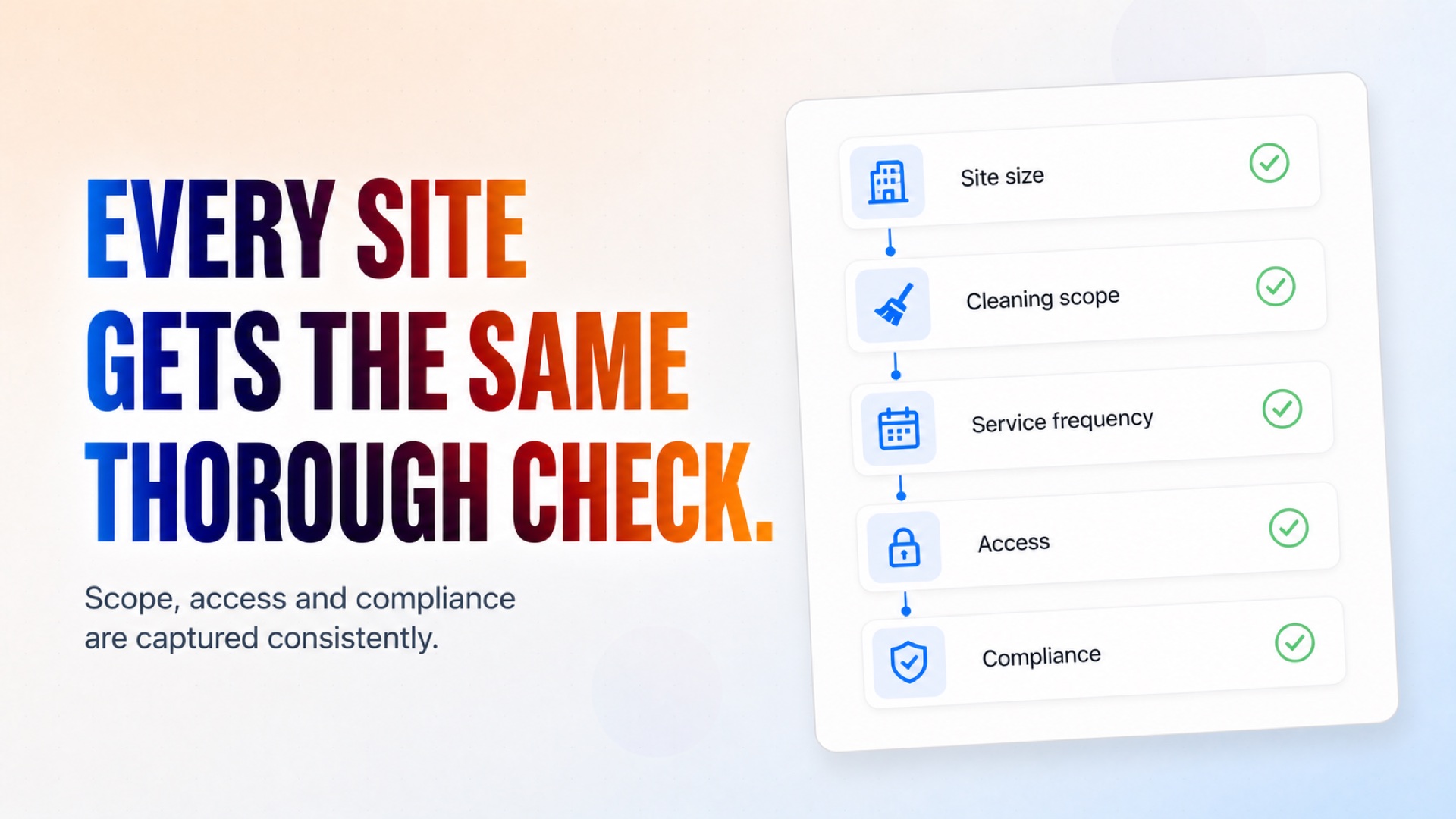
- Collecting the brief: The actor asks one question at a time to gather the commercial facility brief — organization name, contact details, facility type and address, site size, cleaning scope, service frequency and hours, access and security constraints, compliance requirements, current-provider issues, desired start date, decision timeline, and walkthrough preference.
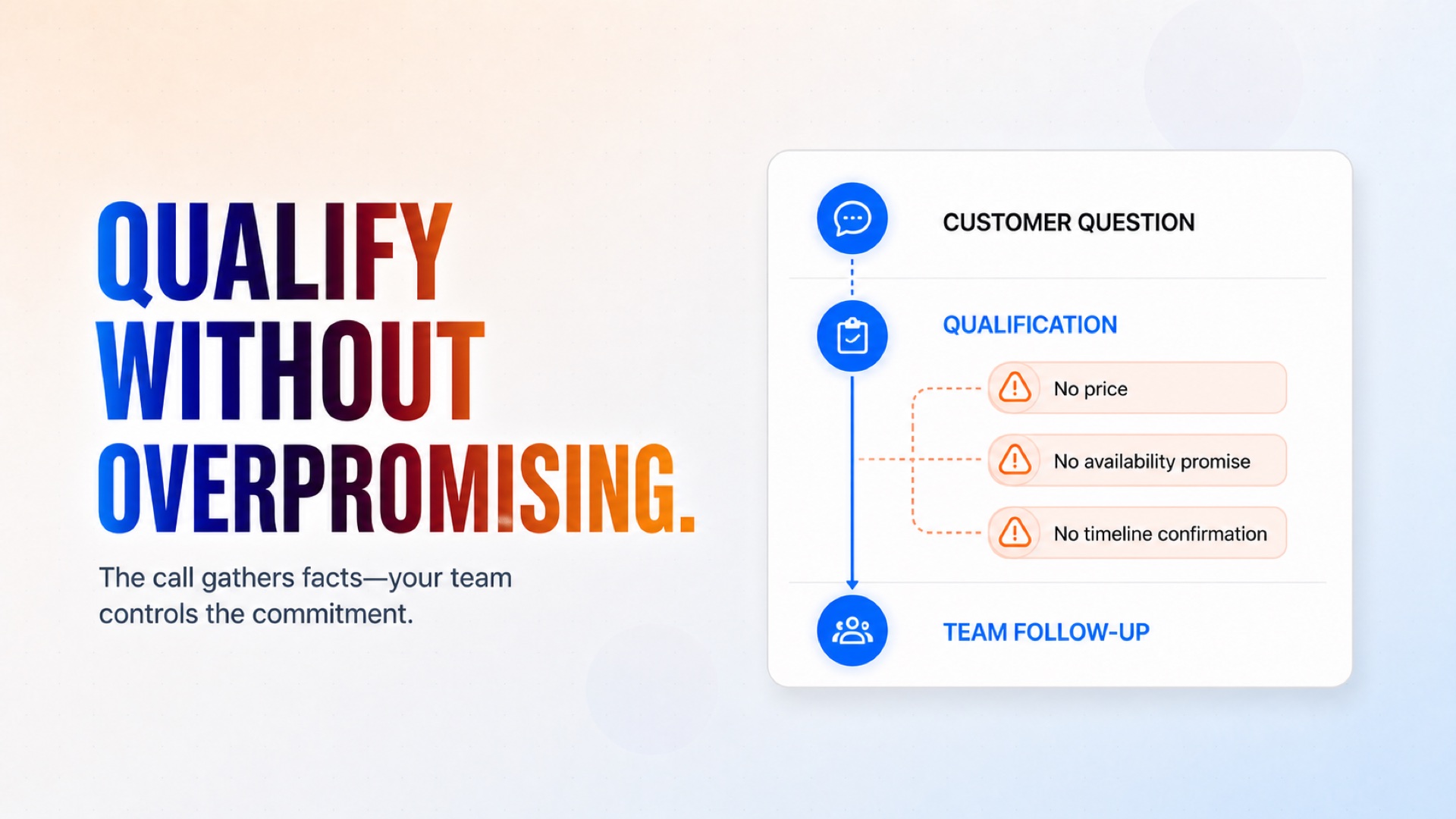
- Staying in scope: The actor never states a price, promises capability or availability, or confirms service timelines.
- Closing the call: The actor tells the caller their brief is going to your team, who will follow up with an estimate. Every call closes the same way — the agent does not route leads down different paths.
- Sending the brief: Once the conversation finishes, the actor emails the finished facility brief to your summary address, with everything needed to prepare a quote, proposal, or site assessment.
What's included
Everything a copy brings into your workspace.
1
conversation flow
What you'll need
Connect: Gmail
Fill in, now or later: Send summaries to, Company name, Qualifying questions, Service area
What it does
The key things this agent does for you.
Greets callers with your company name automatically
Qualifies commercial cleaning opportunities consistently
Collects facility, scope, access and compliance details in one call
Never quotes prices or promises availability
Sends mold, biohazards and insurance matters to a person instead
Sends a ready-to-act brief straight to your sales team
Installation
What setting this up involves.
This agent answers on one channel: Phone. Bind a phone number to it during setup, or choose "Set up later" and add one before you deploy.
Add your service details to Global Context — service area, service types, add-ons, notice period, and exclusions.
Connect Gmail and set your estimator's email address to receive summaries.
Test the flow with a sample enquiry to confirm the summary arrives correctly.
Deploy the flow!
~4 min to launch
Free to start. Create your free account, then set it up.
Connect 1 tool, fill in a few details, and install it. No coding.
FUNCTION
SalesTAGS
Built by CogniAgent
Official agent