
Sales
AI Appointment Booking Agent
Books estimate meetings between prospective customers and your service team directly over the phone. The AI Appointment Booking Agent answers inbound calls, collects the caller's contact details and meeting preferences, confirms the details with the customer, and creates the calendar event once they explicitly agree — sending a confirmation right away. It only books new estimate meetings; it does not calculate prices, reschedule, cancel, or provide detailed service advice.
Booking Agent
How it works
- Trigger: The Scheduling Actor activates when a call comes in on the connected phone channel — it waits for the caller to speak first rather than initiating contact.
- Greeting: Every call opens with a fixed greeting, thanking the caller and asking how it can help. If the caller already explained their need, the actor acknowledges it without asking them to repeat it.
- Collecting details: The actor gathers the customer's full name, email, phone number, requested meeting type, service of interest, preferred date and time, time zone, property address (if on-site), and a short note about the enquiry — asking one question at a time. It never asks for payment details, passwords, or codes of any kind.
- Confirming before booking: The actor summarizes the meeting type, date, time, time zone, duration, address or meeting method, and the customer's details, then asks directly whether they'd like to submit the request.
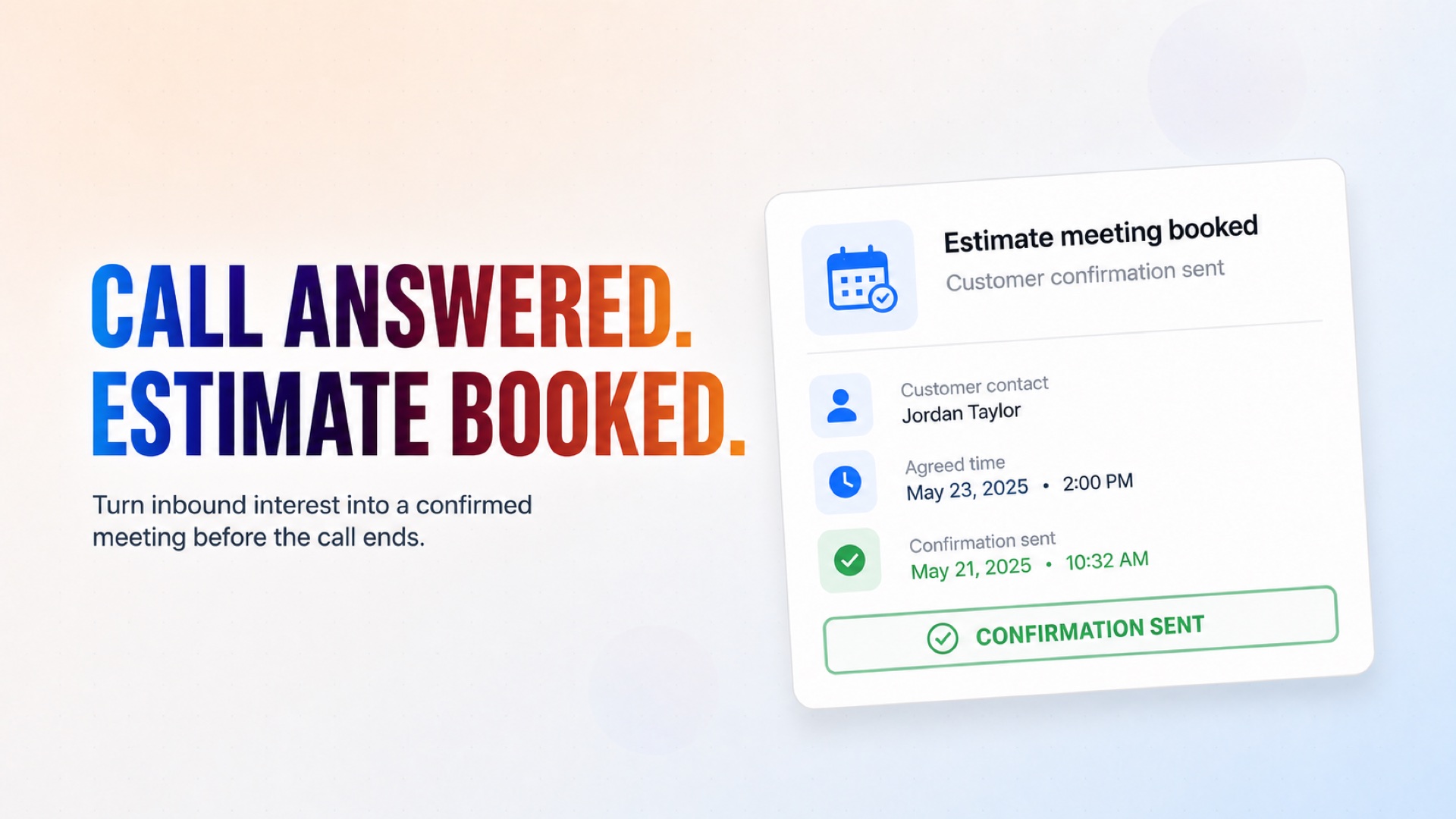
- Booking the meeting: Once the customer confirms, a hook fires automatically to create the event in the connected Google Calendar and sends the customer a confirmation.
- Staying in scope: If a caller asks to reschedule, cancel, or get a price quote, the actor explains this line only books new estimate meetings — it doesn't attempt any of those actions.
What's included
Everything a copy brings into your workspace.
1
conversation flow
What you'll need
Connect: Google Calendar
Fill in, now or later: Company name, Service you provide, Service area
What it does
The key things this agent does for you.
Books estimate meetings directly during the call
Collects contact and meeting details automatically
Confirms details with the customer before booking anything
Creates the calendar event and sends confirmation instantly
Installation
What setting this up involves.
Add your phone number in Flow Settings to receive inbound calls. You can use shared test numbers if you want to test the phone calls.
Choose a voice for the conversation.
Connect Google Calendar and enable only the Create Event action.
Review the required information fields and adjust to match what your team needs for an estimate meeting.
Test the flow by calling the connected number and booking a sample meeting.
Deploy the flow!
~4 min to launch
Free to start. Create your free account, then set it up.
Connect 1 tool, fill in a few details, and install it. No coding.
FUNCTION
SalesTAGS
Built by CogniAgent
Official agent