
Sales
AI Residential Lead Qualification
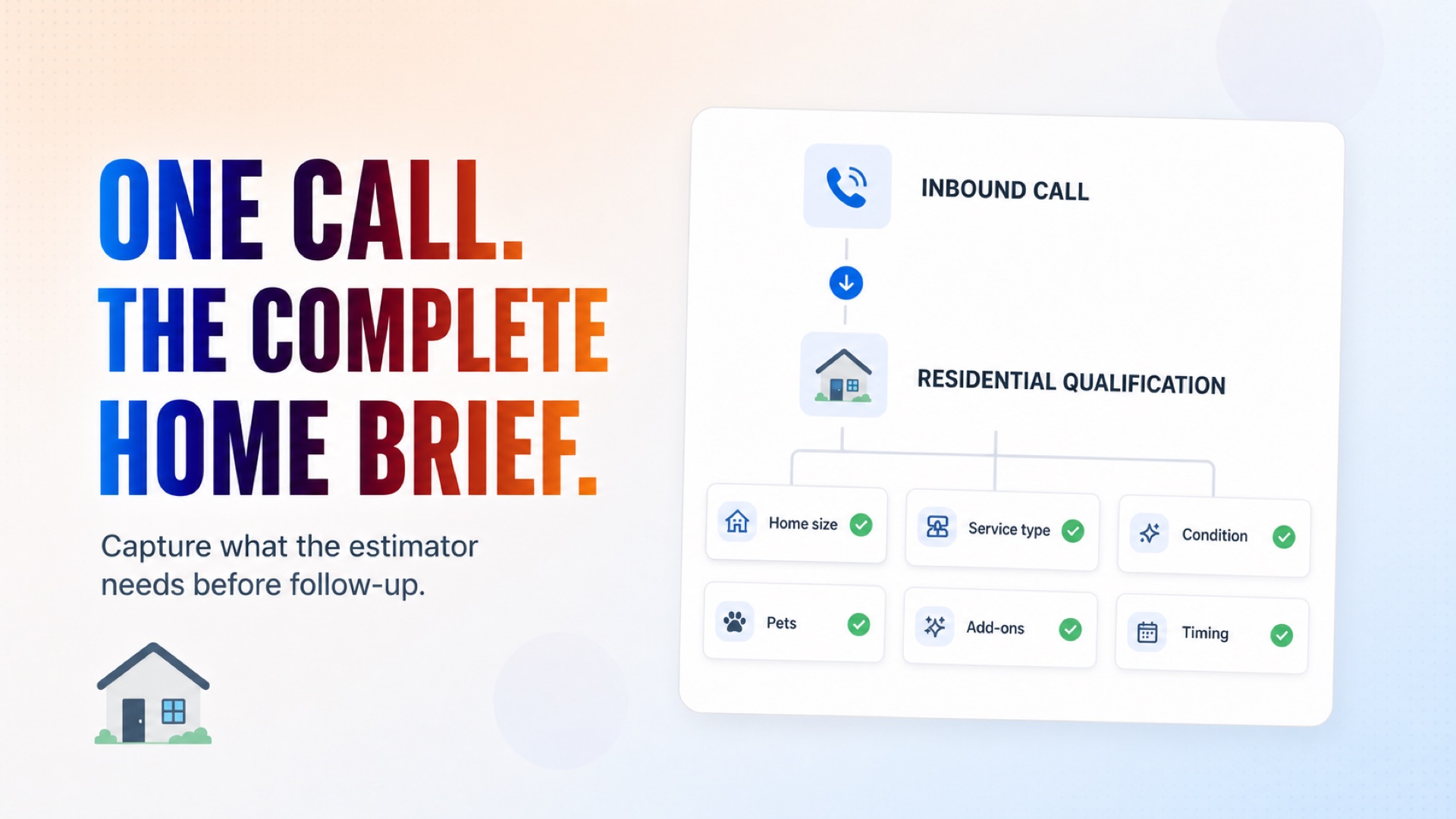
Qualifies residential cleaning leads across standard, recurring, deep, move-in/out, and post-construction services. Collects home size, bedrooms and bathrooms, condition, pets, add-ons, frequency, access requirements, preferred timing, and contact details before routing the lead to your team.
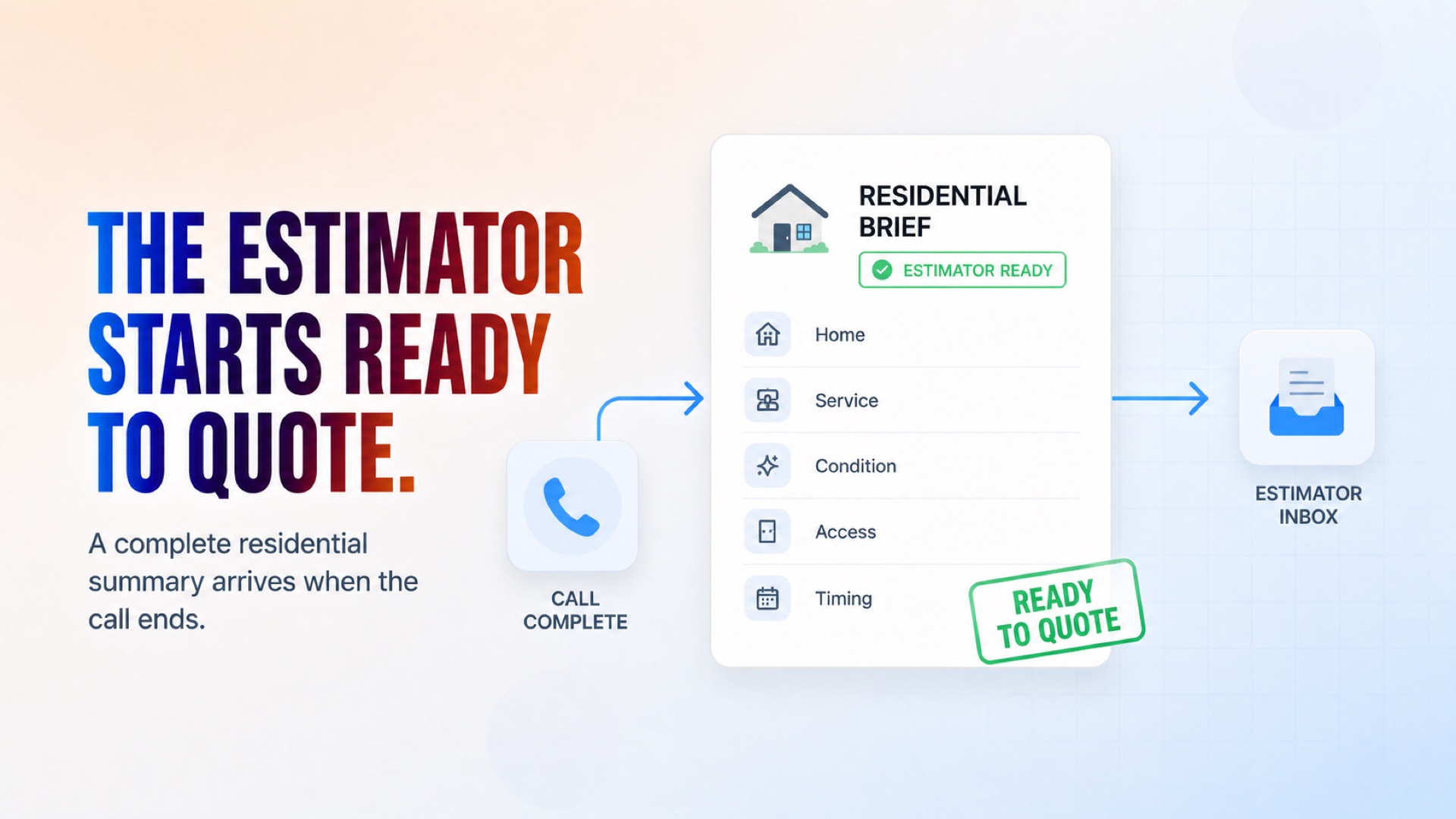
Ready to Quote: Every Home Detail in One Brief
How it works
- Trigger: The Residential Qualification actor answers when a customer calls the number you connected.
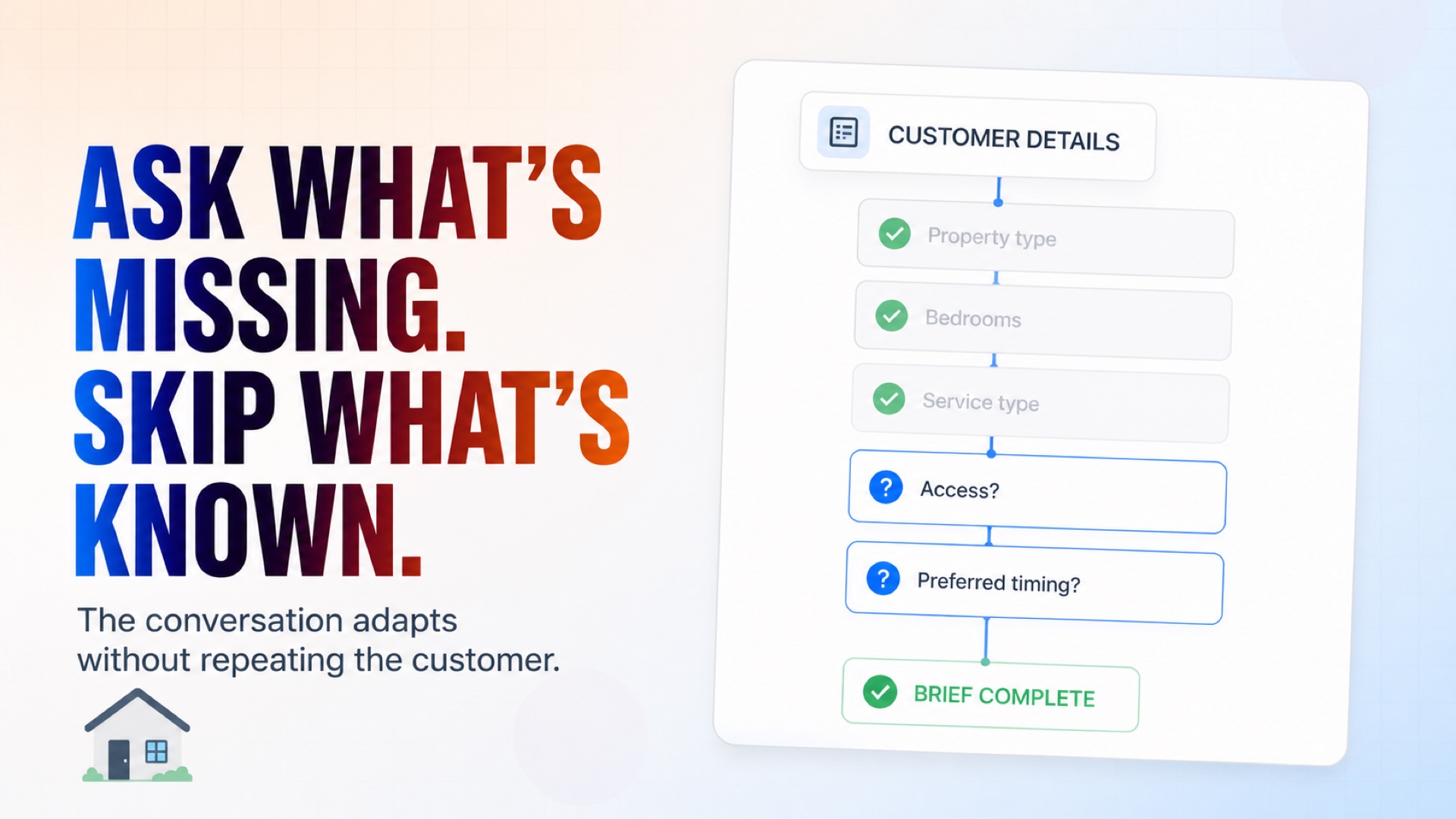
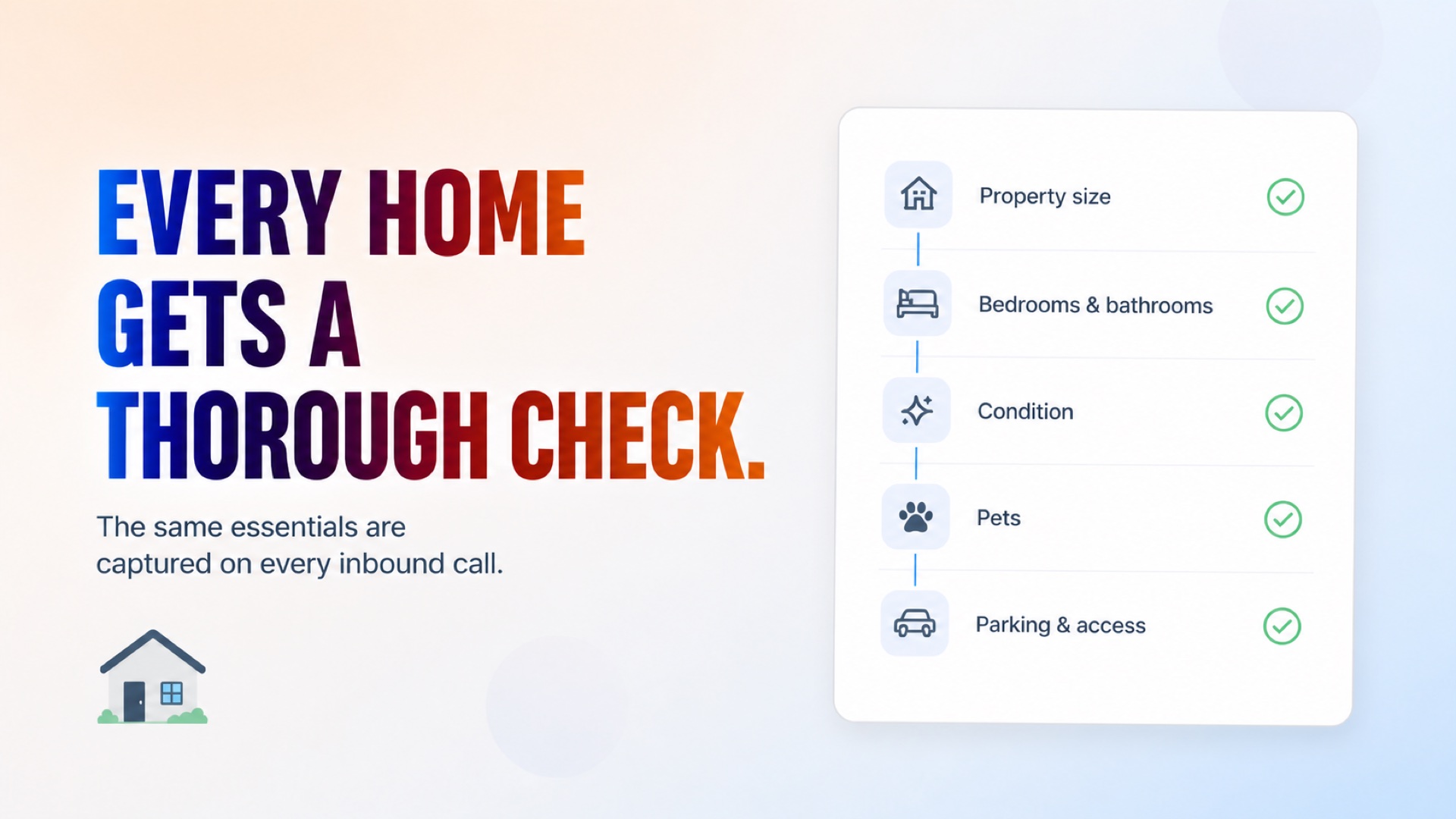
- Collecting the brief: The actor asks one question at a time to gather everything needed for the residential brief — contact details, address and postcode, property type, bedrooms, bathrooms, approximate size, service type, frequency, condition, pets, add-ons, preferred timing, parking, and access constraints. It skips anything the customer already volunteered and groups related questions naturally.
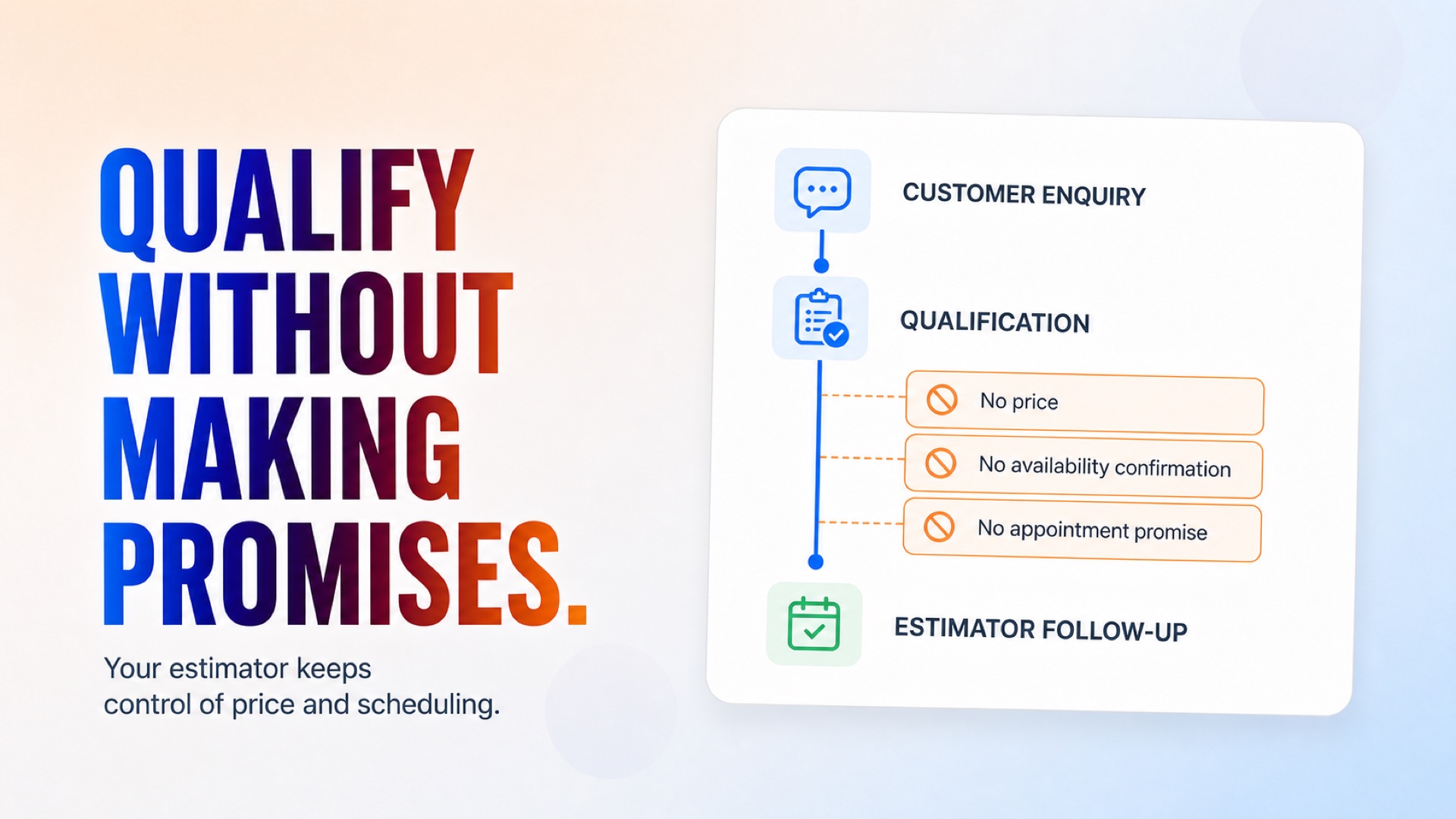
- Staying in scope: The actor never states a price, confirms availability, or promises a specific appointment time.
- Summarizing the brief: Once the conversation reaches a natural end and all details are collected, the actor summarizes the full residential brief.
- Sending the summary: The summary is emailed to the estimator via the connected Gmail integration, giving them a complete, ready-to-quote brief the moment the conversation finishes.
What's included
Everything a copy brings into your workspace.
1
conversation flow
What you'll need
Connect: Gmail
Fill in, now or later: Send lead summaries to, Company name, Service type, Business location
What it does
The key things this agent does for you.
Qualifies every inbound call the same way, automatically
Collects property size, condition, pets, and add-ons
Sends a ready-to-quote summary straight to your estimator
Asks the same complete set of questions every time
Confirms service type, frequency, and preferred timing
Installation
What setting this up involves.
This agent answers on one channel: Business Phone. Bind a phone number to it during setup, or choose "Set up later" and add one before you deploy.
Add your service details to Global Context — service area, service types, add-ons, notice period, and exclusions.
Connect Gmail and set your estimator's email address to receive summaries.
Test the flow with a sample enquiry to confirm the summary arrives correctly.
Deploy the flow!
~4 min to launch
Free to start. Create your free account, then set it up.
Connect 1 tool, fill in a few details, and install it. No coding.
FUNCTION
SalesTAGS
Built by CogniAgent
Official agent