
Human Resources
Candidate Qualification Agent (Cleaning)
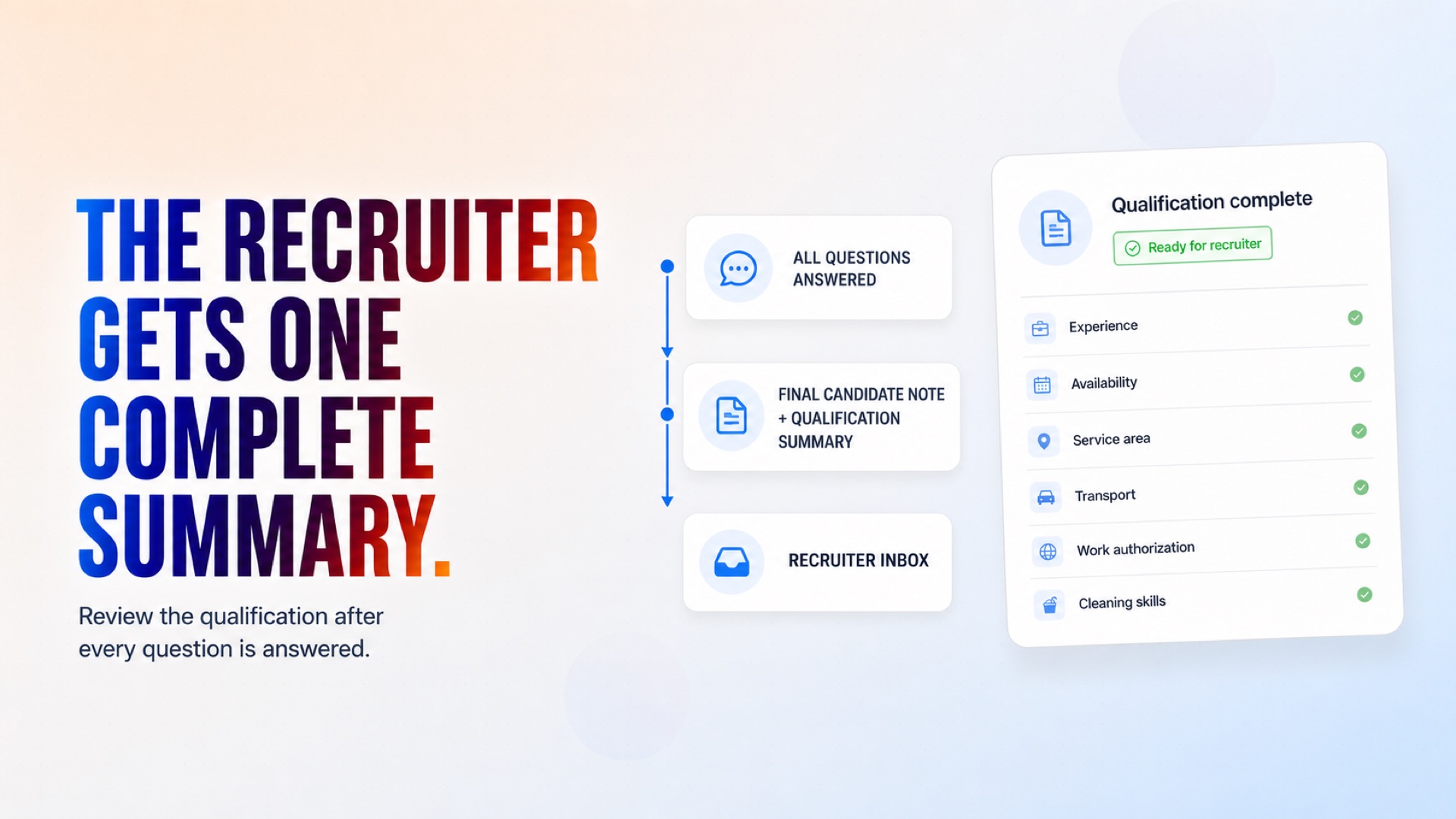
Continues the conversation after the Screening Application, conducting a more detailed assessment of the candidate. Covers experience, availability, service area, transport, work authorization, and cleaning skills to determine overall role suitability before the candidate moves forward.
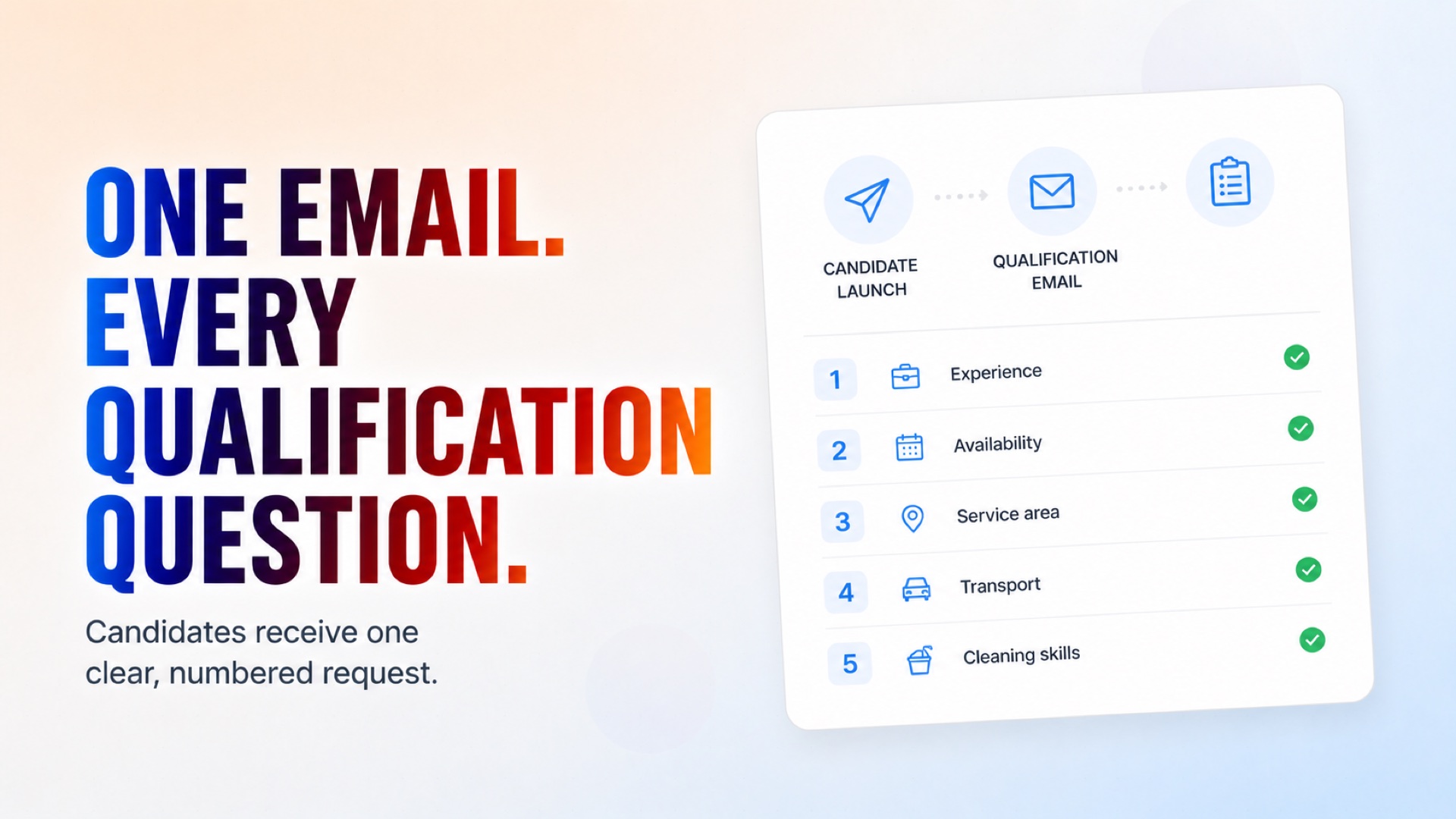
Each candidate receives one clear, numbered set of your qualification questions.
How it works
- Launch: you start a conversation for one candidate, passing their name, email address, the role, and a short summary of what the earlier screening stage already established.
- One qualification email: the agent emails the candidate a single message containing the qualification questions you configured at install — numbered, in one email, with an explanation that a human recruiter will review the answers.
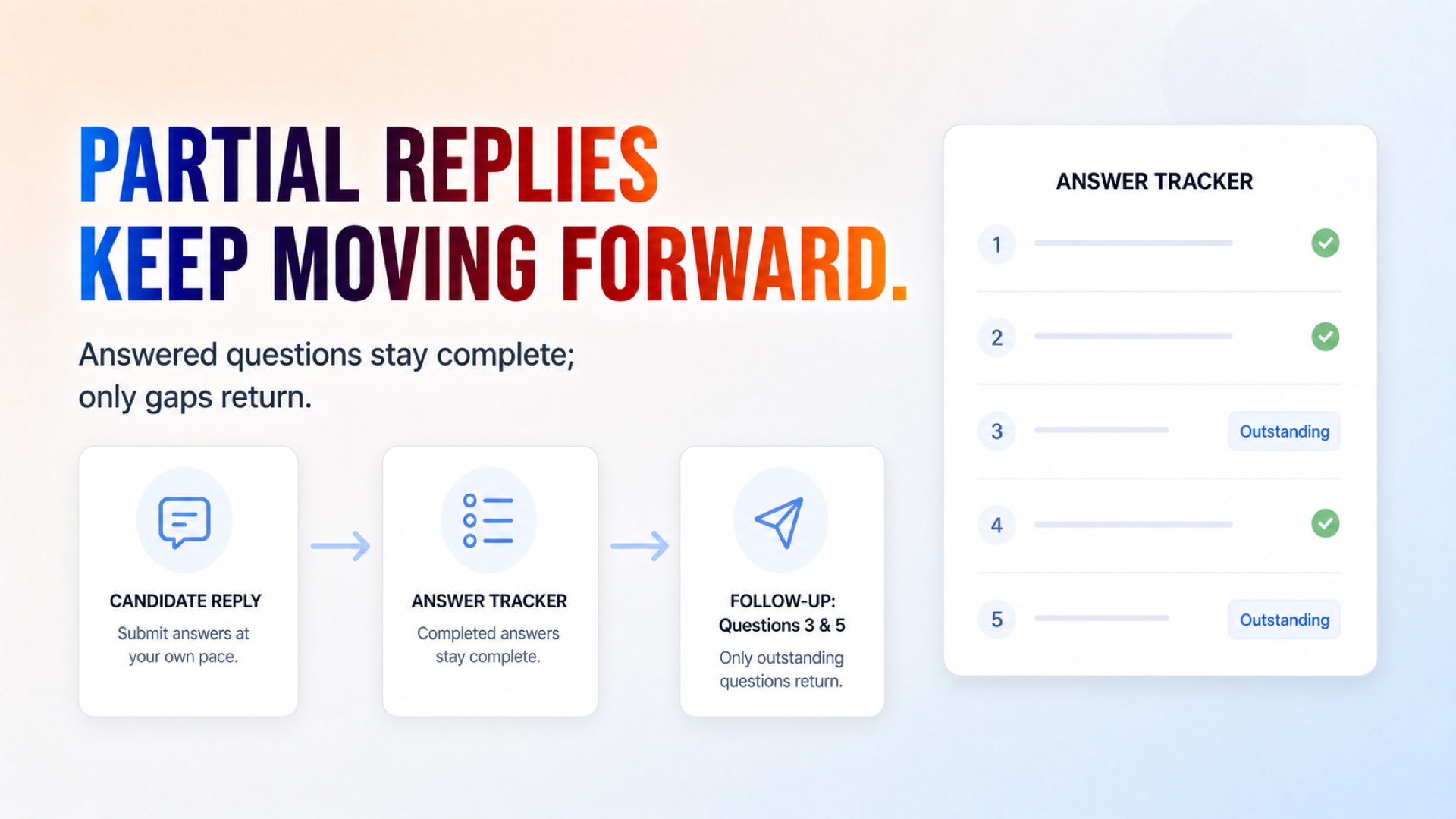
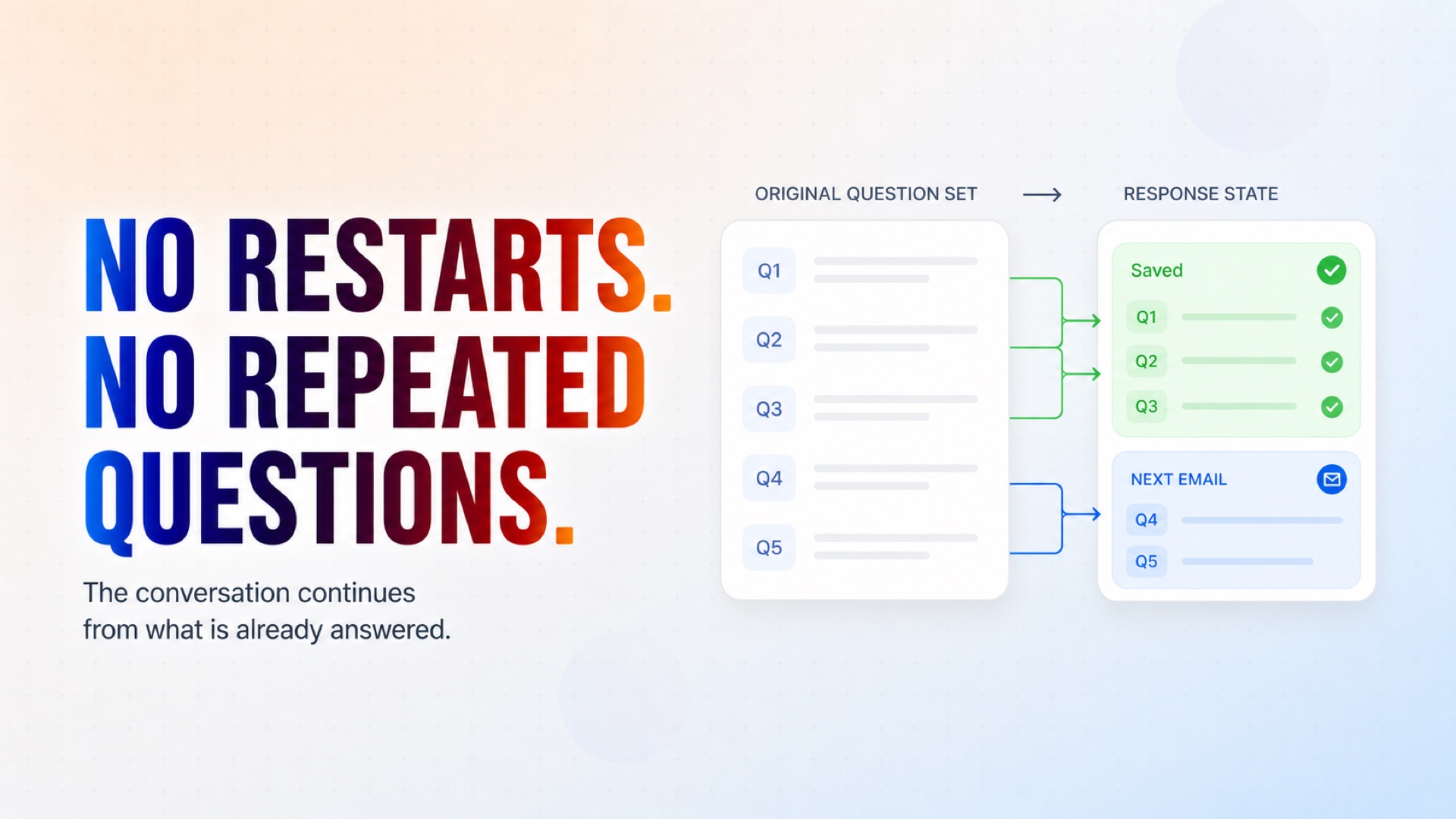
- Tracking: as the candidate replies, the agent records which numbered questions have been answered and which are still outstanding. A partial reply is acknowledged and the remaining numbers are requested again, in one message.
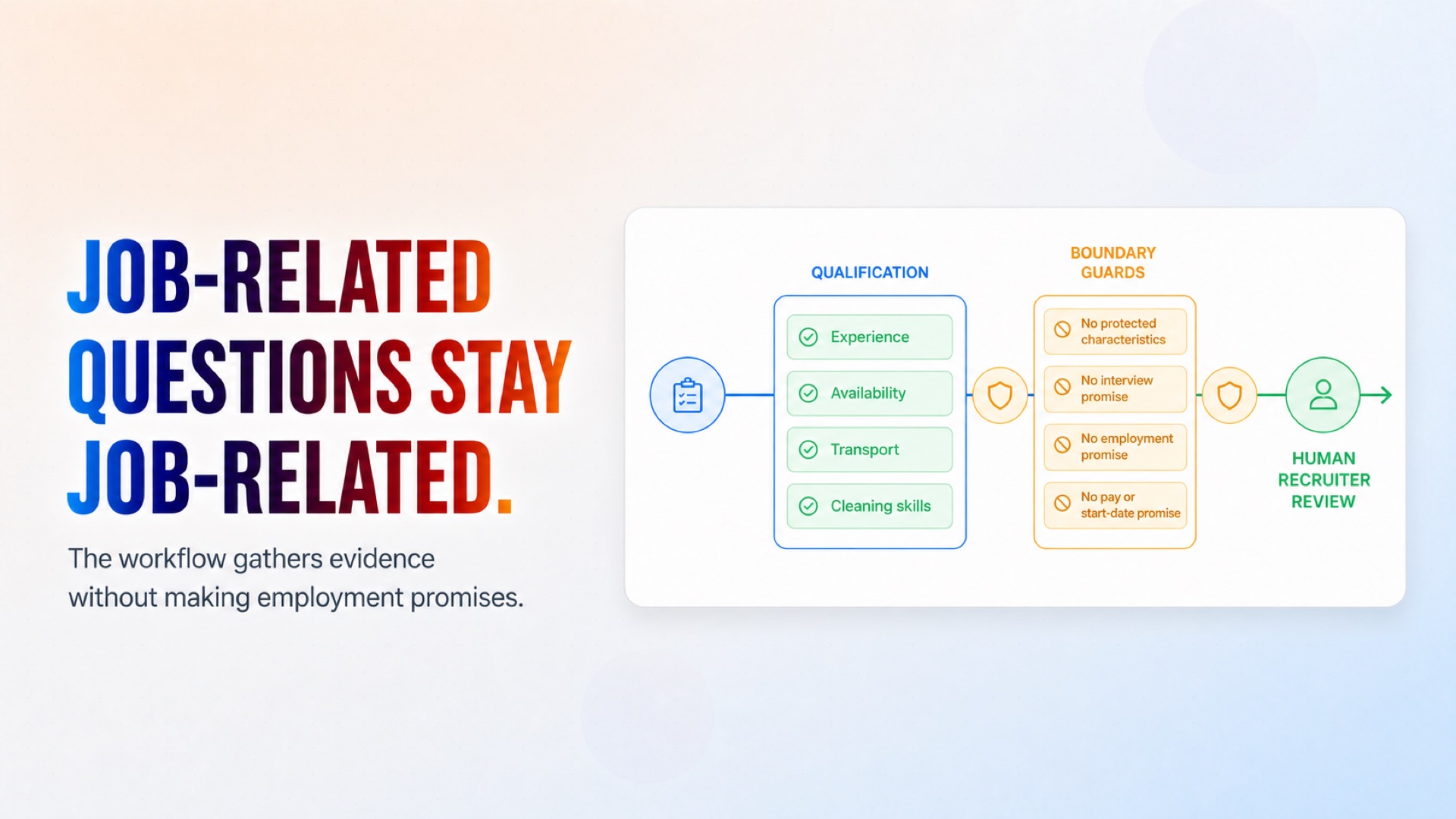
- Boundaries: the agent asks only about job-related matters, never about protected or sensitive characteristics, and never promises an interview, employment, pay or a start date.
- Summary: once every question has an answer, the agent sends a final note to the candidate and emails the full qualification summary to the address you nominated.
What's included
Everything a copy brings into your workspace.
1
conversation flow
What you'll need
Connect: Gmail
Fill in, now or later: Company name, Role being qualified, Qualification questions, Send summaries to
What it does
The key things this agent does for you.
Sends one structured qualification email per candidate, with your own questions
Tracks which questions are answered and chases only the ones outstanding
Handles partial replies without restarting the conversation
Refuses to ask about protected characteristics or promise employment terms
Emails you a complete qualification summary when the candidate has finished
Installation
What setting this up involves.
Connect the Gmail account the qualification emails should be sent from.
Enter your company name and the role you are qualifying candidates for.
Write the qualification questions you want every candidate asked — one per line.
Enter the address that should receive the completed qualification summaries.
Start a conversation for one candidate, supplying their name and email address, to test it end to end.
~4 min to launch
Free to start. Create your free account, then set it up.
Connect 1 tool, fill in a few details, and install it. No coding.
FUNCTION
Human ResourcesTAGS
Built by CogniAgent
Official agent